1. הקדמה
א דאנק פארן קויפןasing the ZEBRONICS Juke BAR 9102 PRO 240W Dolby Soundbar. This manual provides essential information for the proper setup, operation, and maintenance of your soundbar system. Please read this manual thoroughly before use to ensure optimal performance and safety.
2. זיכערקייַט אינסטרוקציעס
- מאַכט מקור: ניצט נאָר דעם ספּעציפֿירטן מאַכט אַדאַפּטער. זיכערט זיך אַז דער וואָלומעןtage איז קאָמפּאַטיבל מיט אייער לאָקאַלער מאַכט צושטעל.
- ווענטילאַטיאָן: Do not block any ventilation openings. Maintain adequate space around the unit for proper airflow.
- וואַסער און נעץ: Do not expose the soundbar or subwoofer to water, rain, or moisture. Avoid placing objects filled with liquids, such as vases, on or near the unit.
- היץ קוואלן: האַלט דעם אַפּאַראַט אַוועק פון היץ קוועלער ווי ראַדיאַטאָרן, היץ רעגיסטערס, אויוון, אָדער אַנדערע היץ-פּראָדוצירנדיקע אַפּאַראַטן.
- רייניקונג: טרענט אפ די עלעקטריציטעט איידער איר רייניגט. ניצט א ווייכע, טרוקענע שטאָף. ניצט נישט קיין פליסיקע רייניגער אדער אייראזאל רייניגער.
- סערוויס: דו זאלסט נישט פּרווון צו דינען דעם פּראָדוקט זיך. קאָנטאַקט אַלע קוואַלאַפייד סערוויס פּערסאַנעל.
- אָרט: Place the soundbar on a stable, flat surface or mount it securely on a wall as instructed.
3. פּעקל אינהאַלט
באַשטעטיקט אַז אַלע זאכן וואָס זענען אויסגערעכנט אונטן זענען אַרייַנגערעכנט אין אייער פּעקל:
- Soundbar - 1 Unit
- Subwoofer - 1 Unit
- Remote Control - 1 Unit
- QR Code User Manual - 1 Unit (Digital access)
- Wall Mount Bracket and Fasteners
4. פּראָדוקט איבערview
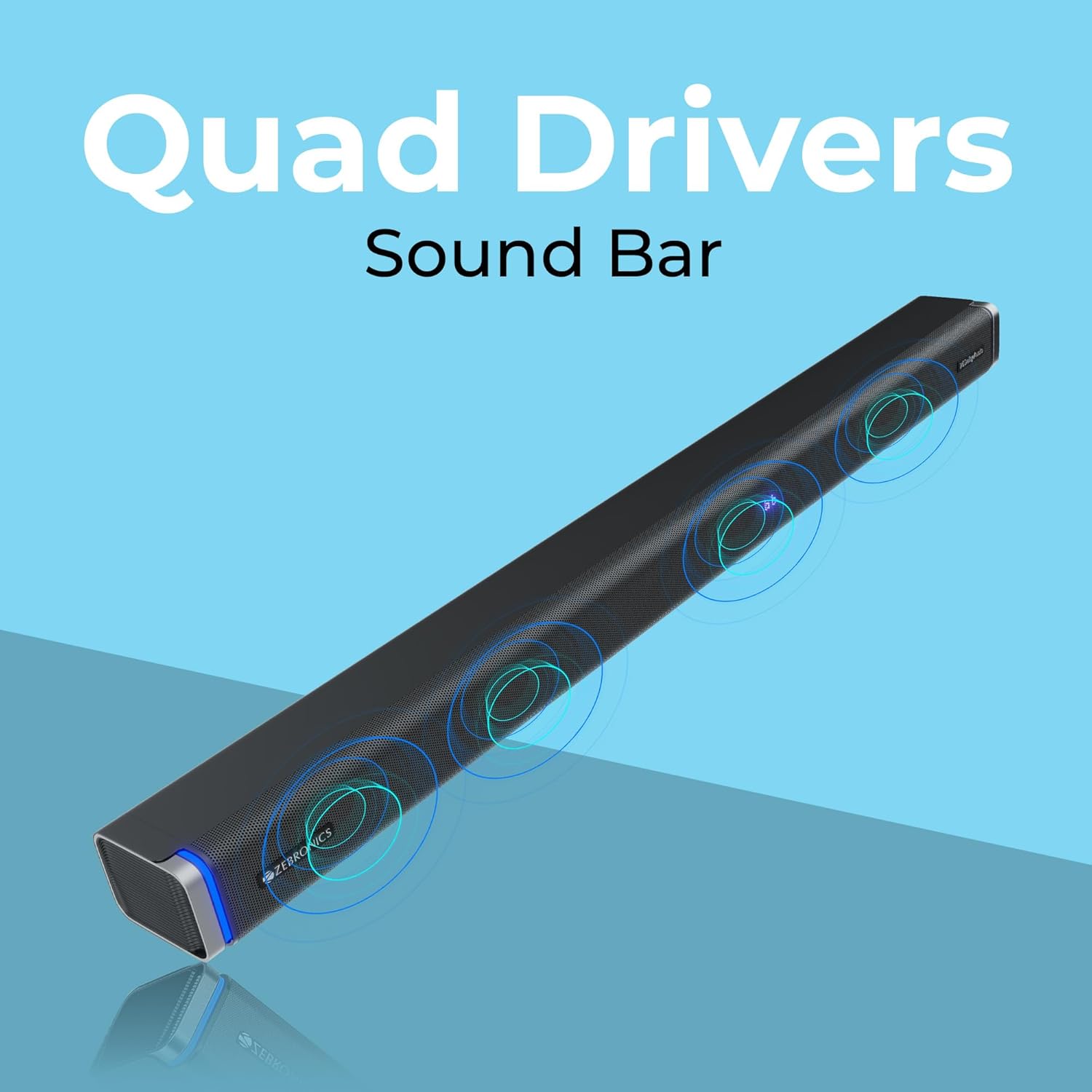
The ZEBRONICS Juke BAR 9102 PRO is a 240W output Dolby soundbar system designed to enhance your audio experience. It features a soundbar with quad drivers and a powerful 6.5-inch wired subwoofer.



5. סעטאַפּ
5.1 ערשטע פּלאַצירונג
- שטעלט די סאַונדבאַר אין צענטער אונטער אייער טעלעוויזיע.
- Position the subwoofer on the floor near the soundbar for optimal bass response.
5.2 מאַכט קאַנעקשאַן
- פֿאַרבינדט דעם מאַכט קאַבל צום סאַונדבאַר'ס מאַכט אַרייַנגאַנג.
- Connect the power cable to the subwoofer's power input.
- Plug both power cables into a suitable wall outlet.
5.3 סאַבוואָאָפער פֿאַרבינדונג
The subwoofer connects to the soundbar via a wired connection. Ensure the subwoofer cable is securely connected to both units.
6. אַפּערייטינג ינסטרוקטיאָנס
6.1 מאַכט אויף / אַוועק
Press the power button on the soundbar or the remote control to turn the unit on or off. The LED display will indicate the power status.
6.2 באַנד קאָנטראָל
Use the volume up (+) and volume down (-) buttons on the soundbar or remote control to adjust the audio level.
6.3 מאָדע סעלעקציע
Press the 'Mode' button on the soundbar or remote control to cycle through available input modes (Bluetooth, HDMI ARC, Optical, AUX, USB). The LED display will show the current mode (e.g., 'BT' for Bluetooth, 'ARC' for HDMI ARC).
6.4 גלייכרעכטיקער (EQ) מאָדעס
The soundbar features 3D EQ alternatives. Use the EQ button on the remote to switch between modes. The LED display will show 'E1', 'E2', 'E3' for different sound profiles, and '3D' for the virtual 5.1 effect. Common EQ modes include:
- E1: מוזיק מאָדע
- E2: פֿילם מאָדע
- E3: News/Voice mode
- 3 ד: Virtual Surround Sound mode
6.5 RGB געפירט לייץ
The soundbar includes RGB LED lights. These can be controlled and changed using the remote control to suit your preference.
7. קאַנעקטיוויטי אָפּציעס
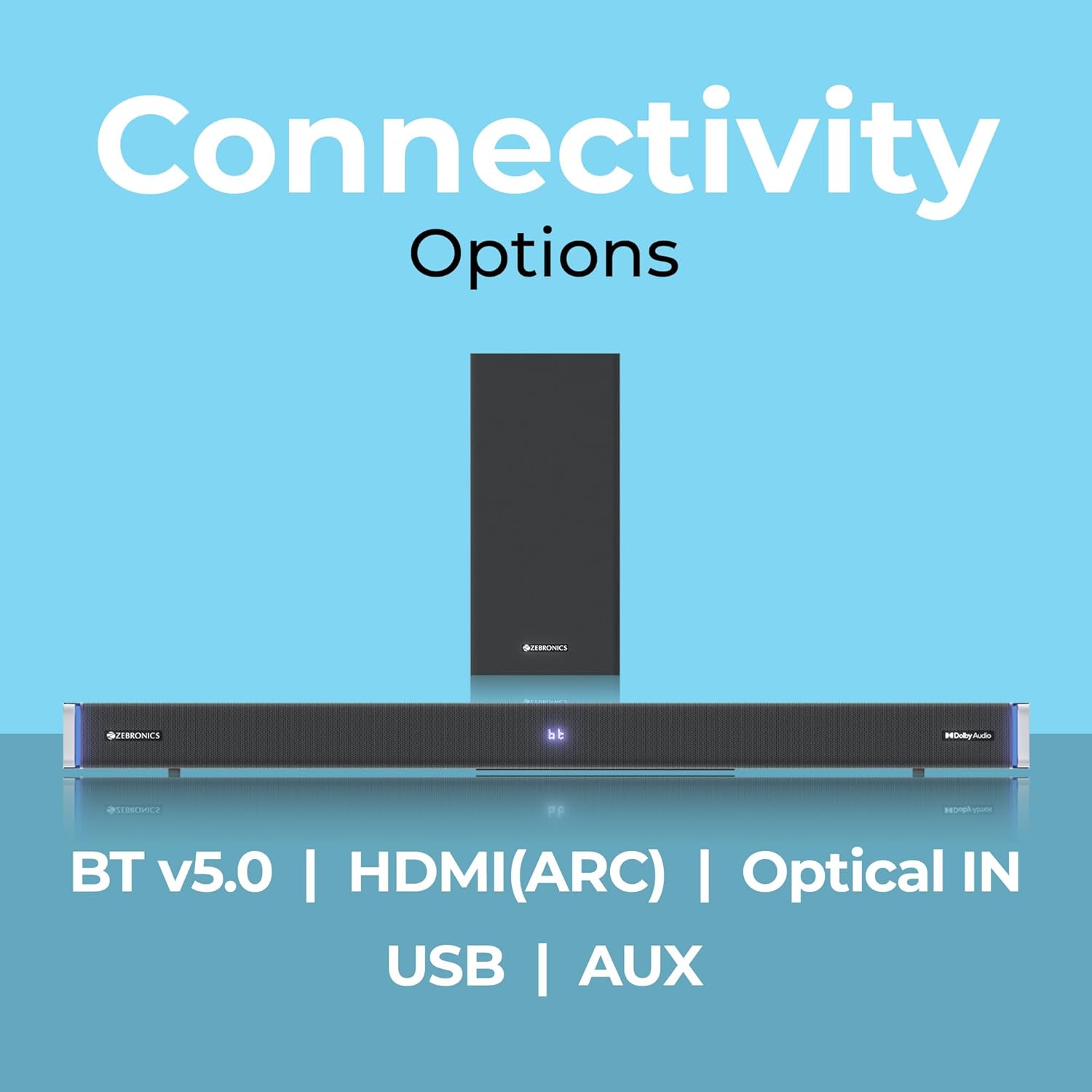
The ZEBRONICS Juke BAR 9102 PRO offers multiple connectivity options for versatile use.
7.1 בלועטאָאָטה וו5.0
- Press the 'Mode' button until 'BT' appears on the LED display.
- On your mobile device or computer, search for Bluetooth devices and select 'ZEB-JUKE BAR 9102 PRO'.
- Once paired, audio will stream wirelessly to the soundbar.
7.2 HDMI (ARC)
- Connect an HDMI cable (ARC compatible) from the HDMI ARC port on your television to the HDMI ARC port on the soundbar.
- Select 'ARC' mode on the soundbar.
- Ensure your TV's audio output is set to HDMI ARC.
7.3 Optical IN
- Connect an optical cable from your audio source (e.g., TV, DVD player) to the 'Optical IN' port on the soundbar.
- Select 'OPT' mode on the soundbar.
7.4 3.5 מם AUX קאַבלע
- Connect a 3.5mm AUX cable from your audio source to the 'AUX' port on the soundbar.
- Select 'AUX' mode on the soundbar.
7.5 יו-עס-בי פּלייבּעק
- Insert a USB pen drive (up to 32GB, supporting MP3 audio format) into the USB port on the soundbar.
- Select 'USB' mode on the soundbar. The soundbar will automatically begin playing compatible audio files.
8. וואנט מאָונטינג
The soundbar can be wall-mounted to save space. A wall mount bracket and fasteners are included in the package.
- Determine the desired mounting location on the wall, ensuring it is structurally sound and can support the weight of the soundbar.
- Mark the positions for drilling holes using the wall mount bracket as a template.
- באָרט פּילאָט לעכער און אַרײַנשטעלן פּאַסיק וואַנט אַנקערס אויב נייטיק.
- Secure the wall mount bracket to the wall using the provided fasteners.
- Carefully attach the soundbar to the mounted bracket. Ensure it is securely fastened before releasing.
באַמערקונג: Professional installation is recommended for wall mounting to prevent damage or injury.
9. וישאַלט
9.1 רייניקונג
Wipe the surfaces of the soundbar and subwoofer with a soft, dry, lint-free cloth. Do not use abrasive cleaners, waxes, or solvents as they may damage the finish.
9.2 סטאָרידזש
אויב איר לייגט דאָס אַפּאַראַט אַוועק פֿאַר אַ לענגערע צייט, זאָלט איר עס אָפּשטעקן פֿון דער עלעקטרישער צושטעל און עס אַוועקלייגן אין אַ קיל, טרוקן אָרט, אַוועק פֿון דירעקטער זון און עקסטרעמע טעמפּעראַטורן.
10. טראָובלעשאָאָטינג
| פּראָבלעם | מעגלעך סיבה | לייזונג |
|---|---|---|
| קיין מאַכט | שטראָם קאַבל נישט פארבונדן; שטראָם אַוטלעט נישט אַקטיוו | Ensure power cables are securely connected and the outlet is functional. |
| קיין געזונט | Incorrect input mode; Volume too low; Cables not connected properly | Select the correct input mode. Increase volume. Check all audio cables for secure connection. |
| בלועטאָאָטה פּערינג ישוז | סאַונדבאַר נישט אין פּערינג מאָדע; דעווייס צו ווייט; שטערונג | Ensure soundbar is in 'BT' mode. Move device closer. Restart both devices. |
| ווייַט קאָנטראָל נישט ארבעטן | Batteries depleted; Obstruction between remote and soundbar | פֿאַרבײַטן די באַטעריעס פֿון דער ווײַטקאָנטראָל. אַראָפּנעמען אַלע שטערונגען. |
| פאַרקרימט געזונט | Volume too high; Poor audio source quality; Incorrect EQ setting | Reduce volume. Try a different audio source. Adjust EQ settings. |
11. ספּעסאַפאַקיישאַנז
| שטריך | דעטאַל |
|---|---|
| מאָדעל נאָמען | ZEB-JUKE BAR 9102 PRO |
| רעזולטאַט מאַכט | 240 וואטס (RMS) |
| סובוואָאָפער דיאַמעטער | 6.5 אינטשעס |
| אַודיאָ דרייווער גרייס | 5.5 cm (Quad Drivers) |
| קאַנעקטיוויטי | Bluetooth v5.0, HDMI (ARC), Optical IN, 3.5mm AUX, USB |
| אַרומרינגלען סאָונד קאַנפיגיעריישאַן | ווירטואַל 5.1 |
| אָפטקייַט ענטפער | 20 הערץ - 20 קילאָהערץ |
| סיגנאַל-צו-נויז ראַטיאָ | 65 דב |
| ימפּידאַנס | 15 אָהמס |
| קאָנטראָל מעטאָד | ווייַט קאָנטראָל |
| פּראָדוקט דימענסיעס (סאַונדבאַר) | Approx. 98.5W x 17.3D x 40.2H Centimeters |
| פּונקט וואָג | 5.8 קג |
| מאַכט מקור | קאָרדעד עלעקטריק |
| ספּעציעלע פֿעיִקייטן | Dolby Audio, LED Display, RGB LED Lights, Wall Mountable |
12. וואָראַנטי און שטיצן
12.1 וואָראַנטי אינפֿאָרמאַציע
This ZEBRONICS product comes with a 1 יאָר וואָראַנטי from the date of purchase. The warranty covers manufacturing defects under normal use. Please retain your purchase receipt for warranty claims.
12.2 קונה שטיצן
For technical assistance, troubleshooting, or warranty inquiries, please contact ZEBRONICS customer support. Refer to the official ZEBRONICS website or the QR Code User Manual for contact details.


