1. הקדמה
Thank you for choosing the Baseus Bowie D05 Wireless Headphones. This manual provides detailed instructions on how to set up, operate, maintain, and troubleshoot your new headphones. Please read this manual carefully before use to ensure optimal performance and longevity of your device.
2. וואָס איז אין דער קעסטל
ביים אויספּאַקן דעם קעסטל, ביטע זיכער מאַכן אַז אַלע די פאלגענדע זאכן זענען פאַראַן:
- Baseus Bowie D05 ווירעלעסס כעדפאָונז
- USB-A צו וסב-C טשאַרדזשינג קאַבלע
- 3.5 מם אַודיאָ קאַבלע
- באַניצער מאַנואַל
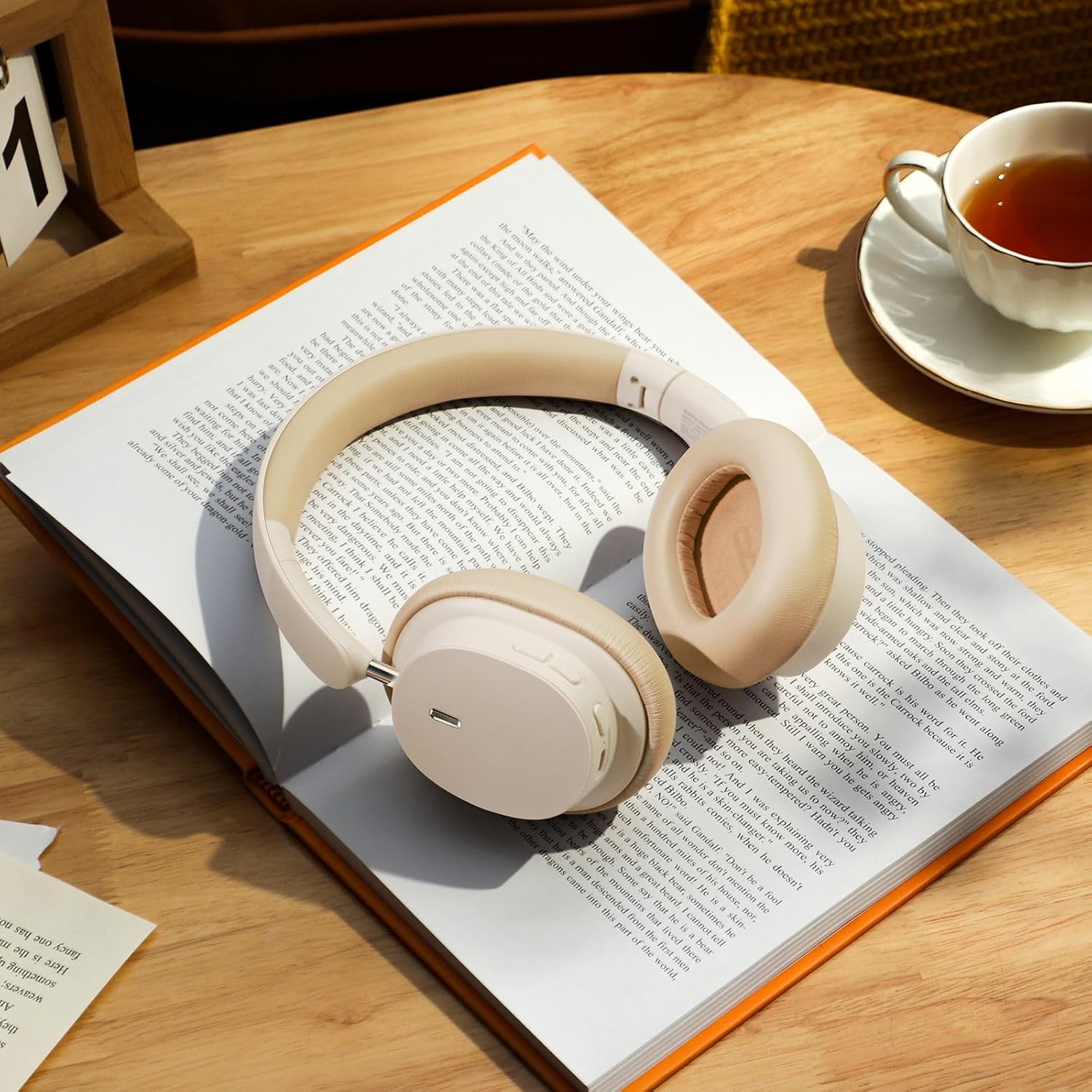
Image: The Baseus Bowie D05 headphones shown alongside their USB-C charging cable and 3.5mm audio cable, illustrating the complete package contents.
3. פּראָדוקט איבערview
Familiarize yourself with the various parts and controls of your Baseus Bowie D05 headphones:
- מאַכט/מולטי-פונקציע קנעפּל: Used for powering on/off, play/pause, answering/ending calls, and activating voice assistant.
- באַנד אַרויף קנעפּל: Increases volume, long press for next track.
- באַנד אַראָפּ קנעפּל: Decreases volume, long press for previous track.
- USB-C טשאַרדזשינג פּאָרט: פֿאַר טשאַרדזשינג די כעדפאָונז.
- 3.5 מם אַודיאָ דזשאַק: פֿאַר דראָטיקער פֿאַרבינדונג.
- LED ינדיקאַטאָר: ווײַזט מאַכט, טשאַרדזשינג, און פּערינג סטאַטוס.
- מיקראָפאָן: פֿאַר רופֿן און שטימע באַפֿעלן.

בילד: א דעטאַלירטע view of the left earcup of the Baseus Bowie D05 headphones, highlighting the location of the control buttons (volume up/down, multi-function) and the charging/audio ports.
4. סעטאַפּ
4.1 אויפלאָדן די קאָפּהערער
- Connect the USB-C end of the charging cable to the headphone's charging port.
- פֿאַרבינדט דעם USB-A עק צו אַ USB מאַכט אַדאַפּטער (5V/1A רעקאָמענדירט) אָדער אַ קאָמפּיוטער'ס USB פּאָרט.
- The LED indicator will show red during charging and turn off or blue when fully charged.
- א פולע אויפלאדונג נעמט געווענליך בערך 1.5-2 שעה.
4.2 בלועטאָאָטה פּערינג
- זיכער מאַכן אַז די כעדפאָונז זענען גאָר אויפגעלאָדן.
- Press and hold the Power/Multi-function button for 3-5 seconds until the LED indicator flashes blue and red alternately, indicating pairing mode.
- אויף אייער דעווייס (סמאַרטפאָן, טאַבלעט, קאָמפּיוטער), אַקטיווירט בלועטוט.
- זוכן פֿאַר "Baseus Bowie D05" in the list of available Bluetooth devices.
- Select "Baseus Bowie D05" to connect. Once connected, the LED indicator will flash blue slowly or turn off.
4.3 Wired Connection (Optional)
You can use the headphones with the included 3.5mm audio cable when the battery is low or for devices without Bluetooth connectivity.
- שטעקט איין עק פון די 3.5 מ״מ אַודיאָ קאַבל אין די כעדפאָון'ס 3.5 מ״מ אַודיאָ דזשעק.
- שטעקט אריין דעם אנדערן עק אין די אודיאָ-אויסגאַנג דזשעק פון אייער דעווייס.
- Note: Controls on the headphones may not function in wired mode.
5. אַפּערייטינג ינסטרוקטיאָנס
5.1 מאַכט אויף / אַוועק
- מאַכט אויף: דריק און האלט דעם מאַכט/מולטי-פונקציע קנעפּל פֿאַר 3 סעקונדעס.
- מאַכט אַוועק: דריק און האלט דעם מאַכט/מולטי-פונקציע קנעפּל פֿאַר 5 סעקונדעס.
5.2 מוזיק פּלייבאַק
- שפּיל / פּויזע: דריק קורץ דעם מאַכט/מולטי-פונקציע קנעפּל.
- באַנד אַרויף: דריק קורץ דעם "Volume Up" קנעפל.
- באַנד אַראָפּ: דריק קורץ דעם באַנד אַראָפּ קנעפּל.
- ווייַטער שפּור: לאַנג דריקן די באַנד אַרויף קנעפּל.
- פֿריִערדיקע שפּור: לאַנג דריקן די באַנד אַראָפּ קנעפּל.
5.3 רוף פאַרוואַלטונג
- ענטפֿערן / סוף רופן: דריק קורץ דעם מאַכט/מולטי-פונקציע קנעפּל.
- אָפּוואַרפן רופן: Long press the Power/Multi-function button for 2 seconds.
5.4 פֿאַרבינדונג צווישן פֿאַרשידענע דעווייסעס
The Baseus Bowie D05 headphones support simultaneous connection to two devices, allowing seamless switching between them.
- Connect the headphones to the first device via Bluetooth as described in section 4.2.
- Disconnect the headphones from the first device (do not unpair).
- Connect the headphones to the second device via Bluetooth.
- Reconnect the headphones to the first device from its Bluetooth settings. The headphones should now be connected to both devices.
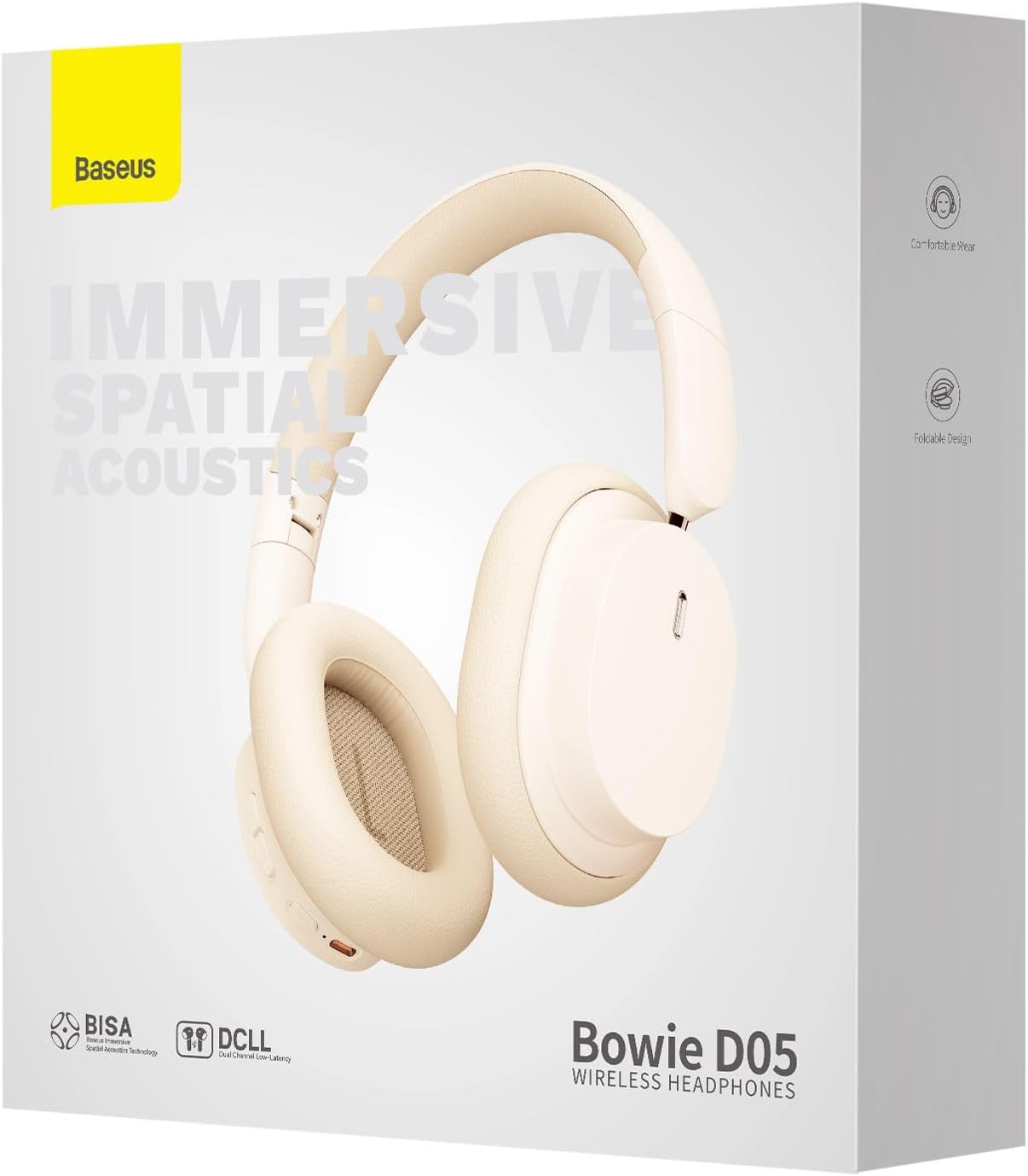
Image: The Baseus Bowie D05 headphones are depicted wirelessly connected to both a smartphone and a tablet, demonstrating their multi-device connectivity feature.
6. וישאַלט
כדי צו זיכער מאַכן די לאַנגלעבעניש און אָפּטימאַלע פאָרשטעלונג פון אייערע כעדפאָונז, פאָלגט די וישאַלט גיידליינז:
- רייניקונג: ניצט אַ ווייכע, טרוקענע, לינט-פֿרייע שטאָף צו רייניקן די כעדפאָונז. ניצט נישט קיין שרײַבנדיקע רייניגער, אַלקאָהאָל, אדער כעמישע סאָלווענטן.
- סטאָרידזש: ווען נישט אין באַנוץ, האַלט די כעדפאָונז אין אַ קיל, טרוקן אָרט, אַוועק פון דירעקט זונשייַן און עקסטרעמע טעמפּעראַטורן.
- ויסמיידן נעץ: האַלט די כעדפאָונז אַוועק פון וואַסער און איבערגעטריבענער הומידיטי.
- שעפּן מיט זאָרג: פֿאַרמײַדט צו לאָזן פאַלן אָדער אויסשטעלן די כעדפאָונז צו שטאַרקע קלאַפּן.
7. טראָובלעשאָאָטינג
If you encounter any issues with your Baseus Bowie D05 headphones, please refer to the following common problems and solutions:
| פּראָבלעם | מעגלעך לייזונג |
|---|---|
| די קאָפּהערער ווערן נישט אנגעצינדן. | זיכער מאַכן אַז די כעדפאָונז זענען גאָר אָנגעלאָדן. פאַרבינדן צו אַ מאַכט מקור און פּרובירן ווידער. |
| קען נישט צופּאַסן מיטן דעווייס. | Ensure headphones are in pairing mode (flashing blue/red). Turn off and on Bluetooth on your device. Clear previous Bluetooth connections on your device. Move headphones closer to the device. |
| קיין קלאַנג אָדער נידעריקע וואָלומען. | Check headphone and device volume levels. Ensure headphones are properly connected. Try playing different audio. If using wired connection, ensure cable is fully inserted. |
| נעבעך געזונט קוואַליטעט. | Move closer to your device to avoid interference. Avoid obstacles between headphones and device. Try disconnecting and reconnecting. |
| כעדפאָונז דיסקאַנעקט אָפט. | Ensure headphones are fully charged. Keep within Bluetooth range (typically 10 meters). Avoid strong electromagnetic interference. |
אויב די פראבלעם בלייבט נאך פרובירן די לייזונגען, ביטע קאנטאקטירט קאסטומער סופארט.
8. ספּעסאַפאַקיישאַנז
Detailed technical specifications for the Baseus Bowie D05 Wireless Headphones:
- מאָדעל נאָמען: NGTD020202
- סאָרט: Baseus
- קאַנעקטיוויטי טעכנאָלאָגיע: ווירעלעסס (בלועטאָאָטה)
- ווירעלעסס קאָמוניקאַציע טעכנאָלאָגיע: בלועטאָאָטה
- אויער אָרט: איבער אויער
- פאָרם פאַקטאָר: איבער אויער
- אַודיאָ דרייווער טיפּ: דינאַמיש דרייווער
- דרייווער אַפּאַראַט גרייס: 40 מם
- באַטאַרייע לעבן: Up to 70 hours of audio playback (at 70% volume)
- טשאַרדזשינג פּאָרט: וסב-C
- אַודיאָ דזשאַק: 3.5 מם דזשאַק
- מאַטעריאַל: פּלאַסטיק
- נומער וואָג: בעערעך 209 גראַמז (7.37 אונסעס)
- קאָליר: Creamy-White (as per product title, though spec says Black)
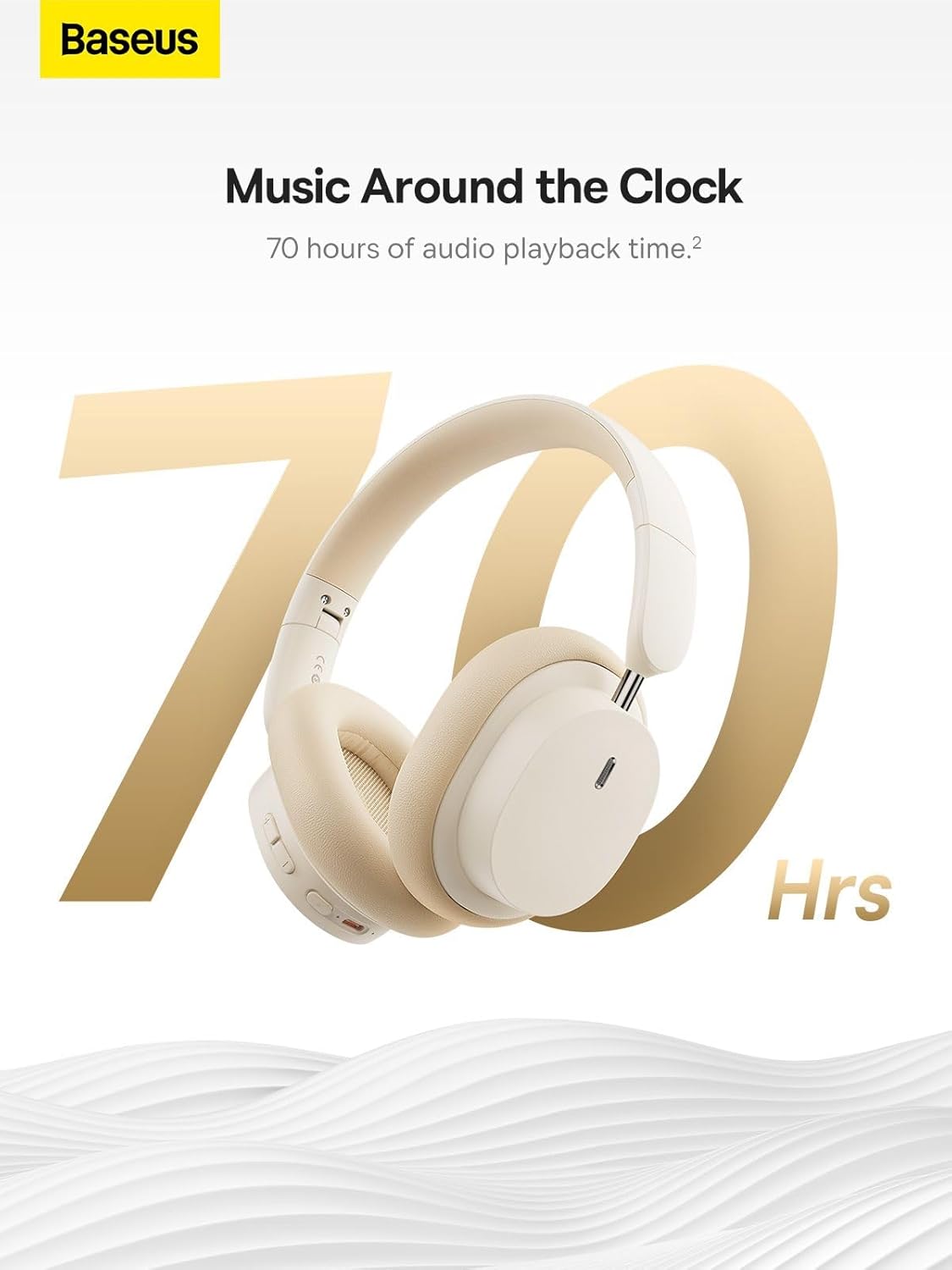
Image: The Baseus Bowie D05 headphones are featured with a prominent '70 Hrs' graphic, highlighting their extended audio playback time on a single charge.

Image: Two individuals are shown comfortably wearing the Baseus Bowie D05 headphones, emphasizing their lightweight design with the text 'Only 209g' for extended listening sessions.

Image: A visual representation of a 40mm large driver unit, illustrating its capability to deliver detailed high-end and fuller low-end audio performance.
9. וואָראַנטי און שטיצן
9.1 וואָראַנטי אינפֿאָרמאַציע
Baseus products are covered by a limited warranty from the date of purchase. Please refer to the warranty card included in your product packaging or visit the official Baseus webזייטל פֿאַר דעטאַלירטע וואָראַנטי טערמינען און באדינגונגען.
9.2 קונה שטיצן
For technical assistance, troubleshooting, or warranty claims, please contact Baseus customer support through the following channels:
- באַאַמטער Webפּלאַץ: Visit the Baseus official webזייטל פֿאַר אָפֿט געשטעלטע פֿראַגעס, שטיצע רעסורסן און קאָנטאַקט פֿאָרמען.
- E- בריוו שטיצן: זעט אייער פּראָדוקט פּאַקאַדזשינג אָדער די באַאַמטער webזייטל פֿאַר די קונה שטיצע בליצפּאָסט אַדרעס.
- אויטאָריזירטער פֿאַרקויפֿער: קאָנטאַקטירט דעם הענדלער פֿון וועמען איר האָט געקויפֿט דאָס פּראָדוקט פֿאַר הילף.



