1. הקדמה
Thank you for choosing the VIZOLINK Q100 Conference Speaker. This device is designed to provide clear audio for your conference calls, online meetings, and multimedia needs. Featuring high-sensitivity microphones and advanced noise reduction, the Q100 ensures excellent voice pickup and sound quality. Please read this manual carefully to ensure proper use and optimal performance of your speaker.
2. פּעקל אינהאַלט
זיכער מאַכן אַז אַלע זאכן זענען פאַראַן אין פּעקל:
- VIZOLINK Q100 Conference Speaker
- וסב טשאַרדזשינג קאַבלע
- בלועטאָאָטה דאָנגלע
- סטאָרידזש באַג
- באַניצער מאַנואַל (דעם דאָקומענט)
3. פּראָדוקט איבערview
The VIZOLINK Q100 is a compact and portable conference speaker designed for various communication needs. It features intuitive controls and multiple connectivity options.
3.1. מיטל אויסלייג

בילד: אויבן view of the VIZOLINK Q100 Conference Speaker, highlighting its sleek design and central control panel.
3.2. שליסל פֿעיִקייטן
- 360° קאַווערידזש: Equipped with 6 high-sensitivity microphones for a 6-meter voice pick-up range.
- Real Clear Voice: Features real-time noise reduction and echo cancellation for superior audio clarity. Zoom Certified.
- ברייט קאַמפּאַטאַבילאַטי: Connects via Type-C USB, Bluetooth, or a dedicated Bluetooth dongle.
- פּאָרטאַטיוו און סאָליד: Designed for easy transport with a travel case and up to 12 hours of battery life.

Image: Illustrates the 360° voice pick-up capability of the Q100 with six high-sensitivity microphones covering a 6-meter range.

Image: Depicts the 'Real Clear Voice' technology, showing how noise and echo are reduced for clear communication, indicated by the Zoom Certified logo.
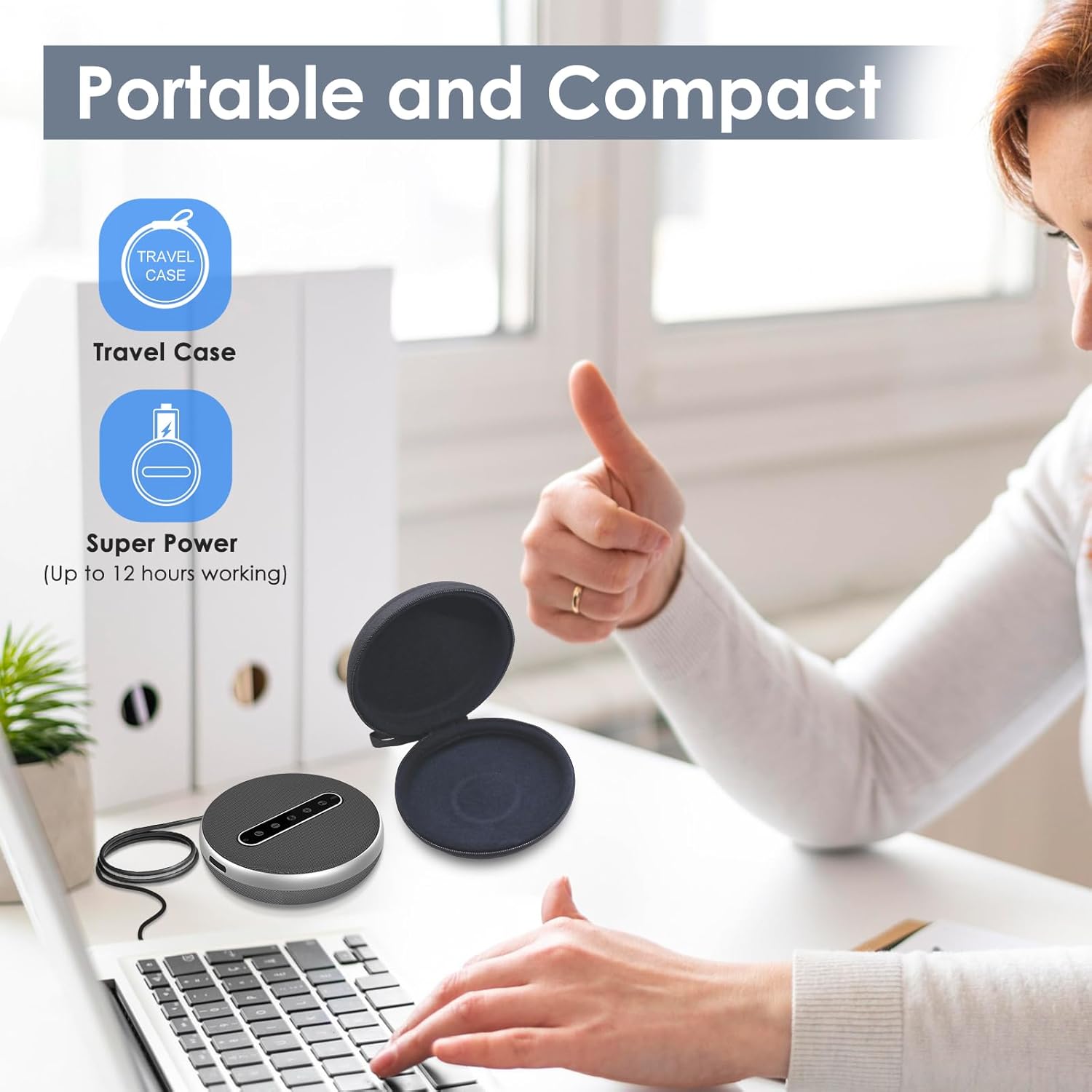
Image: Shows the versatile connectivity options of the Q100, including Type-C USB, Bluetooth, and a stable Bluetooth dongle for various devices.

Image: Highlights the portable and compact design of the Q100, shown with its protective travel case and indicating up to 12 hours of working time.
4. סעטאַפּ
4.1. טשאַרדזשינג די ספּיקער
Before first use, fully charge the VIZOLINK Q100. Connect the provided USB charging cable to the Type-C port on the speaker and the other end to a USB power adapter (not included) or a computer's USB port. The LED indicator will show charging status.
4.2. פּאָווערינג אויף / אויסגעלאשן
- צו מאַכט אויף: Press and hold the power button for 2 seconds. The LED indicator will light up.
- צו מאַכט אַוועק: Press and hold the power button for 3 seconds. The LED indicator will turn off.
4.3. פֿאַרבינדן זיך צו דעוויסעס
The VIZOLINK Q100 offers multiple ways to connect to your devices:
4.3.1. בלועטאָאָטה קאַנעקשאַן
- פאַרזיכערן אַז די רעדנער איז פּאַוערד אויף.
- Press the Bluetooth button on the speaker. The LED indicator will flash blue, indicating pairing mode.
- אויף אייער דעווייס (סמאַרטפאָן, טאַבלעט, לאַפּטאָפּ), גייט צו בלועטוט סעטטינגס און זוכט פֿאַר פאַראַן דעווייסעס.
- Select "VIZOLINK Q100" from the list.
- אַמאָל קאָננעקטעד, די געפירט גראדן וועט ווערן האַרט בלוי.
4.3.2. וסב קאַנעקשאַן
Connect the speaker to your computer using the provided USB Type-C cable. The speaker will be recognized as an audio device automatically. No drivers are typically required for Windows or macOS.
4.3.3. Bluetooth Dongle Connection
For devices without built-in Bluetooth or for a more stable connection, use the included Bluetooth dongle:
- שטעקט אריין דעם בלועטוט דאנגל אין א פאראן USB פארט אויף אייער קאמפיוטער.
- Power on the VIZOLINK Q100 speaker.
- The speaker and dongle should automatically pair. The LED indicator on the speaker will turn solid blue once connected.
5. אַפּערייטינג ינסטרוקטיאָנס
5.1. גרונטלעכע קאנטראלן
- מאַכט קנעפּל: דריקן און האַלטן צו אנצינדן/אויסלעשן. קורץ דריקן צו קאָנטראָלירן באַטאַרייע סטאַטוס.
- באַנד אַרויף (+): פאַרגרעסערט רעדנער באַנד.
- באַנד אַראָפּ (-): פֿאַרקלענערט רעדנער־וואָלומען.
- שטום מיקראָפאָן: Toggles microphone mute on/off. The LED will indicate mute status.
- ענטפֿערן / סוף רופן: Press to answer an incoming call or end an ongoing call.
- בלועטאָאָטה קנעפּל: דריקן צו אַרייַן בלועטאָאָטה פּערינג מאָדע.
5.2. רופן מאַנאַגעמענט
- ענטפֿערן אַ רוף: When an incoming call rings, press the Answer/End Call button.
- ענדיקן אַ רוף: During a call, press the Answer/End Call button.
- פארווארפן א רוף: Press and hold the Answer/End Call button for 2 seconds.
5.3. קאַמפּאַטאַבילאַטי
The VIZOLINK Q100 is widely compatible with various operating systems and communication platforms:
- אַפּערייטינג סיסטעמס: Windows 7/8/10, Mac OS 10.6 and above, Chrome OS, Ubuntu V10.04, Linux 2.6.84, Android 5.0 and above.
- Communication Platforms: Zoom, Skype, Twitch, Messenger, Cisco Webex, Facebook Live, Mixer, YouTube, XSplit.
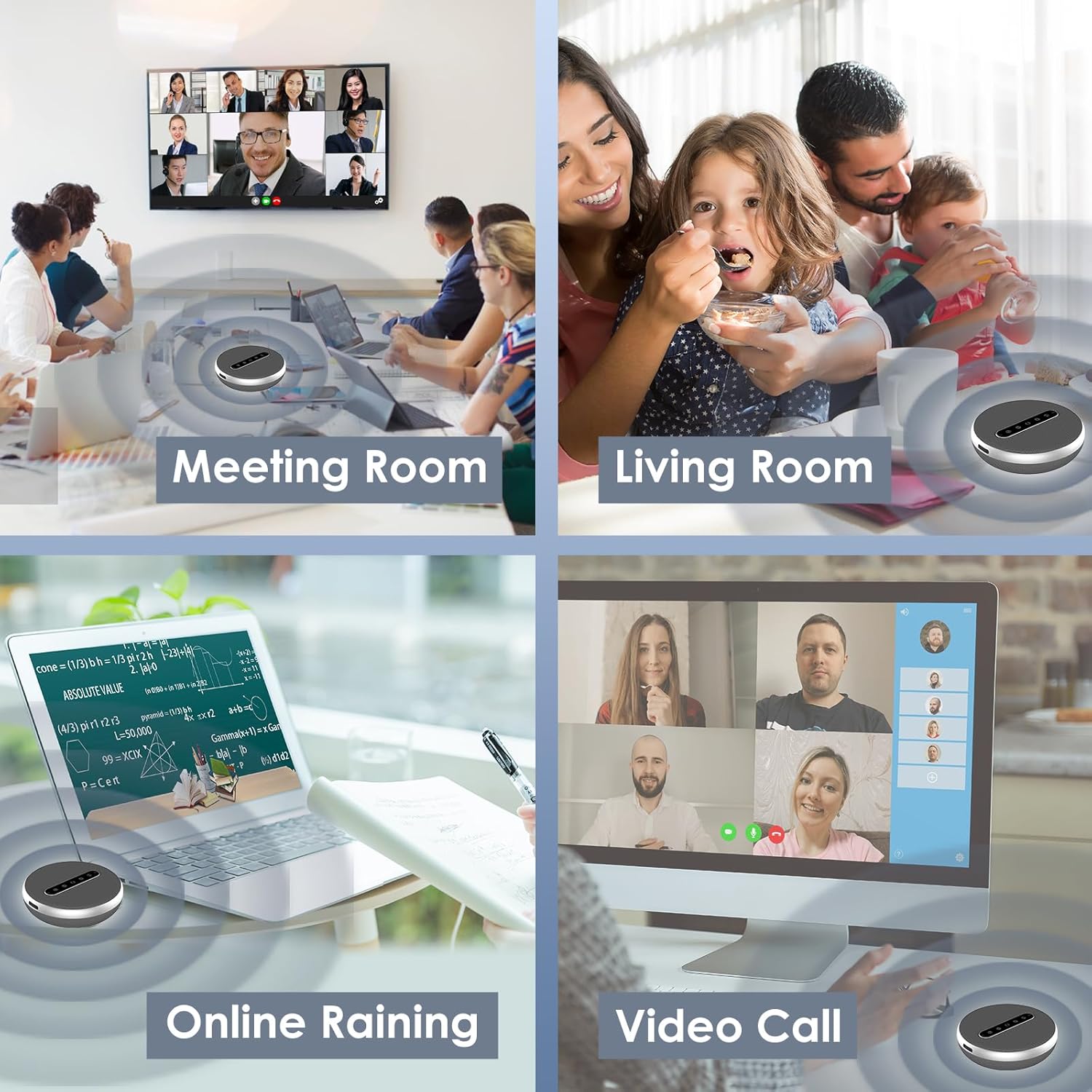
Image: Illustrates the broad compatibility of the VIZOLINK Q100 with popular operating systems and video conferencing applications.
6. וישאַלט
To ensure the longevity and optimal performance of your VIZOLINK Q100 Conference Speaker, follow these maintenance guidelines:
- רייניקונג: Use a soft, dry cloth to wipe the surface of the speaker. Do not use liquid cleaners or abrasive materials.
- סטאָרידזש: When not in use, store the speaker in the provided storage bag to protect it from dust and scratches. Keep it in a cool, dry place.
- ויסמיידן וואַסער: דער רעדנער איז נישט וואַסערפּרוף. פֿאַרמייַדט אויסשטעלונג צו וואַסער אָדער איבעריקע פֿײַכטקייט.
- טעמפּעראַטור: Do not expose the speaker to extreme temperatures (hot or cold) or direct sunlight for extended periods.
7. טראָובלעשאָאָטינג
If you encounter issues with your VIZOLINK Q100, refer to the following common problems and solutions:
| פּראָבלעם | מעגלעך סיבה | לייזונג |
|---|---|---|
| קיין מאַכט | נידעריגע באַטעריע; די מאַכט קנעפּל נישט ריכטיק געדריקט. | לאָדט דעם רעדנער גאָר אויף. דריק און האַלט דעם מאַכט קנעפּל פֿאַר 2 סעקונדעס. |
| קענען ניט פאַרבינדן דורך בלועטאָאָטה | Speaker not in pairing mode; Device Bluetooth off; Out of range. | Ensure speaker LED is flashing blue. Turn device Bluetooth off/on. Move speaker closer to device. |
| קיין געזונט | Volume too low; Speaker muted; Incorrect audio output selected. | Increase volume on speaker and device. Check if speaker is muted. Select VIZOLINK Q100 as default audio output on your device. |
| מיקראָפאָן טוט נישט אַרבעטן | Microphone muted; Incorrect input device selected. | Unmute the microphone on the speaker. Select VIZOLINK Q100 as default microphone input on your device/application. |
| נעבעך אַודיאָ קוואַליטעט | Interference; Weak Bluetooth signal; Distance from speaker. | Move away from other wireless devices. Ensure clear line of sight for Bluetooth. Reduce distance between speaker and device. |
8. ספּעסאַפאַקיישאַנז
| שטריך | דעטאַל |
|---|---|
| מאָדעל נאָמען | ק100 |
| רעדנער טיפּ | אַטמאַספעריק |
| שליסל פֿעיִקייטן | Bass Boost, Built-in Microphone, USB Port, High-Resolution Audio |
| רעקאַמענדיד נוצן | ווידעא קאַללס |
| קאַמפּאַטאַבאַל דעוויסעס | Laptops, Desktop Computers, Phones |
| אַרומרינגלען סאָונד קאַנאַל קאַנפיגיעריישאַן | 2.0 |
| קאָליר | זילבער |
| ימפּידאַנס | 600 Ohm |
| וואָטערפּרוף | ניין |
| ווירעלעסס קאָמוניקאַציע טעכנאָלאָגיע | בלועטאָאָטה |
| מאַכט מקור | Wired Electric (USB-C for charging/power) |
| קאָנטראָל מעטאָד | Voice (via built-in microphone), On-device buttons |
| פּראָדוקט דימענשאַנז | 12 X 12 X 3.8 סענטימעטער |
| פּראָדוקט וואָג | 500 גראַמז |
| מאַטעריאַל | פּלאַסטיק |
9. וואָראַנטי & שטיצן
9.1. לימיטעד וואָראַנטי
The VIZOLINK Q100 Conference Speaker comes with a limited warranty. Please refer to the warranty card included in your package or visit the official VIZOLINK website for detailed terms and conditions. This warranty typically covers manufacturing defects and workmanship under normal use.
9.2. קונה שטיצן
For technical assistance, troubleshooting beyond this manual, or warranty claims, please contact VIZOLINK customer support. Contact information can usually be found on the product packaging, the official VIZOLINK webוועבזייטל, אדער אייער קויף קוויטל.
Please have your product model (Q100) and proof of purchase ready when contacting support.


