הקדמה
This manual provides essential information for setting up, operating, maintaining, and troubleshooting your Vodafone 4G Mobile Broadband Hotspot R228t. Please read this manual carefully before using the device to ensure optimal performance and safety.

בילד: פראָנט view of the Vodafone 4G Mobile Broadband Hotspot R228t, showing the indicator lights for signal, Wi-Fi, messages, and battery.
סעטאַפּ גייד
1. פּעקל אינהאַלט
איידער איר הייבט אן, זיכערט זיך אז אלע זאכן זענען פאראן אין פעקל:
- Vodafone 4G Mobile Broadband Hotspot R228t Device
- קריקאָנלאָדלעך באַטערי
- וסב טשאַרדזשינג קאַבלע
2. אריינשטעלן די סים קארטל און באַטעריע
The device requires a standard SIM card (not included). Follow these steps:
- Carefully remove the back cover of the hotspot.
- Locate the SIM card slot. Insert your activated SIM card into the slot with the gold contacts facing down, ensuring it clicks into place.
- Insert the provided battery into its compartment, aligning the contacts.
- פאַרבייַטן די צוריק דעקן סיקיורלי.
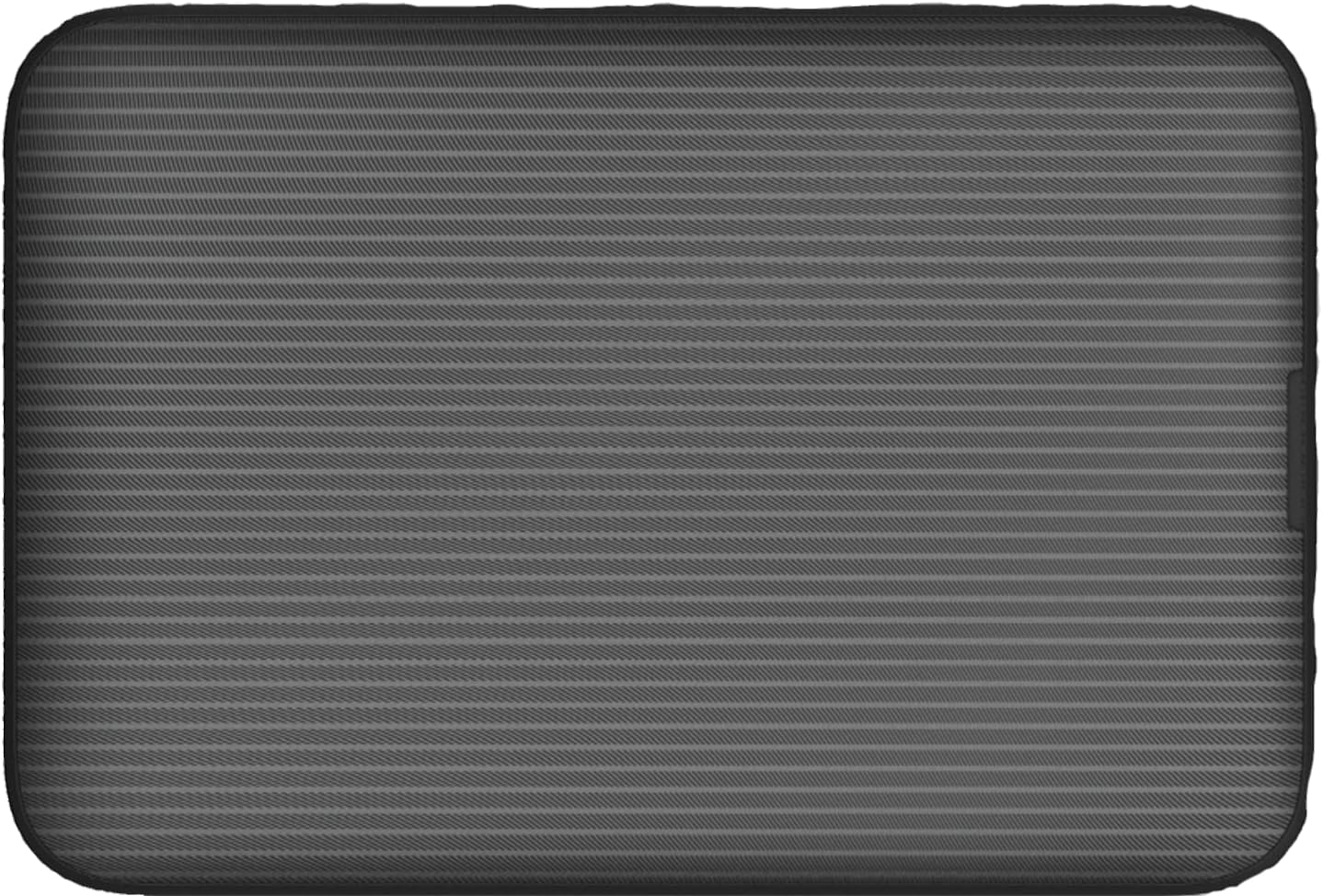
בילד: הינטערשטע view of the Vodafone R228t hotspot with the back cover removed, illustrating the placement of the SIM card and battery.
3. טשאַרדזשינג די מיטל
פארן ערשטן באַנוץ, זאָל מען גאָר אויפלאָדן דאָס אַפּאַראַט.
- Connect the USB charging cable to the hotspot's charging port.
- פֿאַרבינדט דעם אַנדערן עק פֿונעם קאַבל צו אַ USB מאַכט אַדאַפּטער (נישט אַרייַנגערעכנט) אָדער אַ קאָמפּיוטער'ס USB פּאָרט.
- The battery indicator light will show charging status. A full charge typically takes a few hours.

בילד: נאָענט-אַרויף view of the Vodafone R228t hotspot's charging port, located on the side of the device.
אַפּערייטינג ינסטראַקשאַנז
1. פּאָווערינג אויף / אויסגעלאשן
- To power on: Press and hold the power button (located on the side) until the indicator lights illuminate.
- To power off: Press and hold the power button until the indicator lights turn off.
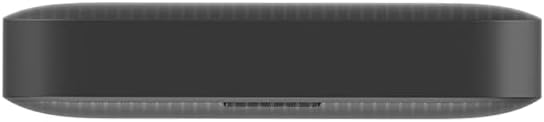
בילד: זייט view of the Vodafone R228t hotspot, highlighting the power button.
2. זיך פֿאַרבינדן צום Wi-Fi נעץ
Once powered on, the hotspot will broadcast a Wi-Fi network. You can connect up to 32 devices simultaneously.
- On your device (laptop, smartphone, tablet), open your Wi-Fi settings.
- זוכן פֿאַר available networks. The network name (SSID) and password (Wi-Fi Key) are typically found on a sticker inside the battery compartment or on the device packaging.
- Select the hotspot's SSID and enter the Wi-Fi Key when prompted.
- אַמאָל פארבונדן, זאָלט איר האָבן אינטערנעט צוטריט.
3. ינדיקאַטאָר ליגהץ
The front panel features several indicator lights:
- סיגנאַל שטאַרקייט: Indicates the strength of the 4G mobile signal. More bars mean better signal.
- ווי-פי סטאַטוס: Shows if Wi-Fi is active and if devices are connected.
- אַרטיקלען: Indicates new SMS messages received on the SIM card.
- באַטערי סטאַטוס: ווײַזט דעם איצטיקן באַטאַרייע לעוועל און טשאַרדזשינג סטאַטוס.
4. Web פאַרוואַלטונג צובינד
For advanced settings, such as changing Wi-Fi name/password, checking data usage, or managing SMS, access the web פאַרוואַלטונג צובינד:
- Connect your device to the hotspot's Wi-Fi network.
- עפענען א web בלעטערער און אַרייַן די פעליקייַט IP אַדרעס (למשל, http://192.168.0.1 or http://vodafonemobile.wifi). Refer to your device's sticker for the exact address.
- Enter the default login password (usually "admin" or found on the device sticker).
וישאַלט
- רייניקונג: ניצט אַ ווייכע, טרוקענע שטאָף צו רייניקן דעם אַפּאַראַט. פֿאַרמייַדט פֿליסיקע רייניגער אָדער אַברייסיוו מאַטעריאַלן.
- סטאָרידזש: האַלט דעם אַפּאַראַט אין אַ קיל, טרוקן אָרט אַוועק פון דירעקט זונשייַן און עקסטרעמע טעמפּעראַטורן.
- באַטערי זאָרגן: כדי צו פארלענגערן די לעבן פון די באַטעריע, זאָלט איר נישט אָפט אויסלאָדן די באַטעריע. אויב איר לייגט עס אַוועק פֿאַר לענגערע צייטן, זאָלט איר לאָזן די באַטעריע צו בערך 50% און לאָזן עס ווידער אויף יעדע פּאָר חדשים.
- ווייכווארג דערהייַנטיקונגען: פּיריאַדיקלי קאָנטראָלירן די web פאַרוואַלטונג צובינד פֿאַר בנימצא פירמווער דערהייַנטיקונגען צו ענשור אָפּטימאַל פאָרשטעלונג און זיכערהייט.
טראָובלעשאָאָטינג
| פּראָבלעם | מעגלעך לייזונג |
|---|---|
| קיין אינטערנעט פֿאַרבינדונג |
|
| קענען ניט פאַרבינדן צו ווי-פי |
|
| לאַנגזאַמע אינטערנעט גיכקייט |
|
| די מיטל איז נישט פּאַוערינג |
|
ספּעסאַפאַקיישאַנז
| שטריך | דעטאַל |
|---|---|
| מאָדעל נאָמען | R228t (Vodafone MW40) |
| קאַנעקטיוויטי טעכנאָלאָגיע | 4G LTE, ווי-פי |
| מאַקסימום אראפקאפיע ספּיד | אַרויף צו 300 Mbps |
| ווי-פי סטאַנדאַרד | 802.11a (Single-Band) |
| זיכערהייַט | WPA + WPA2 |
| מאַקסימום Wi-Fi באַניצער | אַרויף צו 32 |
| באַטערי טיפּ | ליטיום יאָן (1 אַרייַנגערעכנט) |
| סטאַנדביי צייט | אַרויף צו 300 שעה |
| דימענסיעס (L X W X H) | 9.5 X 6.5 X 1.5 סענטימעטער |
| וואָג | 87 ג |
| אַרייַנגערעכנט קאַמפּאָונאַנץ | Device, Battery, USB charging cable |
וואָראַנטי און שטיצן
For warranty information and technical support, please refer to the official Vodafone website or contact Vodafone customer service. Keep your purchase receipt as proof of purchase.
Official Vodafone Store: Vodafone Amazon Store

Image: The official Vodafone logo, a red circle with a white teardrop shape and the word "vodafone" in lowercase below it.


