1. הקדמה
The BuzzTV B5 is an advanced Android 11 TV Box designed to deliver a superior 4K UHD streaming experience. This device allows you to access a wide range of entertainment, including movies, TV shows, and applications, directly on your television. This manual provides essential information for the proper setup, operation, maintenance, and troubleshooting of your BuzzTV B5.
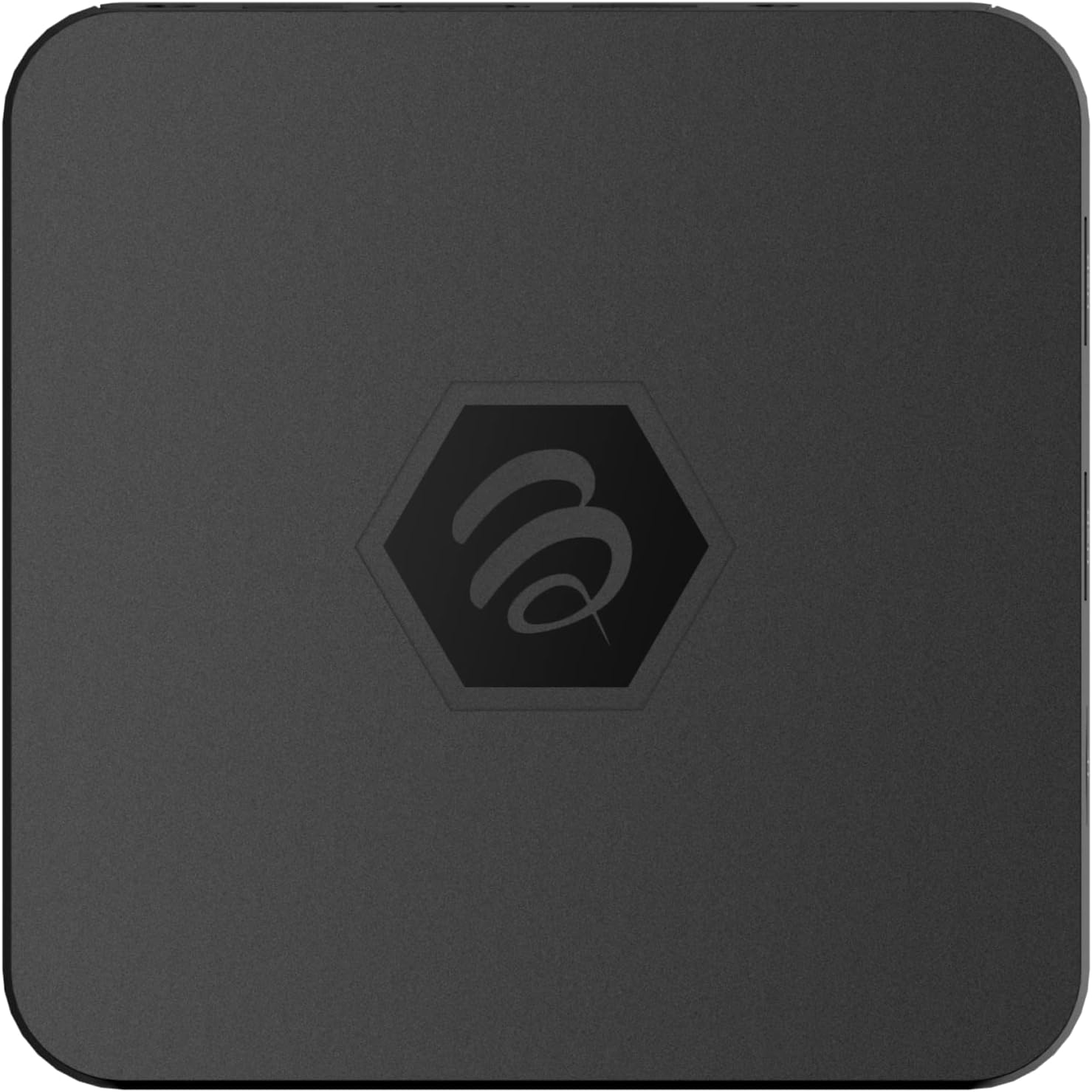
בילד 1.1: אויבן view of the BuzzTV B5 Android 11 TV Box.
2. פּעקל אינהאַלט
Please verify that all items listed below are included in your BuzzTV B5 package:
- BuzzTV B5 Set Top Box
- IR-100 Remote Control
- מאַכט סופּפּלי אַדאַפּטער
- 2x AAA באַטעריעס (פֿאַר ווײַטקאָנטראָל)
- HDMI קאַבלע
- באַניצער מאַנואַל (דעם דאָקומענט)

Image 2.1: Contents included in the BuzzTV B5 retail package.
3. סעטאַפּ גייד
Follow these steps to set up your BuzzTV B5 TV Box:
- פאַרבינדן צו טעלעוויזיע: Connect one end of the provided HDMI cable to the HDMI port on the BuzzTV B5 and the other end to an available HDMI input on your television.
- פאַרבינדן מאַכט: Plug the power supply adapter into the DC 5V port on the BuzzTV B5, then plug the adapter into a wall outlet. The device should power on automatically or can be powered on using the remote control.
- אַרײַנשטעלן באַטעריעס אין ווײַטקאָנטראָל: Open the battery compartment on the back of the IR-100 Remote Control and insert the two AAA batteries, ensuring correct polarity (+/-).
- נעץ קאַנעקשאַן: Once the device boots up, follow the on-screen instructions to connect to your network. You can choose between Wi-Fi (wireless) or Ethernet (wired) connection. For a wired connection, connect an Ethernet cable from your router to the Ethernet port on the BuzzTV B5.
- ערשט סעטאַפּ: Complete the initial Android setup process, which may include language selection, Google account login, and time zone settings.

Image 3.1: Rear ports of the BuzzTV B5 for connectivity.
4. אַפּערייטינג ינסטרוקטיאָנס
The BuzzTV B5 operates on Android 11, providing a user-friendly interface for navigation and content access.
4.1 רימאָוט קאָנטראָל פאַנגקשאַנז
The IR-100 Remote Control is your primary interface for the BuzzTV B5. Key functions include:
- מאַכט קנעפּל: טורנס די מיטל אויף אָדער אַוועק.
- נאַוויגאַציע פּאַד (אַרויף/אַראָפּ/לינקס/רעכטס/גוט): געניצט צו נאַוויגירן מעניוז און אויסקלייבן זאכן.
- צוריק קנעפּל: קערט צו די פריערדיקע פאַרשטעלן אָדער מעניו.
- היים קנעפּל: Returns to the main Android home screen.
- באַנד קנעפּלעך: אַדזשאַסץ די אַודיאָ באַנד.
- App/Menu Buttons: Accesses specific applications or context menus.

Image 4.1: Layout of the IR-100 Remote Control.
4.2 אַקסעס אַפּפּליקאַטיאָנס
From the home screen, you can access pre-installed applications like Netflix and YouTube, or download new applications from the Google Play Store. Use the navigation pad on your remote to select and launch applications.
4.3 4K UHD Streaming
The BuzzTV B5 supports 4K UHD resolution. Ensure your television is 4K compatible and that you are using a high-speed HDMI cable for optimal picture quality. Streaming quality will also depend on your internet connection speed and the content source.
5. וישאַלט
To ensure the longevity and optimal performance of your BuzzTV B5, consider the following maintenance tips:
- רייניקונג: ניצט אַ ווייכע, טרוקענע שטאָף צו רייניקן די אויסערלעכע זייט פון דעם אַפּאַראַט. פֿאַרמייַדט פליסיקע רייניקונגס־מיטלען אָדער אַברייסיוו מאַטעריאַלן.
- ווענטילאַטיאָן: Ensure the device is placed in a well-ventilated area to prevent overheating. Do not cover ventilation openings.
- ווייכווארג דערהייַנטיקונגען: Periodically check for and install system updates to benefit from new features, performance improvements, and security patches. These can usually be found in the device's settings menu.
- מאַכט ציקל: אויב די דעווייס רעאַגירט נישט, אָפּשטעקן דעם מאַכט אַדאַפּטער, וואַרטן 10 סעקונדעס, און דערנאָך פאַרבינדן עס ווידער צו דורכפירן אַ מאַכט ציקל.
6. טראָובלעשאָאָטינג
If you encounter issues with your BuzzTV B5, refer to the following common problems and solutions:
| פּראָבלעם | מעגלעך סיבה | לייזונג |
|---|---|---|
| קיין מאַכט | שטראָם אַדאַפּטער נישט פארבונדן; אַוטלעט אַרבעט נישט. | זיכער מאַכן אַז דער מאַכט אַדאַפּטער איז זיכער פארבונדן צום מיטל און אַ אַרבעטנדיקן מאַכט אַוטלעט. פּרוּווט אַן אַנדער אַוטלעט. |
| No Signal on TV | Incorrect HDMI input selected; faulty HDMI cable. | Select the correct HDMI input on your TV. Check HDMI cable connections or try a different HDMI cable. |
| רימאָוט קאָנטראָל ניט ריספּאַנדינג | Dead batteries; remote not paired (if applicable); obstruction. | Replace AAA batteries. Ensure no obstructions between remote and device. |
| נעץ קאַנעקשאַן ישוז | אומרעכט Wi-Fi פּאַראָל; ראַוטער פּראָבלעמען; שוואַך סיגנאַל. | Verify Wi-Fi password. Restart your router. Move the device closer to the router or use an Ethernet cable. |
| Applications Crashing/Freezing | Insufficient memory; outdated app; software glitch. | Close background apps. Update the app or the device's firmware. Clear app cache/data in settings. |
7. ספּעסאַפאַקיישאַנז
Detailed technical specifications for the BuzzTV B5 Android 11 TV Box:
- אַפּערייטינג סיסטעם: אַנדרויד אַס 11
- CPU: Amlogic S905W2 Quad-Core A-35
- גפּו: Mali-G31 MP2
- באַראַן: 2 גיגאבייט דדר
- סטאָרידזש: 16GB eMMC
- ווי-פי: Dual Band AC
- לאן: 10/100 מבפּס עטהערנעט
- בלועטאָאָטה: 4.2
- וסב פּאָרץ: 2x USB 2.0
- מיקראָסד שפּעלטל: 1
- מאַכט צובינד: DC 5V
- HDMI רעזולטאַט: 1
- אָפּטיש אַודיאָ רעזולטאַט: 1
- רעזולטאַט האַכלאָטע: 4K (32 FPS)
- דימענסיעס: 9.06 X 5.63 X 2.32 אינטשעס
- נומער וואָג: 1.01 פונט

Image 7.1: BuzzTV B5 with a summary of its technical specifications.
8. וואָראַנטי אינפֿאָרמאַציע
For detailed warranty information regarding your BuzzTV B5, please refer to the warranty card included in your product packaging or visit the official BuzzTV webזייטל. גאַראַנטיע טערמינען און באדינגונגען קענען זיין אַנדערש לויט געגנט און הענדלער.
9. שטיצן
If you require further assistance or have questions not covered in this manual, please contact BuzzTV customer support or visit their official webזייטל פֿאַר אָפֿט געשטעלטע פֿראַגעס, ווייכווארג דאַונלאָודז, און נאָך רעסורסן.
BuzzTV Official Webפּלאַץ: www.buzztv.com


