הקדמה

בילד: The iJoy Disney Nightmare Before Christmas Sally Dress Bluetooth Headphones, showcasing their unique design.
Thank you for choosing the iJoy Disney Nightmare Before Christmas Sally Dress Bluetooth Headphones. These wireless over-ear headphones are designed to provide a rich audio experience with a unique Sally Dress design. They feature a built-in microphone for hands-free calling, a foldable design for portability, and versatile connectivity options. This manual will guide you through the setup, operation, and maintenance of your new headphones.
סעטאַפּ
1. טשאַרדזשינג די כעדפאָונז
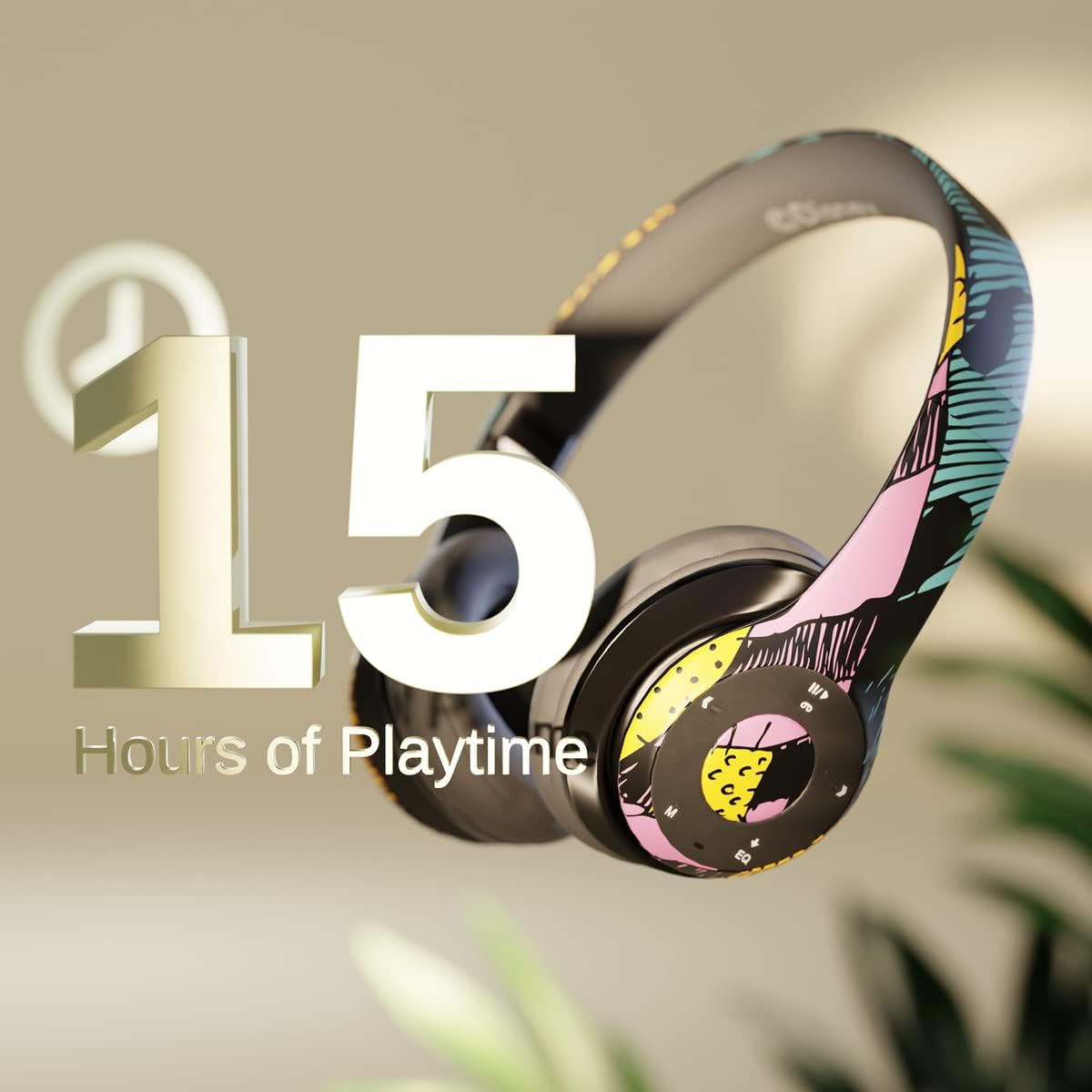
בילד: Graphic indicating 15 hours of playtime for the headphones, highlighting battery endurance.
Before first use, fully charge your headphones. Connect the provided charging cable to the charging port on the headphones and a USB power source. The LED indicator will show charging status and turn off when fully charged. A full charge provides approximately 15 hours of battery life.
2. בלועטאָאָטה פּערינג

בילד: The headphones with a graphic illustrating universal compatibility with both Apple and Android devices.
- מאַכן זיכער אַז די כעדפאָונז זענען אויסגעדרייט אַוועק.
- דריק און האלט דעם פּאַוער קנעפּל ביז דער LED אינדיקאַטאָר בלינקט בלוי און רויט, וואָס ווײַזט אויף פּערינג מאָדע.
- אויף אייער בלוטוט-פארשטארקטע דעווייס (סמאַרטפאָן, טאַבלעט, קאָמפּיוטער), גייט צו בלוטוט סעטטינגס און זוכט פֿאַר פאַראַן דעווייסעס.
- Select "iJoy DHP2431" (or similar name) from the list.
- נאָך די פֿאַרבינדונג, די געפֿירט גראדן סלאָולי בלאַס.
3. Using the Auxiliary Cable
For a wired connection, plug one end of the 3.5mm auxiliary cable into the headphone's audio jack and the other end into your audio device. This allows for continued listening even if the battery is depleted.
4. מיקראָ סד קאַרטל פּלייבאַק
Insert a Micro SD card with your favorite music into the designated slot on the headphones. The headphones will automatically switch to Micro SD card playback mode. Use the control buttons to manage your music.
אַפּערייטינג ינסטראַקשאַנז
מאַכט אויף / אַוועק
- צו מאַכט אויף: דריק און האַלט דעם פּאַוער קנעפּל ביז דער LED אינדיקאַטאָר צינדט זיך אָן.
- צו מאַכט אַוועק: דריק און האַלט דעם פּאַוער קנעפּל ביז דער LED אינדיקאַטאָר וועט זיך אויסלעשן.
5-Button Control System
The headphones feature a convenient 5-button control system located on the ear cup for easy management of audio and calls.

בילד: דעטאַילעד view of the 5-button control panel on the headphone ear cup, indicating functions for volume, track navigation, equalizer, and call management.
- Play/Pause/Answer/Hang-up: Press the center button to play or pause music, or to answer/end a phone call.
- באַנד אַרויף / ווייַטער שפּור: Press the '+' button to increase volume. Hold the '+' button to skip to the next track.
- באַנד אַראָפּ / פרייַערדיק שפּור: Press the '-' button to decrease volume. Hold the '-' button to go to the previous track.
- עקוואַליזער: Press the 'EQ' button to cycle through different equalizer presets.
- מאָדע סעלעקטאָר: Press the 'M' button to switch between Bluetooth, Micro SD card, and FM Radio modes.
הענט-פריי פאַך
With the built-in microphone, you can make and receive calls directly through your headphones when connected via Bluetooth to your smartphone. Use the center button to answer or end calls.
געבויט-אין ראַדיאָ ופנעמער
Switch to FM Radio mode using the 'M' button. The headphones will automatically scan and tune into available radio stations. Use the track navigation buttons to change stations.
פאָלדאַבלע פּלאַן

בילד: The headphones are shown in their folded configuration, highlighting their compact and portable design for easy storage and transport.
The headphones feature a foldable design, allowing for easy storage and portability. Simply fold the ear cups inwards towards the headband to reduce their size for travel or storage in a backpack.
Noise Canceling Design

בילד: אן אויפגעריסן view of the headphone's ear cup, illustrating the internal speaker components and the connection point for the auxiliary cable, emphasizing the noise-canceling technology.
The over-ear cup design helps to isolate audio, providing a more immersive listening experience by reducing external noise interference.
וישאַלט
- רייניקונג: ניצט אַ ווייכע, טרוקענע שטאָף צו רייניקן די כעדפאָונז. ניצט נישט קיין שרײַבנדיקע רייניגערס אדער סאָלווענטן.
- סטאָרידזש: ווען נישט אין באַנוץ, האַלט די כעדפאָונז אין אַ קיל, טרוקן אָרט. ניצט דעם צוזאַמענפאַלטבאַרן פּלאַן פֿאַר קאָמפּאַקט סטאָרידזש.
- באַטערי זאָרגן: כדי צו פארלענגערן די לעבן פון די באַטעריע, זאָלט איר נישט אָפט אויסלאָדן די קאָפּהערער. לאָדט זיי אָפט אויף, אפילו אויב זיי ווערן נישט קעסיידער גענוצט.
- וואַסער קעגנשטעל: די כעדפאָונז זענען נישט וואַסער-קעגנשטעליק. פֿאַרמייַדן קאָנטאַקט מיט פֿליסיקייטן.
טראָובלעשאָאָטינג
- קיין מאַכט: זיכער מאַכן אַז די קאָפּהערער זענען גאָר אויפגעלאָדן. פאַרבינדן צו אַ מאַכט מקור און קאָנטראָלירן די טשאַרדזשינג אינדיקאַטאָר.
- קען נישט פארבינדן דורך בלועטוט:
- Ensure the headphones are in pairing mode (LED flashing blue and red).
- Make sure Bluetooth is enabled on your device and it's within range (typically 10 meters).
- פֿאַרגעסט דעם דעווייס פֿון אייער טעלעפֿאָן'ס בלועטוט ליסטע און פּרוּווט ווידער צו פאַרבינדן.
- ריסטאַרט ביידע די כעדפאָונז און דיין מיטל.
- קיין קול:
- קאָנטראָלירט דעם באַנד לעוועל אויף ביידע די כעדפאָונז און אייער פֿאַרבונדענע מיטל.
- Ensure the headphones are properly connected via Bluetooth or auxiliary cable.
- If using an SD card, ensure the audio files זענען אין אַ קאַמפּאַטאַבאַל פֿאָרמאַט.
- נעבעך געזונט קוואַליטעט:
- גיי נענטער צו דיין בלוטוט דעווייס צו פארמיידן אריינמישונג.
- קאָנטראָלירט די אַודיאָ מקור פֿאַר קוואַליטעט פּראָבלעמען.
- Ensure the ear cups are properly positioned over your ears for optimal sound isolation.
ספּעסאַפאַקיישאַנז
| מאָדעל נאָמען | DHP2431 |
| קאַנעקטיוויטי טעכנאָלאָגיע | ווירעלעסס (בלועטאָאָטה) |
| ווירעלעסס קאָמוניקאַציע טעכנאָלאָגיע | בלועטאָאָטה |
| אַרייַנגערעכנט קאַמפּאָונאַנץ | Headphones, Charging Cable, Auxiliary Cable |
| עלטער קייט (דיסקריפּשאַן) | Adult (suitable for kids) |
| מאַטעריאַל | Plastic, Metal, Fabric, Memory Foam |
| רעקאָממענדעד ניצט פֿאַר פּראָדוקט | מוזיק, רופן |
| קאַמפּאַטאַבאַל דעוויסעס | בלועטאָאָטה-ענייבאַלד דעוויסעס |
| קאָנטראָל טיפּ | Volume Control, Track Navigation, Equalizer, Mode Selector |
| קאַבלע שטריך | Retractable, Without Cable (for wireless use) |
| פּונקט וואָג | 0.26 קילאָגראַמס (9.1 אונסעס) |
| וואַסער קעגנשטעל מדרגה | ניט וואַסער קעגנשטעליק |
| סטייל | Sally Dress |
| קאָנטראָל מעטאָד | קנעפּל |
| נומער פון זאכן | 1 |
| באַטערי לעבן | 15 שעה |
| אַודיאָ דרייווער טיפּ | דינאַמיש דרייווער |
| עאַרפּיעסע פאָרעם | איבער-אויער |
| ייַזנוואַרג צובינד | 3.5 מם אַודיאָ |
| UPC | 842700197150 |
| ספּעציעלע שטריך | Built-in Radio Receiver, Foldable and Adjustable headband, Micro SD Card Plug-in, Microphone Included |
| פאַבריקאַנט | iJoy |
| פּעקל דימענשאַנז | 6.57 X 6.1 X 3.19 אינטשעס |
| באַטעריז | 1 ליטהיום פּאָלימער באַטאַרייע פארלאנגט (אַרייַנגערעכנט) |
וואָראַנטי
iJoy גיט א 6-חודש אויסטויש גאַראַנטיע for these headphones. If your headset breaks or is damaged for any reason within this period, iJoy will provide you with a free replacement.
שטיצן
For further assistance, troubleshooting, or warranty claims, please contact iJoy customer support. You can often find contact information on the product packaging or by visiting the official iJoy webפּלאַץ.
פּראָדוקט ווידיאס
iJoy Disney Nightmare Before Christmas Headphones Overview
ווידעא: אן אפיציעלע פראדוקט ווידעא ווייַזונגasing the iJoy Disney Nightmare Before Christmas Headphones, highlighting their design and features.


