הקדמה
This manual provides comprehensive instructions for the iFLYTEK Translator 2.0 easytrans 800. It covers device setup, operation, maintenance, and troubleshooting to ensure optimal performance and user experience. The iFLYTEK Translator 2.0 is designed for seamless communication across language barriers, offering advanced voice and camera translation capabilities.
פּעקל אינהאַלט
באַשטעטיקן אַז אַלע זאכן זענען פאַראַן אין פּעקל:
- iFLYTEK Translator 2.0 easytrans 800 Device
- וסב טשאַרדזשינג קאַבלע
- שנעל גייד
- ינסטרוקטיאָן מאַנואַל (דעם דאָקומענט)
- Lanyard/Strap

Image: The iFLYTEK Translator 2.0 easytrans 800 device, its charging cable, and documentation laid out next to the product box.
פּראָדוקט איבערview
The iFLYTEK Translator 2.0 easytrans 800 features a compact design with a user-friendly interface.

בילד: פראָנט view of the iFLYTEK Translator 2.0 easytrans 800 showing the screen, navigation buttons, and speaker. Rear view shows the camera lens and SOS button.
מיטל קאַמפּאָונאַנץ:
- פראָנט פּאַנעל: Touchscreen display, navigation buttons (ABC, O, 中文), speaker.
- ריר פּאַנעל: Camera lens, SOS button.
- זייַט קנעפּלעך: Power button, volume controls.
- פּאָרץ: USB charging port, 3.5mm headphone jack.
סעטאַפּ
1. טשאַרדזשינג די מיטל
Before first use, fully charge the translator. Connect the provided USB cable to the device's charging port and a compatible USB power adapter (not included).
- א פולע אויפלאדונג נעמט געווענליך בערך 2-3 שעה.
- דער באַטעריע אינדיקאַטאָר אויפן עקראַן וועט ווײַזן דעם טשאַרדזשינג סטאַטוס.
2. פּאָווערינג אויף / אויסגעלאשן
- צו מאַכט אויף: דריק און האלט דעם פּאַוער קנעפּל (געווענליך אויף דער זייט) ביז דער עקראַן באַלויכטנט זיך.
- צו מאַכט אַוועק: דריק און האלט דעם פּאַוער קנעפּל, און דערנאָך סעלעקטיר "פּאַוער אויס" אויף דעם עקראַן.
3. Initial Language Selection
Upon first power-on, you will be prompted to select the device's interface language. Follow the on-screen instructions.
4. נעץ קאַנעקשאַן
The iFLYTEK Translator requires an internet connection for optimal translation accuracy. Connect to a Wi-Fi network or utilize the built-in global communication feature.
- ווי-פי: Navigate to Settings > Wi-Fi, select your network, and enter the password.
- Global Communication: The device includes 2 years of global communication coverage in 98 countries. This feature activates automatically when a Wi-Fi connection is not available.
אַפּערייטינג ינסטראַקשאַנז
The iFLYTEK Translator 2.0 easytrans 800 offers two primary translation modes: Voice Translation and Camera Translation.
1. Voice Translation (59 Languages)
This mode allows for real-time spoken language translation.
- Select the source and target languages on the device screen.
- Press and hold the designated voice input button (e.g., "ABC" for language A, "中文" for language B).
- Speak clearly into the device's microphone.
- Release the button. The device will process your speech and provide the translation audibly and on-screen.
The device features advanced noise reduction technology and four microphones for high accuracy even in noisy environments, with a response time of approximately 0.5 seconds.

Image: The iFLYTEK Translator 2.0 device screen showing a Japanese phrase and its translation, demonstrating voice translation functionality.
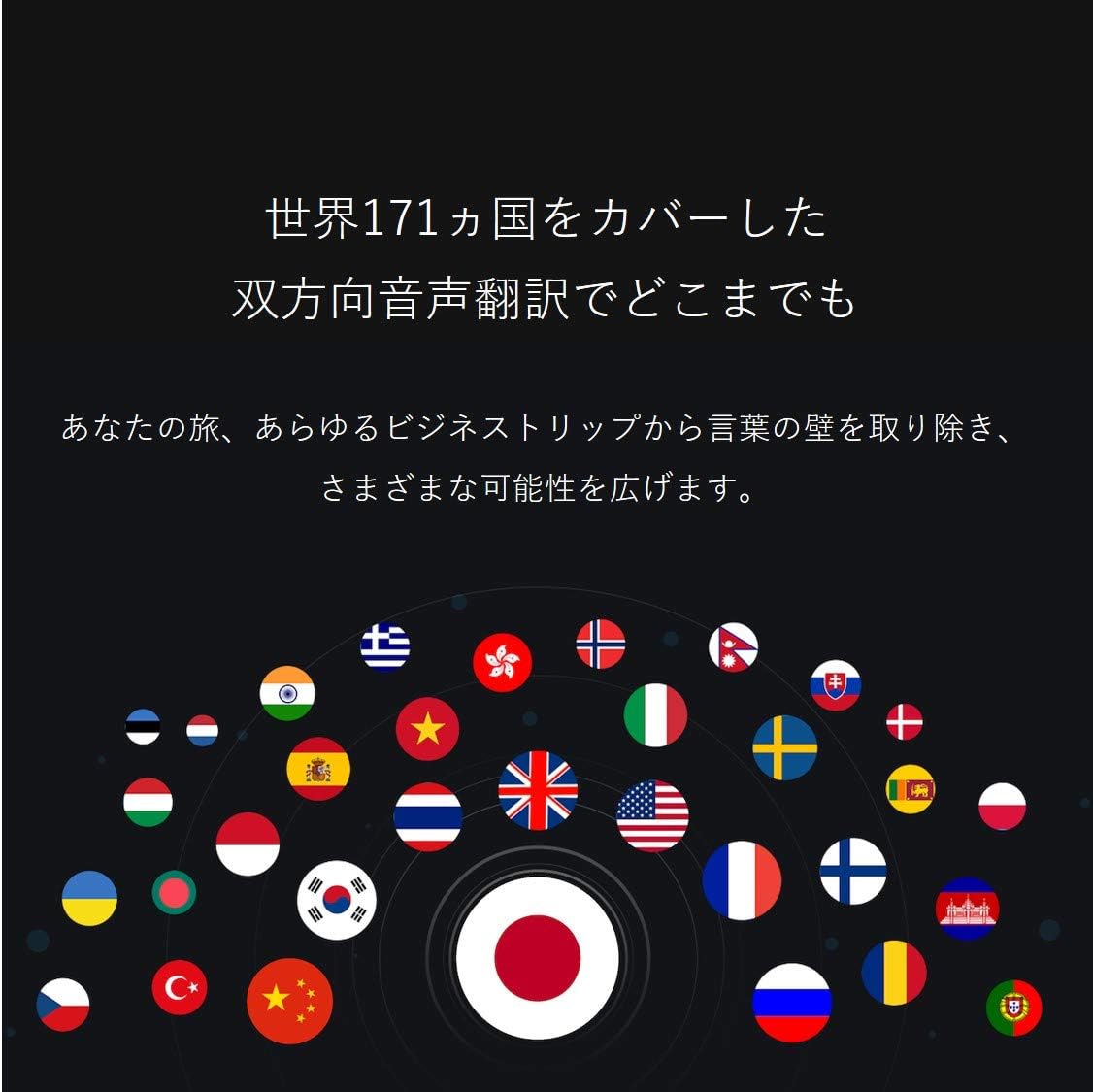
Image: A collection of national flags, symbolizing the extensive language support of the iFLYTEK Translator 2.0 across 171 countries.
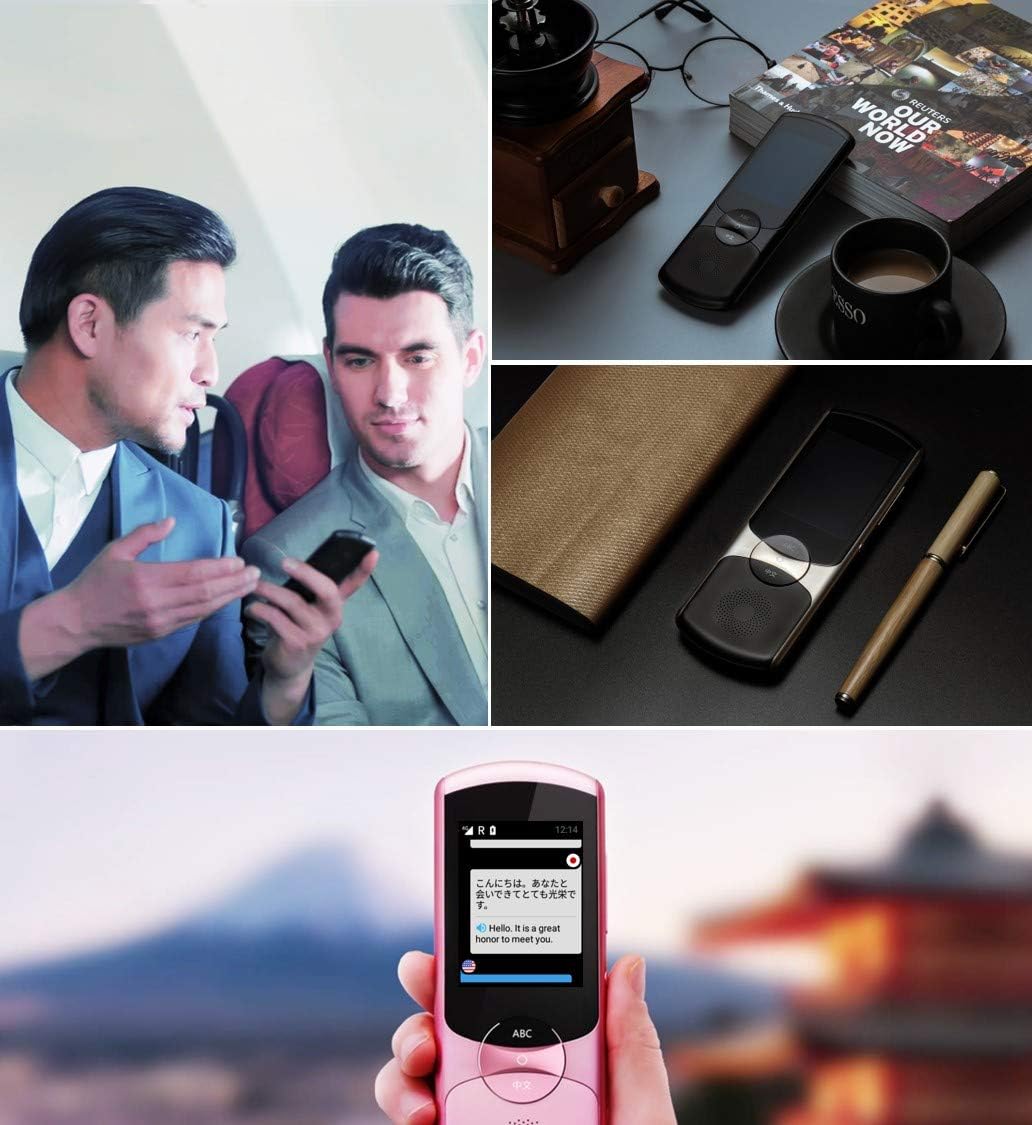
Image: A collage showing the iFLYTEK Translator 2.0 being used in different scenarios, including a business meeting and a travel setting, highlighting its versatility.
2. Camera Translation (11 Languages)
This mode translates text captured by the device's camera.
- Select Camera Translation mode from the main menu.
- Point the device's camera at the text you wish to translate (e.g., signs, menus, documents).
- Ensure the text is well-lit and within the camera's frame.
- Tap the capture button on the screen. The device will process the image and display the translated text.

Image: A user holding the iFLYTEK Translator 2.0 to translate text on a map, demonstrating the camera translation feature.
3. Pronunciation Scoring and Accent Check
The device includes an AI-powered feature to help users improve their pronunciation and check accents.
- Access the Pronunciation Scoring feature from the menu.
- Select the language for practice.
- Speak the displayed phrases or words into the microphone.
- The device will provide feedback on your pronunciation and accent.

Image: An adult and a child interacting with the iFLYTEK Translator 2.0, illustrating its use for pronunciation scoring and language learning.
וישאַלט
- רייניקונג: ניצט אַ ווייכע, טרוקענע שטאָף צו רייניקן דעם אַפּאַראַט. ניצט נישט קיין פליסיקע רייניגער אָדער אַעראָזאָלן.
- סטאָרידזש: האַלט דעם אַפּאַראַט אין אַ קיל, טרוקן אָרט אַוועק פון דירעקט זונשייַן און עקסטרעמע טעמפּעראַטורן.
- באַטערי זאָרגן: כדי צו פארלענגערן די לעבן פון די באַטעריע, זאָלט איר נישט אָפט אויסלאָדן די באַטעריע. לאָדט דאָס אַפּאַראַט רעגולער אויף, אפילו אויב עס ווערט נישט גענוצט פֿאַר לענגערע צייטן.
- ווייכווארג דערהייַנטיקונגען: קאָנטראָלירט און אינסטאַלירט ווייכווארג דערהייַנטיקונגען פּעריִאָדיש צו ענשור אָפּטימאַלע פאָרשטעלונג און צוטריט צו נייַע פֿעיִקייטן.
טראָובלעשאָאָטינג
| פּראָבלעם | מעגלעך סיבה | לייזונג |
|---|---|---|
| די מיטל טוט נישט מאַכט אויף. | נידעריגע באַטעריע; אַפּאַראַט פֿאַרפֿרוירן. | Charge the device for at least 30 minutes. Perform a force restart by holding the power button for 10-15 seconds. |
| די איבערזעצונג איז נישט ריכטיק אדער שטייט. | Poor internet connection; unclear speech; incorrect language selection. | Ensure a stable Wi-Fi or cellular connection. Speak clearly and directly into the microphone. Verify that the correct source and target languages are selected. |
| Camera translation not working. | Insufficient lighting; blurry image; text too small. | Ensure adequate lighting. Hold the device steady to avoid blur. Position the device closer to the text if it's too small. |
| קיין קלאַנג פֿון רעדנער. | Volume too low; speaker obstructed. | Increase the volume using the side buttons. Check if the speaker is blocked by debris. |
ספּעסאַפאַקיישאַנז
| שטריך | דעטאַל |
|---|---|
| סאָרט | אייפלייטעק |
| מאָדעל נומער | EASYTRANS 800 |
| Voice Translation Support | 59 שפּראַכן |
| Camera Translation Support | 11 שפּראַכן |
| ראַש רעדוקציע טעכנאָלאָגיע | Yes, with 4 microphones |
| גלאבאלע קאָמוניקאַציע | 2 years coverage in 98 countries |
| ענטפער צייט | בעערעך 0.5 סעקונדעס |
| קאַמפּאַטאַבאַל דעוויסעס | Laptop, Personal Computer (for data transfer/updates) |
| ייַזנוואַרג צובינד | 802.11 b/g/n (Wi-Fi) |
| אַודיאָ פֿאָרמאַט | WAV |
| כעדפאָון דזשאַק | 3.5 מילאַמיטערז |
| באַטערי טיפּ | 1 ליטהיום יאָן באַטאַרייע (אַרייַנגערעכנט) |
| פּונקט וואָג | 120 גראַמז |
| פאַרשטעלן גרייס | 5.8 אינטשעס |
| באַטערי לעבן | אַרויף צו 6 שעה |
| דיגיטאַל רעקאָרדינג צייט | קסנומקס מינוט |
וואָראַנטי און שטיצן
For warranty information and technical support, please refer to the official iFLYTEK webזייטל אדער קאנטאקט זייער קאסטומער סערוויס. האלט אייער קויף קוויטל אלס באווייז פון קויפן פאר גאראנטיע פארלאנגען.
The device includes 2 years of global communication, which is a service feature rather than a warranty.


