הקדמה
This manual provides detailed instructions for the setup, operation, maintenance, and troubleshooting of your MageGee Star98 Wired Mechanical Gaming Keyboard. This keyboard features a 98-key layout, Red mechanical switches, and customizable backlighting, designed for an enhanced typing and gaming experience.
וואָס איז אין די קעסטל
- MageGee Star98 Mechanical Keyboard
- וסב קאַבלע
- Additional Red Keycaps (quantity may vary)
סעטאַפּ אינסטרוקציעס
- פֿאַרבינדן די קלאַוויאַטור: Plug the provided USB cable into the USB port on the keyboard and then into an available USB port on your computer.
- דרייווער ינסטאַלירונג: The keyboard is plug-and-play and does not require additional driver installation for basic functionality. Your operating system (Windows, Mac, Linux, Android) will automatically recognize the device.
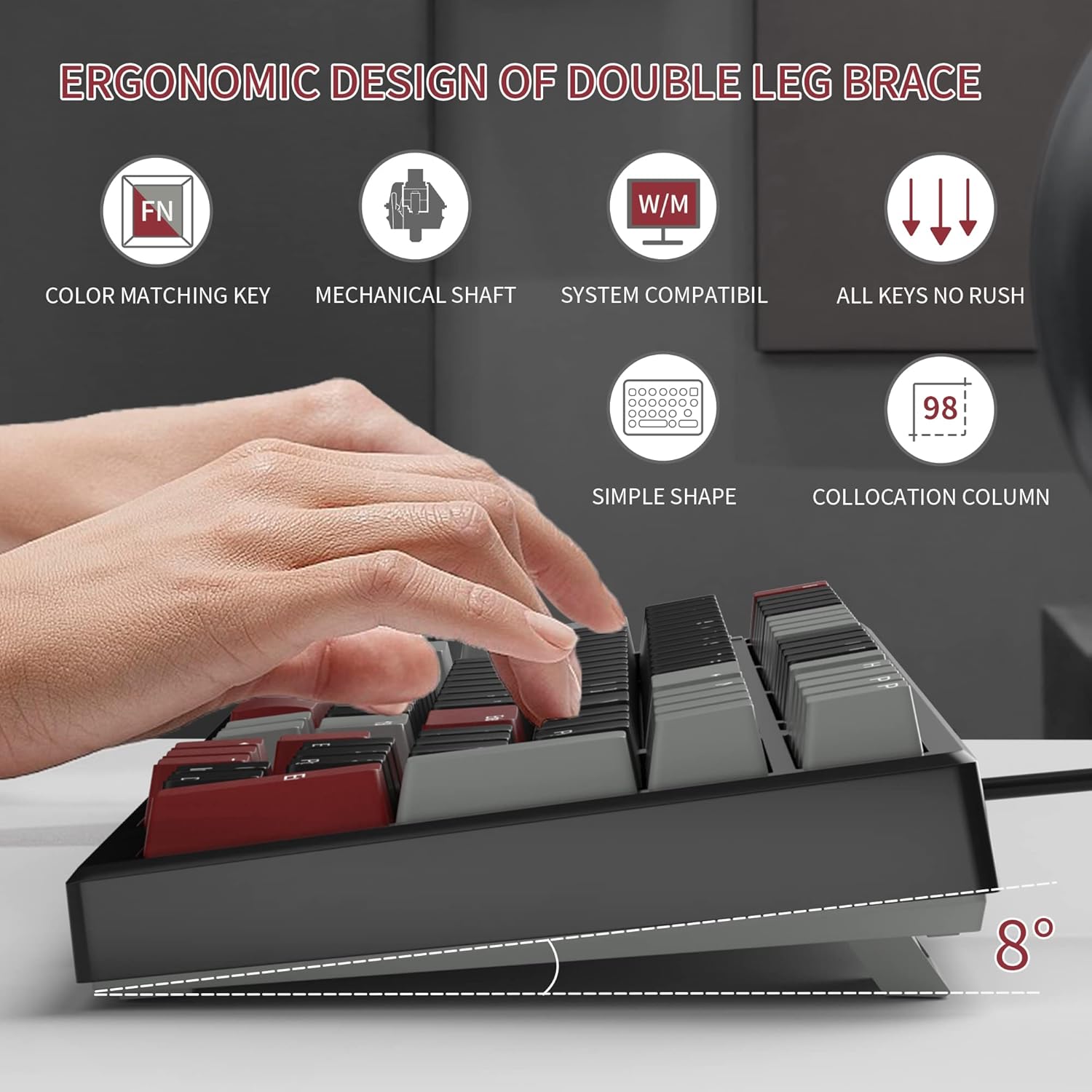
- Adjust Tilt Legs: For ergonomic comfort, you can extend the adjustable tilt legs located on the underside of the keyboard.
אַפּערייטינג ינסטראַקשאַנז
שליסל פֿעיִקייטן
- 98-קנעפל אויסלייג: This compact layout retains most standard keyboard functionality while saving desk space.
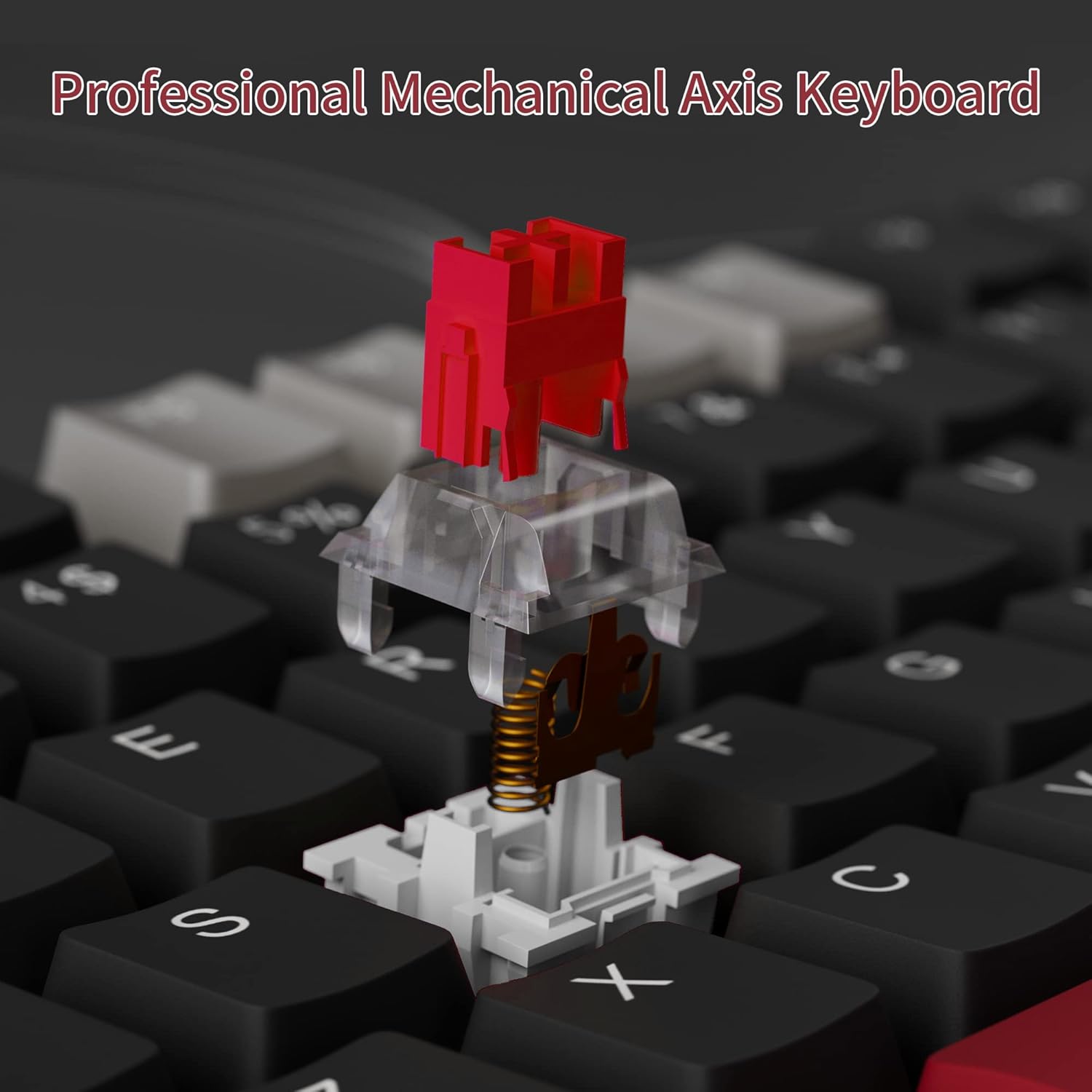
- רויטע מעכאנישע סוויטשעס: Provides a fast response with tactile feedback for typing and gaming.
- אַנטי-גהאָסטינג: All 98 keys support anti-ghosting for simultaneous key presses.
- הייס-סוואַפּאַבל דיזיין: Compatible with most 3-pin and 5-pin mechanical switches, allowing for customization.
- באַקלייט: Features solid sea blue backlighting with multiple operational modes.
- WIN שליסל שלאָס: Function to prevent accidental presses of the Windows key during gaming.
באַקלייט מאָדעס
The keyboard's backlight has multiple operational modes. Refer to the keyboard's function key combinations (usually Fn + specific keys) for cycling through modes or turning the backlight off. Specific key combinations are typically printed on the keycaps or detailed in a quick start guide.
הייס-סוואַפּפּאַבלע סוויטשיז
The MageGee Star98 keyboard features a hot-swappable design, allowing users to change mechanical switches without soldering. This feature supports most 3-pin and 5-pin switches available on the market.
- אַראָפּנעמען שליסל-קאַפּ: Use a keycap puller to gently remove the desired keycap.
- אַראָפּנעמען סוויטש: Use a switch puller to carefully extract the mechanical switch from its socket.
- אריינשטעלן נייעם סוויטש: גלייכט אויס די שטיפטלעך פון דעם נייעם סוויטש מיט די לעכער אויפן פּקב און דריקט פעסט ביז עס קליקט אריין אין פלאץ. מאַכט זיכער אַז די שטיפטלעך זענען נישט געבויגן.
- פאַרבייַטן קלאַוויאַטור: לייג צוריק דעם קלאַוויאַטור אויף דעם נייעם סוויטש סטעם.


וישאַלט
- רייניקונג קלאַוויאַטור קאַפּס: ניצן אַ ווייך, דamp cloth to wipe down keycaps. For deeper cleaning, keycaps can be removed using a keycap puller and washed with mild soap and water, then thoroughly dried before reattaching.
- רייניקונג אונטער קלאַוויאַטור קאַפּס: Use compressed air to remove dust and debris from between the switches and under the keycaps.
- קאַבלע זאָרגן: פֿאַרמײַדט שאַרפֿע בייגן אָדער איבערגעטריבענעם ציען דעם USB קאַבל כּדי צו פֿאַרמײַדן שאָדן.
טראָובלעשאָאָטינג
- קלאַוויאַטור רעאַגירט נישט:
- זיכער מאַכן אַז דער USB קאַבל איז זיכער פארבונדן צו ביידע די קלאַוויאַטור און דעם קאָמפּיוטער.
- פרובירט אריינצושטעקן די קלאַוויאַטור אין אַן אַנדער USB פּאָרט אויף אייער קאָמפּיוטער.
- פּרובירט די קלאַוויאַטור אויף אַן אַנדער קאָמפּיוטער צו אויסשליסן סיסטעם-ספּעציפֿישע פּראָבלעמען.
- שליסלען רעגיסטרירן זיך נישט אדער טייפן זיך צוויי מאל:
- Remove the keycap and switch for the affected key. Inspect for any debris or bent pins on the switch.
- If the switch is damaged, replace it with a new one (utilizing the hot-swappable feature).
- זיכער מאַכן אַז דער סוויטש איז גאָר אַרײַן אין זײַן סאָקעט.
- Backlight not working or incorrect mode:
- Refer to the keyboard's function key combinations to cycle through backlight modes or turn it on/off.
- זייט זיכער אז די קלאַוויאַטור באַקומט גענוג מאַכט פֿון די USB פּאָרט.
ספּעסאַפאַקיישאַנז
| שטריך | דעטאַל |
|---|---|
| סאָרט | MageGee |
| מאָדעל | שטערן98 |
| קאַנעקטיוויטי טעכנאָלאָגיע | ווייערד (וסב) |
| קלאַוויאַטור באַשרייַבונג | מעטשאַניקאַל |
| באַשטימען טיפּ | רויטע סוויטשעס |
| שליסל גראף | 98 קיז |
| באַקלייט | Solid Sea Blue (Single Color) |
| קאַמפּאַטאַבילאַטי | Win2000, Win XP, Win ME, Vista, Win7, Win8, Win10, Android, Linux, Mac |
| מאַטעריאַל | אַקרילאָניטרילע בוטאַדיענע סטירענע (אַבס) |
| פּונקט וואָג | 2.16 פונט |
| פּעקל דימענשאַנז | 16.14 X 6.97 X 1.77 אינטשעס |
וואָראַנטי און שטיצן
For warranty information and customer support, please refer to the official MageGee webזייטל אדער קאנטאקט זייער קאסטומער סערוויס גלייך. דעטאלן ווערן געווענליך צוגעשטעלט מיט דער פראדוקט פארפאקונג אדער אויף דער פאבריקאנט'ס webפּלאַץ.


