הקדמה
This manual provides detailed instructions for the setup, operation, maintenance, and troubleshooting of your STEELPLAY Wireless Controller, model LA-0HNY-U4YG. Please read this manual carefully before using the product to ensure proper functionality and to prevent damage.
סעטאַפּ
פּעקל אינהאַלט
באַשטעטיקן אַז אַלע זאכן זענען פאַראַן אין פּעקל:
- STEELPLAY Wireless Controller (LA-0HNY-U4YG)
- וסב טשאַרדזשינג קאַבלע
- באַניצער מאַנואַל (דעם דאָקומענט)
טשאַרדזשינג די קאָנטראָללער
Before first use, fully charge the controller. Connect the USB charging cable to the controller's charging port and the other end to a powered USB port (e.g., gaming console, PC, USB wall adapter).
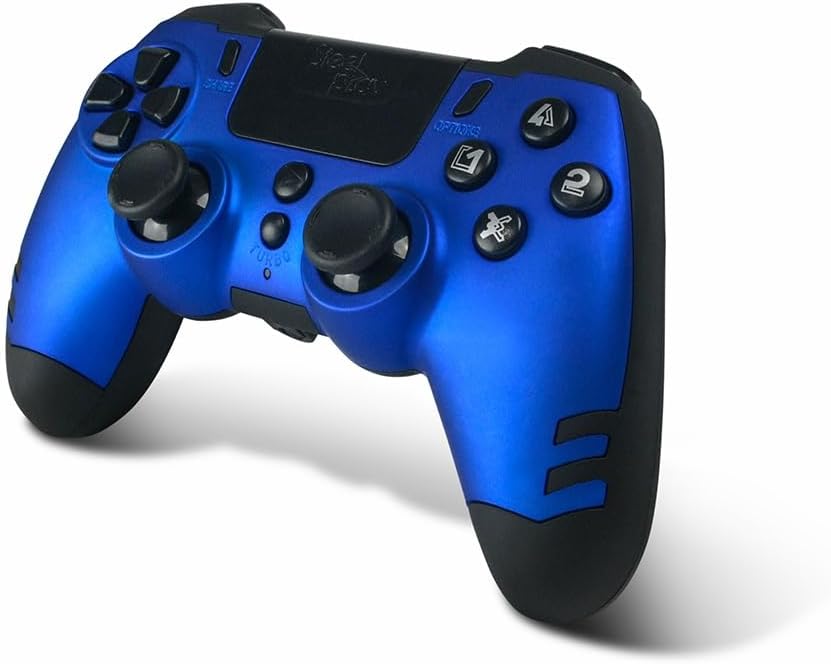
Image: The STEELPLAY Wireless Controller with a charging cable connected. This image illustrates the controller's design and potential charging port location.
פּערינג מיט אַ מיטל
Follow these steps to pair your wireless controller with your gaming console or PC:
- מאַכן זיכער אַז די קאָנטראָללער איז טשאַרדזשינג.
- Turn on your gaming console or PC.
- אויף די קאָנטראָללער, דריקן און האַלטן די ייַנטיילן קנעפּל און די PS button simultaneously until the light bar begins to flash.
- On your device, navigate to Bluetooth settings and select the "STEELPLAY Wireless Controller" from the list of available devices.
- Once paired, the light bar will stop flashing and remain lit, indicating a successful connection.
אַפּערייטינג ינסטראַקשאַנז
יקערדיק קאָנטראָלס
The STEELPLAY Wireless Controller features standard gamepad controls. Familiarize yourself with the button layout:
- ריכטונגס-פאד (די-פאד): פֿאַר פּינקטלעכער ריכטונג־איינגאַב.
- לינקס/רעכטס אנאלאג שטעקנס: פֿאַר באַוועגונג און קאַמעראַ קאָנטראָל.
- אַקציע קנעפּלעך (דרייעק, קרייז, קרייץ, קוואַדראַט): פֿאַר אַקציעס אין שפּיל.
- אַקסל קנעפּלעך (L1, R1) און טריגערס (L2, R2): פֿאַר פֿאַרשידענע אין-שפּיל פֿונקציעס.
- טיילן קנעפּל: To share gameplay content.
- אָפּציעס קנעפּל: צו צוקומען צו אין-שפּיל מעניוס אדער צו פּויזירן.
- PS קנעפּל: To access the console's home menu or power on/off the controller.
- ריר פּאַד: For additional input, often used for navigation or specific game mechanics.
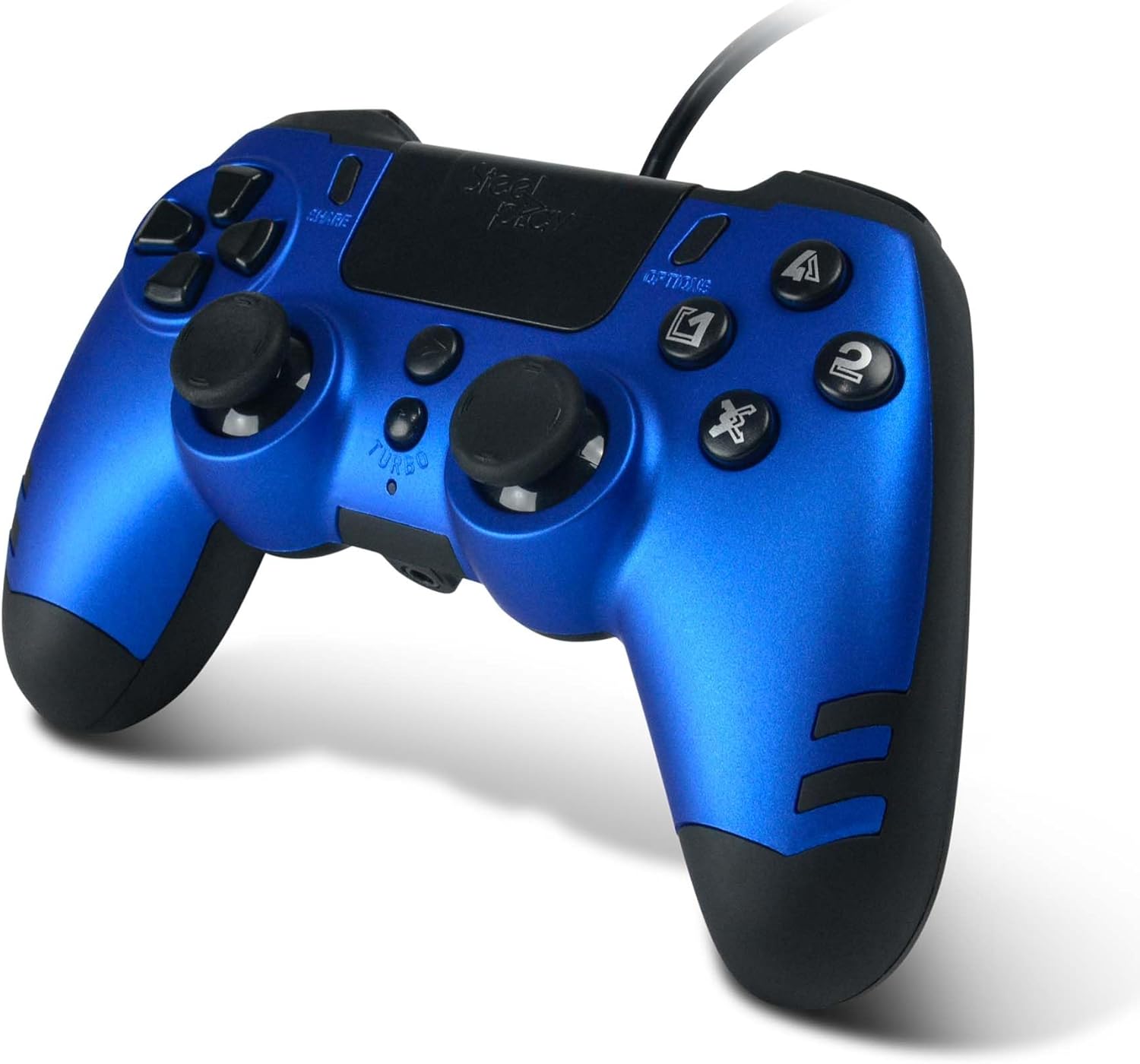
בילד: א דעטאַלירטע view of the STEELPLAY Wireless Controller, highlighting the layout of its 14 buttons, D-pad, and analog sticks.
מאַכט אויף / אַוועק
- צו אנצינדן: דריק די PS קנעפּל.
- צו אויסלעשן: דריק און האלט די PS button for approximately 10 seconds until the controller powers down.
ריקאַנעקטינג
Once paired, the controller should automatically reconnect to the last paired device when powered on. If it does not, press the PS button to initiate reconnection.
וישאַלט
רייניקונג
צו רייניקן דעם קאָנטראָללער, ניצט אַ ווייכן, טרוקענעם שטאָף. פֿאַר שווערן שמוץ, אַ ביסל ווייכער מאַכןampen the cloth with water. Do not use harsh chemicals, solvents, or abrasive cleaners, as these can damage the controller's finish and internal components.
סטאָרידזש
האַלט דעם קאָנטראָללער אין אַ קיל, טרוקן אָרט אַוועק פון דירעקט זונשייַן און עקסטרעמע טעמפּעראַטורן. פֿאַרמייַדט צו שטעלן שווערע זאַכן אויף דעם קאָנטראָללער.
באַטערי קער
The controller contains a rechargeable battery. To prolong battery life:
- פֿאַרמײַדט אָפֿט פֿולשטענדיק אויסצולאָדן די באַטעריע.
- Charge the controller regularly, even if not in use for extended periods.
- שטעלט נישט אויס דעם קאָנטראָללער צו טעמפּעראַטורן העכער 60°C (140°F).
טראָובלעשאָאָטינג
- Controller does not power on:
- Ensure the controller is fully charged. Connect it to a power source using the USB cable and allow it to charge for at least 30 minutes before attempting to power it on again.
- Controller does not connect or pair:
- Ensure the controller is in pairing mode (light bar flashing).
- Verify that the device you are trying to connect to has Bluetooth enabled.
- Remove any previous pairings of the controller from your device's Bluetooth settings and attempt to pair again.
- Move the controller closer to the device to ensure a strong signal.
- Restart both the controller and the device.
- Input lag or unresponsive buttons:
- זיכער מאַכן אַז דער קאָנטראָללער איז גאָר אָנגעלאָדן. אַ נידעריקע באַטאַרייע קען אַפעקטירן די פאָרשטעלונג.
- Reduce interference by moving away from other wireless devices (Wi-Fi routers, other Bluetooth devices).
- If possible, try connecting the controller via a USB cable to see if the issue persists (if wired mode is supported).
ספּעסאַפאַקיישאַנז
| שטריך | דעטאַל |
|---|---|
| מאָדעל נאָמען | LA-0HNY-U4YG |
| Brand (Manufacturer) | STEELPLAY |
| Brand (Retail) | לעקסיפּ |
| קאַנעקטיוויטי | ווירעלעסס |
| נומער פון קנעפּלעך | 14 |
| דימענשאַנז | 17.5 X 13 X 8.3 סענטימעטער |
| וואָג | 350 ג |
| באַטעריז אַרייַנגערעכנט | No (Features an internal rechargeable battery) |
וואָראַנטי און שטיצן
Specific warranty information is not provided in this manual. Please refer to the retailer's purchase terms or the manufacturer's official website for detailed warranty policies and support contact information.
For further assistance, please contact STEELPLAY customer support through their official channels.


