1. הקדמה
די MUBVIEW Indoor Security Camera 2K, Model PK320, is designed to provide reliable and high-quality surveillance for your home. Featuring 2K Full HD video, two-way audio, human detection, and motion tracking, this camera allows you to monitor your indoor spaces with ease and peace of mind. It supports both 2.4GHz and 5GHz Wi-Fi networks for stable connectivity and offers flexible storage options.

Figure 1: MUBVIEW Indoor Security Camera 2K (Model PK320)
2. וואָס איז אין דער קעסטל
ביטע באַשטעטיקן אַז אַלע קאָמפּאָנענטן זענען פאַראַן איידער איר גייט ווייטער מיט דער אינסטאַלאַציע:
- Indoor Camera with 1.7M Power Cable
- Pet Camera Mounting Bracket
- Dog Camera Screw Kit
- Security Camera Indoor User Manual
- Pet Camera Indoor With Phone App Charger
3. סעטאַפּ גייד
3.1 ערשט סעטאַפּ
Follow these steps for a quick and easy setup:
- אָפּלאָדירן די MUBVIEW אַפּ: זוכן פֿאַר "MUBVIEW" in your mobile device's app store (iOS or Android) and download the official application.
- אײַנשטעלן און פֿאַרבינדן זיך צו Wi-Fi: Plug the camera into a power outlet using the provided charger. The camera will power on. Open the MUBVIEW app and follow the on-screen instructions to connect the camera to your 2.4GHz or 5GHz Wi-Fi network. Ensure your Wi-Fi password is correct.
- Enjoy Monitoring: Once connected, you can begin monitoring your space, adjust settings, and utilize all camera features through the app.

פיגור 2: שנעלער און גרינגער סעטאַפּ פּראָצעס
3.2 נעטוואָרק קאַנעקשאַן
די MUBVIEW PK320 supports both 2.4GHz and 5GHz dual-band Wi-Fi for fast and stable connectivity. Ensure your router is configured to allow connections on these frequencies. For optimal performance, place the camera within a reasonable range of your Wi-Fi router.
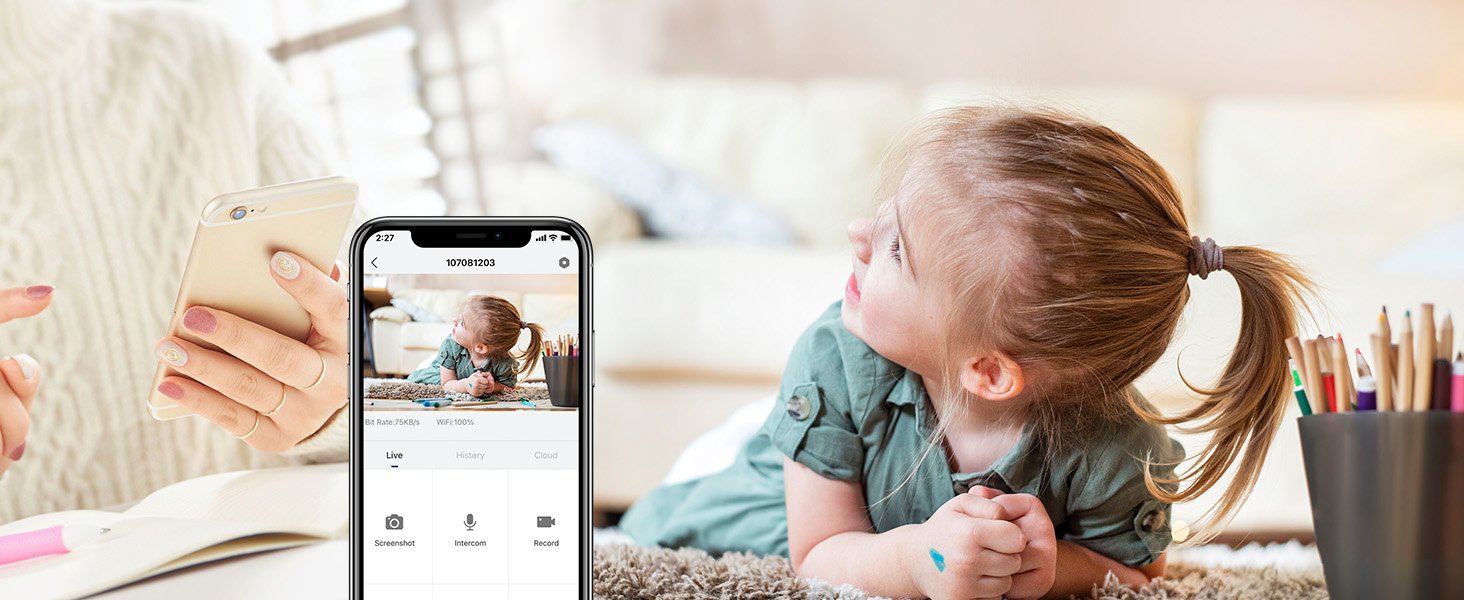
Figure 3: Dual-band Wi-Fi Support
3.3 SD Card Installation (Optional)
For local storage of recordings, you can install a Micro SD card (up to 128GB, not included). The SD card slot is typically located near the camera lens or on the side. Gently insert the card until it clicks into place. Format the SD card through the MUBVIEW app settings after insertion.
Figure 4: Location of SD Card Slot and Reset Button
4. אַפּערייטינג די קאַמעראַ
4.1 לעבן View and 2K FHD Quality
Access the live feed from your camera anytime, anywhere through the MUBVIEW app. The 2K Full HD resolution provides clear and detailed video, allowing you to see every important moment.

Figure 5: Key Features of PK320 Smart Camera
4.2 פּאַן, טילט, און זום (PTZ)
קאָנטראָלירן די קאַמעראַ viewing angle directly from your phone. Swipe on the live view screen to pan (355 degrees horizontally) and tilt (80 degrees vertically) the camera, ensuring comprehensive coverage of your room. The digital zoom allows you to focus on specific details.

Figure 6: Camera Pan and Tilt Capabilities
4.3 צוויי-וועג אַודיאָ
The built-in microphone and speaker enable clear two-way communication. You can listen to what's happening in the room and speak through the camera to comfort a pet, soothe a baby, or communicate with family members.

פיגור 7: צוויי-וועג אודיאָ אין באַנוץ
4.4 באַוועגונג דעטעקציע און טראַקינג
The camera features smart human detection and motion tracking. When motion is detected, the camera can automatically track the moving object and send instant alerts to your phone. This ensures you are always informed of activity in your monitored area.

Figure 8: Auto Tracking in Action

Figure 9: Human Detection Capability
4.5 נאַכט זעאונג
Equipped with 4 IR lights, the camera provides clear night vision, allowing you to monitor your space even in low-light or complete darkness. You can see every movement of your baby or pet at night.
4.6 סטאָרידזש אָפּציעס
The camera offers flexible storage solutions for your recordings:
- וואָלקן סטאָרידזש: Securely save your footage to the cloud. MUBVIEW offers a free 7-day cloud service, with options for extended plans.
- לאקאלע סטאָרידזש: Store recordings directly on a Micro SD card (up to 128GB, not included).

Figure 10: Cloud and SD Card Storage Options
4.7 Multi-Device Viewינג און טיילן
די MUBVIEW app allows simultaneous viewing of up to four cameras. You can also easily share camera access with trusted individuals, granting them either 'view only' or 'allow control' permissions. This is ideal for family members or security personnel.

Figure 11: Sharing Camera Access with Multiple Users

Figure 12: Multi-Device Sharing Options in App
4.8 פּריוואַטקייט פּראַטעקשאַן
די MUBVIEW app includes privacy protection features, allowing you to set schedules for when the camera's lens should be off or to manually turn off the lens for privacy. This ensures your personal moments remain private.
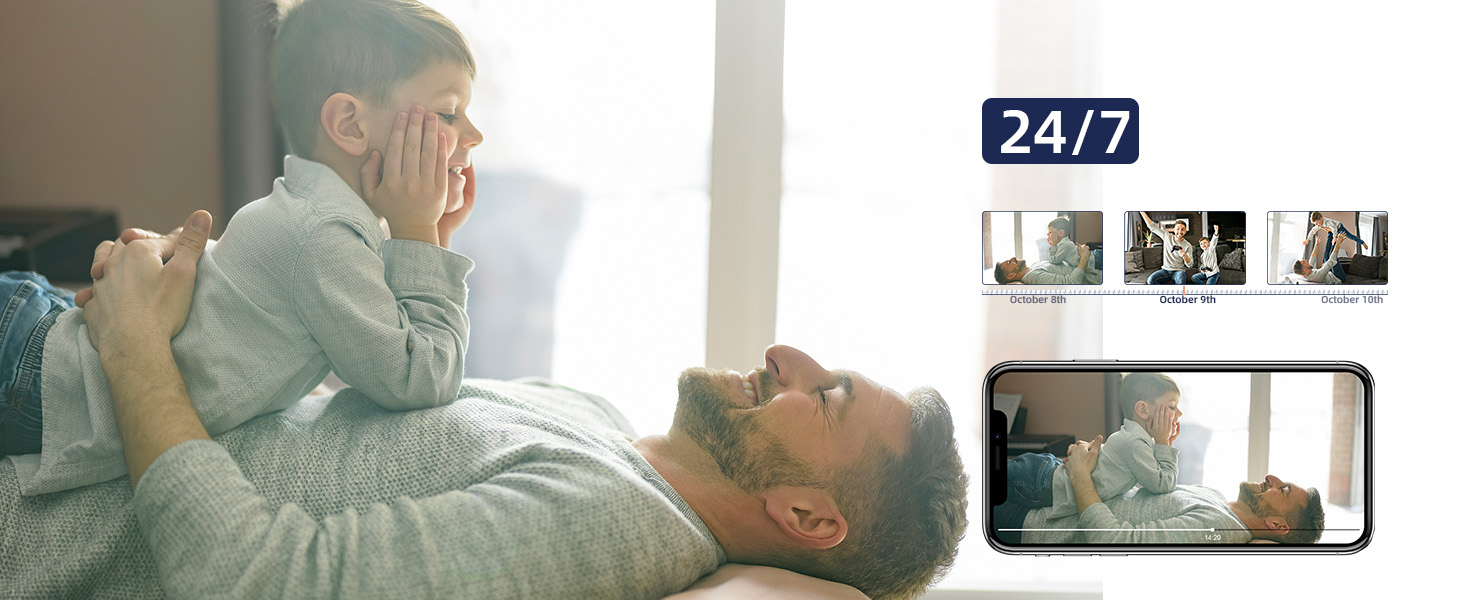
Figure 13: Privacy Protection Features
5. וישאַלט
To ensure optimal performance and longevity of your MUBVIEW camera, consider the following maintenance tips:
- רייניקונג: ווישט אָפּ די קאַמעראַ לינז און קערפּער מיט אַ ווייכן, טרוקענעם שטאָף. פֿאַרמייַדט ניצן שטרענגע כעמיקאַלן אָדער אַברייסיוו מאַטעריאַלן וואָס קענען קראַצן די ייבערפלאַך.
- Firmware דערהייַנטיקונגען: Regularly check the MUBVIEW app for available firmware updates. Updates often include performance improvements, new features, and security enhancements.
- מאַכט צושטעלן: ניצט נאָר דעם אָריגינעלן מאַכט אַדאַפּטער וואָס איז צוגעשטעלט געוואָרן מיט דער קאַמעראַ צו פאַרמייַדן שעדיקן.
- אָרט: Ensure the camera is placed in a stable, dry indoor environment, away from direct sunlight, extreme temperatures, and high humidity.
6. טראָובלעשאָאָטינג
If you encounter issues with your MUBVIEW camera, try the following solutions:
- אַפּאַראַט ניט קאַנעקטינג צו Wi-Fi:
- Ensure your Wi-Fi network is 2.4GHz or 5GHz.
- קאָנטראָלירט אייער Wi-Fi פּאַראָל פֿאַר אַקיעראַסי.
- ריקט די קאַמעראַ נענטער צו אייער Wi-Fi ראַוטער.
- ריסטאַרט דיין ראַוטער און די קאַמעראַ.
- Perform a factory reset on the camera using the reset button (refer to Figure 4 for location) and try connecting again.
- נעבעך ווידעא קוואַליטעט:
- קאָנטראָלירט אייער אינטערנעט פֿאַרבינדונג גיכקייט. א סטאַבילע און שנעלע פֿאַרבינדונג איז קריטיש פֿאַר 2K סטרימינג.
- זיכער מאַכן אַז די קאַמעראַ לענס איז ריין און פריי פון שטויב אָדער שמוץ.
- Adjust the camera's position to avoid glare or backlighting.
- קיין פּראָבלעמען מיט אַודיאָ אָדער צוויי-וועג רעדן:
- Check the volume settings in the MUBVIEW app and on your phone.
- זיכער מאַכן אַז דער מיקראָפאָן און רעדנער אויף דער קאַמעראַ זענען נישט פאַרשטאָפּט.
- Verify app permissions for microphone access on your mobile device.
- באַוועגונג דעטעקשאַן ניט ארבעטן:
- Ensure motion detection is enabled in the MUBVIEW אַפּ סעטטינגס.
- אַדזשאַסטירן די באַוועגונג דעטעקשאַן סענסיטיוויטי.
- Check the camera's field of view for any obstructions.
- SD קאַרטל רעקאָרדירט נישט:
- זיכער מאַכן אַז די SD קאַרטל איז ריכטיק אַרײַנגעשטעלט.
- Format the SD card through the MUBVIEW אַפּ.
- Verify the SD card is not full or corrupted.
- Ensure continuous recording or event recording is enabled in app settings.
7. ספּעסאַפאַקיישאַנז
| שטריך | דעטאַל |
|---|---|
| מאָדעל נאָמען | PK320 |
| דרינענדיק / דרויסנדיק באַניץ | דרינענדיק |
| ווידעא קאַפּטורע רעסאָלוטיאָן | 3MP (2K FHD) |
| קאַנעקטיוויטי פּראָטאָקאָל | Wi-Fi (2.4GHz און 5GHz) |
| מאַכט מקור | Corded Electric (5V AC, 5 watts) |
| קאָנטראָללער טיפּ | CloudEdge, iOS, Mubview, Android App |
| מאַונטינג טיפּ | Surface Mount, Ceiling Mount, Wall Mount |
| Viewינג אַנגלע | 355 גראַד (פּאַן), 80 גראַד (טילט) |
| נאַכט וויזשאַן ראַנגע | 8 מעטער |
| ראַם קורס | 15-20 פפּס |
| מאַטעריאַל | אַקרילאָניטרילע בוטאַדיענע סטירענע (אַבס) |
| נומער דימענשאַנז (L X W X H) | 3 X 5 X 3 אינטשעס |
| פּונקט וואָג | 10.88 אונסעס |
| Max Flash Memory Supported Size | 128 גיגאבייט |
| ספּעציעלע פֿעיִקייטן | Smart Tracking, Human Detection, 2-Way Audio, Night Vision, Privacy Protection |
8. וואָראַנטי און שטיצן
MUBVIEW is committed to providing excellent customer service and product reliability:
- Lifetime Service/Warranty: Your MUBVIEW camera comes with a lifetime service and warranty, ensuring long-term support and confidence in your purchase.
- שנעל ענטפער: MUBVIEW aims for quick responses to all customer inquiries.
- 24/7 Professional Technical Support: Access professional technical support around the clock for any assistance you may need.
For further assistance, please refer to the MUBVIEW app's support section or visit the official MUBVIEW webפּלאַץ.


