1. הקדמה
The NiTHO HEXAGON Wireless RGB Controller is designed for an enhanced gaming experience across multiple platforms. This manual provides detailed instructions for setting up, operating, customizing, and maintaining your controller. Please read this manual thoroughly before use to ensure optimal performance and longevity of your device.

Figure 1: NiTHO HEXAGON Wireless RGB Controller showcasinג זײַן ערגאָנאָמישן פּלאַן.
2. וואָס איז אין דער קעסטל
באַשטעטיקן אַז אַלע קאָמפּאָנענטן זענען פאַראַן אין דער פּאַקעט:
- NiTHO HEXAGON Wireless RGB Controller (Gamepad)
- וסב טשאַרדזשינג קאַבלע
- ינסטראַקשאַנז מאַנואַל
- Customizable Parts (D-pads, Thumbsticks, Triggers)
3. קאַמפּאַטאַבילאַטי
The NiTHO HEXAGON Wireless RGB Controller offers broad compatibility:
- PlayStation 4 (PS4): Fully compatible.
- PlayStation 5 (PS5): Compatible only when playing PlayStation 4 games.
- פּיסי (ווינדאָוז): Compatible via wireless connection.
- אַנדרויד דעוויסעס: Compatible via wireless connection.
- יאָס דעוויסעס: Compatible via wireless connection.
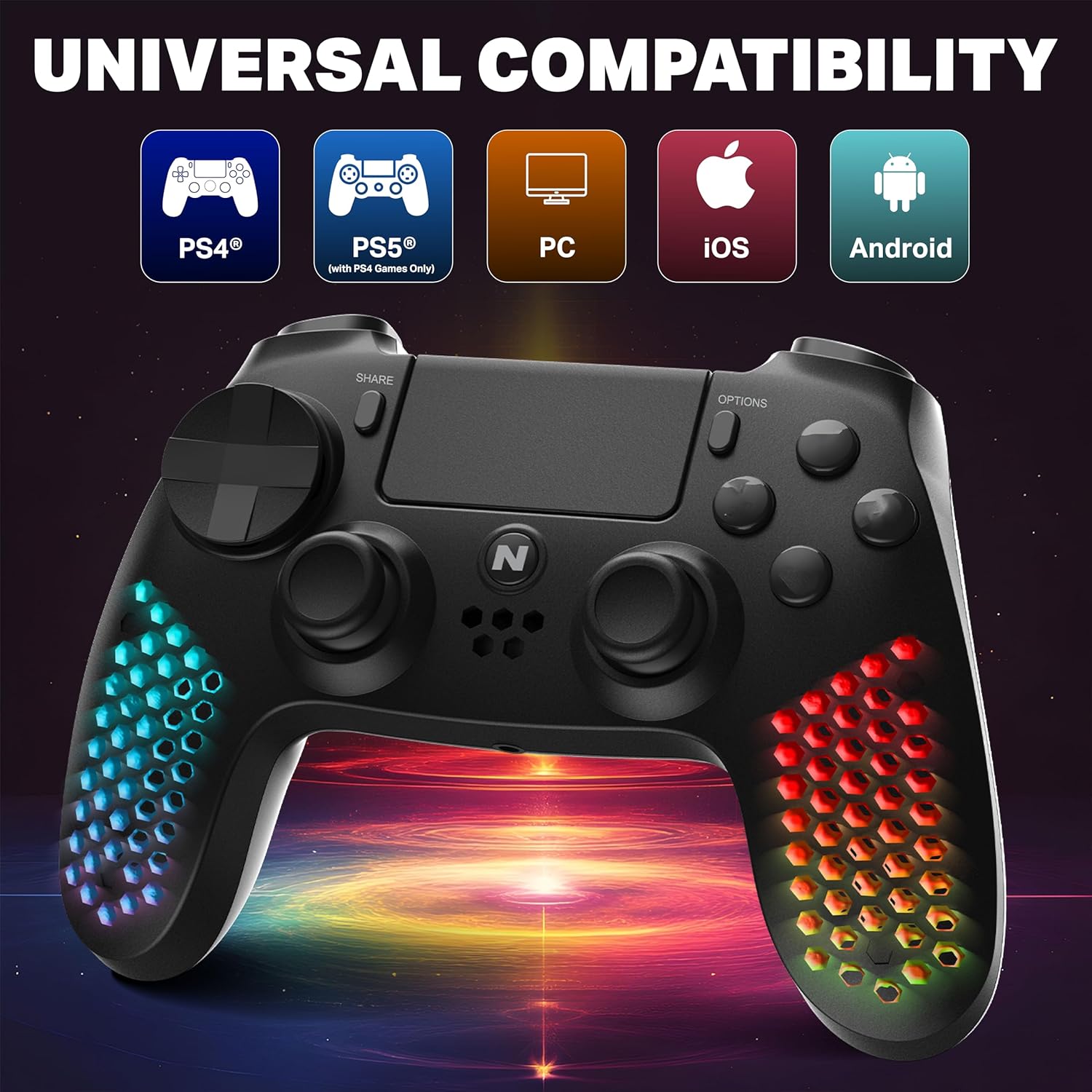
Figure 2: Visual representation of the controller's multi-platform compatibility.
4. סעטאַפּ און קאַנעקשאַן
4.1 Initial Pairing (Wireless)
- זיכער מאַכן אַז דער קאָנטראָללער איז גענוג אָנגעלאָדן.
- For PS4/PS5 (PS4 games): Connect the controller to the console using the provided USB cable. Press the PS button on the controller. Once paired, you can disconnect the cable for wireless use.
- For PC/Android/iOS: Activate Bluetooth on your device. Put the controller into pairing mode (refer to device-specific instructions, usually holding a combination of buttons like PS + Share). Select "NiTHO HEXAGON Controller" from the available Bluetooth devices.
4.2 ווייערד קאַנעקשאַן
Connect the controller directly to your console or PC using the USB charging cable. The controller will function as a wired device and charge simultaneously.
5. אפערירן דעם קאנטראלער
5.1 יקערדיק קאָנטראָלס
The controller features standard gamepad buttons, analog sticks, and triggers. Refer to your game's instructions for specific button mappings.
5.2 טאָוטשפּאַד פאַנגקשאַנאַליטי
The integrated multi-touch and clickable touchpad functions as a navigation and input device in compatible PS4 games.

Figure 3: Demonstrating the use of the controller's multi-touch pad.
5.3 Motion Sensing and Vibration
The built-in 6-axis motion sensor (accelerometer and gyroscope) detects the controller's movement, tilt, and rotation, providing immersive gameplay. The lightweight vibration system offers realistic feedback during gameplay.

Figure 4: Illustration of the controller's 6-axis motion sensing capability.

Figure 5: Controller in use, highlighting the vibration mode for realistic feedback.
5.4 אַודיאָ פֿעיִקייטן
The controller includes a built-in speaker for in-game audio cues and a stereo headset jack for connecting headphones or a headset for private audio and voice chat.
6. קוסטאָמיזאַטיאָן
The NiTHO HEXAGON controller offers customizable components to suit your gaming style:
- Detachable L2/R2 Trigger Sets: Swap out the triggers for different tactile feedback.
- Two Types of D-pads: Choose the D-pad that best fits your preference for directional input.
- Three Styles of Thumbsticks: Select from various thumbstick shapes for optimal grip and control.
To change a component, gently pull the existing part off and align the new part with the slot, then push it firmly into place until it clicks.

פיגורע 6: איבערview of the customizable parts for the controller, including analog sticks, triggers, and D-pad.
7. RGB לייטינג עפעקטן
The hexagonal grip features integrated RGB lighting with multiple modes and colors:
- 4 לייטינג מאָדעס: Rainbow, Carousel, Breathe, Fixed.
- 8 קאָליר אָפּציעס: Cycle through various colors to match your preference.
Press the dedicated RGB button (location may vary, refer to controller diagram if available) to cycle through the lighting modes and colors.
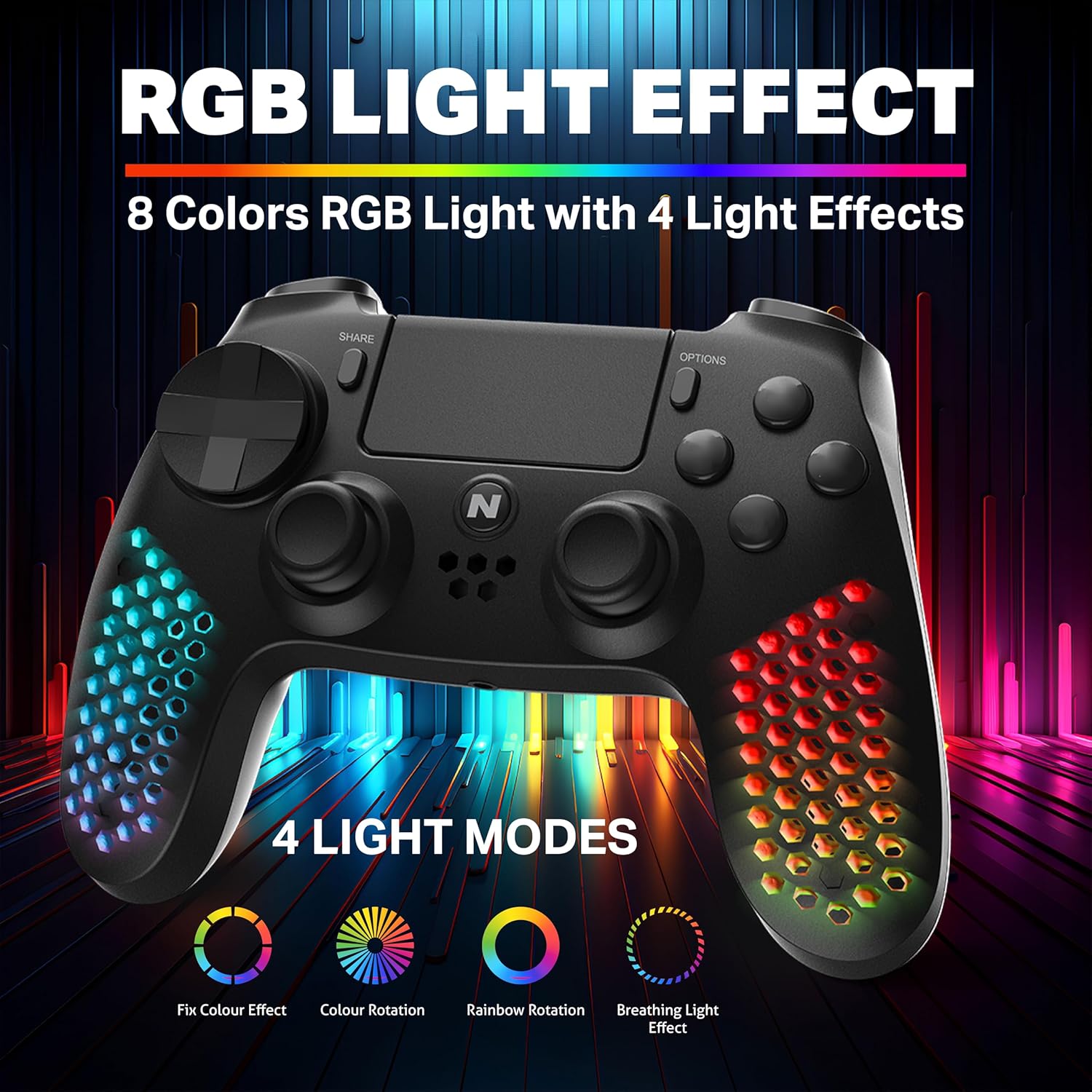
Figure 7: The controller showcasing its RGB light effects with different modes and colors.
8. אויפלאָדן דעם קאָנטראָללער
The controller is equipped with a high-capacity built-in rechargeable battery, providing up to 9 hours of playtime on a single charge.
8.1 טשאַרדזשינג פּראָצעדור
- Connect the provided USB charging cable to the USB-C port on the controller.
- Plug the other end of the USB cable into your console, PC, or any standard USB charger.
- The front LED indicator on the controller will show the charging status. It will typically change color or pattern to indicate charging and full charge.

Figure 8: The controller connected for charging, highlighting its large battery capacity.
9. וישאַלט
- האַלט דעם קאָנטראָללער ריין דורך אים ווישן מיט אַ ווייכן, טרוקענעם שטאָף.
- פֿאַרמײַדט אויסשטעלן דעם קאָנטראָללער צו עקסטרעמע טעמפּעראַטורן, פֿײַכטקייט, אָדער דירעקטער זון.
- פרובירט נישט צו צענעמען דעם קאנטראלער, ווייל דאס קען בטל מאכן די גאראנטיע.
- האַלט דעם קאָנטראָללער אין אַ זיכערן אָרט ווען עס איז נישט אין באַנוץ, כּדי צו פאַרמייַדן שאָדן.
10. טראָובלעשאָאָטינג
| פּראָבלעם | מעגלעך לייזונג |
|---|---|
| דער קאָנטראָללער צינדט זיך נישט אָן. | זיכער מאַכן אַז דער קאָנטראָללער איז גאָר אויפגעלאָדן. פֿאַרבינדט עס צו אַ מאַכט מקור מיטן USB קאַבל. |
| דער קאָנטראָללער פּערט זיך נישט וויירלעס. | Ensure the controller is in pairing mode. Check your device's Bluetooth settings. Try re-pairing by connecting with a USB cable first. |
| Input lag or unresponsive buttons. | Ensure the controller is fully charged. Move closer to the console/device to reduce interference. Try a wired connection to rule out wireless issues. |
| RGB לעמפּלעך אַרבעטן נישט. | Press the RGB button to cycle through modes. Ensure the controller is powered on. |
11. ספּעסאַפאַקיישאַנז
| שטריך | דעטאַל |
|---|---|
| מאָדעל נומער | מלט-עקסאַג-ק |
| פּראָדוקט דימענשאַנז (LxWxH) | 17.5 X 7.5 X 12 סענטימעטער |
| פּונקט וואָג | 270 ג |
| באַטערי טיפּ | 1 C באַטעריע (אַרייַנגערעכנט) |
| לאַנד פון אָריגין | כינע |
| פאַבריקאַנט | MTM Industrial Ltd. |
| קאַנעקטיוויטי | Wireless (Bluetooth), USB-C Wired |
| ספּעציעלע פֿעיִקייטן | RGB LED Lights, Vibration, 6-Axis Motion Sensor, Touchpad, Detachable Triggers, Interchangeable D-Pad & Thumbsticks, Built-in Speaker, Stereo Headset Jack |
12. וואָראַנטי אינפֿאָרמאַציע
The NiTHO HEXAGON Wireless RGB Controller is covered by a 1-יאָר לימיטעד וואָראַנטי from the date of purchase. This warranty protects against defects in materials and workmanship.
די וואָראַנטי טוט נישט דעקן שעדיקן ריזאַלטינג פון:
- מיסיוז
- אַקסידענץ
- אַנאָטערייזד מאָדיפיקאַטיאָנס
דערווייַז פון קויפן איז פארלאנגט פֿאַר אַלע וואָראַנטי קליימז.
13. שטיצן
If you encounter any issues or have questions regarding your NiTHO HEXAGON Wireless RGB Controller, please contact our customer support team:
- בליצפּאָסט: support@nitho.com
We are committed to providing excellent customer service and will assist you in resolving any product-related concerns.


