1. הקדמה און איבערview
The AOC GAMING CQ27G3S is a 27-inch class (27" viewable) curved gaming monitor designed to deliver an immersive and high-performance visual experience. Featuring a Quad HD 2K (2560x1440) resolution VA panel, it provides crisp visuals with incredible detail, suitable for gaming, photo editing, and multimedia consumption. Its 1000R curved design wraps around the user, placing them at the center of the action for an enhanced immersive experience.
שליסל פֿעיִקייטן:
- 27-inch QHD (2560x1440) VA Panel for superior gaming visuals.
- 1000R curved design for an immersive gaming experience.
- Ultra-fast 165Hz refresh rate and rapid 1ms MPRT response time for smooth, precise action.
- Adaptive-Sync and NVIDIA G-SYNC compatibility for fluid, tear-free gameplay.
- AOC Low Input Lag for enhanced in-game responsiveness.
- Flicker-free technology for eye comfort during extended use.
- Customizable settings via AOC G-Menu software.
2. פּעקל אינהאַלט
ביטע אָפּהאַקן דאָס קעסטל פֿאַר די פֿאָלגנדיקע זאַכן:
- AOC GAMING CQ27G3S Monitor
- מאָניטאָר שטייט
- מאַכט שנור
- HDMI קאַבלע
- DisplayPort קאַבלע
- שנעל אָנהייב גייד

Image: AOC GAMING CQ27G3S Monitor with its stand and key features highlighted.
3. סעטאַפּ גייד
3.1 צוזאַמענשטעלן דעם שטאַנד
- נעמט פֿאָרזיכטיק אַרויס דעם מאָניטאָר און שטאַנד קאָמפּאָנענטן פֿון דער פּאַקאַדזשינג.
- באַפעסטיקט דעם שטאַנד באַזע צום שטאַנד האַלדז, באַזײַטיקנדיק עס מיט די צוגעשטעלטע שרויף.
- גלייכט אויס דעם צוזאמענגעשטעלטן שטאנד מיט די בארג-פונקטן אויף דער הינטערשטער זייט פונעם מאָניטאָר.
- Gently push the monitor onto the stand until it clicks into place, ensuring a secure connection.
3.2 פֿאַרבינדן זיך צו דיין מיטל
- Connect one end of the provided HDMI or DisplayPort cable to the corresponding port on your computer's graphics card.
- פאַרבינדן די אנדערע סוף פון די קאַבלע צו די HDMI אָדער DisplayPort אַרייַנשרייַב אויף די מאָניטאָר.
- פֿאַרבינדט דעם עלעקטרישן שנור צום מאָניטאָר'ס עלעקטרישן אַרײַנגאַנג, און דערנאָך שטעקט דעם אַנדערן עק אין אַן עלעקטרישן אַוטלעט.
- דרוק די מאַכט קנעפּל אויף די מאָניטאָר צו קער עס אויף.
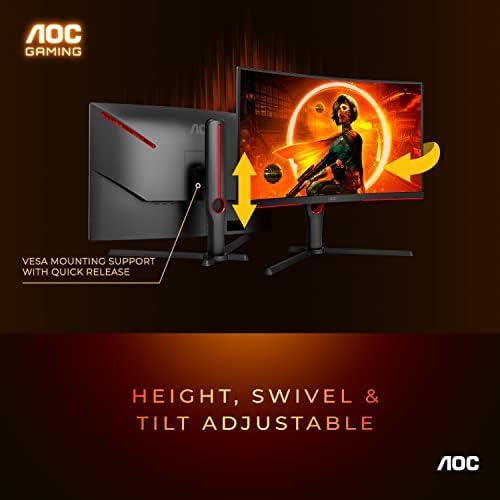
Image: The monitor features height, swivel, and tilt adjustability, along with VESA mounting support for flexible setup options.
4. אָפּעראַציע
4.1 יקערדיק קאָנטראָלס
The monitor features control buttons, typically located on the bottom edge or rear, to navigate the On-Screen Display (OSD) menu. These buttons allow you to adjust various settings such as brightness, contrast, color temperature, input source, and gaming modes.
4.2 גיימינג פאָרשטעלונג פֿעיִקייטן
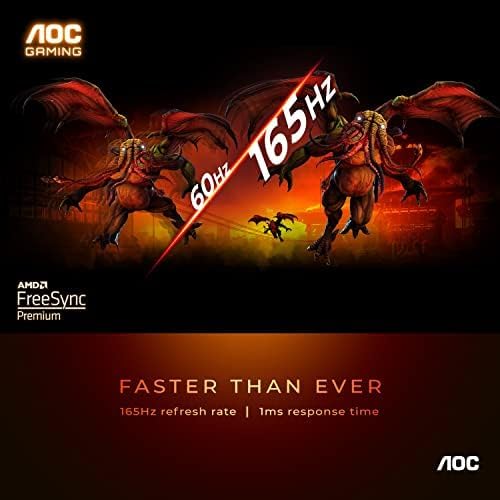
Image: Experience ultra-fast 165Hz refresh rate and 1ms response time for smooth, blur-free gaming.
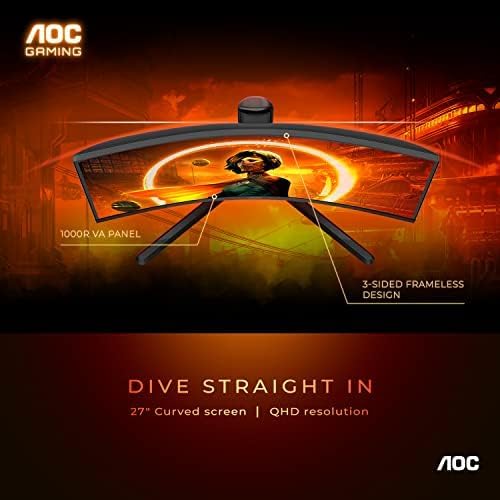
Image: The 1000R curved VA panel and 3-sided frameless design provide an immersive viewינג דערפאַרונג.

Image: This monitor is console gaming ready, offering low input lag and supporting up to Full HD at 120Hz for Xbox and PlayStation.
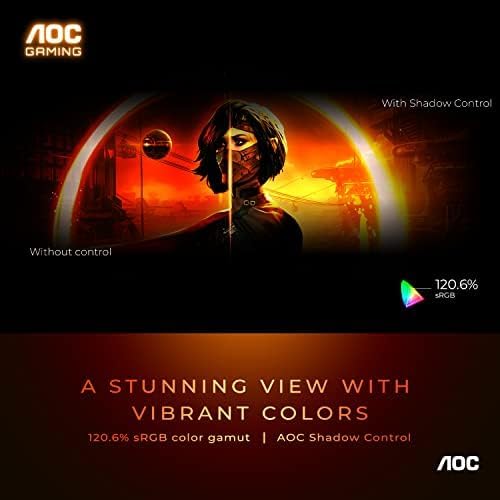
Image: Enjoy a stunning view with vibrant colors, featuring 120.6% sRGB color gamut and AOC Shadow Control for enhanced visibility in dark areas.

Image: Switch between various gaming presets like FPS, Racing, RTS, and two custom game modes with AOC 6 games mode to optimize your experience.
The monitor supports Adaptive-Sync and is NVIDIA G-SYNC compatible, ensuring a fluid, tear-free gaming experience by synchronizing the monitor's refresh rate with your GPU's frame rate. This minimizes stuttering and screen tearing, providing ultra-smooth competitive gameplay.
5. וישאַלט
To ensure the longevity and optimal performance of your AOC GAMING CQ27G3S monitor, follow these maintenance guidelines:
- רייניקונג די פאַרשטעלן: ווישט אָפּ דעם עקראַן מיט אַ ווייכן, לינט-פֿרײַעם שטאָף. פֿאַר שווערע פֿלעקן, ווישט לײַכט.ampווישט דעם שטאָף מיט וואַסער אָדער אַ נישט-אַבראַוויזיוו עקראַן רייניגער. פֿאַרמייַדט צו שפּריצן פליסיק גלייך אויף דעם עקראַן.
- רייניקונג פון די Casing: ניצט אַ ווייכע, טרוקענע שטאָף צו רייניקן די מאָניטאָר'ס סיסטעם.asinז. ניצט נישט קיין שרײַבנדיקע רייניגער אדער סאָלווענטן.
- ווענטילאַטיאָן: זיכערט זיך אז די ווענטילאציע עפענונגען אויפן מאָניטאָר זענען נישט פארשטאפט צו פארמיידן איבערהיצונג.
- מאַכט אַוועק: שטענדיק אויסלעשן דעם מאָניטאָר און אַרויסציען עס פֿון דער עלעקטרישער אַוטלעט איידער איר רייניגט עס אָדער אויב עס וועט נישט געניצט ווערן פֿאַר אַ לענגערע צייט.
6. טראָובלעשאָאָטינג
אויב איר טרעפט פּראָבלעמען מיט אייער מאָניטאָר, ביטע באַציט זיך צו די פאלגענדע געוויינטלעכע טראָובלעשווטינג טריט:
- קיין מאַכט: Ensure the power cord is securely connected to both the monitor and the power outlet. Try a different power outlet if available.
- קיין סיגנאַל: Verify that the HDMI or DisplayPort cable is firmly connected to both the monitor and your computer. Ensure the correct input source is selected on the monitor's OSD menu.
- Blank Screen / Unresponsive Controls: If the monitor turns on but the screen remains black or the control buttons are unresponsive, try disconnecting the power cable from the monitor for a few minutes, then reconnecting it. If the issue persists, it may indicate an internal hardware problem.
- בילד פראבלעמען (בלערי, פארדרייט, א.א.וו.): Check your computer's display settings to ensure the resolution and refresh rate are set correctly (2560x1440 at 165Hz for optimal performance). Update your graphics card drivers.
- פליקער: Ensure the refresh rate is set correctly. If Adaptive-Sync/G-SYNC is enabled, try disabling it temporarily to see if the issue resolves.
For persistent issues not resolved by these steps, please contact AOC customer support.
7. טעכניש ספּעסאַפאַקיישאַנז
| שטריך | באַשרייַבונג |
|---|---|
| שטייענדיק פאַרשטעלן אַרויסווייַזן גרייס | 27 אינטשעס |
| פאַרשטעלן האַכלאָטע | 2560x1440 |
| מאַקסימום סקרין האַכלאָטע | 2560 רענטגענ 1440 פּיקסעלס |
| סאָרט | AOC |
| סעריע | Gaming G3 Series Monitor |
| נומער מאָדעל נומער | CQ27G3S |
| פּונקט וואָג | 9.37 פונט |
| פּראָדוקט דימענשאַנז | 10.19 X 23.82 X 20.94 אינטשעס |
| קאָליר | שוואַרץ |
| Voltage | 240 וואלטס (AC) |
| פאַבריקאַנט | TPV טעכנאָלאָגיע |
| אַספּעקט פאַרהעלטעניש | 16:9 |
| באַשרייַבונג פון דער אויבערפלאַך פון דעם עקראַן | גלאָסי |
8. וואָראַנטי און שטיצן
AOC stands behind the quality of its products. The AOC GAMING CQ27G3S monitor typically comes with a 3-יאָר וואָראַנטי, which includes a Zero Dead Pixel policy and Advance Replacement, providing peace of mind for your investment. Please refer to the warranty card included in your package or visit the official AOC webפּלאַץ פֿאַר פול וואָראַנטי טערמינען און באדינגונגען.
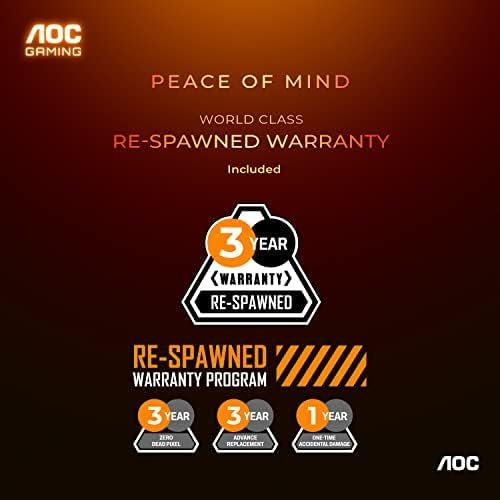
Image: AOC's 'Re-Spawned' Warranty Program offers 3-year coverage, including zero dead pixel and advance replacement, plus 1-year accidental damage.
קונה שטיצן:
For technical assistance, warranty claims, or further inquiries, please visit the official AOC support website or contact their customer service department. Keep your product's model number and serial number handy when seeking support.


