הקדמה
This manual provides essential information for the safe and efficient use of your LG 50-Inch Class UQ9000 Series 4K Smart TV. Please read it thoroughly before operating the television and retain it for future reference.
זיכערקייַט אינפֿאָרמאַציע
Always follow basic safety precautions when using this television to reduce the risk of fire, electric shock, or injury. Do not expose the TV to rain or moisture. Do not open the cabinet; refer all servicing to qualified personnel. Ensure proper ventilation and avoid blocking ventilation openings. Keep the TV away from heat sources and direct sunlight. Use only attachments/accessories specified by the manufacturer.
וואָס איז אין די קעסטל
באַשטעטיקט אַז אַלע קאָמפּאָנענטן זענען פאַראַן ווען איר נעמט אויס אייער טעלעוויזיע.
- LG 50-אינטש קלאַס UQ9000 סעריע 4K סמאַרט טעלעוויזיע
- מאַגיק רימאָוט קאָנטראָל
- רימאָוט קאָנטראָל באַטעריז
- שטיין קאַמפּאָונאַנץ
- מאַכט קאַבלע
- שנעל אָנהייב גייד

Figure 1: Package Contents and TV Dimensions (44.1"W x 27.9"H x 9.1"D with stand)
סעטאַפּ
גשמיות ינסטאַלירונג
Your LG TV can be installed on a tabletop using the included stand or mounted on a wall (wall mount sold separately). Ensure the TV is placed on a stable, level surface or securely mounted to a wall according to the wall mount manufacturer's instructions.

Figure 2: TV with Stand

Figure 3: Slim Design for Wall Mounting
קאַנעקטינג דעוויסעס
Connect your external devices such as cable boxes, gaming consoles, or Blu-ray players to the available ports on the rear and side of the TV.
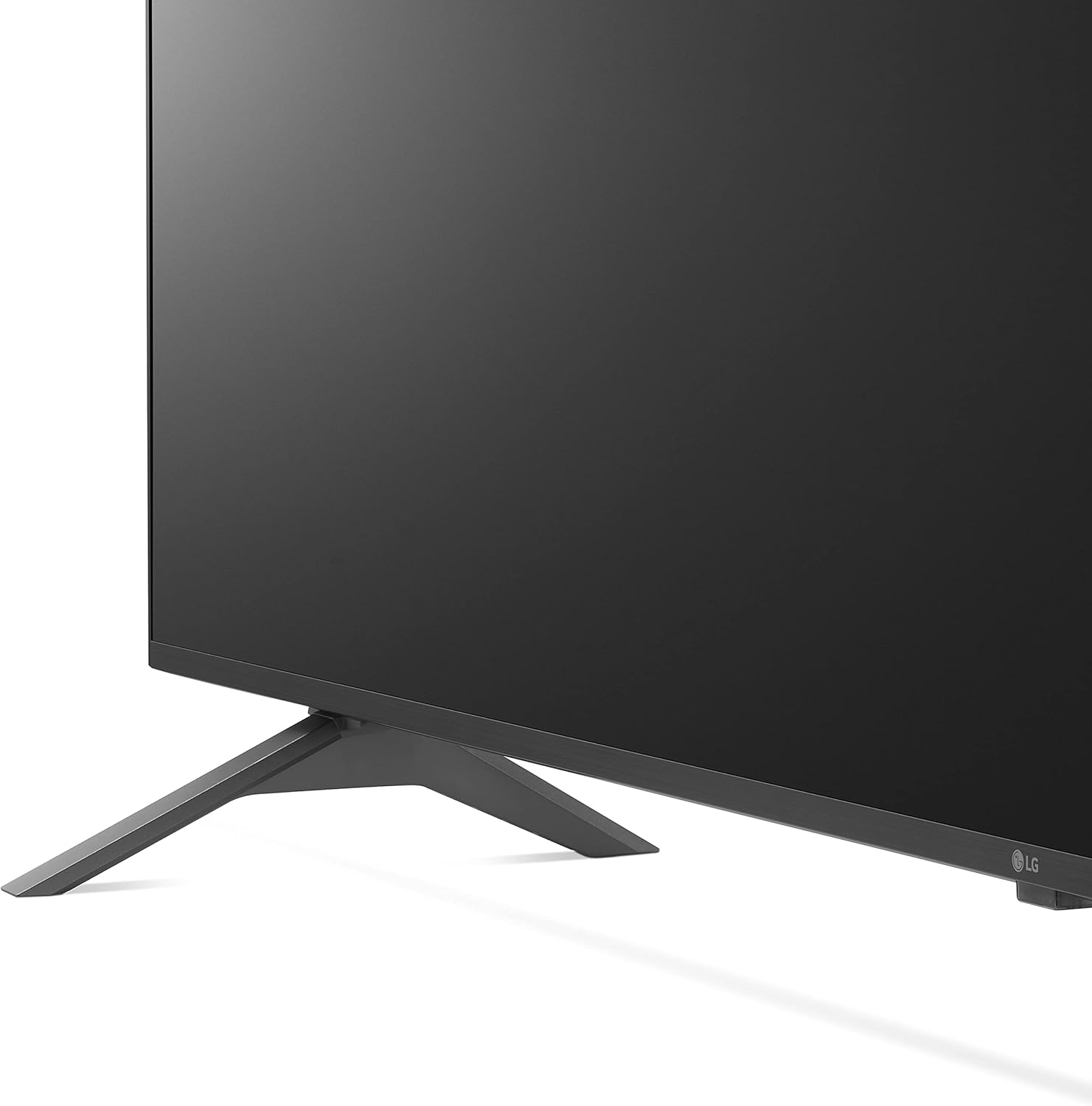
Figure 4: Rear Input Ports

Figure 5: Detailed Rear Ports

Figure 6: Side Input Ports
- HDMI פּאָרץ: Connect high-definition devices. This model includes multiple HDMI inputs, with HDMI 1 supporting ARC (Audio Return Channel).
- וסב פּאָרץ: פֿאַר פֿאַרבינדן USB סטאָרידזש דעוויסעס צו שפּילן מעדיע files.
- לאַן פּאָרט: פֿאַר אַ דראָטיקער אינטערנעט פֿאַרבינדונג.
- אָפּטיש דיגיטאַל אַודיאָ אַרויס: פֿאַר פֿאַרבינדן צו עקסטערנע אַודיאָ סיסטעמען.
- אַנטענע/קאַבל אריין: פֿאַר פֿאַרבינדן אַן אַנטענע אָדער קאַבל טעלעוויזיע.
ערשט מאַכט אויף
After connecting all necessary cables, plug the power cord into an electrical outlet. Press the power button on the remote control or the TV to turn it on. Follow the on-screen instructions for initial setup, including network connection and channel scanning.
אַפּערייטינג די טעלעוויזיע
מאַגיק רימאָוט קאָנטראָל
The LG Magic Remote offers intuitive control with point, click, scroll, and voice recognition features. It includes dedicated buttons for popular streaming services and AI functions.

פיגור 7: LG מאַדזשיק ווײַטקאָנטראָל

Figure 8: Magic Remote Features
סמאַרט טעלעוויזיע פֿעיִקייטן (webOS)
אייער LG טעלעוויזיע לויפט אויף די webOS platform, providing access to a wide range of streaming applications and smart functionalities. Navigate through the home screen to find your favorite content.

פיגורע 9: webOS Home Screen

Figure 10: Ultimate Streaming Hub
Video 1: LG UHD webOS Overview
בילד קוואַליטי
Experience stunning visuals with 4K resolution and advanced picture technologies.
- α5 דור 5 קינסטלעכע אינטעליגענץ פּראַסעסאָר 4K: Enhances picture and sound quality.
- 4K אַפּסקיילינג: Transforms regular content into 4K for sharper definition.
- Active HDR (HDR10 Pro): Adjusts picture scene-by-scene for enhanced quality.
- Filmmaker Mode™: Preserves original colors, settings, and frame rates for a cinematic experience.
- קינסטלעכע אינטעליגענץ ברייטקייט קאָנטראָל: Automatically adjusts screen brightness to match room lighting.

Figure 11: Real 4K UHD TV Visuals

Figure 12: α5 Gen 5 AI Processor

Figure 13: 4K Upscaling

Figure 14: Active HDR (HDR10 Pro)

Figure 15: FILMMAKER MODE™

Figure 16: AI Brightness Control
געזונט קוואַליטי
The TV features AI Sound Pro for an immersive audio experience.
- AI Sound Pro: Automatically up-mixes 2-channel audio into virtual 5.1.2 channel surround sound.

Figure 17: AI Sound Pro
גיימינג פֿעיִקייטן
פֿאַרבעסערט אייער גיימינג דערפאַרונג מיט דעדאַקייטאַד פֿעיִקייטן.
- שפּיל אָפּטימיזער און דאַשבאָרד: Quickly adjust game settings in one location.
- וואָלקן גיימינג: Seamless access to cloud gaming services like GeForce Now (subscription and compatible controller required).
- HGIG: For realistic HDR gaming.

Figure 18: Game Optimizer & Dashboard

Figure 19: Cloud Gaming with GeForce Now

Figure 20: HGIG for Enhanced Gaming
נאָך פֿעיִקייטן
- Alexa געבויט-אין: ניצט שטימע קאמאנדעס פאר פארשידענע פונקציעס.
- העלא גוגל: Compatible with Google Assistant for voice control.
- Apple AirPlay & HomeKit: Seamless integration with Apple devices.
- ספּאָרט אַלערט: Receive real-time updates for your favorite teams and matches.

פיגור 21: ספּאָרט אַלערט פֿונקציע
Video 2: LG UHD Features Overview
וישאַלט
רייניקונג די פאַרשטעלן
To clean the screen, first unplug the TV. Gently wipe the screen with a soft, dry microfiber cloth. For stubborn smudges, lightly dampen the cloth with water or a specialized screen cleaner (avoid harsh chemicals or abrasive materials). Do not spray liquid directly onto the screen.
אַלגעמיינע קער
Keep the TV in a well-ventilated area. Avoid placing heavy objects on the TV. Do not expose the TV to extreme temperatures or humidity. Regularly check cables for any damage and ensure they are securely connected.
טראָובלעשאָאָטינג
אויב איר טרעפט פּראָבלעמען מיט אייער טעלעוויזיע, זעט די פאלגענדע געוויינטלעכע לייזונגען איידער איר קאָנטאַקטירט שטיצע.
- קיין מאַכט: זיכער מאַכן אַז די עלעקטרישע קאַבל איז זיכער אַרײַנגעשטעקט אין ביידע דעם טעלעוויזיע און אַן אַרבעטנדיקן עלעקטרישן אַוטלעט. פּרוּווט אַן אַנדער אַוטלעט.
- קיין בילד/קלאַנג: קאָנטראָלירט אַלע קאַבל קאַנעקשאַנז (HDMI, אַנטענע, אאז"וו). זיכערט זיך אַז די ריכטיקע אַרייַנגאַנג מקור איז אויסגעקליבן אויף דער טעלעוויזיע.
- רימאָוט קאָנטראָל נישט ארבעטן: טוישט די באַטעריעס. מאַכט זיכער אַז עס זענען נישטאָ קיין שטערונגען צווישן דעם ווײַטקאָנטראָל און דעם טעלעוויזיע'ס IR סענסאָר.
- נעץ פֿאַרבינדונג פּראָבלעמען: Verify your Wi-Fi password. Restart your router and modem. Try a wired LAN connection if available.
- בילד קוואַליטעט פּראָבלעמען: Check picture settings (e.g., brightness, contrast, color). Ensure the content source is high quality (e.g., 4K content for 4K display).
ספּעסאַפאַקיישאַנז
| שטריך | באַשרייַבונג |
|---|---|
| סאָרט | LG |
| מאָדעל נומער | 50UQ9000PUD |
| פאַרשטעלן גרייס | 50-Inch Class (49.5" Diagonal) |
| האַכלאָטע | 3840 רענטגענ 2160 (4K UHD) |
| דערפרישן קורס | 60 הז |
| פּראַסעסער | α5 Gen 5 אַי פּראַסעסער 4K |
| אָפּערייטינג סיסטעם | webOS |
| ספּעציעלע פֿעיִקייטן | Alexa Built-in, AI-Powered, Cloud Gaming, Screen Mirroring |
| פּראָדוקט גרייס (מיט שטאַנד) | 44.1" ברייט x 27.9" הויך x 9.1" טיף |
| פּונקט וואָג | 34.4 פונט |
| אַרייַנגערעכנט קאַמפּאָונאַנץ | Stand, Power cable |
וואָראַנטי און שטיצן
Your LG TV comes with a limited manufacturer's warranty. For detailed warranty information, product support, or service requests, please visit the official LG Electronics webזייטל אדער קאנטאקטירן LG קאסטומער סערוויס. האלט אייער באווייז פון קויפן פאר גאראנטיע פארלאנגען.