1. הקדמה
א דאנק פארן קויפןasing the Finlux FLU5535ANDROID 55-inch 4K Ultra HD Android Smart TV. This manual provides essential information for setting up, operating, and maintaining your new television. Please read this manual thoroughly before using the product and keep it for future reference.
וויכטיק סאַפעטי אינפֿאָרמאַציע
Always follow basic safety precautions when using this television to reduce the risk of fire, electric shock, and injury to persons. Do not expose the TV to rain or moisture. Do not open the cabinet. Refer all servicing to qualified personnel.
- ענשור געהעריק ווענטאַליישאַן אַרום די טעלעוויזיע.
- בלאָקירט נישט ווענטילאַציע עפענונגען מיט זאכן ווי צייטונגען, טישדעכער אדער פארהאנגען.
- שטעלט נישט דעם טעלעוויזאר אויף אן אומסטאַבילן וואָגן, שטאַנד, דרייפוס, קלאַמער, אדער טיש.
- נעמט ארויס דעם טעלעוויזאר בעת בליץ-שטורעמס אדער ווען מען ניצט עס נישט פאר לאנגע צייטן.
- Keep small components and batteries out of reach of children.
2. וואָס איז אין דער קעסטל
Upon unpacking your Finlux FLU5535ANDROID TV, please ensure all the following items are present:
- Finlux FLU5535ANDROID 55-inch 4K Ultra HD Android Smart TV
- ווייַט קאָנטראָל מיט באַטעריז
- מאַכט קאַבלע
- Stand (if applicable, for tabletop placement)
- באַניצער מאַנואַל (דעם דאָקומענט)
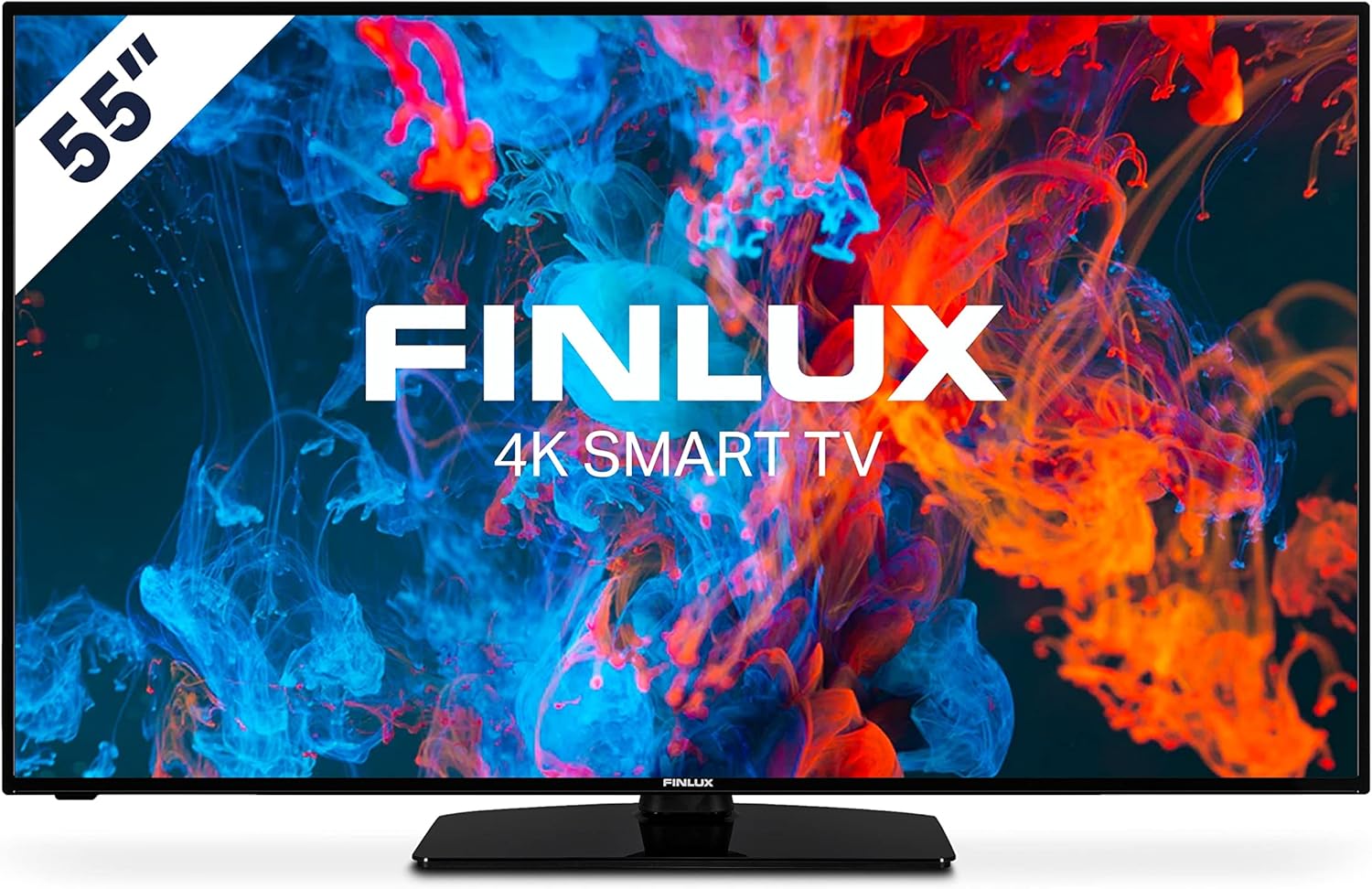
בילד: פראָנט view of the Finlux FLU5535ANDROID 55-inch 4K Ultra HD Android Smart TV, showcasing its slim bezel and central stand.
3. סעטאַפּ
3.1 פיזישע פּלאַצירונג
The Finlux FLU5535ANDROID TV features a practical size and a slim screen, making it easy to place in various rooms. Its flat back and thin screen design allow for easy wall mounting or placement against a wall.
- טאַבלעטאָפּ אָרט: Attach the provided stand securely to the TV following the instructions in the separate quick start guide. Place the TV on a stable, level surface.
- וואַנט מאָונטינג: If you plan to wall mount the TV, ensure you use a VESA-compatible wall mount (not included) and follow the wall mount manufacturer's instructions.
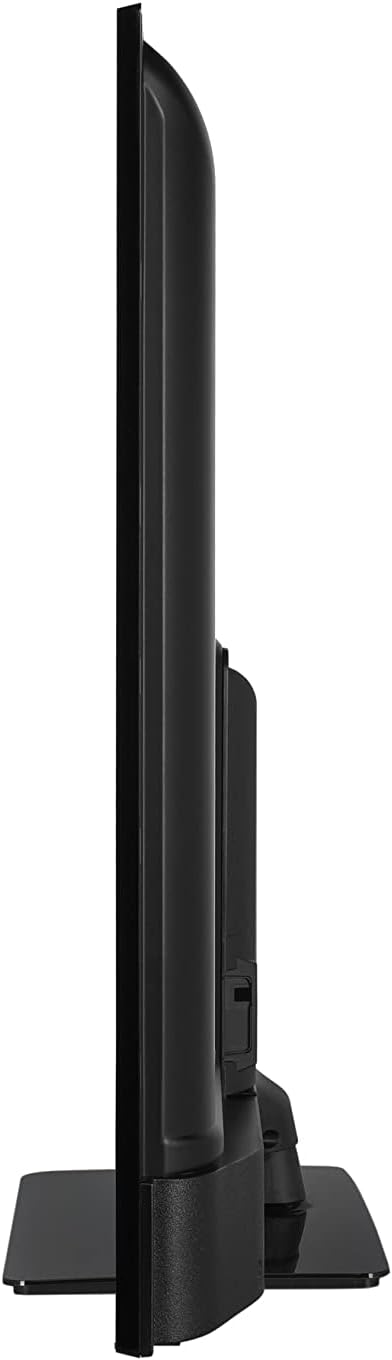
בילד: זייט פּראָfile view of the Finlux FLU5535ANDROID TV, highlighting its slim design.
3.2 קאַנעקטינג קאַבלעס
Connect the power cable to the TV's power input and then to a wall outlet. Connect your external devices such as set-top boxes, gaming consoles, or Blu-ray players to the appropriate ports on the TV.

בילד: הינטערשטע view of the Finlux FLU5535ANDROID TV, displaying the arrangement of its input ports including HDMI and USB.
- הדמי: Connect high-definition devices using HDMI cables. This TV features 4 HDMI ports.
- וסב: Connect USB storage devices for media playback or PVR functionality. This TV has 2 USB ports.
- אַנטענע / קאַבלע: Connect your antenna or cable TV input for broadcast channels.
- עטהערנעט: פֿאַר אַ סטאַבילע דראָטיקע אינטערנעט פֿאַרבינדונג.
3.3 ערשטע איינשטראָם און סעטאַפּ וויזאַרד
After connecting all necessary cables, plug the TV into a power outlet and press the power button on the remote control or the TV itself. The TV will guide you through the initial setup process, including language selection, network connection, and channel scanning.
4. אַפּערייטינג דיין טעלעוויזיע
4.1 רימאָוט קאָנטראָל איבערview
The provided remote control allows you to navigate the TV's features and menus. Insert the included batteries into the remote control before use.

Image: The Finlux TV remote control, featuring dedicated buttons for quick access to popular streaming services like Netflix and YouTube, along with standard navigation and number keys.
- מאַכט קנעפּל: טורנס די טעלעוויזיע אויף אָדער אַוועק.
- נומער קנעפּלעך: פֿאַר דירעקט קאַנאַל סעלעקציע.
- נאַוויגאַציע פּאַד (אַרויף/אַראָפּ/לינקס/רעכטס/גוט): To navigate menus and confirm selections.
- באַנד אַרויף / אַראָפּ: אַדזשאַסץ די באַנד מדרגה.
- קאַנאַל אַרויף / אַראָפּ: טוישט טעלעוויזיע קאַנאַלן.
- נעטפליקס/יוטוב קנעפלעך: דירעקטער צוטריט צו די סטרימינג אַפּליקאַציעס.
- מעניו קנעפּל: Opens the main settings menu.
- אַרויסגאַנג קנעפּל: פֿאַרלאָזט דעם איצטיקן מעניו אָדער אַפּליקאַציע.
4.2 Android Smart TV Features
This TV runs on the Android operating system, providing access to a wide range of applications and smart features. Popular applications like Netflix, YouTube, and Prime Video are pre-configured for your convenience.
- סטרימינג באַדינונגס: Enjoy movies and series in high quality from Netflix, YouTube, Prime Video, and Spotify.
- Google פּלייַ סטאָר: דאַונלאָוד נאָך אַפּפּס, שפּילן און אינהאַלט פֿון גוגל פּליי סטאָר.
- Chromecast Built-in: Easily cast content from your smartphone or other compatible devices directly to your TV.
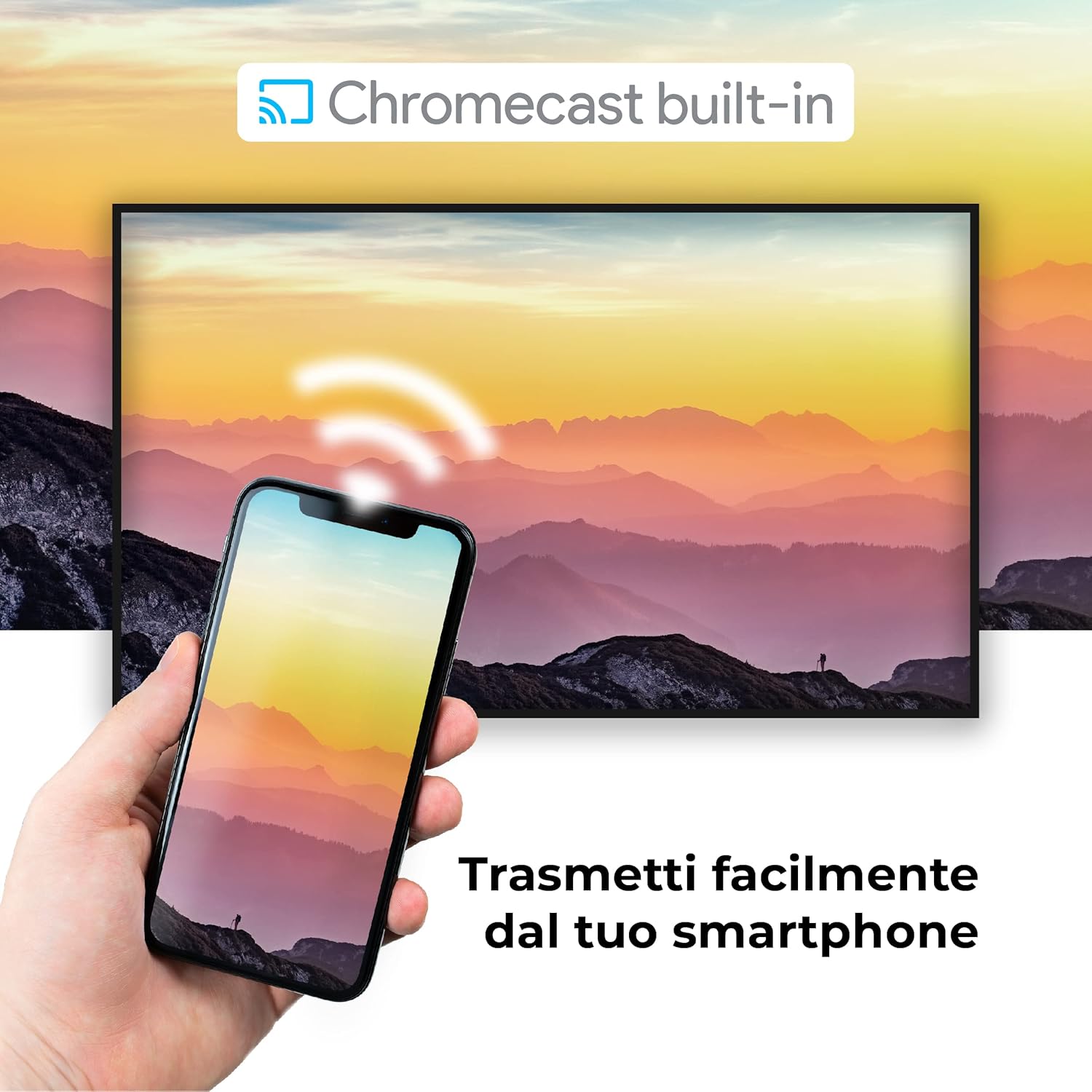
Image: A visual representation of the Chromecast built-in feature, demonstrating how content can be easily streamed from a smartphone to the Finlux TV.
4.3 USB Media Player and PVR
The TV supports USB multimedia playback, allowing you to view photos, play music, or watch videos directly from a USB storage device. It also features PVR (Personal Video Recorder) readiness, enabling you to record TV programs to a connected USB drive.
5. קאַנעקשאַנז
Your Finlux TV offers a variety of connection options for external devices:
- HDMI פּאָרטן (x4): פֿאַר פֿאַרבינדן הויך-דעפֿיניציע דעוויסעס ווי בלו-רэй פּלייַערס, שפּיל קאַנסאָולז און סעט-טאָפּ באָקסעס.
- USB פּאָרטן (x2): For connecting USB storage devices (e.g., flash drives, external hard drives) for media playback or PVR functionality.
- בלועטאָאָטה: For wireless connection to compatible audio devices like headphones or soundbars.
- ווי-פי: Built-in Wi-Fi for wireless internet access and Smart TV features.
- עטהערנעט (לאַן): פֿאַר אַ סטאַבילע דראָטיקע אינטערנעט פֿאַרבינדונג.
- אַנטענע אַרייַנשרייַב: For connecting an aerial for digital terrestrial television (DVB-T, DVB-T2).
- סאַטעליט אַרייַנשרייַב: For connecting a satellite dish (DVB-S, DVB-S2).
- אָפּטיש דיגיטאַל אַודיאָ רעזולטאַט: For connecting to a soundbar or home theater system for high-quality audio.
6. וישאַלט
6.1 רייניקן דעם טעלעוויזאר
To ensure the longevity and optimal performance of your TV, regular cleaning is recommended:
- פאַרשטעלן: ווישט אָפּ דעם עקראַן מיט אַ ווייכן, לינט-פֿרײַעם שטאָף. פֿאַר שווערע פֿלעקן, דampen the cloth slightly with water or a specialized screen cleaner. Never spray cleaner directly onto the screen.
- קאַבינעט: ניצט אַ ווייכע, טרוקענע שטאָף צו ווישן דעם טעלעוויזיע קאַבינעט. פֿאַרמייַדט ניצן אַברייסיוו רייניגער אָדער סאָלווענטן.
- איידער רייניקונג: שטענדיק ארויסנעמען דעם טעלעוויזאר פון דער עלעקטרישער ווענטיל איידער איר רייניגט.
6.2 אַלגעמיינע קער
- פֿאַרמײַדט צו שטעלן דעם טעלעוויזאָר אין דירעקטער זון אָדער לעבן היץ־קוואַלן.
- שטעלט נישט אויס דעם טעלעוויזאר צו עקסטרעמע טעמפּעראַטורן אדער הומידיטי.
- Protect the TV from dust by regularly dusting its surface.
- שטעלט נישט קיין שווערע זאכן אויף דער טעלעוויזיע.
7. טראָובלעשאָאָטינג
If you encounter issues with your TV, refer to the following common problems and solutions before contacting support:
| פּראָבלעם | מעגלעך סיבה / לייזונג |
|---|---|
| קיין מאַכט | Ensure the power cable is securely plugged into the TV and the wall outlet. Check if the power outlet is working. Try pressing the power button on the TV itself. |
| קיין בילד / קיין קלאַנג | Check the input source (HDMI, AV, TV) is correctly selected. Ensure external devices are powered on and connected properly. For sound, check volume levels and mute settings. |
| נעבעך בילד קוואַליטי | Check antenna/cable connection. Adjust picture settings (brightness, contrast, sharpness) in the TV menu. Ensure the source content is high quality. |
| ווייַט קאָנטראָל איז נישט ארבעטן | קאָנטראָלירט און פֿאַרבייט די באַטעריעס. מאַכט זיכער אַז עס זענען נישטאָ קיין שטערונגען צווישן דעם ווײַטקאָנטראָל און דעם טעלעוויזיע'ס IR סענסאָר. |
| קען נישט פאַרבינדן צו Wi-Fi | Ensure Wi-Fi is enabled on the TV. Check your router is working and within range. Re-enter the Wi-Fi password. Try restarting both the TV and the router. |
| סמאַרט טעלעוויזיע אַפּפּס לאָדן זיך נישט | Check your internet connection. Try restarting the TV. Ensure the app is updated to the latest version. Clear app cache if available in settings. |
8. ספּעסאַפאַקיישאַנז
Below are the key technical specifications for the Finlux FLU5535ANDROID TV:
| שטריך | דעטאַל |
|---|---|
| סאָרט | פינלוקס |
| מאָדעל נומער | FLU5535ANDROID |
| פאַרשטעלן גרייס | 55 אינטשעס (140 סענטימעטער) |
| ווייַז טעכנאָלאָגיע | געפירט |
| האַכלאָטע | 4K Ultra HD (3840 רענטגענ 2160) |
| דערפרישן קורס | 100 Hz (with integrated technology, base 50 Hz) |
| אָפּערייטינג סיסטעם | אַנדרויד |
| קאַנעקטיוויטי | Bluetooth, HDMI, USB, Wi-Fi, Ethernet |
| HDMI פּאָרץ | 4 |
| וסב פּאָרץ | 2 |
| ספּעציעלע פֿעיִקייטן | Flat Design, Android Smart TV, Chromecast Built-in, PVR Ready |
| שטיצט אינטערנעט באַדינונגס | Netflix, YouTube, Prime Video, Spotify |
| אַרייַנגערעכנט קאַמפּאָונאַנץ | Power cable, Standard, TV |

Image: EU Energy Label for the Finlux FLU5535ANDROID TV, indicating its energy efficiency class G and power consumption details. For more details, visit the official EPREL database: EPREL פּראָדוקט אינפֿאָרמאַציע
9. וואָראַנטי און שטיצן
Finlux products are designed for reliability and performance. This product comes with a standard manufacturer's warranty. Please refer to the warranty card included with your product for specific terms and conditions.
For technical support, troubleshooting assistance beyond this manual, or warranty claims, please contact Finlux customer service. Contact information can typically be found on the manufacturer's official webוועבזייטל אדער אויף דער פּראָדוקט פּאַקאַדזשינג.
Note: Information regarding spare parts availability is not provided. Software updates are not guaranteed beyond a certain period.


