הקדמה
This manual provides comprehensive instructions for the proper use, setup, and maintenance of your BlueParrott B650-XT Mono Bluetooth Wireless Headset. Please read this guide thoroughly to ensure optimal performance and longevity of your device. The B650-XT is designed for clear communication in high-noise environments, offering advanced noise cancellation and robust features for professional use.
וואָס איז אין די קעסטל
באַשטעטיקן אַז אַלע זאכן זענען פאַראַן אין דיין פּראָדוקט פּאַקאַדזשינג:
- B650-XT Headset
- לעדערעטטע אויער קישן
- וסב קאַבלע
- פאָרמיטל טשאַרדזשער
- Two mic windscreens
- שנעל-אָנהייב פירער

סעטאַפּ
1. טשאַרדזשינג די העאַדסעט
Before initial use, fully charge your B650-XT headset. Use the provided USB cable and vehicle charger. A full charge provides up to 36 hours of talk time and 90 hours of standby time.
2. ווערינג די העאַדסעט
The B650-XT features an over-ear design for comfort during extended use. Adjust the headband and microphone boom for a secure and optimal fit. The microphone should be positioned approximately two finger-widths from the corner of your mouth.

3. פּערינג מיט אַ מיטל
- זיכער מאַכן אַז די כעדסעט איז אויפגעלאָדן און אויסגעלאָשן.
- דריק און האלט דעם מאַכט קנעפּל פֿאַר אַרום 4 סעקונדעס ביז די LED אינדיקאַטאָר בלינקט בלוי און רויט, וואָס ווײַזט אויף פּערינג מאָדע.
- אויף דיין רירעוודיק מיטל, געבן בלועטאָאָטה און זוכן פֿאַר בנימצא דעוויסעס.
- Select 'BlueParrott B650-XT' from the list. If prompted, enter '0000' for the PIN.
- Once paired, the LED will show a solid blue light. The headset can pair with up to 7 devices and connect to 2 devices simultaneously.
אַפּערייטינג ינסטראַקשאַנז
1. קאָנטראָלס איבערview
The B650-XT features intuitive controls for managing calls and audio:
- מאַכט קנעפּל: On/Off, Pairing mode.
- באַנד קנעפּלעך (+/-): אַדזשאַסטירן אַודיאָ באַנד.
- BlueParrott Button: Customizable for various functions (mute, speed dial, Push-to-Talk).

2. מאכן און ריסיווינג קאַללס
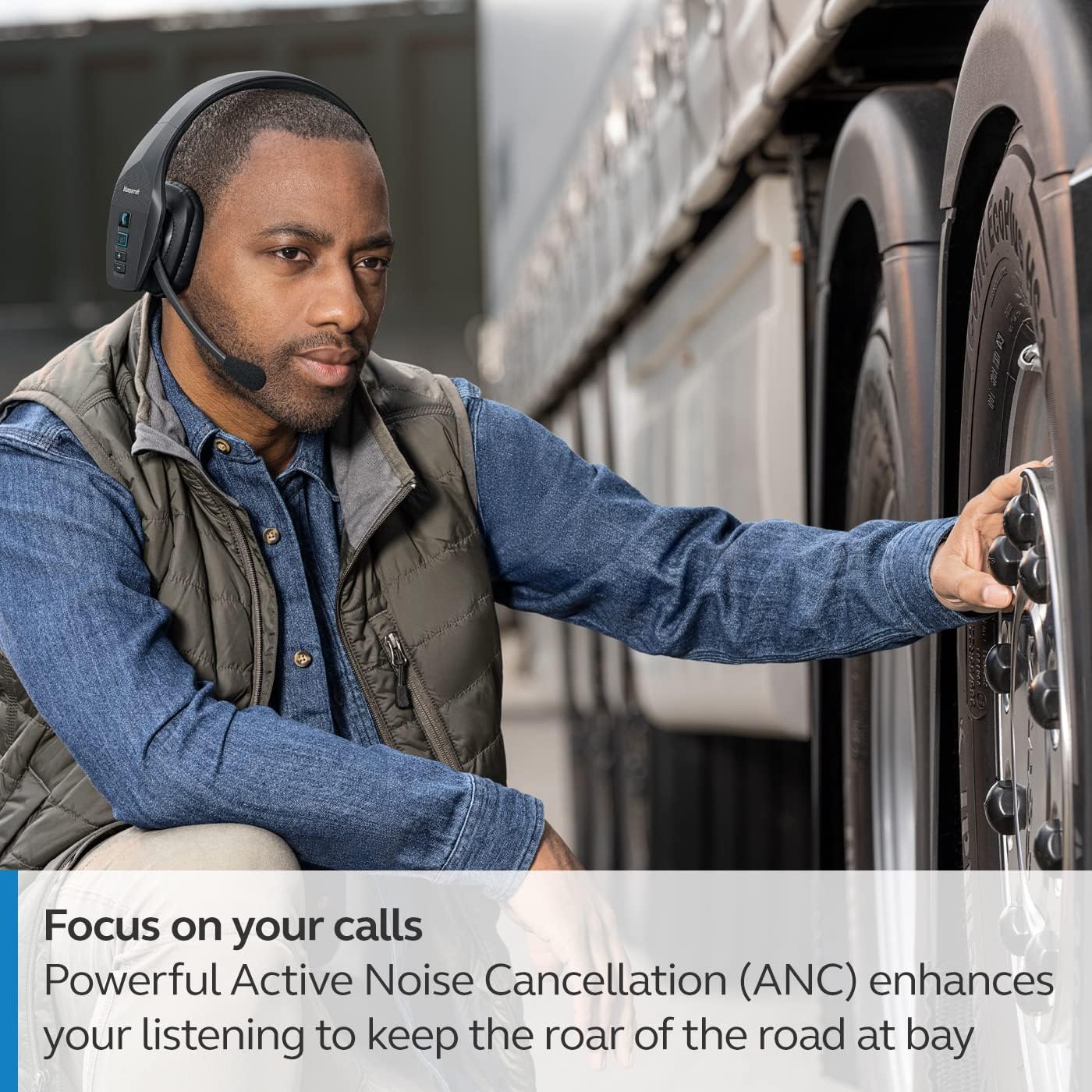
The headset's microphone features 96% noise cancellation, ensuring your voice is clear even in loud environments. Active Noise Cancellation (ANC) in the earcup reduces ambient noise for improved listening.

3. קול קאָנטראָל
The B650-XT supports 100% hands-free voice control for managing calls, GPS directions, music, and voice assistants. This feature allows you to operate the headset without taking your hands off the wheel or your eyes off the task.

4. BlueParrott Button Customization
The BlueParrott Button can be programmed for quick access to your most-used functions, such as mute, speed dial, or Push-to-Talk. Customize this feature via the BlueParrott app on your smartphone.

וישאַלט
1. רייניקונג
Regularly wipe the headset with a soft, dry cloth. For deeper cleaning, use a slightly damp cloth. Avoid using harsh chemicals or abrasive materials. Ensure the charging port is free of dust and debris.
2. סטאָרידזש
Store the headset in a cool, dry place away from extreme temperatures and direct sunlight. The B650-XT is IP54-rated for protection against dust and water, but proper storage helps maintain its condition.

טראָובלעשאָאָטינג
If you encounter issues with your BlueParrott B650-XT headset, try the following steps:
- קיין מאַכט: מאַכן זיכער אַז די כעדסעט איז גאָר באפוילן.
- קען נישט פארבינדן: Make sure the headset is in pairing mode (flashing blue/red LED) and your device's Bluetooth is enabled. Try restarting both devices.
- נעבעך אַודיאָ קוואַליטעט: Check microphone positioning. Ensure there are no obstructions between the headset and your connected device.
- שטימע קאָנטראָל ישוז: Verify that voice control is enabled and configured correctly through the BlueParrott app.
For persistent issues, refer to the official BlueParrott support webפּלאַץ אָדער קאָנטאַקט קונה דינסט.
ספּעסאַפאַקיישאַנז
| שטריך | דעטאַל |
|---|---|
| מאָדעל נאָמען | ב650-קסט |
| נומער מאָדעל נומער | 204330 |
| קאַנעקטיוויטי טעכנאָלאָגיע | בלועטאָאָטה 5.1 |
| ווירעלעסס ראַנגע | אַרויף צו 100 מעטער (300 פֿיס) |
| רעדן צייט | אַרויף צו 36 שעה |
| סטאַנדביי צייט | 90 שעה |
| מיקראָפאָן ראַש קאַנסאַליישאַן | 96% |
| ראַש קאָנטראָל | אַקטיוו ראַש קאַנסאַליישאַן (ANC) |
| IP שאַץ | IP54 (שטויב און וואַסער קעגנשטעליק) |
| אויער פּלייסמאַנט | איבער אויער |
| אַודיאָ דרייווער גרייס | 40 מילאַמיטערז |
| פּונקט וואָג | 7.5 אונס (0.47 פונט) |
| פּראָדוקט דימענשאַנז | 6.4 X 2.5 X 6.4 אינטשעס |
| UPC | 615822015981 |
וואָראַנטי און שטיצן
For warranty information and detailed support, please visit the official BlueParrott webזייטל אדער קאנטאקט זייער קאסטומער סערוויס דעפארטמענט. האלט אייער באווייז פון קויפן פאר יעדע גאראנטיע טענות.
אָנליין שטיצן: www.blueparrott.com/support


