
הקדמה
This manual provides detailed instructions for the operation and maintenance of your TOZO G1 Wireless Gaming Earbuds. Please read thoroughly before use to ensure optimal performance and longevity of your device.
וואָס איז אין די קעסטל
- TOZO G1 ווירעלעסס עאַרבודז
- ווירעלעסס טשאַרדזשינג קאַסע
- Eartips (multiple sizes for comfortable fit)
- וסב א צו וסב C טשאַרדזשינג קאַבלע
- באַניצער מאַנואַל (דעם דאָקומענט)
סעטאַפּ
1. אויפלאָדן די אויערקנעפּלעך און קעסטל
Before first use, fully charge the earbuds and charging case to ensure maximum battery life.
Image: The TOZO G1 charging case connected via a USB-C cable, indicating charging status with an illuminated logo.
- Connect the USB A to USB C charging cable to the charging port on the case.
- Connect the other end to a compatible USB power source.
- The LED indicator on the case will show the charging status. A full charge provides up to 6 hours of playback for the earbuds and an additional 30 hours with the charging case.
2. פּערינג מיט דיין מיטל
Follow these steps to pair your earbuds with a Bluetooth-enabled device.
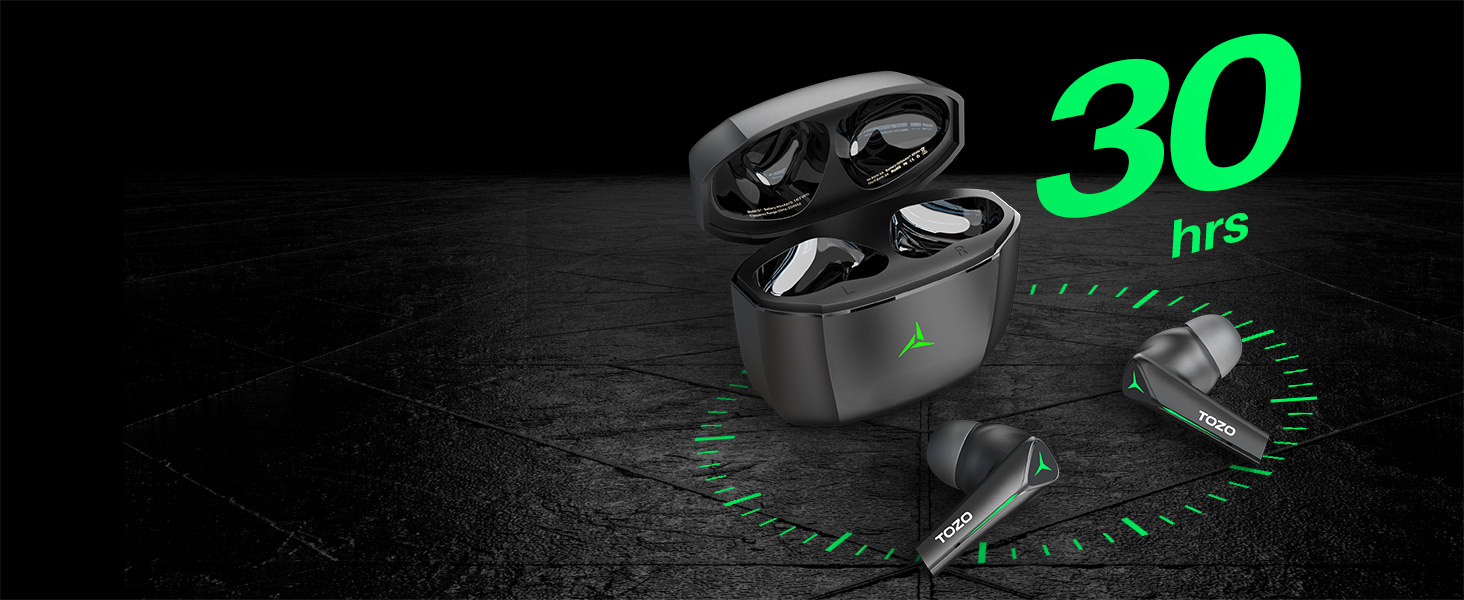
Image: TOZO G1 earbuds shown next to a smartphone displaying Bluetooth pairing options, with the earbuds emitting a green light.
- Open the charging case. The earbuds will automatically enter pairing mode (indicated by flashing LED lights).
- On your device (smartphone, tablet, laptop, gaming console), enable Bluetooth.
- זוכן פֿאַר "TOZO G1" in the list of available devices and select it to connect.
- Once connected, the earbud LED lights will turn off or show a steady light.
אַפּערייטינג ינסטראַקשאַנז
1. Game & Music Dual Mode
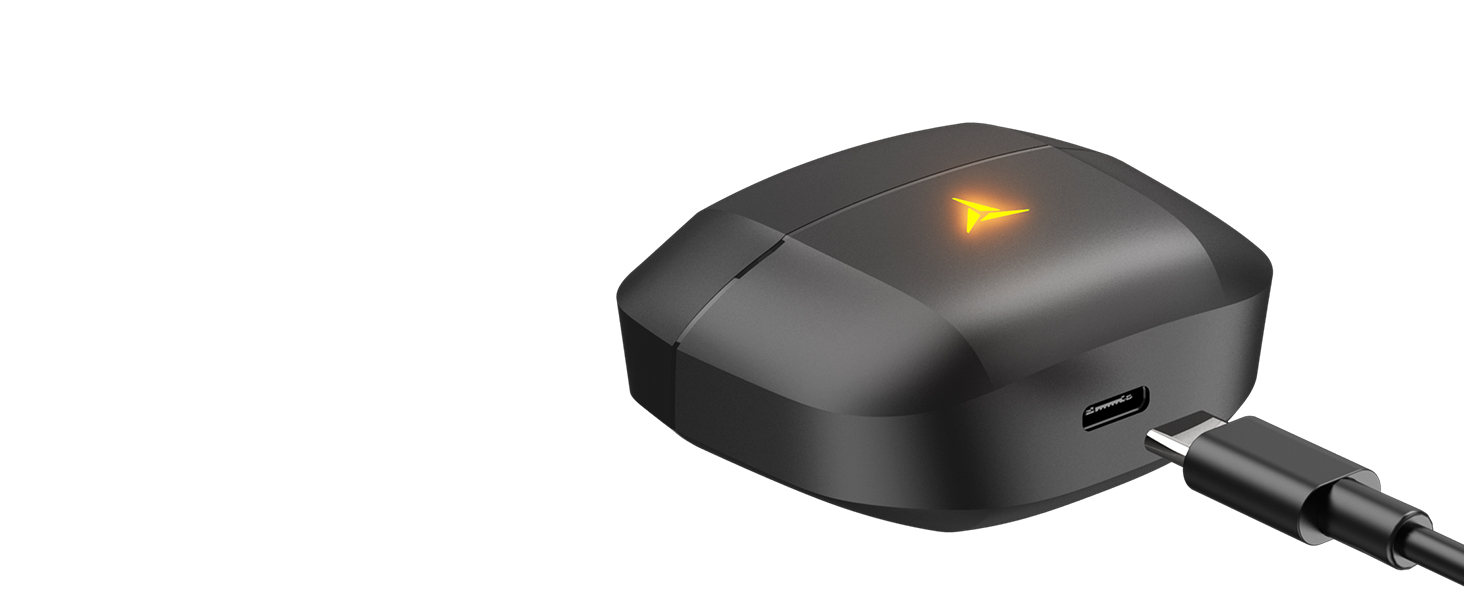
Image: A split image showing the TOZO G1 earbuds in "Game Mode" with a gaming scene and "Music Mode" with a person playing guitar, highlighting the dual functionality.
The TOZO G1 earbuds feature a dual mode for optimized audio performance:
- שפּיל מאָדע: Provides 45ms ultra-low latency for synchronized audio and video, enhancing gaming with accurate sound detection (footsteps, gunfire).
- מוזיק מאָדע: Delivers high-fidelity sound with powerful bass (16Hz-20kHz), mellow midrange, and clear treble for an immersive listening experience.
2. קלוגע ריר קאָנטראָל

Image: A diagram illustrating the touch control functions for the left and right TOZO G1 earbuds, including play/pause, track skipping, volume control, call management, and voice assistant/game mode activation.
Control your earbuds with simple touch gestures:
| קאַמף | לינקס עאַרבוד | רעכט עאַרבוד |
|---|---|---|
| שפּיל / פּויזע | איין צאַפּ (X1) | איין צאַפּ (X1) |
| פֿריִערדיקע / ווייַטער ליד | Double Tap (X2) - Previous | Double Tap (X2) - Next |
| ענטפֿערן / הענגען אַרויף רופן | איין צאַפּ (X1) | איין צאַפּ (X1) |
| אָפּוואַרפן רופן | האַלטן פֿאַר 2 סעקונדעס | האַלטן פֿאַר 2 סעקונדעס |
| באַנד אַראָפּ / אַרויף | Hold for 2 seconds - Volume Down | Hold for 2 seconds - Volume Up |
| Voice Assistant/Game Mode | Triple Tap (X3) - Voice Assistant | Triple Tap (X3) - Game Mode |
וישאַלט
- רייניקט רעגולער די אויערקנעפּלעך און די טשאַרדזשינג קעסטל מיט אַ ווייכן, טרוקענעם שטאָף.
- Avoid exposing the earbuds to extreme temperatures or liquids. While waterproof, prolonged submersion is not recommended.
- Store in the charging case when not in use to protect and keep them charged.
טראָובלעשאָאָטינג
- אויערקנעפּלעך נישט פּערינג:
- Ensure both earbuds are in the charging case and the case is open. Check your device's Bluetooth settings and try reconnecting. If issues persist, reset the earbuds (refer to the full user manual for specific reset instructions).
- קיין קלאַנג אָדער נידעריקע באַנד:
- Check the volume levels on both your device and the earbuds. Ensure earbuds are properly seated in your ears. Verify the earbuds are connected to the correct device.
- טשאַרדזשינג ישוז:
- זיכער מאַכן אַז דער טשאַרדזשינג קאַבל איז זיכער פארבונדן צו ביידע די קעסטל און די מאַכט מקור. פּרוּווט אַן אַנדער USB-C קאַבל אָדער מאַכט אַדאַפּטער. רייניקט די טשאַרדזשינג קאָנטאַקטן אויף די אויערן און אין די קעסטל.
ספּעסאַפאַקיישאַנז
| שטריך | דעטאַל |
|---|---|
| מאָדעל נאָמען | G1 |
| קאַנעקטיוויטי טעכנאָלאָגיע | ווירעלעס (בלוטוט 5.3) |
| אַודיאָ לייטאַנס | 45 מיליסעקונדעס (שפּיל מאָדע) |
| באַטעריע לעבן (אויערקנעפּלעך) | אַרויף צו 6 שעה |
| גאַנץ שפּילצייט (מיט טשאַרדזשינג קעסטל) | אַרויף צו 30 שעה |
| וואַסער קעגנשטעל מדרגה | וואָטערפּרוף (IPX5) |
| קאָנטראָל מעטאָד | ריר |
| אַרייַנגערעכנט קאַמפּאָונאַנץ | TOZO G1 Wireless Earbuds, Wireless Charging Case, Eartips, USB A to USB C Charging Cable, User Manual |
אפיציעלע פּראָדוקט ווידעאָ
ווידעא: אן אפיציעלע פראדוקט ווידעא ווייזונגasing the TOZO G1 Wireless Gaming Earbuds and their features.
וואָראַנטי & שטיצן
TOZO products come with a standard manufacturer's warranty. For detailed warranty information, product support, or to contact customer service, please visit the official TOZO webזייטל אדער זעט די גאַראַנטיע קאַרטל וואָס איז אַרייַנגערעכנט אין אייער פּראָדוקט פּאַקאַדזשינג.
באַאַמטער Webפּלאַץ: www.tozostore.com