1. הקדמה
Thank you for choosing the ORSKEY S950 Dash Cam. This manual provides detailed instructions for the proper installation, operation, and maintenance of your new dash camera system. Please read this manual thoroughly before use to ensure optimal performance and longevity of the device.

Image: The ORSKEY S950 Dash Cam, showing the main front unit with a 3-inch IPS screen and the separate rear camera.
2. פּראָדוקט איבערview
2.1 פּעקל אינהאַלט
The ORSKEY S950 Dash Cam package includes the following items:
- ORSKEY S950 Front Dash Camera
- דערציען אַפּאַראַט
- מאַשין טשאַרדזשער
- Mounting Bracket (Dashboard Mount)
- דערציען קאַמעראַ קאַבלע
- באַניצער מאַנואַל
- Memory Card (Included components: Memory Card)
2.2 שליסל פֿעיִקייטן
The ORSKEY S950 Dash Cam is equipped with advanced features for comprehensive vehicle surveillance:
- 4K Ultra HD Front Recording: Captures clear, detailed footage.
- 1080P Rear Recording: גיט אַ ברייט view of the vehicle's rear.
- Sony Starvis Sensor: Enhances low-light performance for superior night vision.
- 3-אינטש IPS פאַרשטעלן: Offers a clear and wide viewing angle for playback and settings.
- 170-Degree Wide Field of View: Both front and rear cameras cover multiple lanes.
- שלייף רעקאָרדינג: אויטאָמאַטיש איבערשרייבט די עלטסטע עסןtage ווען די זכּרון קאָרט איז פול.
- G-Sensor (Emergency Accident Lock): Detects sudden impacts and locks the current video to prevent overwriting.
- פּאַרקינג מאָניטאָרינג: Provides surveillance when the vehicle is parked (requires continuous power supply).
- Support for up to 128GB MicroSD Card: Allows for extended recording times.

Image: Visual representation of the ORSKEY S950's powerful functions, including 4K+1080P recording, Sony Sensor, 3" IPS screen, dual 170° FOV, G-Sensor, Loop Recording, Parking Monitoring, Emergency Recording, and Max 128GB support.
3. סעטאַפּ און ייַנמאָנטירונג
3.1 אריינשטעלן די מיקראָSD קאַרטל
- זייט זיכער אז די דאַש קאַם איז אויסגעלאָשן.
- Locate the MicroSD card slot on the side of the main unit.
- Insert the MicroSD card (Class 10 or higher, up to 128GB) into the slot until it clicks into place.
- וויכטיק: Format the MicroSD card within the dash cam's settings menu before first use and periodically thereafter to ensure stable recording.
3.2 מאָנטירן די פראָנט קאַמעראַ
- Clean the windshield area where you intend to mount the camera.
- Attach the suction cup mount or adhesive mount to the windshield, ensuring it does not obstruct your view.
- Slide the main dash cam unit onto the mounting bracket until it locks securely.
- Adjust the camera lens angle to ensure it captures the road ahead clearly.
3.3 ינסטאָלינג די דערציען אַפּאַראַט
- באַשטימען די אָפּטימאַלע מאָנטירונג אָרט פֿאַר די הינטערשטע קאַמעראַ, טיפּיש אויף די הינטערשטע ווינטשויב אָדער לעבן די נומער פּלאַטע.
- ריין די מאַונטינג ייבערפלאַך ונ דורך.
- Secure the rear camera using the provided adhesive or screws.
- Route the rear camera cable from the rear of the vehicle to the front dash cam unit. Ensure the cable is tucked away neatly to avoid interference with driving.
- פֿאַרבינדט דעם קאַבל פֿון דער הינטערשטער קאַמעראַ צום באַשטימטן פּאָרט אויף דער הויפּט דאַש קאַם אַפּאַראַט.

Image: Illustration of the dual lens dash camera's wide 170° viewing angles for both front and rear, providing comprehensive coverage.
3.4 מאַכט קאַנעקשאַן
- פֿאַרבינדט דעם אויטאָ טשאַרדזשער צום דאַש קאַם'ס מאַכט אַרייַנגאַנג פּאָרט.
- שטעקט אריין דעם אנדערן עק פונעם אויטא-לאדער אין אייער אויטא'ס ציגארעט-לייטער סאקעט.
- די דאַש קאַם וועט זיך אויטאָמאַטיש אנצינדן און אָנהייבן רעקאָרדירן ווען די אויטאָ'ס איגנישאַן ווערט אָנגעצונדן.
4. אַפּערייטינג ינסטרוקטיאָנס
4.1 יקערדיק אָפּעראַציע
- מאַכט אויף / אַוועק: The camera powers on/off automatically with the vehicle's ignition. You can also manually power on/off by pressing and holding the power button.
- רעקאָרדינג: Once powered on and with a formatted MicroSD card, the camera will automatically start loop recording. A flashing indicator light usually signifies active recording.
- פאַרשטעלן אויף / אַוועק: The screen can be set to turn off automatically after a set period to avoid distraction while driving. Recording continues in the background.
4.2 שלייף רעקאָרדינג
Loop recording ensures continuous recording by overwriting the oldest unlocked video files when the MicroSD card reaches its capacity. This feature prevents the card from filling up and stopping recording.
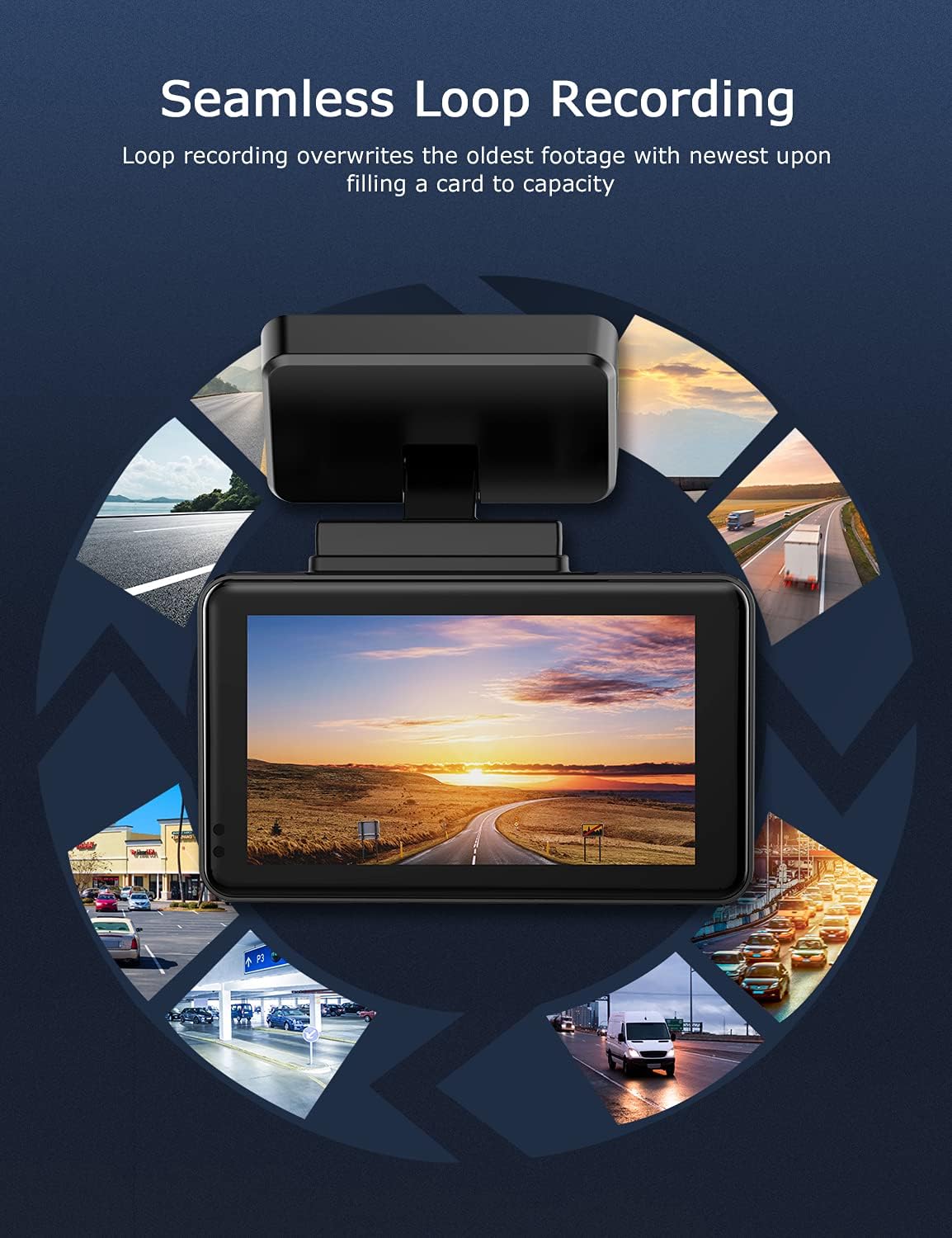
Image: Visual explanation of seamless loop recording, where the dash cam continuously records and overwrites the oldest footage once the memory card is full.
4.3 G-Sensor and Emergency Lock
The built-in G-sensor detects sudden acceleration, braking, or collisions. When triggered, it automatically locks the current video segment, protecting it from being overwritten by loop recording. These locked files ווערן געהיט אין א באזונדערער טעקע אויף דער MicroSD קארטל.

Image: Depiction of the Emergency Accident Lock feature, where the G-sensor detects an impact and automatically locks the video footage as important evidence.
4.4 פּאַרקינג מאָניטאָרינג
When enabled, parking monitoring allows the dash cam to automatically record if it detects a collision or vibration while the vehicle is parked. This feature typically requires a hardwire kit (sold separately) for continuous power supply.
4.5 נאַכט זעאונג
Equipped with a Sony Starvis Sensor, the ORSKEY S950 provides enhanced night vision capabilities, capturing clear video footagאפילו אין נידעריק-ליכט טנאָים.
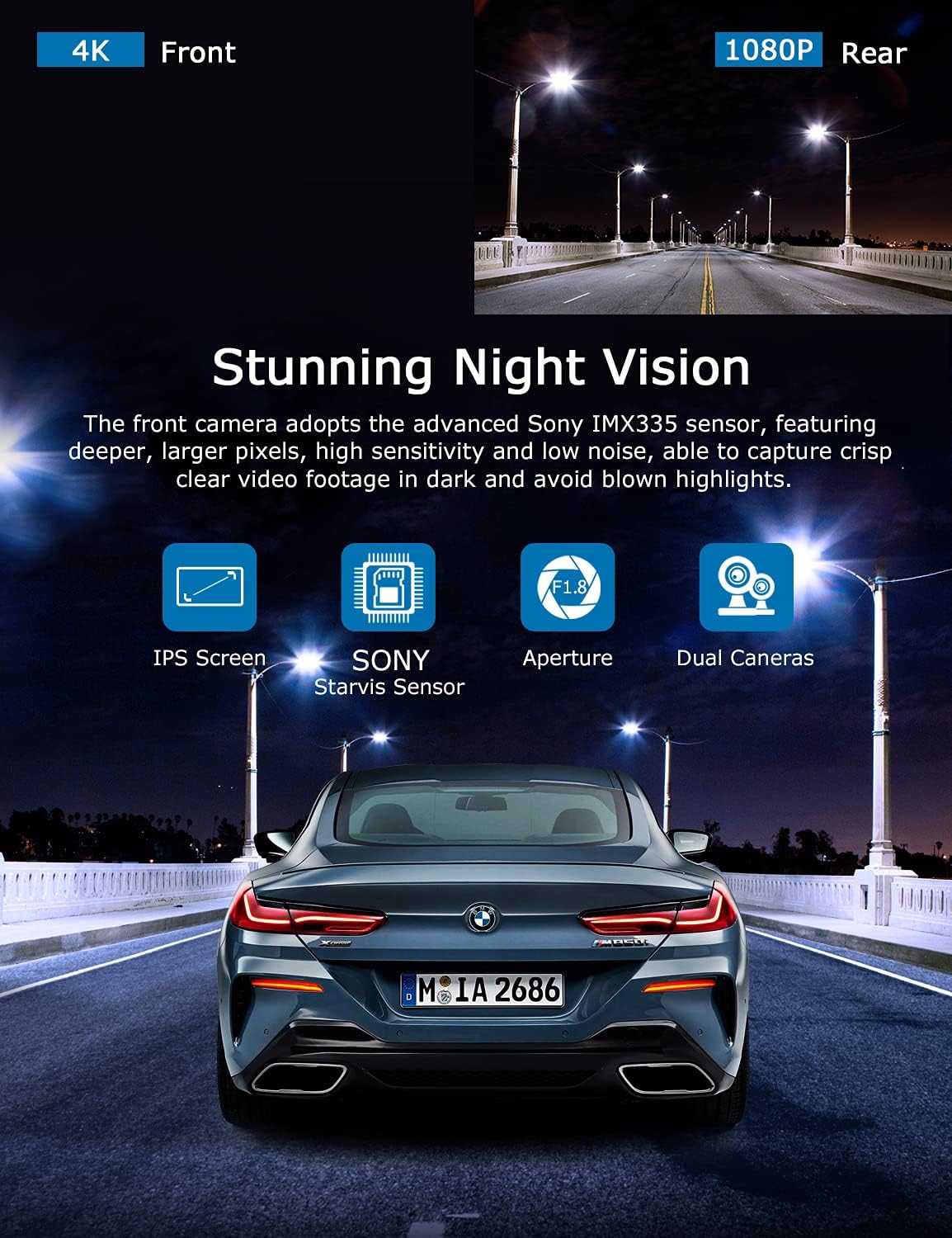
Image: Illustration highlighting the stunning night vision capability of the ORSKEY S950, showing clear footage in dark environments.
4.6 פּלייבאַק
צו שייַעךview רעקאָרדעד פוtage:
- Stop recording by pressing the OK button (if currently recording).
- Enter playback mode via the menu options.
- Navigate through video files using the up/down buttons.
- אויסקלייַבן אַ file און דריקן OK צו שפּילן.
- You can also remove the MicroSD card and view files on a computer using a compatible media player.
5. וישאַלט
- מיקראָסד קאַרטל פֿאָרמאַטירן: Regularly format the MicroSD card (at least once a month) to prevent data corruption and ensure optimal performance. Back up important files איידער פאָרמאַטטינג.
- רייניקונג: Use a soft, dry cloth to clean the camera lens and screen. Avoid using abrasive cleaners or solvents.
- טעמפּעראַטור: פֿאַרמײַדט אויסשטעלן די דאַש קאַם צו עקסטרעמע טעמפּעראַטורן פֿאַר פֿאַרלענגערטע פּעריאָדן, ווײַל דאָס קען אַפֿעקטירן די באַטעריע לעבן און קאָמפּאָנענט אָרנטלעכקייט.
6. טראָובלעשאָאָטינג
| פּראָבלעם | מעגלעך סיבה | לייזונג |
|---|---|---|
| די קאַמעראַ גייט נישט אָן. | No power supply; faulty charger; dead battery. | Check car charger connection and vehicle's cigarette lighter. Ensure the camera's internal battery is charged. |
| "Card Error" or recording stops. | MicroSD card not formatted, incompatible, or corrupted. | Format the MicroSD card in the camera. Use a high-quality Class 10 (U3 recommended) MicroSD card from a reputable brand. Try a different card. |
| Video playback is laggy or corrupted. | Slow MicroSD card; file system issues; incompatible player. | Ensure you are using a high-speed MicroSD card (V30/U3). Format the card. Try playing videos with a different media player on your computer. |
| Rear camera image is reversed. | Default setting for mirror view. | Check camera settings for a 'Mirror Image' or 'Flip' option for the rear camera. If not available, this may be intended for reverse assistance rather than recording. |
| G-סענסאר איז צו סענסיטיוו/נישט סענסיטיוו גענוג. | G-סענסאָר סענסיטיוויטי שטעלונג. | Adjust the G-Sensor sensitivity level in the camera's settings menu. |
7. ספּעסאַפאַקיישאַנז
| שטריך | באַשרייַבונג |
|---|---|
| מאָדעל נומער | S950 |
| ווידעא קאַפּטורע רעסאָלוטיאָן | 4K (Front), 1080P (Rear) |
| פאַרשטעלן גרייס | 3-אינטש IPS סקרין |
| פעלד פון View | 170 Degrees (Front & Rear) |
| ספּעציעלע פֿעיִקייטן | Loop Recording, Night Vision, G-Sensor, Parking Monitoring |
| סטאָרידזש שטיצן | Up to 128GB MicroSD Card (Class 10/U3 recommended) |
| קאָנטראָל מעטאָד | ריר |
| מאַכט מקור | Car Charger (1 Lithium Polymer battery included) |
| פּראָדוקט דימענשאַנז | 21 רענטגענ 15.5 רענטגענ 4.5 סענטימעטער; 505 ג |
8. וואָראַנטי און שטיצן
ORSKEY products are designed for reliability and performance. For warranty information, technical support, or any inquiries regarding your ORSKEY S950 Dash Cam, please refer to the contact details provided on the official ORSKEY webזייטל אדער די פּראָדוקט פּאַקאַדזשינג. האַלט אייער קויף קוויטל ווי אַ באַווייַז פון קויפן פֿאַר וואָראַנטי קליימז.
For further assistance, you may visit the ORSKEY Store on Amazon: ORSKEY Store


