הקדמה
The Volt Polska COMFORT WT-20 Wi-Fi Thermostat is designed to regulate the temperature in central heating systems. It maintains a comfortable and energy-efficient temperature based on programmed schedules. This device helps reduce energy costs by lowering the temperature when the space is unoccupied. The control panel features a built-in air temperature sensor and communicates wirelessly with a receiver unit connected to your central heating system. The thermostat's operation can be conveniently managed via a smartphone application.
Key features include a large, illuminated display, daily programmable cycles, and an Open Window Detection (OWD) mode for enhanced energy saving.
סעטאַפּ
1. אַנפּאַקינג און קאָמפּאָנענט לעגיטימאַציע
Carefully unpack all components. You should find the thermostat control panel, the receiver unit, a USB cable, and a power adapter.
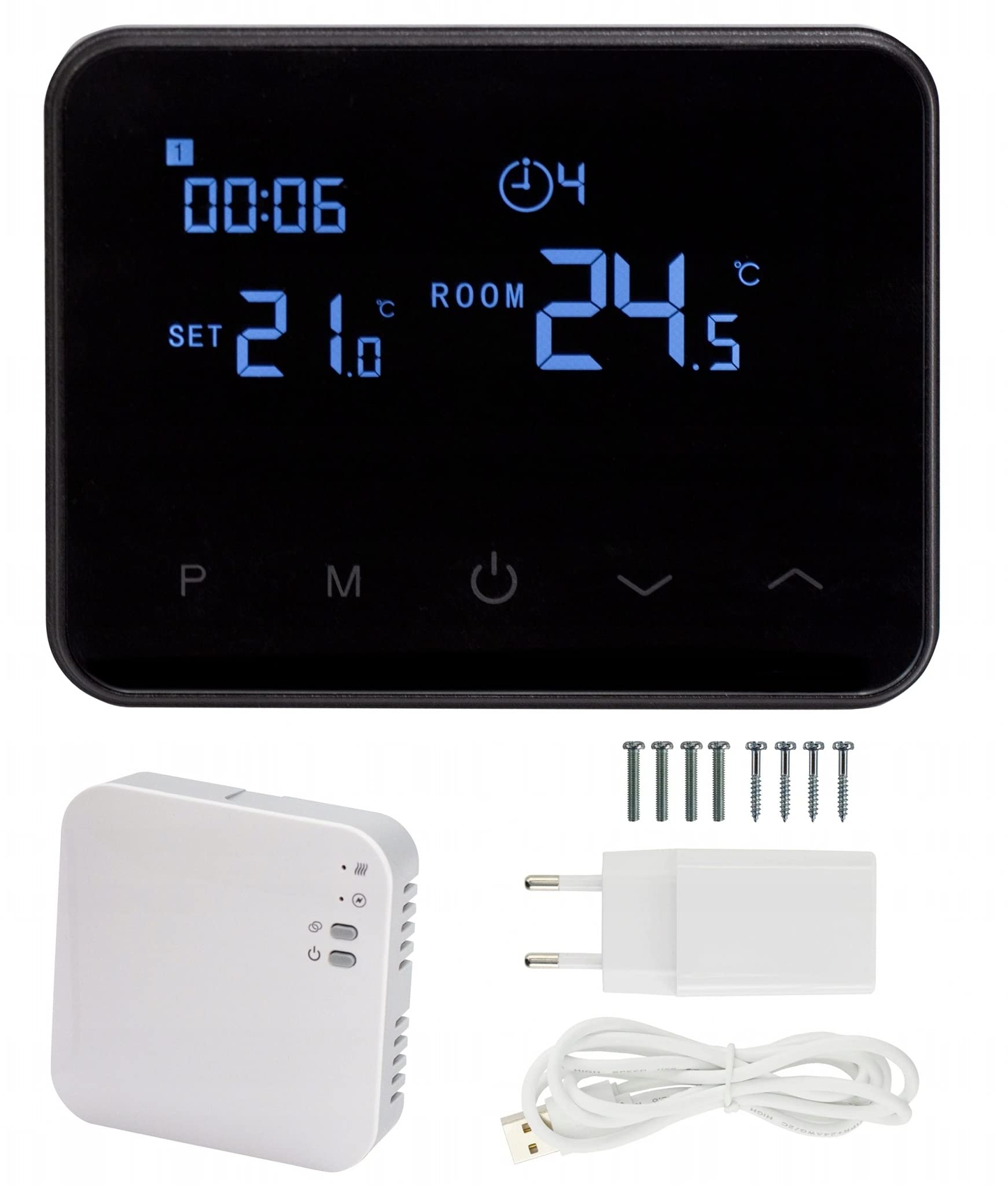
בילד: פראָנט view of the thermostat control panel.
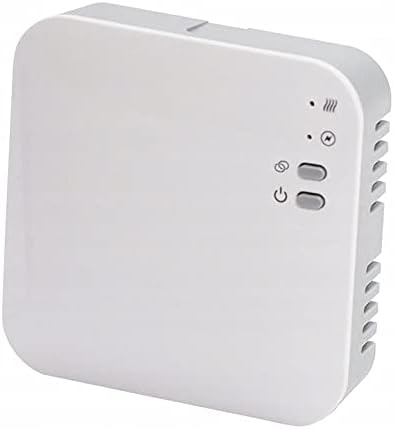
Image: The receiver unit.

Image: USB power adapter and cable.
2. Powering the Thermostat Control Panel
Connect the thermostat control panel using the provided USB cable and power adapter. The thermostat is powered via USB.
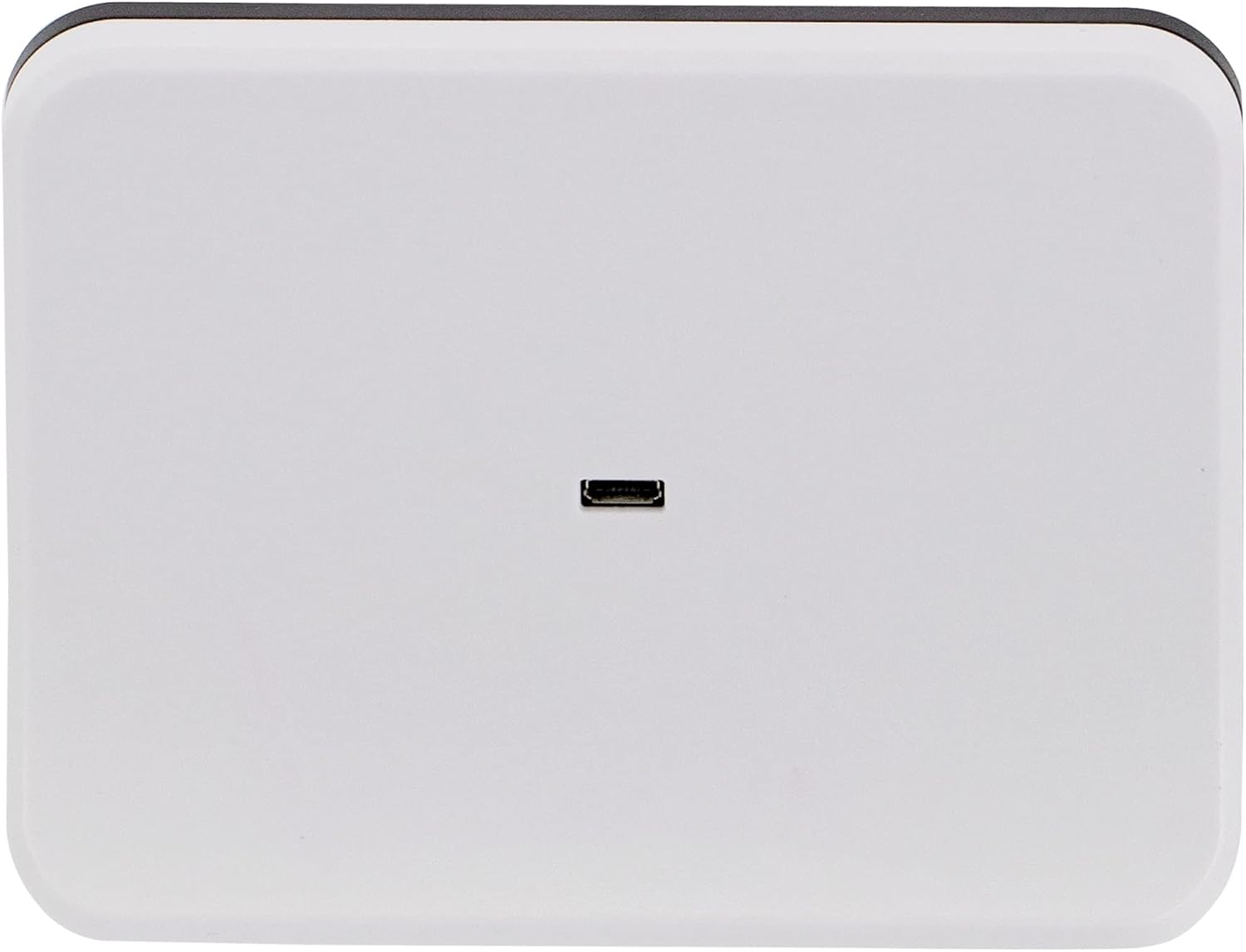
בילד: הינטערשטע view of the thermostat with USB port.
3. Receiver Unit Installation
The receiver unit must be connected to your central heating system by a qualified electrician. Ensure the main power supply to the heating system is turned off before installation. The receiver operates on 230VAC, 50/60Hz.
4. מאָנטירן דעם טערמאָסטאַט
The thermostat control panel can be placed on a flat surface using the included stand or mounted on a wall. For wall mounting, use appropriate screws and anchors (not included) through the designated mounting points on the back of the unit.

Image: Thermostat on its stand.

בילד: די הינטערשטע זייט פונעם טערמאסטאט מיט באשטעטיגונג פונקטן.
5. Wi-Fi Connectivity and App Pairing
- אָפּלאָדירן די קלוג לעבן application from Google Play Store or Apple App Store on your smartphone.
- רעגיסטרירט זיך אדער לאגט זיך איין אין אייער סמאַרט לייף אקאונט.
- Follow the in-app instructions to add a new device. Ensure your thermostat is powered on and in pairing mode (refer to the thermostat's display for pairing indicators).
- Once paired, you can control your thermostat remotely via the app.
אַפּערייטינג ינסטראַקשאַנז
1. ווייַז אינפֿאָרמאַציע
The large, illuminated display shows the current room temperature, the set target temperature, the current time, and the active program cycle.

בילד: ווינקלדיק view of the thermostat display.
2. גרונטלעכע קאנטראלן
The thermostat features several buttons for manual control:
- P (Program): Access and adjust programming settings.
- מ (מאָדע): Switch between different operating modes (e.g., manual, auto).
- מאַכט קנעפּל: Turn the thermostat on or off.
- אַרויף / אַראָפּ אַראָוז: Adjust temperature settings or navigate menus.
3. פּראָגראַמירן סקעדזשולז
The thermostat supports programming up to 4 cycles per day for 7 days a week. Use the 'P' button to enter programming mode and the up/down arrows to set desired temperatures and times for each cycle. Refer to the on-screen prompts for detailed programming steps.
4. Open Window Detection (OWD) Mode
When enabled in the settings, the OWD mode automatically turns off the heating if it detects a sudden temperature drop (e.g., 2°C within 15 minutes, default setting). This prevents energy waste when a window or door is opened. The device will resume normal operation after 30 minutes. Pressing any button will immediately exit OWD mode.
5. סמאַרטפאָון אַפּ קאָנטראָל
After successful pairing, use the Smart Life app to:
- Adjust the temperature remotely.
- Set and modify heating schedules.
- Monitor current room temperature.
- Access advanced settings and features.
וישאַלט
The Volt Polska COMFORT WT-20 Thermostat requires minimal maintenance.
- רייניקונג: Wipe the thermostat's display and casing with a soft, dry cloth. Do not use abrasive cleaners or solvents, as these can damage the surface.
- מאַכט צושטעלן: Ensure the USB cable and power adapter are in good condition and securely connected.
- ווייכווארג דערהייַנטיקונגען: Periodically check the Smart Life app for any available firmware updates for your thermostat to ensure optimal performance and security.
טראָובלעשאָאָטינג
פּראָסט ישוז און סאַלושאַנז:
- Thermostat display is off:
- Check if the USB cable is properly connected to the thermostat and the power adapter.
- Ensure the power adapter is plugged into a working electrical outlet.
- הייצונג סיסטעם רעאגירט נישט:
- Verify that the receiver unit is powered on and correctly wired to the central heating system.
- Ensure the thermostat control panel and receiver unit are within wireless range (868MHz radio frequency).
- Check the thermostat's settings to ensure it is in heating mode and the target temperature is above the current room temperature.
- Cannot connect to Wi-Fi or app:
- Ensure your home Wi-Fi network is active and operating on the 2.4GHz band (5GHz networks are typically not supported by smart home devices).
- ריסטאַרט דיין Wi-Fi ראַוטער.
- פרובירט נאכאמאל דעם פארבינדונג פראצעס דורך די סמארט לייף אפליקאציע.
- Ensure your smartphone is connected to the same 2.4GHz Wi-Fi network during the initial pairing process.
- אומרעכטע טעמפּעראַטור מעסטונגען:
- Ensure the thermostat is not placed near heat sources (e.g., direct sunlight, lamps) or drafts, which can affect its internal sensor.
- לאָזט אַ ביסל צייט פֿאַר דעם סענסאָר צו סטאַביליזירן זיך נאָך דער ערשטער סעטאַפּ אָדער איבערוואַנדערונג.
ספּעסאַפאַקיישאַנז
| Thermostat Power Supply | USB cable with charger |
| ופנעמער וולtage | 230VAC, 50/60Hz |
| מאַקסימום מאַסע | 250 וואַק/10 אַ |
| Wireless Frequency (Thermostat to Receiver) | 868 מהז |
| Wi-Fi קאַנעקטיוויטי | Yes (for smartphone app) |
| פּראָגראַממאַבלע אָפּציעס | 7 days, 4 cycles per day |
| טעמפּעראַטור באַשטעטיקן ראַנגע | 5-35 °C |
| טעמפּעראַטור סענסיטיוויטי | ±0.5 °C |
| שוץ רייטינג | IP20 |
| Thermostat Dimensions (L x W x H) | 126 X 98 X 23.5 מם |
| ופנעמער דימענסיעס (L x B x H) | 90 X 90 X 26 מם |
| Weight (Thermostat / Receiver) | 0.281 קג / 0.13 קג |
| Built-in Memory Type | EEPROM |
| סערטיפיקאַטיאָנס | CE, ROHS, RED |
| מאָדעל נומער | 3ZTERWT20W |
וואָראַנטי אינפֿאָרמאַציע
Specific warranty details for the Volt Polska COMFORT WT-20 Thermostat are not provided in this manual. Please refer to the product packaging, your purchase receipt, or the official Volt Polska webזייטל פֿאַר פולשטענדיקע וואָראַנטי טערמינען און באדינגונגען.
שטיצן
For technical assistance, further information, or to report issues, please visit the official Volt Polska website or contact their customer support. Contact details are typically available on the manufacturer's webזייטל אדער פּראָדוקט פּאַקאַדזשינג.
Ensure you have your product model number (WT-20) and any purchase details ready when contacting support.


