1. הקדמה
The CUBOT King Kong 5 Pro is a rugged smartphone designed for durability and performance in challenging environments. It features a robust build, a large battery, and a versatile camera system, running on the Android 11 operating system.
2. וואָס איז אין דער קעסטל
- CUBOT King Kong 5 Pro Rugged Cell Phone
- טשאַרדזשער
- מאַנואַל
- Type-C Original Headphones
- וסב קאַבלע

Image: Contents of the CUBOT King Kong 5 Pro retail box.
3. פיזישע פֿעיִקייטן און קאָמפּאָנענטן
Familiarize yourself with the key physical features of your CUBOT King Kong 5 Pro.
- ווייַז: 6.1-inch HD+ Water-drop screen (720x1560 resolution).
- פראָנט אַפּאַראַט: 25MP, located at the top of the display.
- דערציען קאַמעראַס: Sony 48MP Main Lens, 5MP Macro Lens, 0.3MP Photosensitive Lens, Dual Flash.
- רעדנער: Dual loud stereo speakers for enhanced audio output.
- קנעפּלעך: Volume Up/Down, Power Key, Customizable Button.
- פּאָרץ: USB Type-C charging port (covered by a rubber flap), TF/SIM Card slot.
- סענסאָרס: Side-mounted Fingerprint Sensor, Face ID, Accelerometer, Gyroscope, Magnetic, Proximity.
בילד: דעטאַלירט view of the CUBOT King Kong 5 Pro's physical features, including camera setup, ports, and buttons.
4. סעטאַפּ
4.1. אריינשטעלן סים קארטלעך און סד קארטל
- Locate the SIM card slot on the left side of the phone.
- Carefully open the protective rubber flap covering the SIM tray.
- Insert up to two Nano-SIM cards or one Nano-SIM card and one microSD card (for expandable storage up to 256GB) into the tray. Ensure correct orientation.
- Gently push the tray back into the slot and securely close the rubber flap to maintain water and dust resistance.
4.2. ערשטע איינשאַלטונג און סעטאַפּ
- Press and hold the Power Key (located on the right side) until the CUBOT logo appears.
- פֿאָלגט די אינסטרוקציעס אויף דעם עקראַן צו אויסקלײַבן אײַער שפּראַך, פֿאַרבינדן זיך צו אַ Wi-Fi נעץ, און אויפֿשטעלן אײַער Google חשבון.
- Configure security features such as Face ID and the side-mounted Fingerprint Sensor for quick and secure access.
5. אַפּערייטינג דיין מיטל
5.1. אַנדרויד 11 אָפּערייטינג סיסטעם
The King Kong 5 Pro runs on Android 11, offering enhanced privacy controls, improved message management, and intuitive device connectivity. Navigate through the interface using gestures or traditional navigation buttons.
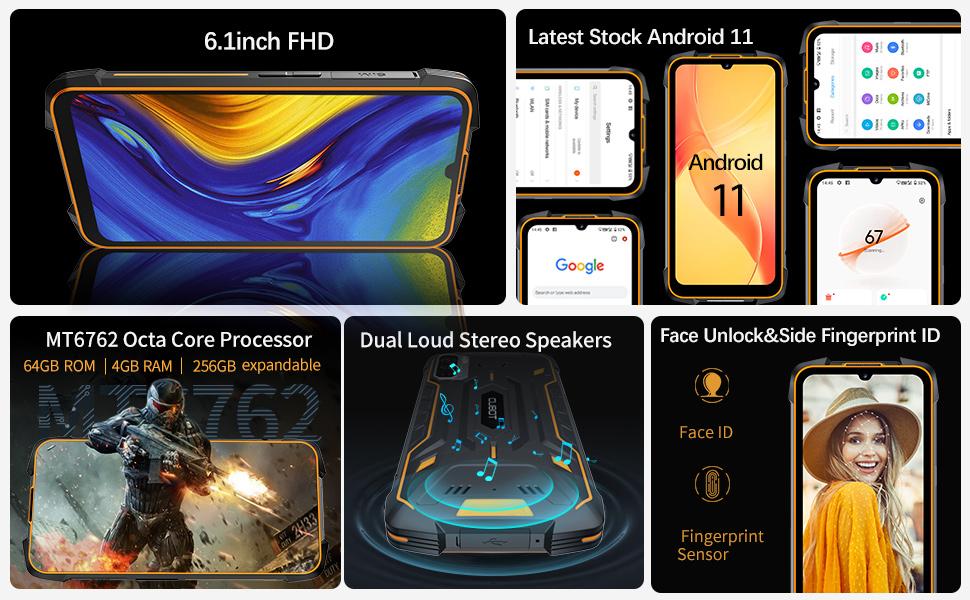
Image: Screenshots of the Android 11 operating system on the CUBOT King Kong 5 Pro.
5.2. באַטערי מאַנאַגעמענט
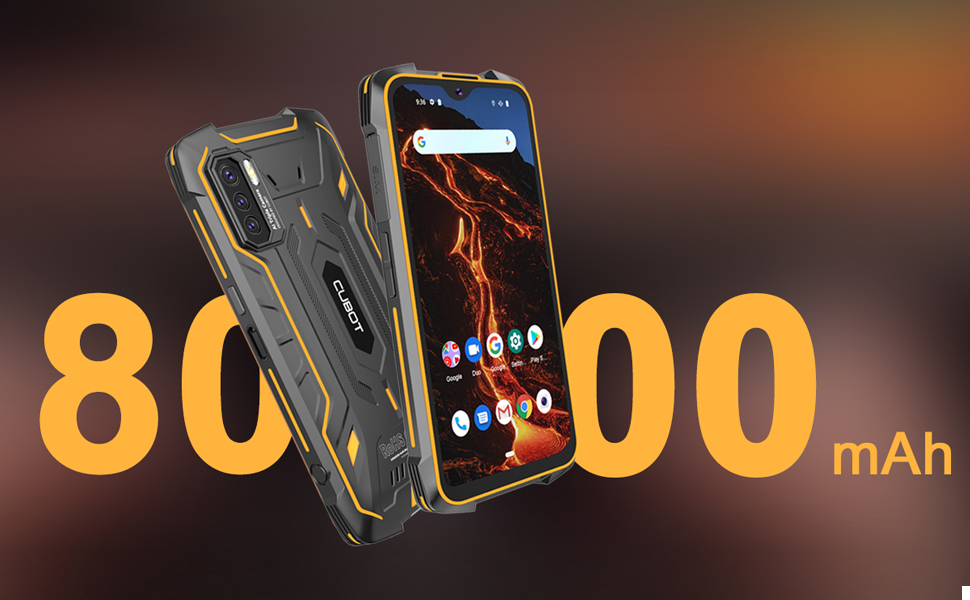
The device is equipped with a large 8000mAh battery, providing extended usage time. It supports 5V/3A fast charging. To optimize battery life, utilize the built-in Battery Saver mode and monitor app usage in the Battery Manager settings.

Image: Visual representation of the 8000mAh super battery capacity.
5.3. קוסטאָמיזאַבלע קנעפּל
The customizable button on the side of the phone can be configured to launch any application or function. By default, it may be set to open the camera app. To change its function, navigate to Settings > Custom key function and select your desired application for single press, double press, or long press actions.
6. קאַמעראַ פֿעיִקייטן
The CUBOT King Kong 5 Pro features a triple rear camera setup and a high-resolution front camera.
- דערציען אַפּאַראַט: 48MP Sony main lens for clear photos, a 5MP macro lens for close-up shots, and a 0.3MP photosensitive lens.
- פראָנט אַפּאַראַט: 25MP פֿאַר סעלפֿיז און ווידעאָ קאָלס.
- ווידעא רעקאָרדינג: Supports 1080p video recording with image stabilization.
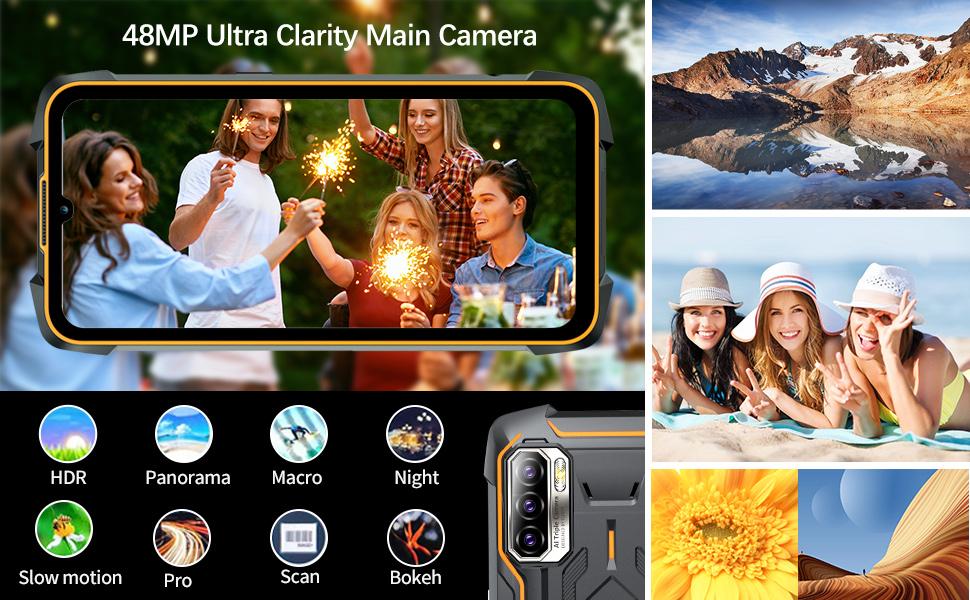
בילד: איבערview of the professional outdoor camera set and various camera modes.
7. פאָרשטעלונג
Powered by an MT6762D Octa-Core processor with 4GB RAM and 64GB ROM (expandable up to 256GB), the King Kong 5 Pro is designed for everyday tasks and light usage. While not intended for heavy gaming or demanding applications, it provides smooth operation for browsing, messaging, and standard apps.
8. Connectivity and Sensors
- נעץ: Dual SIM dual 4G standby, supporting a wide range of FDD and TDD bands for global compatibility. Compatible with most GSM networks (AT&T, T-Mobile, Metro PCS, Straight Talk, Ting, H2O Wireless). Not compatible with New AT&T, Cricket, and CDMA networks (Verizon, Sprint, Boost Mobile).
- נאַוויגאַציע: Integrated GPS, GLONASS, and BEIDOU for accurate positioning.
- ווירעלעסס: Bluetooth 5.0, Wi-Fi, NFC for contactless payments and data exchange.
- סענסאָרס: Accelerometer, Gyroscope, Magnetic (Compass), Proximity, Light sensor.
9. האַלטבאַרקייט פֿעיִקייטן
The CUBOT King Kong 5 Pro is built to withstand harsh conditions, making it ideal for outdoor and demanding environments.
- וואָטערפּרוף: IP68 & IP69K rated, waterproof up to 1.5 meters for 30 minutes.
- פאַל-באַווייַז: Designed to be drop-proof from heights up to 1.5 meters.
- שטויבפּראָאָף: 99% dustproof, protecting against dust ingress even in dusty environments.
- קאַנסטראַקשאַן: Wrapped in rubber for enhanced durability and shock absorption.
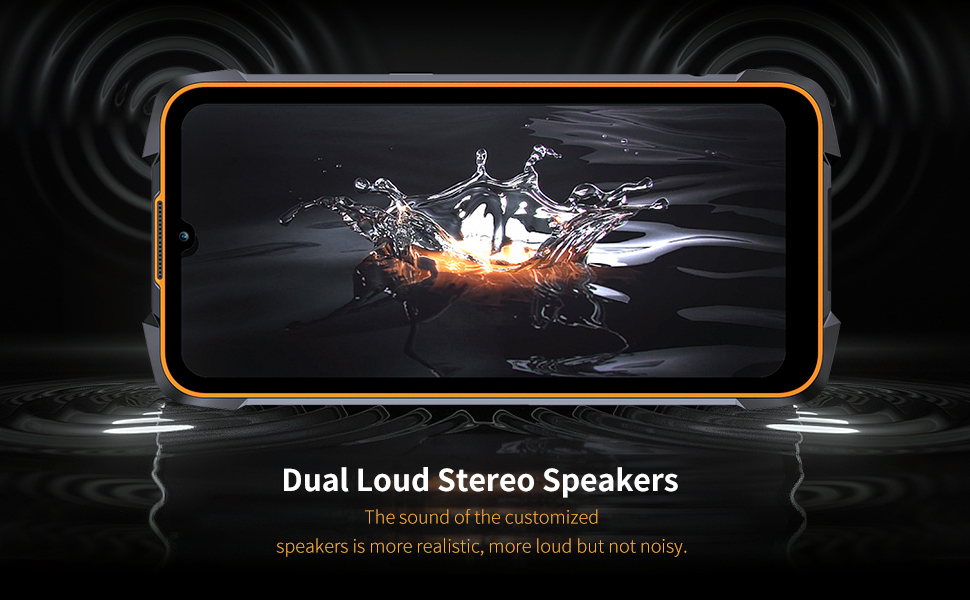
Image: The CUBOT King Kong 5 Pro showcasing its rugged design and resistance to water, dust, and drops.
10. ספּעסאַפאַקיישאַנז
| שטריך | באַשרייַבונג |
|---|---|
| מאָדעל נאָמען | King Kong 5 Pro |
| אָפּערייטינג סיסטעם | אַנדרויד 11.0 |
| קפּו מאָדעל | MT6762D אקטא-קאָר |
| באַראַן | 4 גיגאבייט |
| זכּרון סטאָרידזש קאַפּאַסיטי | 64 גיגאבייט (אויסברייטבאר ביז 256 גיגאבייט) |
| פאַרשטעלן גרייס | 6.1 אינטשעס HD+ |
| האַכלאָטע | 720 X 1560 |
| באַטאַרייע קאַפּאַציטעט | 8000 מיליamp שעהן |
| טשאַרדזשינג צייט | Approx. 4.5 Hours (0-100%) |
| דערציען אַפּאַראַט | 48MP (Main) + 5MP (Macro) + 0.3MP (Photosensitive) |
| פראָנט אַפּאַראַט | 25MP |
| וואַסער / שטויב קעגנשטעל | IP68 און IP69K |
| דראָפּ קעגנשטעל | אַרויף צו 1.5 מעטער |
| קאַנעקטיוויטי | 4G Dual SIM, Bluetooth 5.0, Wi-Fi, NFC |
| נאַוויגאַציע | גפּס, גלאָנאַס, ביידו |
| דימענשאַנז | 6.53 X 3.2 X 0.74 אינטשעס |
| פּונקט וואָג | 10.9 אונסעס |
11. טראָובלעשאָאָטינג
- סים קאַרטל נישט דעטעקטירט: If your SIM card is not detected, ensure it is correctly inserted into the tray. Sometimes, wiping the SIM card's contacts with alcohol can resolve issues caused by dust or oxidation.
- פּאַמעלעך פאָרשטעלונג: Close unused applications running in the background. Regularly clear cache and temporary files. If performance issues persist, consider a factory reset (back up your data first).
- סקרין ישוז: If the touchscreen is unresponsive in certain areas, restart the device. If the issue persists, contact customer support.
- טשאַרדזשינג ישוז: Ensure the USB Type-C cable and charger are securely connected and undamaged. Check that the rubber flap covering the charging port is fully open during charging.
12. וואָראַנטי און שטיצן
For warranty information and technical support, please refer to the documentation included with your product or visit the official CUBOT webזייטל. האַלט דיין קויפן באַווייַז פֿאַר קיין וואָראַנטי קליימז.


