1. הקדמה
This manual provides essential instructions for setting up, operating, and maintaining your ENHANCE Colmi V23 Smart Watch. Please read this manual thoroughly before using the device to ensure proper function and longevity.

Figure 1.1: ENHANCE Colmi V23 Smart Watch
2. זיכערקייַט אינפֿאָרמאַציע
Disclaimer: This device is not a medical device and is not intended to replace a Sphygmomanometer (an instrument for measuring blood pressure). Individuals with hypertension or other medical conditions should consult their doctor before using this device for health monitoring purposes.
3. וואָס איז אין דער קעסטל
- 1x ENHANCE Colmi V23 Smart Watch
- 1x טשאַרדזשינג קאַבלע
- 1x באַניצער מאַנואַל
4. סעטאַפּ
4.1 אויפלאָדן דעם סמאַרט וואַך
Before initial use, fully charge your smart watch. Connect the magnetic charging cable to the charging points on the back of the watch and plug the USB end into a power adapter (not included) or a computer's USB port. A full charge typically takes approximately 2 hours.

פיגור 4.1: אויפלאָדן דעם סמאַרט וואַך
4.2 אַפּ אינסטאַלאַציע און פּערינג
- אָפּלאָדירן די "Da Fit" application from your device's app store (compatible with iOS 9.0 and above, Android 4.0 and above). You can also scan the QR code provided in the included manual to download the app.
- Open the Da Fit app on your smartphone.
- Follow the in-app instructions to add a new device. Select the V23 Smart Watch from the list of available devices to pair.
- זיכער מאַכן אַז בלועטוט איז ענייבאַלד אויף דיין סמאַרטפאָון בעת דעם פּערינג פּראָצעס.
5. אפערירן דעם סמאַרט וואַך
5.1 טאָוטש סקרין נאַוויגאַציע
The ENHANCE Colmi V23 features a 1.3-inch HD color full touch screen for easy operation. Swipe left, right, up, or down to navigate through menus and functions. Tap to select options.

Figure 5.1: Touch Screen Interface Overview
5.2 קאַסטאַמייזן זייגער פנימער
Personalize your smart watch with over 100 watch faces available through the Da Fit application. You can also create custom watch faces using your own photos.
- Open the Da Fit app on your smartphone.
- Navigate to "Add a Device" > "WATCH FACES".
- Select an existing watch face or choose "Edit" to customize with a picture.
- Select your desired picture, adjust its position, and save.
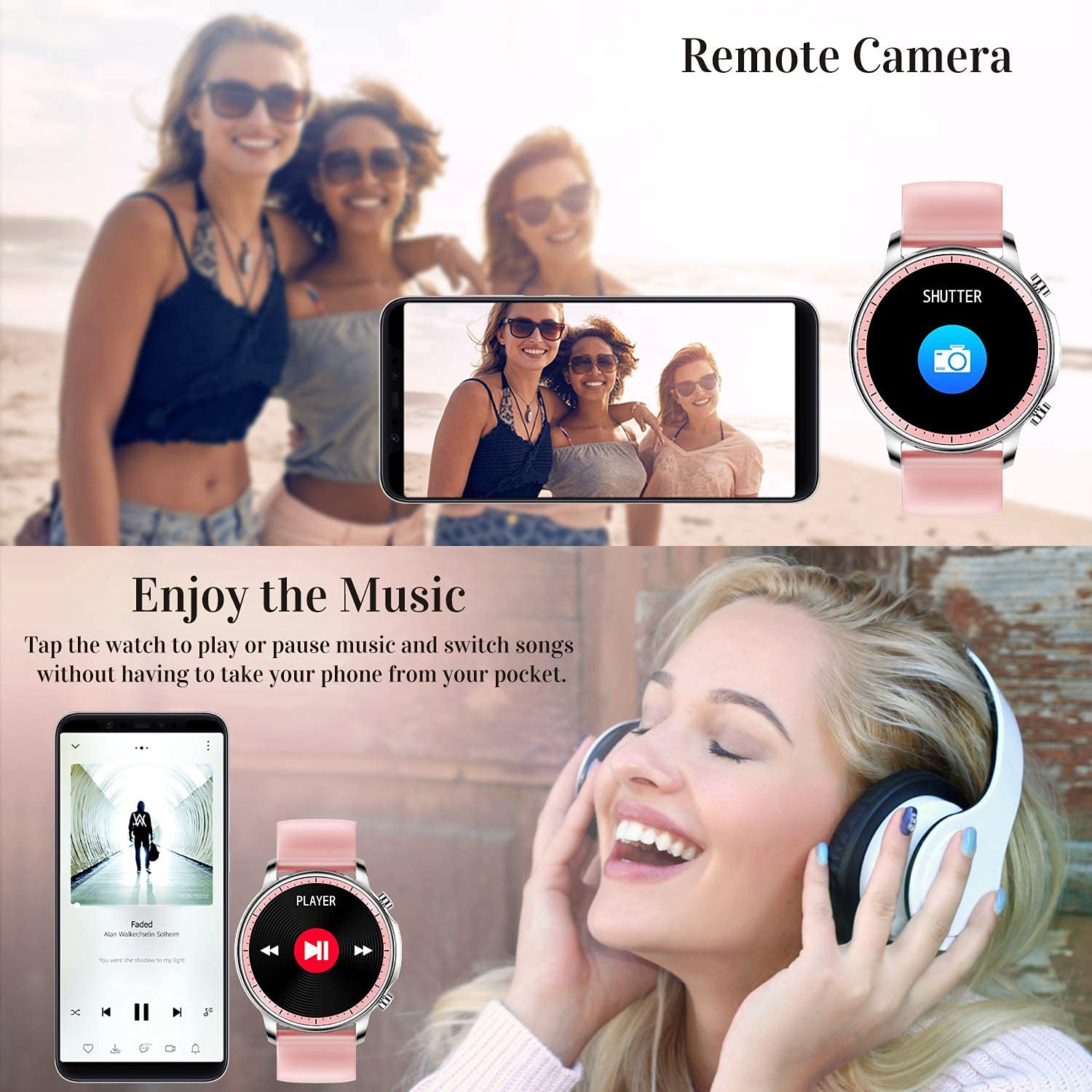
Figure 5.2: Customizing Watch Faces
5.3 נאָוטאַפאַקיישאַנז
Receive call, message, email, and app notifications directly on your smart watch. (Note: The watch cannot answer or make calls.)

Figure 5.3: Call and Message Reminders
5.4 מוזיק קאָנטראָל
Control music playback on your smartphone directly from your watch. Tap to play/pause or switch songs without needing to access your phone.
5.5 ווייַט אַפּאַראַט
Use your smart watch as a remote shutter for your smartphone camera. This feature allows you to take photos from a distance.

Figure 5.4: Remote Camera and Music Control
6. פֿעיִקייטן
6.1 געזונט מאָניטאָרינג
- Heart Rate (HR) Monitor: קעסיידער מאָניטאָרט דיין האַרץ טעמפּאָ איבערן טאָג.
- Blood Pressure (BP) Monitor: Provides blood pressure readings. (Refer to safety disclaimer in Section 2).
- מאָניטאָר פון בלוט זויערשטאָף (SpO2): מעסט בלוט זויערשטאָף זעטיקונג לעוועלס.
- שלאָף טראַקער: Records sleep information, including deep sleep, light sleep, and awake time, to help you understand your sleep patterns.
- ווייַבלעך געזונט טראַקינג: Offers features for tracking female health cycles.

Figure 6.1: Heart Rate and Blood Pressure Monitoring

Figure 6.2: Smart Sleep Monitoring
6.2 טעטיקייט טראַקינג
The smart watch offers 7 data record modes to track various sports activities:
- גיין
- פליסנדיק
- סייקלינג
- קוישבאָל
- פוטבאָל
- באַדמינטאָן
- סקיפּינג
This feature helps you monitor your exercise data and gain insights into your fitness levels.

Figure 6.3: Smart Watch Functions Overview
6.3 Smart Reminders
- זיציק דערמאָנונג: Reminds you to move and stay active after periods of inactivity.
- וועקער זייגער: שטעלט אַלאַרמס גלייך אויף אייער זייגער.
6.4 אנדערע פאַנגקשאַנז
- סטאַפּוואַטש
- Fun Game
7. וישאַלט
7.1 וואַסער קעגנשטעל
The ENHANCE Colmi V23 Smart Watch is IP68 waterproof, making it resistant to daily wet conditions such as hand washing or light rain. Avoid prolonged submersion in water, hot water, or steam, and do not operate buttons underwater.
7.2 רייניקונג
ווישט אָפּ די זייגער און רימען רעגולער מיט אַ ווייכן, טרוקענעם שטאָף. אויב נייטיק, ניצט אַ לייכט טרוקענעם שטאָף.amp שטאָף און דערנאָך טרוקן גוט אויס. פֿאַרמייַדן ניצן שאַרפע כעמיקאַלן אָדער אַברייסיוו מאַטעריאַלן.
7.3 באַטערי קער
To prolong battery life, avoid fully discharging the battery frequently. Charge the watch when the battery level is low. Store the watch in a cool, dry place when not in use for extended periods.
8. טראָובלעשאָאָטינג
- זייגער טוט זיך נישט אן: זיכער מאַכן אַז די זייגער איז גאָר אויפגעלאָדן. פֿאַרבינדט עס צום טשאַרדזשער פֿאַר לפּחות 30 מינוט.
- זייגער נישט פארבינדן מיטן טעלעפאן: Make sure Bluetooth is enabled on your phone and the watch is within range. Restart both the watch and your phone, then try pairing again through the Da Fit app.
- נישט פּינקטלעכע געזונט דאַטן: Ensure the watch is worn snugly on your wrist, not too tight or too loose. Clean the sensor on the back of the watch. Remember, this device is not a medical instrument.
- נאטיפיקאציעס דערשיינען נישט: Check notification settings in the Da Fit app and your phone's system settings to ensure permissions are granted for the app to display notifications.
9. ספּעסאַפאַקיישאַנז
| סאָרט | פֿאַרבעסערן |
| מאָדעל | V23 Smart watch |
| פּראָדוקט דימענשאַנז | 1.03 X 2 X 4.15 סענטימעטער |
| פּונקט וואָג | 42 ג |
| פאַרשטעלן גרייס | 1.3 אינטשעס |
| האַכלאָטע | 240 X 230 |
| ווייַז טיפּ | דיגיטאַל לקד |
| באַטאַרייע קאַפּאַציטעט | 200 mAh (ליטיום פּאָלימער) |
| טשאַרדזשינג אופֿן | Magnetic Wire Charging |
| ווירעלעסס טיפּ | בלועטאָאָטה |
| קאַמפּאַטאַבאַל דעוויסעס | Mobile Phone (Android 4.0+ & iOS 9.0+) |
| אָפּערייטינג סיסטעם | אַנדרויד און יאָס |
| וואַסער קעגנשטעל | IP68 |
| מאַטעריאַל | פּלאַסטיק |
10. וואָראַנטי און שטיצן
For warranty information and customer support, please refer to the documentation included with your product or contact ENHANCE customer service. The included user manual contains details regarding warranty terms and contact information.


