הקדמה
This manual provides comprehensive instructions for the setup, operation, and maintenance of your Reflex Active Series 3 Smart Watch. This device features a color screen, crown navigation, and up to 7 days of battery life. It is designed to help you manage notifications, track activities, and monitor health metrics.

Image: The Reflex Active Series 3 Smart Watch with a black strap and rose gold case, showing the time 10:56 and the date on its circular color display.
וואָס איז אין די קעסטל
Your Reflex Active Series 3 Smart Watch package includes the following items:
- Reflex Active Series 3 Smart Watch (with sealed rechargeable battery)
- וסב טשאַרדזשער
- ינסטרוקטיאָן מאַנואַל (דעם דאָקומענט)
- 2-Year Manufacturer Guarantee Information

Image: The white Reflex Active presentation gift box, indicating the product's packaging.
סעטאַפּ
1. טשאַרדזשינג די מיטל
Before first use, fully charge your smart watch. Connect the provided USB charger to a power source and attach the magnetic end to the charging points on the back of your watch. A full charge typically provides up to 7 days of battery life.

בילד: א נאָענטע בילד view of the black USB charging cable with magnetic contacts, used to charge the smart watch.
2. Downloading the Reflex Active App
To unlock all features and synchronize data, download the free Reflex Active App from your device's app store. The app is compatible with both iOS and Android operating systems.
- For iOS devices: Search "Reflex Active" in the Apple App Store.
- For Android devices: Search "Reflex Active" in the Google Play Store.
3. צוזאמענשטעלן דעם אפאראט
- מאַכן זיכער אַז בלועטאָאָטה איז ענייבאַלד אויף דיין סמאַרטפאָנע.
- Open the Reflex Active App.
- Follow the on-screen instructions within the app to search for and connect to your smart watch.
- באַשטעטיקן די פּאָרינג בעטן אויף ביידע דיין זייגער און סמאַרטפאָון.

Image: A person holding a smartphone displaying the Reflex Active app interface, showing activity tracking data, while wearing the smart watch.
אַפּערייטינג ינסטראַקשאַנז
יקערדיק נאַוויגאַציע
The Reflex Active Series 3 Smart Watch features a color touchscreen and crown navigation for easy interaction.
- טאָוטשסקרעען: סווייפּ לינקס, רעכטס, אַרויף, אָדער אַראָפּ צו נאַוויגירן דורך מעניוז און סקרינז. צאַפּן צו סעלעקטירן אָפּציעס.
- קרוין: דריי די קרוין צו סקראָלן דורך ליסטעס אדער צופּאַסן סעטטינגס. דריק די קרוין צו צוריקקומען צום היים עקראַן אדער באַשטעטיקן סעלעקשאַנז.
שליסל פֿעיִקייטן און פאַנגקשאַנז
Your smart watch offers a range of functionalities to enhance your daily life:

Image: A graphic illustrating the key features of the Reflex Active Smart Watch, including message notifications, step counter, sleep tracker, calorie counter, weather updates, call notifications, distance tracker, sports tracking, remote selfie camera, and find phone function.
- רופן און אָנזאָג נאָוטאַפאַקיישאַנז: Receive alerts for incoming calls and messages directly on your watch.
- אַקטיוויטעט טראַקינג: Track specific activities such as running, walking, cycling, and climbing in real-time.
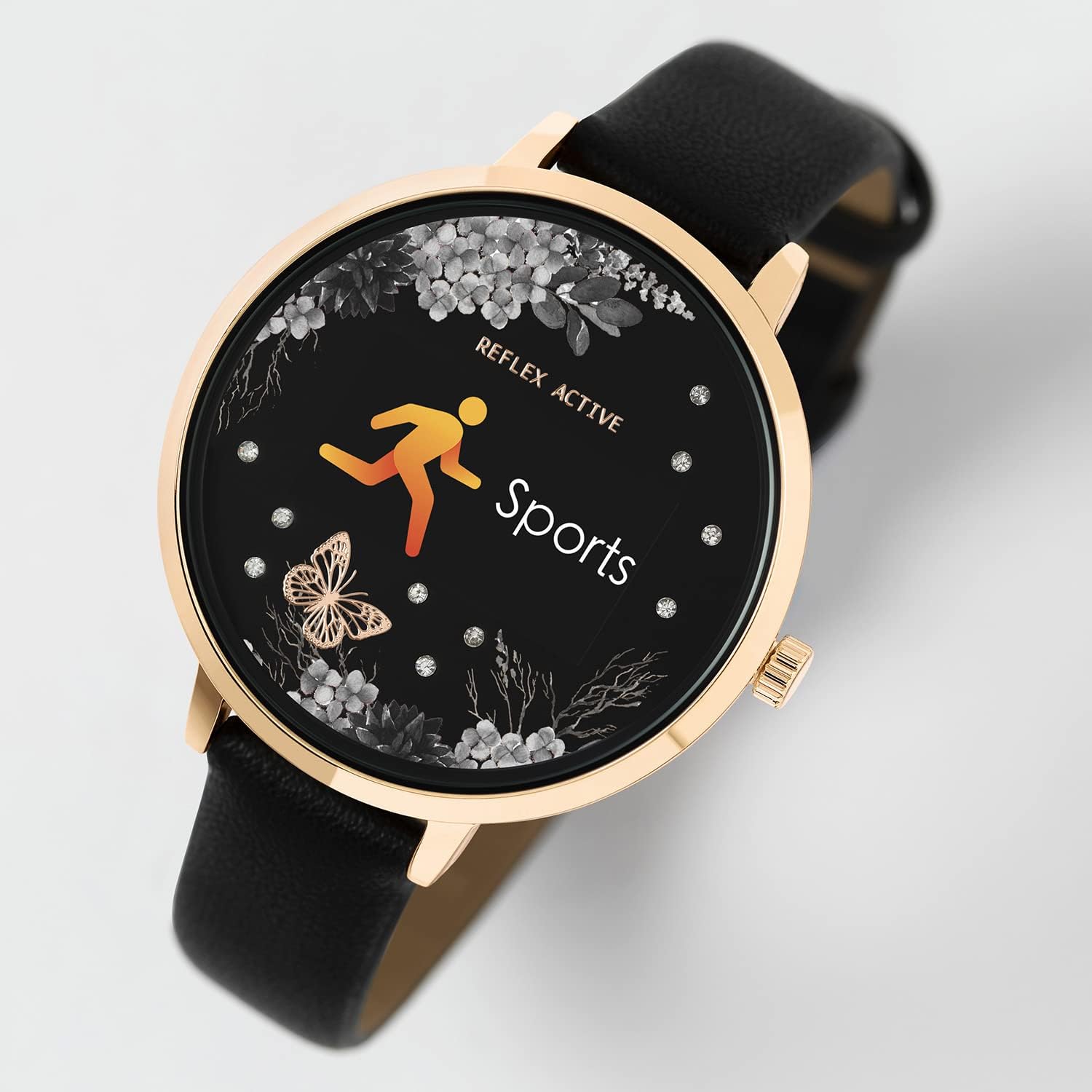
Image: The smart watch display showing the "Sports" icon and text, indicating an active workout tracking mode.
- Distance, Steps, and Calorie Tracking: Monitor your daily movement and calorie expenditure.
- Live Weather Updates: Get current weather information directly on your watch.
- Selfie Camera Control: ניצט אייער זייגער ווי אַ ווייַט לאָדן פֿאַר אייער סמאַרטפאָון'ס קאַמעראַ.
- Find Your Phone Function: געפינט אייער פארלוירענעם סמאַרטפאָן דורך אַקטיוויירן אַ וואָרענונג פון אייער זייגער.
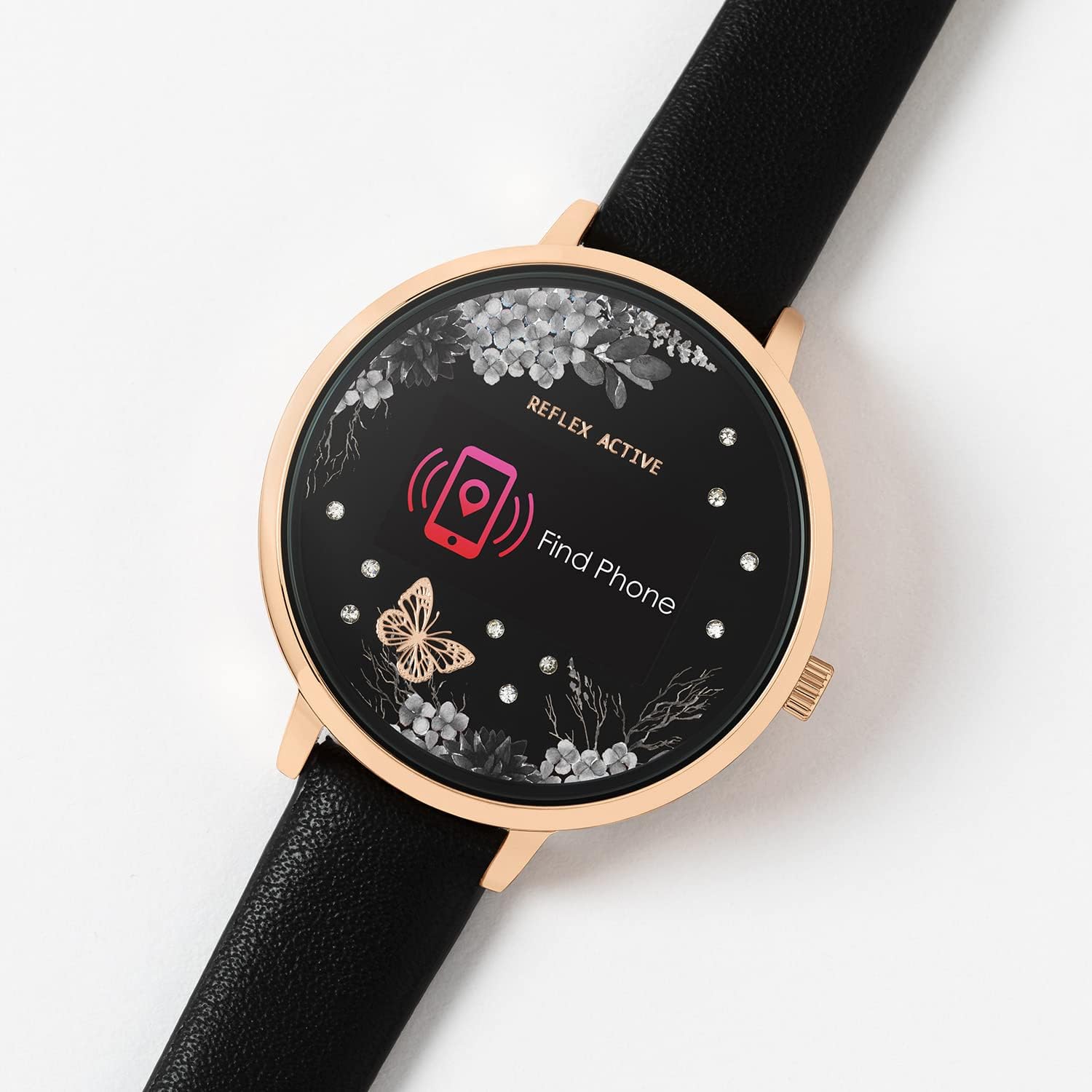
Image: The smart watch display showing a "Find Phone" icon and text, indicating the feature to locate a connected smartphone.
- שלאָף טראַקינג: מאָניטאָר דיין שלאָף פּאַטערנז און קוואַליטעט.
- Alarm and Reminders: Set alarms and reminders to help you stay organized.
וישאַלט
רייניקן דיין זייגער
To maintain the appearance and functionality of your watch, clean it regularly. Use a soft, dry, lint-free cloth to wipe the screen and case. For the strap, follow material-specific cleaning instructions.
וואַסער קעגנשטעל
The Reflex Active Series 3 Smart Watch is splashproof only. It is designed to withstand splashes, rain, or brief exposure to water. Do not submerge the watch in water, wear it while swimming, showering, or engaging in water sports. Exposure to excessive moisture can cause damage.
באַטערי קער
To prolong battery life, avoid exposing the watch to extreme temperatures. Charge the watch fully before long periods of inactivity. Do not attempt to replace the sealed rechargeable battery yourself.
טראָובלעשאָאָטינג
If you encounter issues with your Reflex Active Series 3 Smart Watch, refer to the following common solutions:
| אַרויסגעבן | מעגלעך לייזונג |
|---|---|
| וואַך נישט אויסגעדרייט אויף | Ensure the watch is fully charged. Connect it to the USB charger and allow it to charge for at least 30 minutes before attempting to power on. |
| קען נישט צוזאמענשטעלן זיך מיטן סמאַרטפאָן |
|
| דאַטן סינקראָניזירט זיך נישט מיט דער אַפּ |
|
| נישט פּינקטלעכע טעטיקייט טראַקינג | Ensure the watch is worn snugly on your wrist. Calibrate the watch through the app if available. Ensure your personal profile (height, weight) is accurate in the app. |
ספּעסאַפאַקיישאַנז
Key technical specifications for the Reflex Active Series 3 Smart Watch (Model: RA03-2076):
- מאָדעל נאָמען: סעריע 3 סמאַרט וואַך
- מאָדעל נומער: RA03-2076
- ווייַז טיפּ: Digital, Color Screen
- קאַסע דיאַמעטער: 38 mm (approximate, based on product details)
- באַטאַרייע לעבן: ביז 7 טעג (טיפּישע באַניץ)
- באַטערי טיפּ: 1 Lithium Ion battery (included, sealed rechargeable)
- קאַנעקטיוויטי: בלועטוט, USB (פֿאַר טשאַרדזשינג)
- אַפּערייטינג סיסטעם קאַמפּאַטאַבילאַטי: יאָס און אַנדרויד
- וואַסער קעגנשטעל: Splashproof only
- ספּעציעלע פֿעיִקייטן: Alarm Clock, Calorie Tracking, Notifications, Activity Tracking, Sleep Tracking, Find Phone, Remote Camera Control, Weather Updates.
- נומער וואָג: 1.06 אונסעס (אומגעפער 0.03 קילאָגראַם)
- דימענשאַנז (פּאַקאַץ): 4.96 X 3.54 X 2.87 אינטשעס
וואָראַנטי און שטיצן
Your Reflex Active Series 3 Smart Watch comes with a 2-יאָר פאַבריקאַנט גאַראַנטיעביטע באַהאַלטן אייער קויפן באַווייַז פֿאַר וואָראַנטי קליימז.
For further support, troubleshooting, or warranty inquiries, please refer to the contact information provided in your product packaging or visit the official Reflex Active webפּלאַץ.
Remember to download the free Reflex Active App for the best experience and access to detailed features and updates.


