1. הקדמה
This manual provides essential information for the safe and efficient operation of your Green Cell Pro 3000W/6000W 12V 220V/230V Modified Sine Wave Power Inverter. This device converts 12V DC power from a battery into 220V/230V AC power, enabling you to operate various electrical appliances away from a standard power grid. It delivers a continuous power output of 3000W and a peak power of 6000W. The inverter is equipped with standard AC outlets and a USB port for charging smaller electronic gadgets.
Please read this manual thoroughly before installation and use, and retain it for future reference.
2. זיכערקייַט אינסטרוקציעס
נישט נאכפאלגן די זיכערהייט אינסטרוקציעס קען רעזולטירן אין עלעקטרישן שאק, פייער, אדער ערנסטע שאדן.
- לייענען אַלע אינסטרוקציעס: Familiarize yourself with the product's features and operation before use.
- ווענטילאַטיאָן: Ensure the inverter is placed in a well-ventilated area. Do not block the cooling fans or vents.
- סוויווע: Do not expose the inverter to water, rain, snow, spray, or extreme temperatures. Avoid direct sunlight.
- באַטערי קאַמפּאַטאַבילאַטי: This inverter is designed for 12V DC battery systems only. Connecting to other voltage סיסטעמען קענען שאַטן.
- מאַסע קאַפּאַציטעט: Do not exceed the inverter's continuous power rating of 3000W or peak power of 6000W. Overloading can damage the inverter and connected devices.
- Modified Sine Wave: This inverter produces a modified sine wave output. It is suitable for most resistive loads (e.g., incandescent lights, heating elements) and some electronic devices (e.g., laptops, phone chargers, LED lamps). It is generally ניט רעקאַמענדיד for sensitive electronics, inductive loads (e.g., motors, refrigerators, pumps), or medical equipment that require a pure sine wave output. Consult your appliance manufacturer if unsure.
- פֿאַרבינדונגען: Ensure all DC input connections are tight and correctly polarized (+ to +, - to -). Loose connections can cause overheating and sparks.
- קינדער: Keep the inverter and its accessories out of reach of children.
- וישאַלט: פרובירט נישט צו עפענען אדער סערוויסן דעם אינווערטער אליין. לאָזט איבער אלע סערוויסינג צו קוואַליפֿיצירטע פּערסאָנעל.
3. פּעקל אינהאַלט
באַשטעטיקן אַז אַלע זאכן זענען פאַראַן אין פּעקל:
- Green Cell Pro 3000W/6000W Power Inverter (Model: INVGC12)
- באַטעריע פֿאַרבינדונג קאַבלען (רויט פֿאַר פּאָזיטיוו, שוואַרץ פֿאַר נעגאַטיוו)
- באַניצער מאַנואַל

Image: Green Cell Pro Inverter with included battery connection cables.
4. פּראָדוקט פֿעיִקייטן און קאָמפּאָנענטן
Understand the different parts of your inverter for proper use.

בילד: פאָרנט און הינטן view of the Green Cell Pro Inverter.
פראָנט פּאַנעל:
- AC 230V Output Sockets: פֿאַר פֿאַרבינדן 230V AC אַפּפּליאַנסעס.
- וסב פּאָרט: For charging 5V USB devices like smartphones and tablets.
- מאַכט סוויטש: Turns the inverter ON/OFF.
- LED ינדיקאַטאָרס: Display operational status (e.g., Power, Fault).
ריר פּאַנעל:
- DC Input Terminals (+ and -): For connecting to the 12V battery.
- קאָאָלינג פאַנס: אויטאָמאַטיש אַקטיווירן צו פֿאַרשפּרייטן היץ בעת אָפּעראַציע.
- גראָונדינג שרויף: For connecting an earth ground wire (recommended for safety).

Image: Detailed component diagram of the inverter.
5. סעטאַפּ
Follow these steps to set up your inverter:
- צוגרייטונג: Ensure the inverter's power switch is in the OFF position. Place the inverter on a stable, flat surface in a dry, well-ventilated area, away from direct sunlight, heat sources, and flammable materials.
- Grounding (Recommended): Connect a suitable ground wire from the grounding screw on the inverter's rear panel to a proper earth ground point.
- באַטערי קשר:
- פאַרבינדן די רויט באַטעריע קאַבל צו די positive (+) terminal of your 12V battery.
- פאַרבינדן די אנדערע סוף פון די רויט קאַבלע צו די positive (+) DC input terminal on the inverter.
- פאַרבינדן די שוואַרץ באַטעריע קאַבל צו די נעגאַטיוו (-) terminal of your 12V battery.
- פאַרבינדן די אנדערע סוף פון די שוואַרץ קאַבלע צו די נעגאַטיוו (-) DC input terminal on the inverter.
Ensure all connections are secure and tight to prevent arcing or overheating. Incorrect polarity will damage the inverter.
6. אַפּערייטינג ינסטרוקטיאָנס
Once the inverter is properly set up, follow these steps for operation:
- מאַכט אויף: Press the power switch on the front panel to turn on the inverter. The power indicator LED should illuminate, indicating the inverter is active.
- פֿאַרבינדן AC אַפּפּליאַנסעס: Plug your 230V AC appliances into the AC output sockets on the inverter's front panel. Ensure the total continuous power consumption of all connected appliances does not exceed 3000W.
- פאַרבינדן וסב דעוויסעס: For charging smaller devices, plug them into the USB port.
- מאָניטאָר: Observe the LED indicators for any fault warnings.
- מאַכט אַוועק: When you are finished using the inverter, first turn off all connected appliances, then press the power switch on the inverter to turn it off.

Image: Inverter in use, powering a laptop and charging a smartphone.
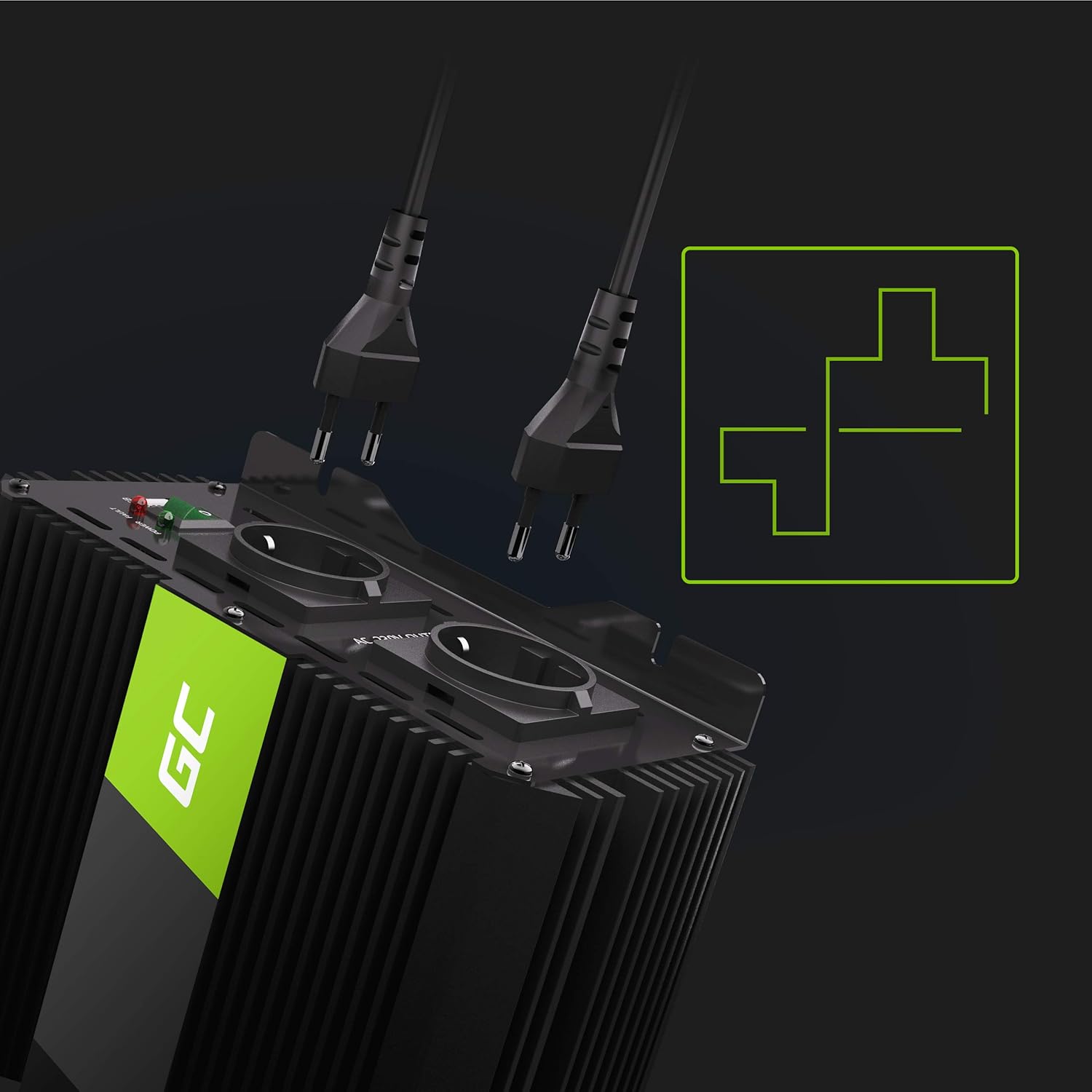
Image: AC output sockets with plugs.
7. וישאַלט
Proper maintenance ensures the longevity and reliable operation of your inverter:
- רייניקונג: Keep the inverter's exterior clean and free from dust and debris. Use a dry, soft cloth. Do not use liquid cleaners.
- ווענטילאַטיאָן: Regularly check that the cooling fans and vents are clear of obstructions. Dust accumulation can impair cooling efficiency.
- פֿאַרבינדונגען: Periodically inspect the battery connection cables and terminals for tightness and corrosion. Clean any corrosion with a wire brush and baking soda solution if necessary.
- סטאָרידזש: If storing the inverter for an extended period, ensure it is clean, dry, and stored in a cool, dry place. Disconnect it from the battery.
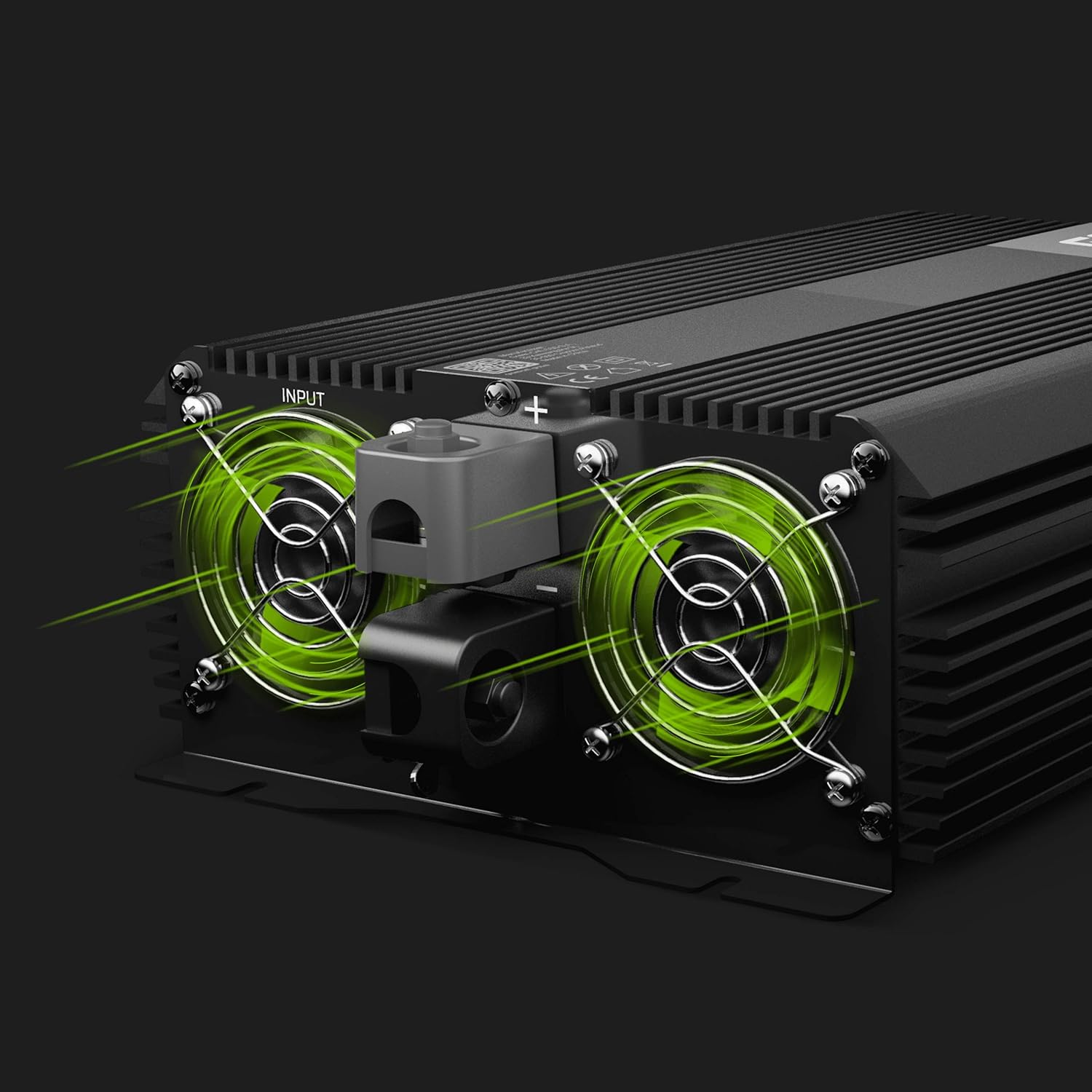
Image: Cooling fans for proper ventilation.
8. טראָובלעשאָאָטינג
If you encounter issues, refer to the following troubleshooting guide:
| פּראָבלעם | מעגלעך סיבה | לייזונג |
|---|---|---|
| קיין מאַכט אַרויסגאַנג / ינווערטער טוט זיך נישט אָן | לוס באַטאַרייע קאַנעקשאַנז נידעריק באַטאַרייע וואָלtage Inverter power switch is OFF ינערלעך קאָריק בלאָון | Check and tighten battery cables. ריטשאַרדזש אָדער פאַרבייַטן די באַטאַרייע. מאַכן זיכער אַז די מאַכט באַשטימען איז אויף. Contact customer support; do not attempt to replace internal fuses yourself. |
| Overload warning (fault LED on) | Connected appliances exceed 3000W continuous power | Disconnect some appliances to reduce the load. Restart the inverter. |
| Overheat warning (fault LED on) | נעבעך ווענטאַליישאַן יבעריק אַמביאַנט טעמפּעראַטור Prolonged high load operation | Ensure cooling fans are unobstructed and the inverter is in a well-ventilated area. Reduce load. Allow inverter to cool down before restarting. |
| Low battery warning (fault LED on) | באַטערי וואָלtage איז צו נידעריק | Disconnect appliances and recharge the 12V battery. |
| Appliances not working correctly (e.g., humming, not starting) | Appliance requires a pure sine wave Appliance is an inductive load | This inverter produces a modified sine wave. Some sensitive electronics or inductive loads may not operate correctly. Consider a pure sine wave inverter for such applications. |
9. ספּעסאַפאַקיישאַנז
Key technical specifications for the Green Cell Pro 3000W/6000W Power Inverter:
- מאָדעל נומער: INVGC12
- קעסיידערדיק מאַכט: 3000 וואטס
- שפּיץ מאַכט: 6000 וואטס
- אַרייַנשרייַב וואָלtage: 12V DC
- רעזולטאַט חלקtage: 220V / 230V AC
- רעזולטאַט וואַוועפאָרם: מאַדאַפייד סינע וואַווע
- USB רעזולטאַט: 5V (details not specified, typical for charging)
- דימענשאַנז (L x W x H): 29 cm x 13 cm x 18 cm (approximately 13L x 29l x 18H centimeters)
- וואָג: 5.84 קג
- פאַבריקאַנט: גרין צעל

Image: Comparison of Pure Sine Wave and Modified Sine Wave.
10. וואָראַנטי און שטיצן
For warranty information, technical support, or service inquiries, please refer to the official Green Cell webזייטל אדער קאָנטאַקט אייער הענדלער. האַלט אייער קויף קוויטל ווי אַ באַווייַז פון קויפן.


