1. הקדמה
Thank you for choosing the MageGee G6 Wired Gaming Mouse. This ergonomic USB optical mouse is designed to enhance your gaming and work experience with its high precision sensor, adjustable speed levels, and vibrant LED backlighting. Please read this manual thoroughly to ensure proper setup and optimal performance.
2. סעטאַפּ
2.1 פּעקל אינהאַלט
- MageGee G6 Wired Gaming Mouse
- ינסטראַקשאַנז מאַנואַל
2.2 סיסטעם רעקווירעמענץ
- Operating System: Windows 10, Windows 8, Windows 7, Windows XP, WinME, Vista, Linux, etc.
- בנימצא וסב פּאָרט
2.3 פֿאַרבינדן די מויז
- Locate an available USB port on your computer (PC, Laptop, or Desktop).
- Plug the USB connector of the MageGee G6 mouse into the USB port.
- The mouse is plug-and-play; no additional drivers or software are required for basic functionality.
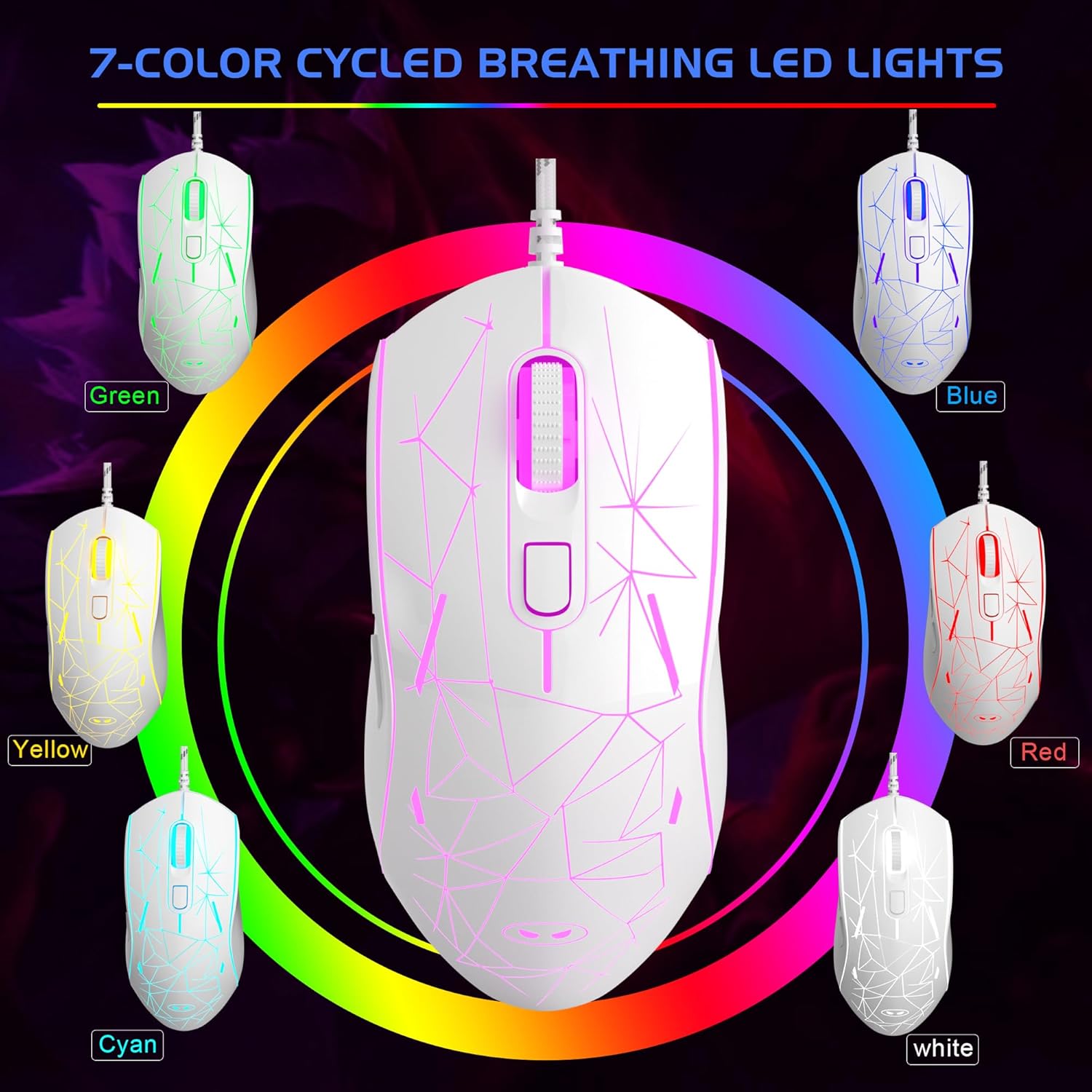
Image: The MageGee G6 Wired Gaming Mouse with its USB cable connected to a computer.
3. אַפּערייטינג ינסטרוקטיאָנס
3.1 קנעפּל פאַנגקשאַנז
The MageGee G6 offers 6 flexible buttons for versatile control:
- לינקס קנעפּל: נאָרמאַלע לינקס-קליק פונקציע.
- רעכט קנעפּל: נאָרמאַלע רעכט-קליק פונקציע.
- סקראָל ראָד: סקראלט ארויף/אראפ, און דינט ווי א מיטל-קליק קנעפל.
- Speed Button (DPI Button): Adjusts the DPI (Dots Per Inch) sensitivity.
- פֿאָרווערטס קנעפּל: נאַוויגירט פאָרויס אין web בראַוזערז אָדער אַפּליקאַציעס.
- צוריק קנעפּל: נאַוויגירט צוריק אין web בראַוזערז אָדער אַפּליקאַציעס.
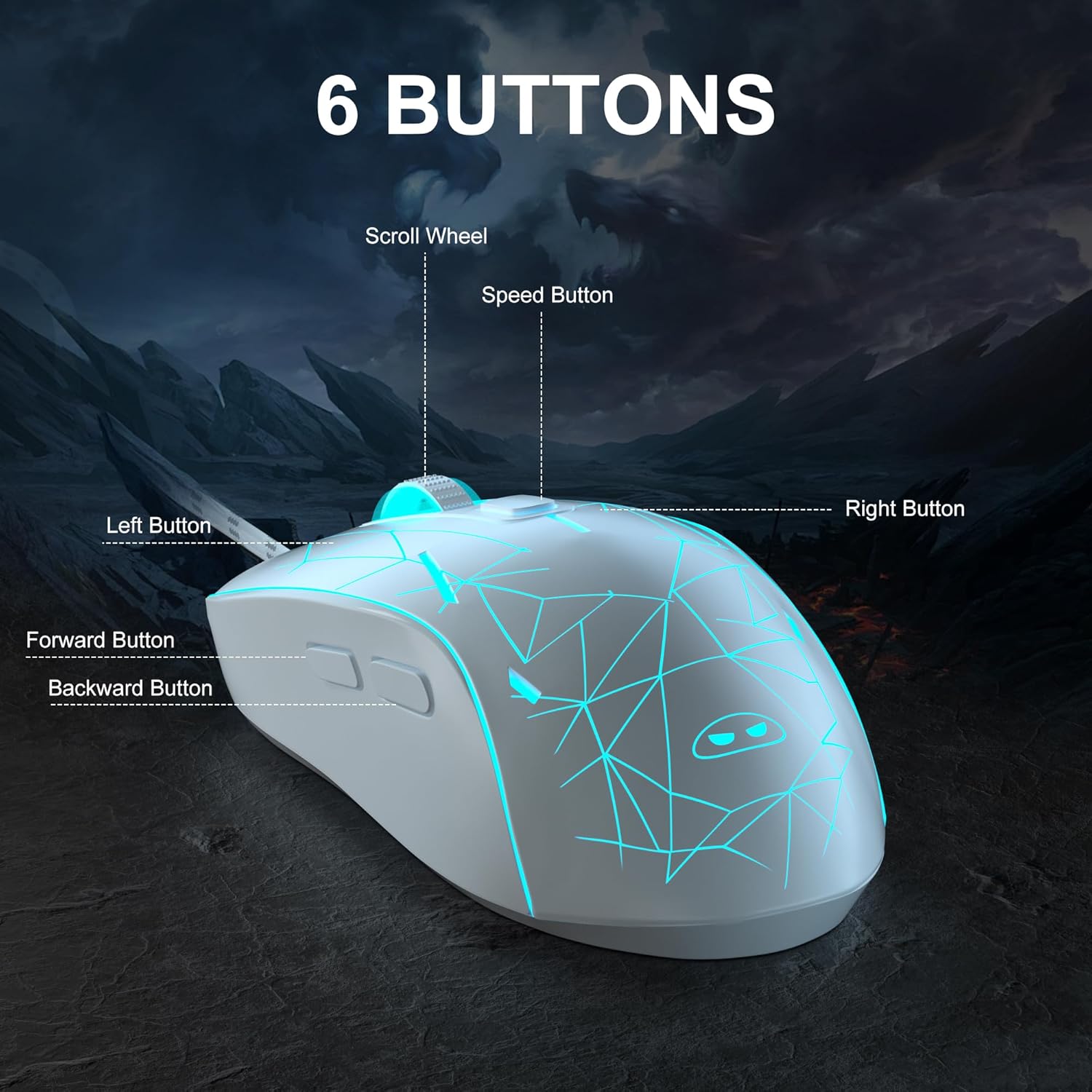
בילד: א דעטאַלירטע view of the MageGee G6 mouse highlighting the Left, Right, Scroll Wheel, Speed, Forward, and Back buttons.
3.2 Adjusting DPI Speed Levels
The MageGee G6 offers 6 adjustable DPI speed levels for precise cursor control:
- 600 דפּי
- 800 דפּי
- 1200 דפּי
- 1600 דפּי
- 2400 דפּי
- 3200 דפּי
דרוק די גיכקייַט קנעפּל (located below the scroll wheel) to cycle through the different DPI settings. Each press will change the sensitivity, allowing you to find the optimal speed for your tasks or games.
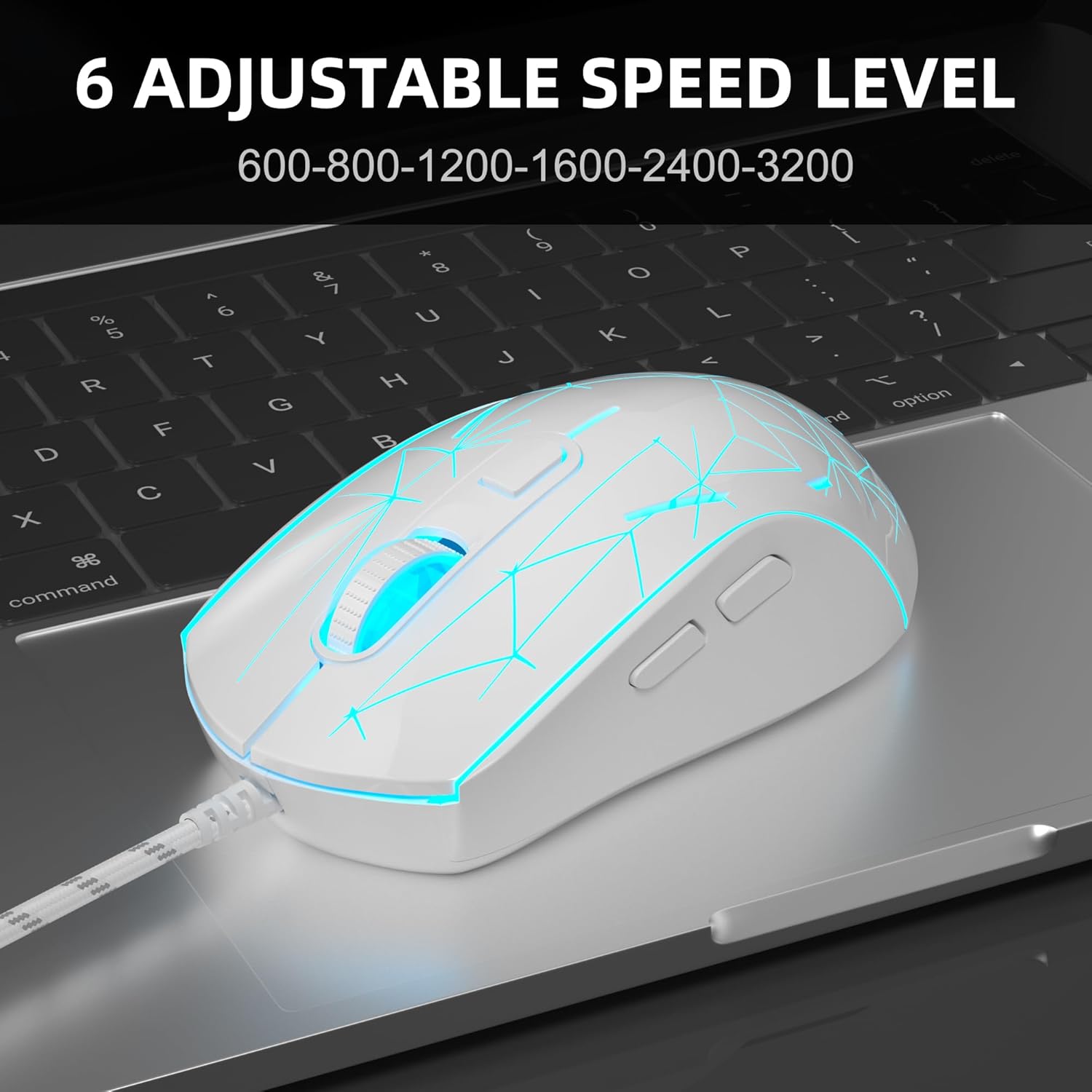
Image: The MageGee G6 mouse in use, demonstrating the adjustable DPI settings from 600 to 3200.
3.3 LED באַקלייט קאָנטראָל
The MageGee G6 features 7-color breathing LED backlighting. You can control the lighting as follows:
- טוישן קאָליר: דרוק די גיכקייַט קנעפּל און די פאָרויס קנעפּל simultaneously to cycle through and lock a specific color.
- קער אויף / אַוועק לייץ: דריקן און האַלטן די גיכקייַט קנעפּל for 3 seconds to toggle the LED lights on or off.
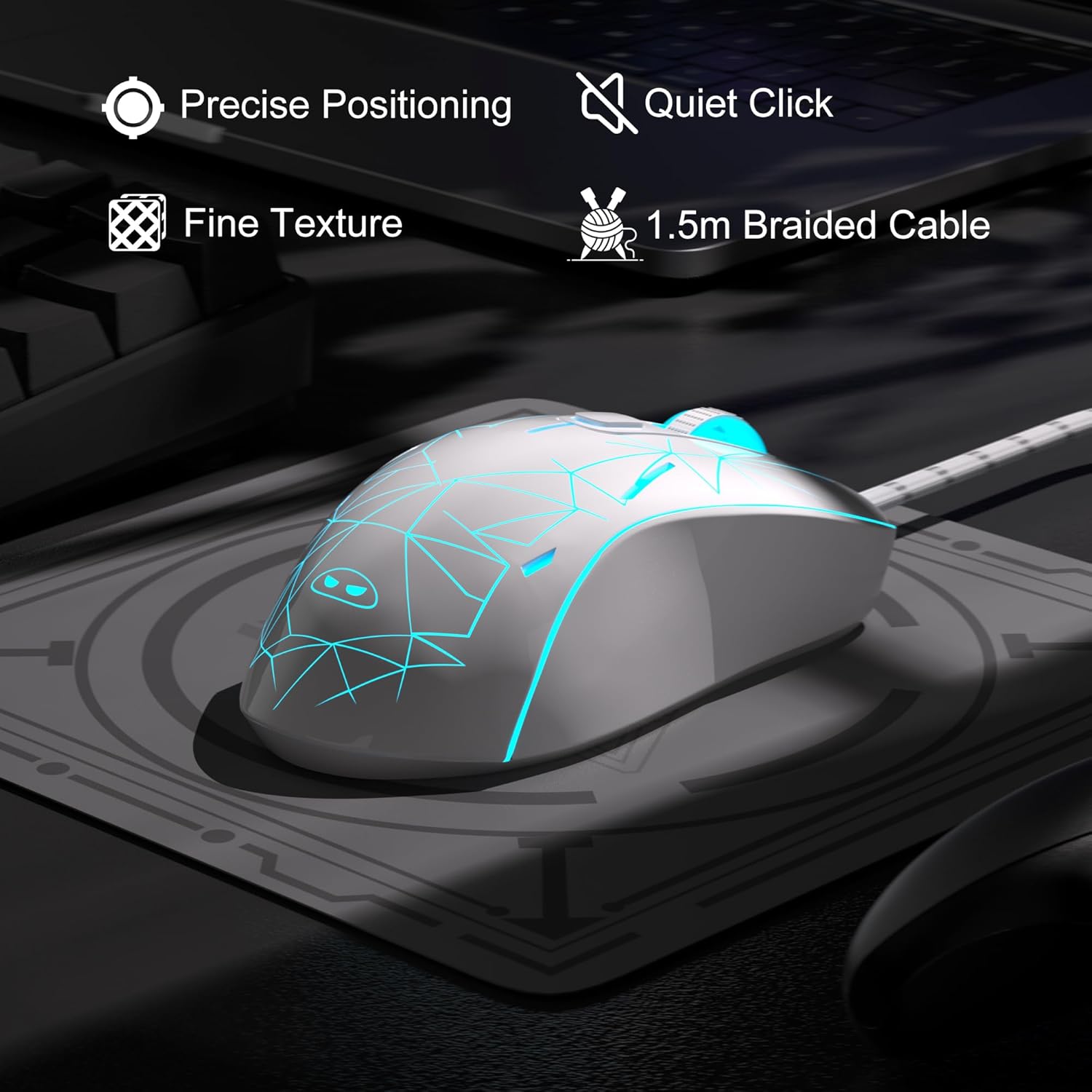
Image: The MageGee G6 mouse showcasing its 7-color breathing LED lights, including green, yellow, cyan, blue, red, and white.
4. וישאַלט
- רייניקונג: ניצט אַ ווייכע, טרוקענע שטאָף צו רייניקן די מויז. פֿאַרמייַדט ניצן שטרענגע כעמיקאַלן אָדער שרײַבנדיקע מאַטעריאַלן.
- קאַבלע זאָרגן: Do not pull or twist the braided USB cable excessively to prevent damage.
- סטאָרידזש: Store the mouse in a dry place away from extreme temperatures.
5. טראָובלעשאָאָטינג
5.1 מויז רעאַגירט נישט
- זייט זיכער אַז דער USB קאַבל איז זיכער אַרייַנגעשטעקט אין אַ אַרבעטנדיקן USB פּאָרט אויף אייער קאָמפּיוטער.
- פרובירט אריינצושטעקן די מויז אין אן אנדערן USB פארט.
- ריסטאַרט דיין קאָמפּיוטער.
5.2 LED ליכטער ארבעטן נישט
- Ensure the mouse is properly connected to your computer.
- דריקן און האַלטן די גיכקייַט קנעפּל for 3 seconds to toggle the LED lights on or off.
5.3 Cursor Movement is Erratic
- רייניקט דעם אָפּטישן סענסאָר אויף דער אונטערשטער טייל פֿון דער מויז מיט אַ ווייכן שטאָף.
- זייט זיכער אַז איר ניצט די מויז אויף אַ פּאַסיקער ייבערפלאַך (למשל, אַ מויז פּאַד).
- Adjust the DPI sensitivity using the גיכקייַט קנעפּל.
6. ספּעסאַפאַקיישאַנז
| שטריך | דעטאַל |
|---|---|
| סאָרט | MageGee |
| מאָדעל | G6 |
| קאַנעקטיוויטי טעכנאָלאָגיע | וסב, ווייערד |
| באַוועגונג דעטעקשאַן טעכנאָלאָגיע | אָפּטיש |
| דפּי לעוועלס | 600/800/1200/1600/2400/3200 (Adjustable) |
| קנעפּלעך | 6 (Left, Right, Scroll Wheel, Speed, Forward, Back) |
| געפירט באַקלייט | 7 Colors Breathing LED (Blue, Red, Green, Purple, Cyan, Yellow, White) |
| קאַבלע לענג | 1.5 meters (Durable Braided Cable) |
| ערגאָנאָמיקס | Ergonomic Design with Comfortable Grip |
| קאַמפּאַטאַבילאַטי | Windows 10, 8, 7, XP, WinME, Vista, Linux, PC, Laptop, Desktop |
| פּונקט וואָג | 5.6 אונסעס |
| פּעקל דימענשאַנז | 5.31 X 3.62 X 1.65 אינטשעס |
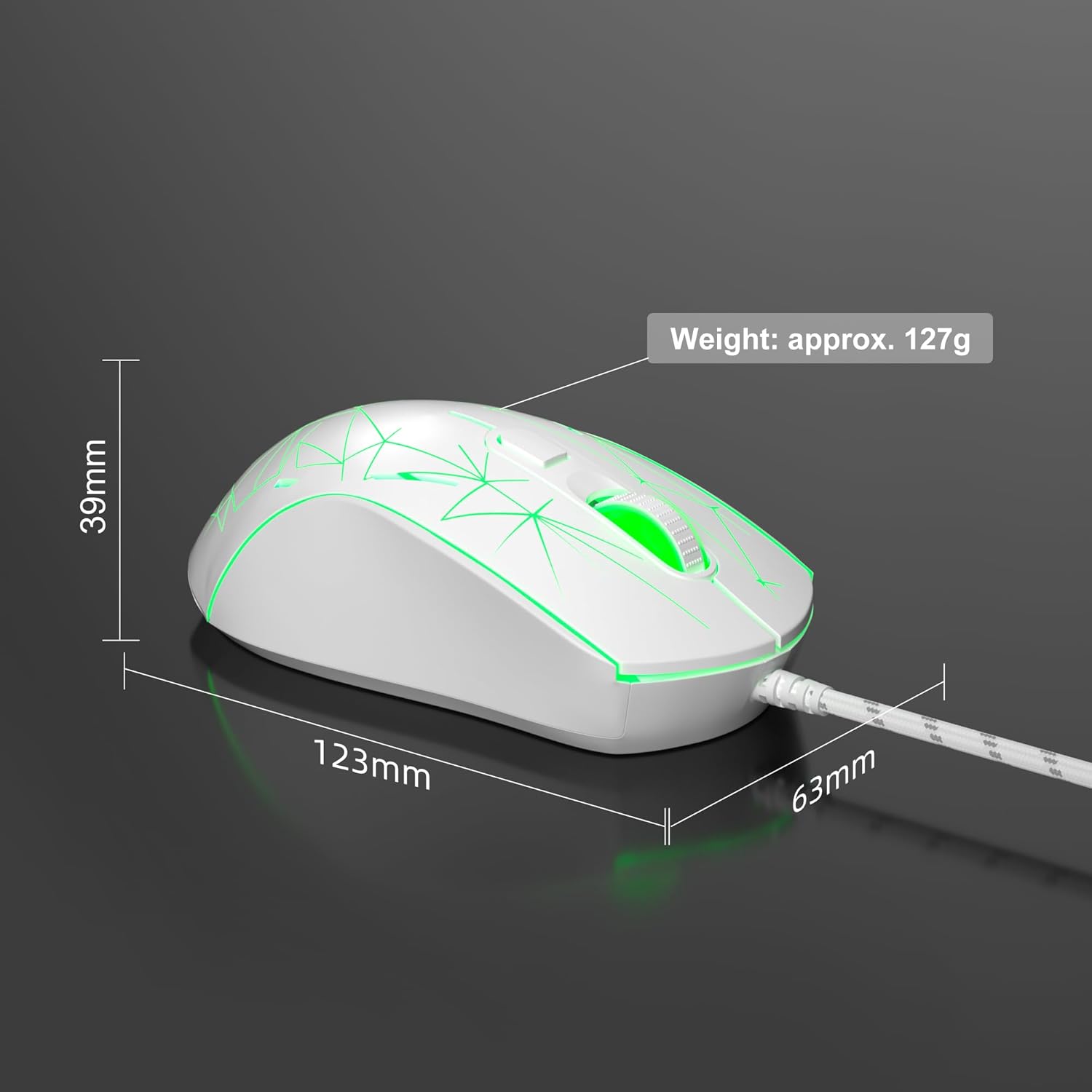
Image: Diagram illustrating the dimensions of the MageGee G6 Wired Gaming Mouse (123mm length, 63mm width, 39mm height, approx. 127g weight).
7. וואָראַנטי & שטיצן
For warranty information and customer support, please refer to the official MageGee webזייטל אדער קאָנטאַקט אייער הענדלער. האַלט אייער קויף קוויטל פֿאַר וואָראַנטי קליימז.
MageGee is committed to technological and product innovation, providing quality computer peripherals. Our after-sales team is available to promptly respond and solve your problems.
באַזוכן די MageGee Store פֿאַר מער פּראָדוקטן און אינפֿאָרמאַציע.


