הקדמה
This manual provides comprehensive instructions for the beyerdynamic FOX Professional USB Studio Microphone and its accompanying Microphone Suspension Boom Scissor Arm. It covers essential information regarding product setup, operation, maintenance, and troubleshooting to ensure optimal performance and longevity of your equipment. Please read this manual thoroughly before using the product.
זיכערקייַט אינפֿאָרמאַציע
Please observe the following safety instructions to prevent damage to the device, injury to yourself, or damage to other property:
- שטעלט נישט אויס דעם מיקראָפאָן צו פייכטקייט, רעגן, אדער עקסטרעמע טעמפּעראַטורן.
- פֿאַרמײַדט צו לאָזן פֿאַלן דעם מיקראָפֿאָן אָדער אים אויסשטעלן צו שטאַרקע קלאַפּן.
- Do not attempt to disassemble or modify the microphone. Refer all servicing to qualified personnel.
- Keep the microphone and boom arm away from strong magnetic fields.
- Ensure the boom arm is securely clamped to a stable surface to prevent accidental falls.
- Use only the specified power source (USB connection) for the microphone.
פּעקל אינהאַלט
באַשטעטיקט אַז אַלע זאכן וואָס זענען אויסגערעכנט אונטן זענען פאַראַן אין אייער פּעקל:
- beyerdynamic FOX Professional USB Studio Microphone
- Microphone Suspension Boom Scissor Arm with 3/8-Inch-16 Threading (Black)
- וסב קאַבלע
- Desk Stand (for microphone)
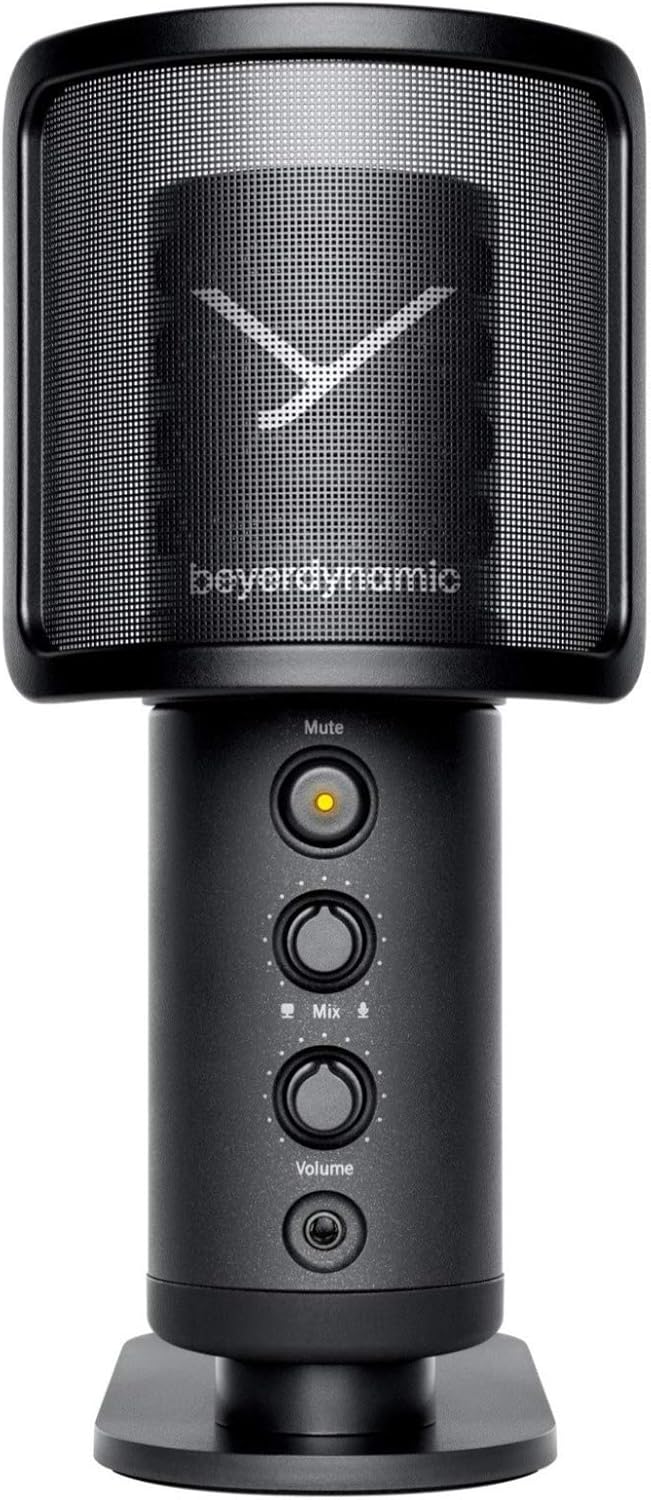
Image: The beyerdynamic FOX USB Studio Microphone and the included boom arm, showcasinג דאָס גאַנצע פּעקל.
פּראָדוקט איבערview
שליסל פֿעיִקייטן:
- הויך-האַכלאָטע אַודיאָ: 24-bit / 96 kHz studio-grade quality for professional recordings.
- Large Condenser Capsule: Ensures accurate signal conversion and low inherent noise.
- קאַרדיאָיד פּאָליאַר מוסטער: פאָקוסירט אויף קלאַנג גלייך פֿאַר דעם מיקראָפאָן, רעדוצירנדיק אַנוואָנטעד הינטערגרונט ראַש.
- נול-לייטאַנסי מאָניטאָרינג: Integrated headphone output allows real-time monitoring of your audio.
- שטיל קנעפּל: Instantly mutes the microphone for privacy or to prevent unwanted sounds from being recorded.
- געווינען סוויטש: Adjustable gain for recording various sound sources, including loud instruments.
- וסב קאַנעקטיוויטי: Simple plug-and-play connection to PC, Mac, or compatible smartphones/tablets.
Microphone Components:
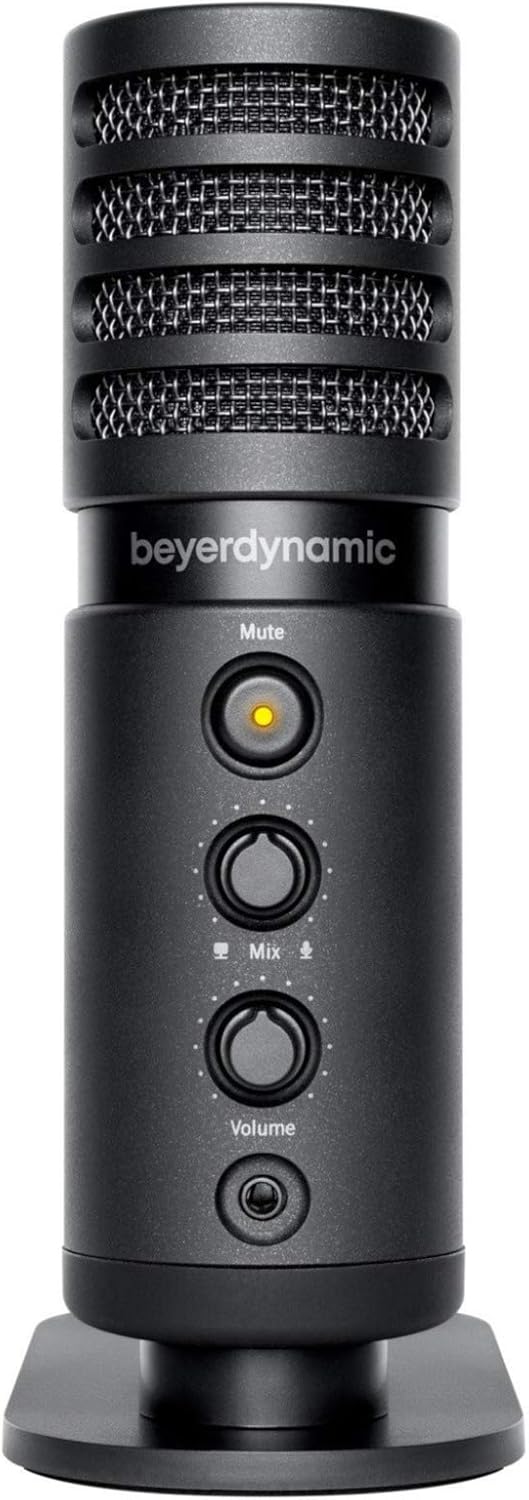
בילד: פראָנט view of the beyerdynamic FOX microphone, highlighting the mute button, mix control, and volume knob.
- מיקראָפאָן גריל: Protects the condenser capsule.
- שטיל קנעפּל: Press to mute/unmute the microphone. An indicator light will show status.
- מיש קאָנטראָל: Adjusts the balance between microphone input and computer playback in your headphones.
- באַנד קנעפּל: Controls the headphone output volume.
- כעדפאָון דזשאַק (3.5 מם): For connecting monitoring headphones.
- וסב- C פּאָרט: For connecting the microphone to your computer or mobile device.
- Threaded Mount: For attaching to the desk stand or boom arm.
סעטאַפּ
1. Assembling the Boom Arm:
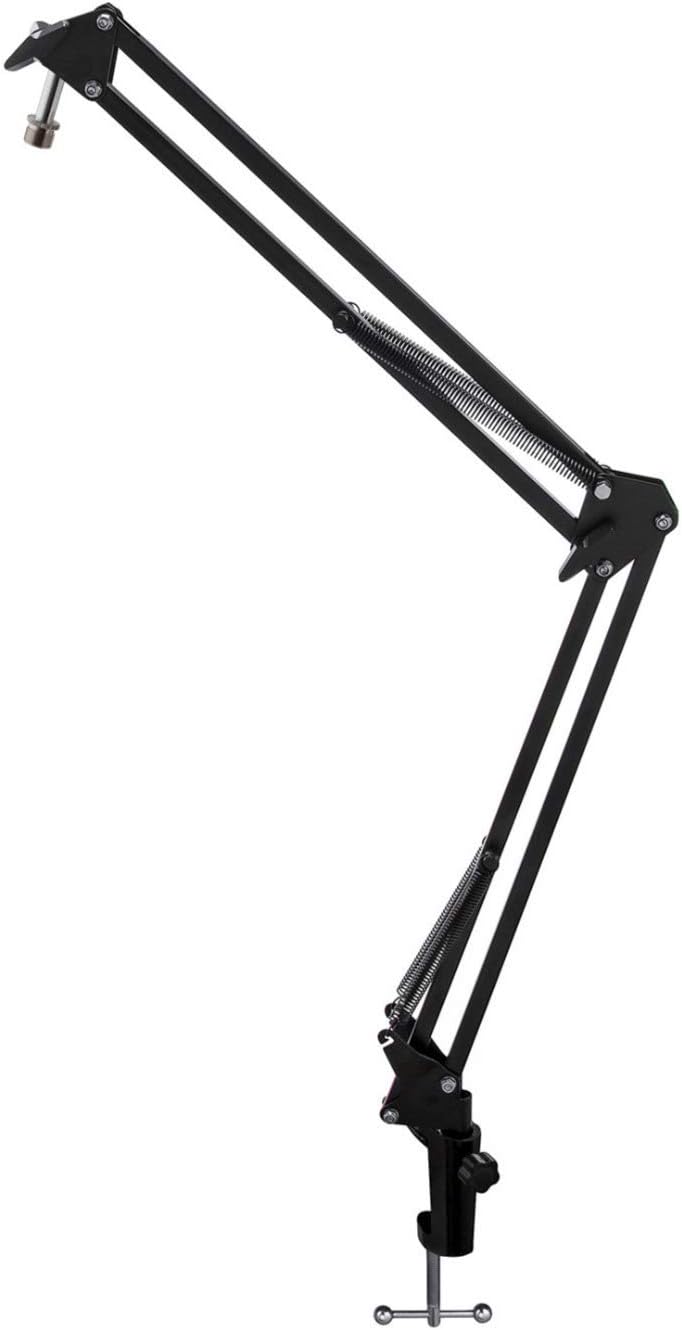
Image: The Microphone Suspension Boom Scissor Arm, showing its adjustable joints and desk clamp.
- צוטשעפּען טיש קלamp: Securely fasten the desk clamp to the edge of a sturdy desk or table. Ensure it is tight to prevent movement.
- Insert Boom Arm: Insert the base of the boom arm into the hole on the desk clamp. Tighten the locking screw on the clamp to hold the arm in place.
- סטרויערן שטעלע: Adjust the boom arm to your desired height and reach. The springs will help balance the microphone's weight.
2. אנשטעלן דעם מיקראָפאָן:
- To Boom Arm: Screw the beyerdynamic FOX microphone onto the 3/8-inch-16 threaded mount at the end of the boom arm. Ensure it is finger-tight.
- Using Desk Stand (Optional): If not using the boom arm, screw the microphone onto its included desk stand.
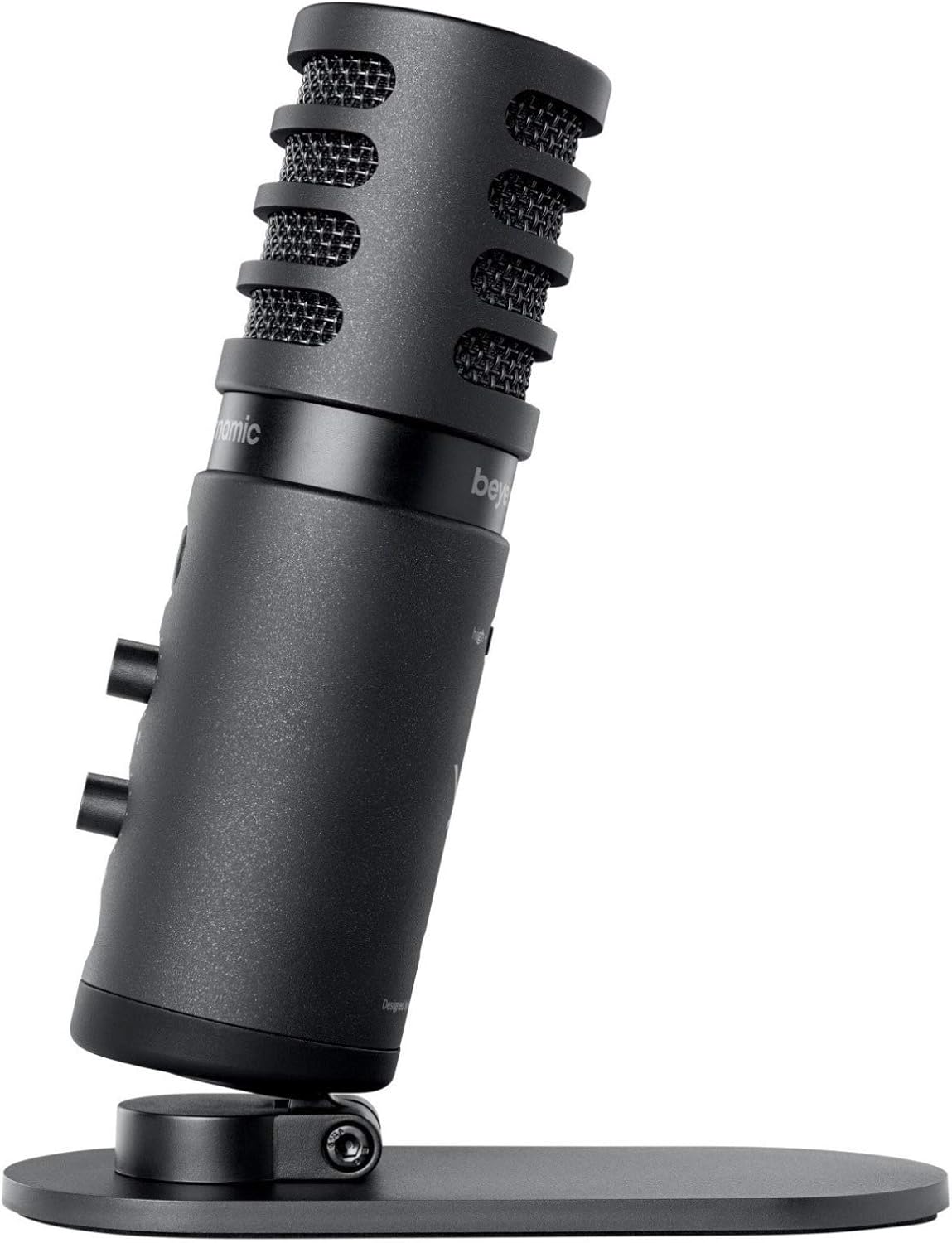
Image: The beyerdynamic FOX microphone mounted on its compact desk stand, ready for use.
3. קאַנעקטינג צו דיין מיטל:
- Connect the supplied USB cable to the USB-C port on the microphone.
- Connect the other end of the USB cable to an available USB port on your computer (PC/Mac) or compatible smartphone/tablet (adapter may be required for some mobile devices).
- The microphone is plug-and-play and should be automatically recognized by your operating system.
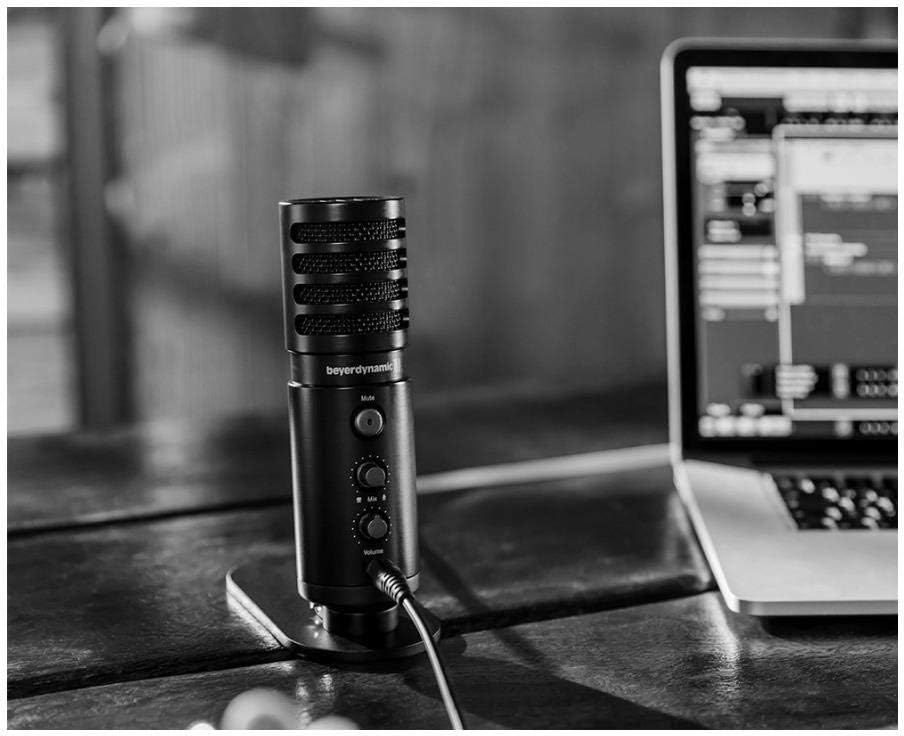
Image: The beyerdynamic FOX microphone in use, connected via USB to a laptop on a wooden desk.
אַפּערייטינג ינסטראַקשאַנז
1. System Recognition:
- Once connected, your operating system (Windows, macOS, Android, iOS) should automatically detect the beyerdynamic FOX as an audio input and output device.
- You may need to select "beyerdynamic FOX" as your default input/output device in your system's sound settings or within your recording software.
2. Using the Mute Button:
- דרוק די שטום button on the front of the microphone to toggle between active and muted states.
- An indicator light will typically show the microphone's status (e.g., green for active, red/orange for muted).
3. Adjusting Gain (Input Level):
- The FOX microphone features a gain switch (often labeled "Gain" or represented by a symbol like a microphone with a "+" or "-").
- Use this switch to adjust the microphone's sensitivity. For quiet sources (e.g., soft vocals), use a higher gain setting. For loud sources (e.g., instruments, loud speaking), use a lower gain setting to prevent distortion.
- Monitor your recording software's input levels to ensure they are not peaking (clipping).
4. Zero-Latency Monitoring:
- Connect headphones to the 3.5mm headphone jack on the microphone.
- ניצן די באַנד knob to adjust the headphone listening level.
- די מישן control allows you to blend the microphone's direct input with the audio playback from your computer. Turn towards the microphone icon to hear more of your live input, and towards the speaker icon to hear more of your computer's audio.
- This feature allows you to hear your voice or instrument in real-time without delay, which is crucial for accurate performance.
וישאַלט
- רייניקונג: ניצט אַ ווייכע, טרוקענע שטאָף צו רייניקן די אויסערלעכע זייט פון דעם מיקראָפאָן. ניצט נישט קיין פליסיקע רייניגערס אדער סאָלווענטן.
- סטאָרידזש: When not in use, store the microphone in a dry, dust-free environment.
- בום אָרעם: Periodically check the boom arm's clamps and joints for tightness. Lubricate moving parts if necessary with a small amount of silicone-based lubricant.
- קאַבלע זאָרגן: Avoid sharp bends or kinks in the USB cable. Store it neatly to prevent damage.
טראָובלעשאָאָטינג
| פּראָבלעם | מעגלעך סיבה | לייזונג |
|---|---|---|
| קיין געזונט פון מיקראָפאָן |
|
|
| Distorted or clipping sound |
|
|
| קיין געזונט אין כעדפאָונז |
|
|
| Boom arm is unstable |
|
|
ספּעסאַפאַקיישאַנז
| שטריך | דעטאַל |
|---|---|
| מאָדעל נומער | FOXUSBMIC_K5 |
| מיקראָפאָן פאָרם פאַקטאָר | Table Array (with included desk stand) |
| קאַנעקטיוויטי טעכנאָלאָגיע | וסב |
| קאַנעקטער טיפּ | וסב |
| פּאָליאַר מוסטער | ונידירעקטיאָנאַל (קאַרדיאָיד) |
| האַכלאָטע | 24-ביסל / 96 כז |
| סיגנאַל-צו-נויז ראַטיאָ | 78 דב |
| ייַזנוואַרג פּלאַטפאָרמע | פּיסי, סמאַרטפאָנע |
| קאַמפּאַטאַבאַל דעוויסעס | Headphone, Personal Computer, Smartphone |
| מאַכט מקור | עלעקטריש מיט אַ שנור (USB) |
| Item Weight (Microphone) | 16 אונסעס (1 פונט) |
| פּראָדוקט דימענשאַנז | 16.2 x 8.3 x 6.8 inches (overall bundle dimensions) |
| קאָליר | שוואַרץ |
| UPC | 040962932483 |
וואָראַנטי און שטיצן
פֿאַר וואָראַנטי אינפֿאָרמאַציע און טעכנישע שטיצע, ביטע זען די באַאַמטער וועבזייטל פֿון Beyerdynamic webזייטל אדער קאנטאקט זייער קאסטומער סערוויס גלייך. האלט אייער באווייז פון קויפן פאר גאראנטיע פארלאנגען.
באַאַמטער Webפּלאַץ: www.beyerdynamic.com


