1. הקדמה
This manual provides essential information for the safe and effective use of your Paladone PP7335MAN The Mandalorian Child Grogu Desktop Light. Please read these instructions carefully before operating the product and retain them for future reference.
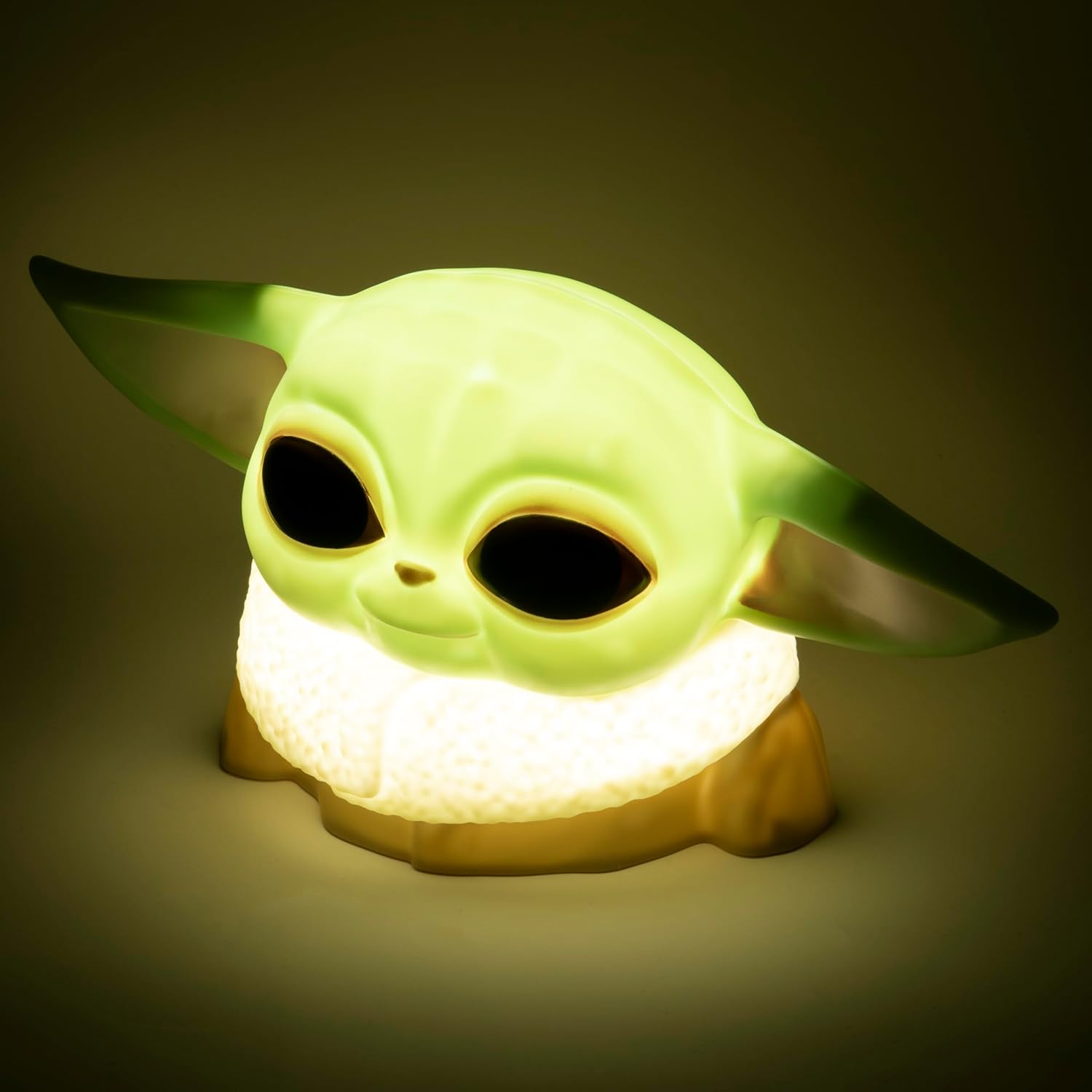
Image 1.1: The Paladone The Mandalorian Child Grogu Desktop Light, illuminated and ready for use.
2. זיכערקייַט אינפֿאָרמאַציע
- ווארענונג: ניט פּאַסיק פֿאַר קינדער אונטער 36 חדשים רעכט צו קליין טיילן. טשאָקינג ריזיקירן.
- דער פּראָדוקט איז בדעה בלויז פֿאַר דרינענדיק נוצן.
- שטעלט נישט אויס דעם פּראָדוקט צו וואַסער אָדער צו פיל נעץ.
- Do not attempt to disassemble or modify the product. This will void the warranty.
- אָפּזאָגן געוויינט באַטעריז ריספּאַנסאַבלי לויט די היגע רעגיאַליישאַנז.
3. פּעקל אינהאַלט
ביטע טשעקט די אינהאַלט פון די פּאַקעט צו זיכער מאַכן אַז אַלע זאכן זענען דאָרט:
- 1 x Paladone PP7335MAN The Mandalorian Child Grogu Desktop Light
- 1 x באַניצער מאַנואַל (דאָס דאָקומענט)
באַמערקונג: 2x AAA batteries are required for operation and are ניט אַרייַנגערעכנט אין דעם פּעקל.

Image 3.1: The Paladone The Mandalorian Child Grogu Desktop Light shown in its retail box.
4. סעטאַפּ
- ופשליסן די ליכט: Carefully remove the Grogu Desktop Light from its packaging.
- ינסטאַלירן באַטעריז: Locate the battery compartment on the underside of the light. Open the compartment cover. Insert 2x AAA batteries, ensuring correct polarity (+/-) as indicated inside the compartment. Close the battery compartment cover securely.
- אָרט: Place the light on a stable, flat surface away from direct sunlight, heat sources, and moisture.

Image 4.1: The Paladone The Mandalorian Child Grogu Desktop Light in an unlit state, showing its detailed design.
5. אַפּערייטינג ינסטרוקטיאָנס
To operate your Grogu Desktop Light:
- קער אויף: Locate the power switch, typically on the base or back of the figure. Press the switch to the 'ON' position to illuminate the light.
- אויסגעלאשן: To turn off the light, press the power switch to the 'OFF' position.

Image 5.1: The Paladone The Mandalorian Child Grogu Desktop Light displayed on a wooden shelf, demonstrating its decorative appeal.
6. וישאַלט
- רייניקונג: To clean the light, gently wipe it with a dry, soft cloth. Do not use abrasive cleaners, solvents, or harsh chemicals, as these may damage the surface.
- באַטערי פאַרבייַט: When the light begins to dim or stops working, it is time to replace the batteries. Follow the battery installation steps in Section 4.2.
- סטאָרידזש: If storing the light for an extended period, remove the batteries to prevent leakage and corrosion. Store in a cool, dry place.
7. טראָובלעשאָאָטינג
| פּראָבלעם | מעגלעך סיבה | לייזונג |
|---|---|---|
| ליכט טוט נישט קער אויף. | באַטעריעס זענען טויט אָדער נישט ריכטיק אַרײַנגעשטעלט. | פאַרבייטן די באַטעריעס מיט נייע AAA באַטעריעס, און זאָרגט אַז די פּאָלאַריטעט איז ריכטיק. |
| ליכט איז טונקל. | באַטעריז זענען נידעריק. | פאַרבייַטן באַטעריעס מיט נייַע AAA באַטעריעס. |
| ליכט פליכטן. | לויזע באַטעריע פֿאַרבינדונג אָדער נידעריקע באַטעריעס. | קאָנטראָלירט די באַטעריע אָפּטייל פֿאַר אַ זיכערן פֿאַרבינדונג. טוישט די באַטעריעס אויב נייטיק. |
8. ספּעסאַפאַקיישאַנז
| מאָדעל נומער | PP7335MAN |
| פּראָדוקט דימענשאַנז | 14D x 21.7W x 12.5H cm (אומגעפער 25 x 25 x 13 cm) |
| פּונקט וואָג | 130 גראַמז |
| מאַכט מקור | 2 X AAA באַטעריז (ניט אַרייַנגערעכנט) |
| מאַטעריאַל | פּלאַסטיק |
| באַשטימען טיפּ | דרוק קנעפּל |
| ליכט טיפּ | געפירט דעסקטאָפּ ליכט |
9. וואָראַנטי און שטיצן
This product is covered by a manufacturer's warranty. For specific details regarding the warranty period and terms, please refer to the packaging or contact Paladone customer support.
If you encounter any issues not covered in the troubleshooting section or require further assistance, please contact Paladone customer support through their official website or the retailer from whom you purchased the product. Please have your model number (PP7335MAN) and proof of purchase ready.


