1. הקדמה
The Incase Classic Universal Sleeve is designed to provide protection for your 15-inch laptop, MacBook, or tablet. Constructed with durable materials and a soft interior lining, this sleeve offers a lightweight and secure solution for transporting your device.

פיגורע 1: פראָנט view of the Incase Classic Universal Sleeve in black.
2. פֿעיִקייטן
This sleeve incorporates several design elements for enhanced protection and usability:
- העכער קראַפצמאַנשיפּ: Features Ariaprene Nylon material, known for its lightweight and closely woven structure, providing a smooth and precise finish.
- Uncompromised Protection: A 3mm padded interior combined with a plush faux-fur lining helps prevent scratches and absorb minor impacts.
- Functionality In Mind: Equipped with custom zipper pulls for quick access and secure closure, suitable for both daily use and travel.
- סימלאַס פּאַסיק: Its slim design allows for easy insertion into larger bags or totes, offering protection on the go.
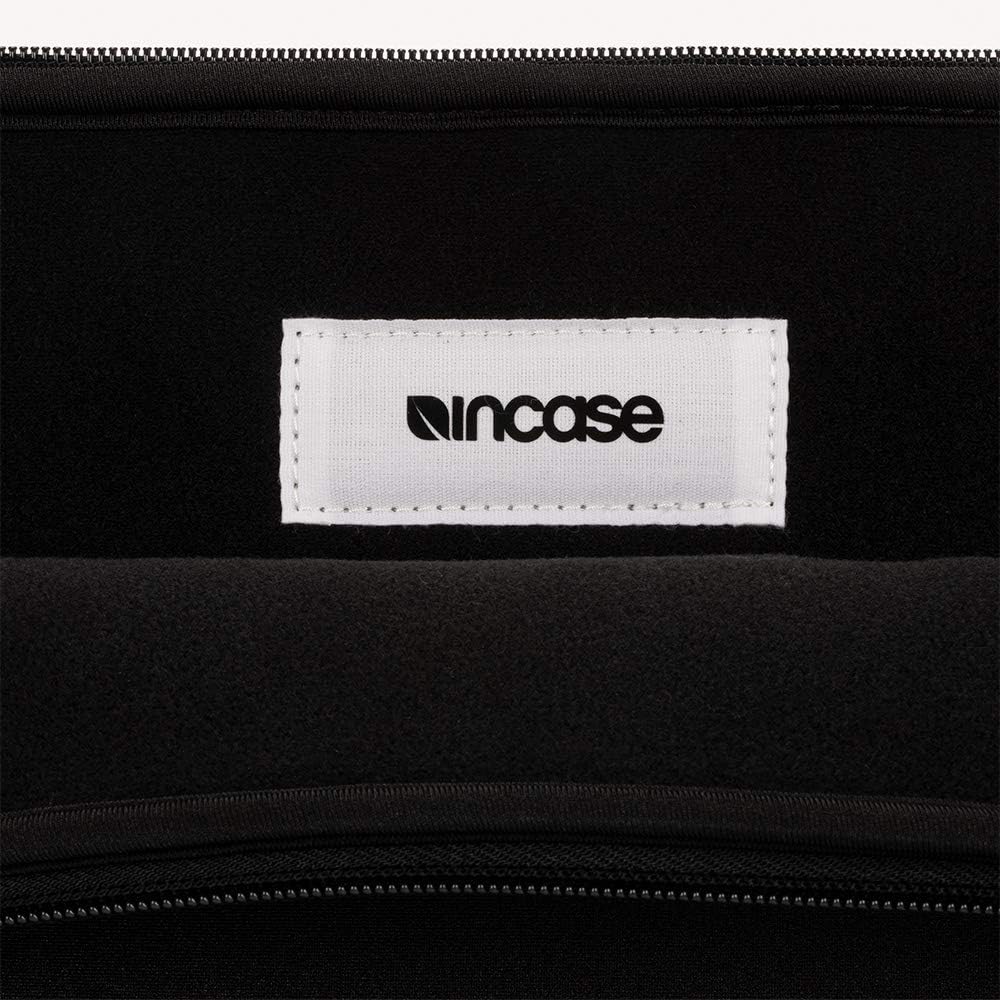
פיגורע 2: ינלענדיש view showing the Incase brand tag, highlighting the quality of materials.
3. סעטאַפּ
To prepare your Incase Classic Universal Sleeve for use:
- Unpack the Sleeve: Remove the sleeve from its packaging.
- Open the Zipper: Fully open the main zipper closure of the sleeve.
- Insert Device: Carefully slide your 15-inch laptop, MacBook, or tablet into the sleeve. Ensure the device fits snugly without excessive force. The faux-fur lining should cradle your device.
- פֿאַרמאַכן ציפּער: Securely close the zipper. Ensure no fabric is caught in the zipper teeth.

Figure 3: The sleeve shown open with a laptop being inserted, demonstrating the interior space.
4. אָפּערייטינג
The Incase Classic Universal Sleeve is designed for straightforward daily use:
- טראנספארט: Carry the sleeve by hand or place it inside a larger bag, backpack, or briefcase for added protection during transit.
- אַקסעס: To access your device, simply unzip the sleeve. The custom zipper pulls are designed for smooth operation.
- סטאָרידזש: When not in use, the sleeve can be stored flat or with your device inside.
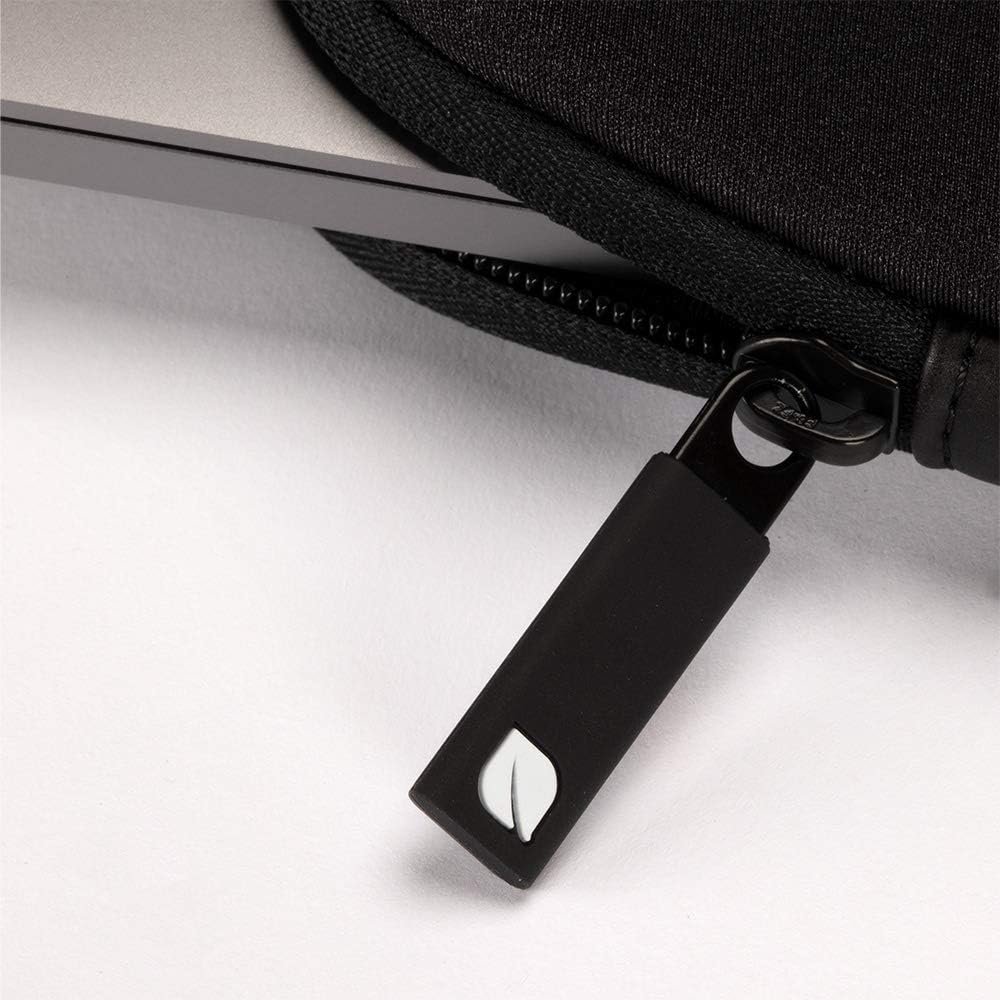
פיגורע 4: נאָענט-אַרויף view of the custom zipper pull, designed for durability and ease of use.
5. וישאַלט
Proper care will extend the life and appearance of your sleeve:
- רייניקונג פון אויסערן: For general cleaning, wipe the exterior surface with a soft, damp cloth. Use mild soap if necessary, then wipe with a clean, damp cloth to remove any residue. Allow to air dry completely.
- רייניקונג אינעווייניק: Gently shake out any dust or debris from the faux-fur lining. A lint roller can also be used for light cleaning. Avoid harsh chemicals or abrasive cleaners.
- פלעק באַזייַטיקונג: For stubborn stains, spot clean with a gentle fabric cleaner, following the product instructions. Test on an inconspicuous area first.
- ויסמיידן יבעריק מויסטשער: Do not submerge the sleeve in water or machine wash, as this may damage the materials and padding.
6. טראָובלעשאָאָטינג
Most issues with the Incase Classic Universal Sleeve are minor and can be resolved with simple steps:
- Zipper Sticking: If the zipper becomes stiff, apply a small amount of zipper lubricant or a graphite pencil lead to the teeth. Avoid forcing the zipper.
- Device Not Fitting: Ensure your device is a 15-inch model or smaller. Forcing a larger device into the sleeve can cause damage to both the sleeve and the device.
- קליינע קראַצן/מאַרקן: For light marks on the exterior, gentle cleaning as described in the Maintenance section is usually sufficient.
7. ספּעסאַפאַקיישאַנז
| שטריך | דעטאַל |
|---|---|
| פּראָדוקט דימענשאַנז | 16 X 11.25 X 1.25 אינטשעס |
| פּונקט וואָג | 13.7 אונסעס |
| מאָדעל נומער | INMB100649-BLK |
| פאָרם פאַקטאָר | אַרבל |
| קאָליר | שוואַרץ |
| קאַמפּאַטאַבאַל דעוויסעס | Laptops (up to 15-inch), MacBooks, Tablets |
| שאָל טיפּ | ווייך |
| ספּעציעלע פֿעיִקייטן | Flexible, 3mm Padded Interior, Faux Fur Lining |
| מאַטעריאַל | Ariaprene Nylon |
8. וואָראַנטי און שטיצן
For information regarding product warranty, returns, or customer support, please refer to the official Incase webזייטל אדער קאנטאקט זייער קאסטומער סערוויס גלייך. האלט אייער קויף קוויטל אלס באווייז פון קויפן.
You can visit the Incase Store for more products and support information: Incase Official Store


