1. הקדמה
This manual provides comprehensive instructions for the installation, operation, and maintenance of the Vaddio RoboSHOT IW Smart Glass PTZ Camera. Please read this manual thoroughly before using the product to ensure proper functionality and to prevent damage.
The RoboSHOT IW Smart Glass PTZ Camera is designed for professional video conferencing and surveillance applications, offering advanced PTZ capabilities with the unique feature of a smart glass panel for privacy and aesthetics.
2. פּעקל אינהאַלט
באַשטעטיקן אַז אַלע זאכן זענען פאַראַן אין פּעקל:
- RoboSHOT IW Smart Glass PTZ Camera Unit
- מאָנטירונג האַרדווער (שרויף, אַנקערס)
- שנעל אָנהייב גייד
- דעם באַניצער מאַנואַל
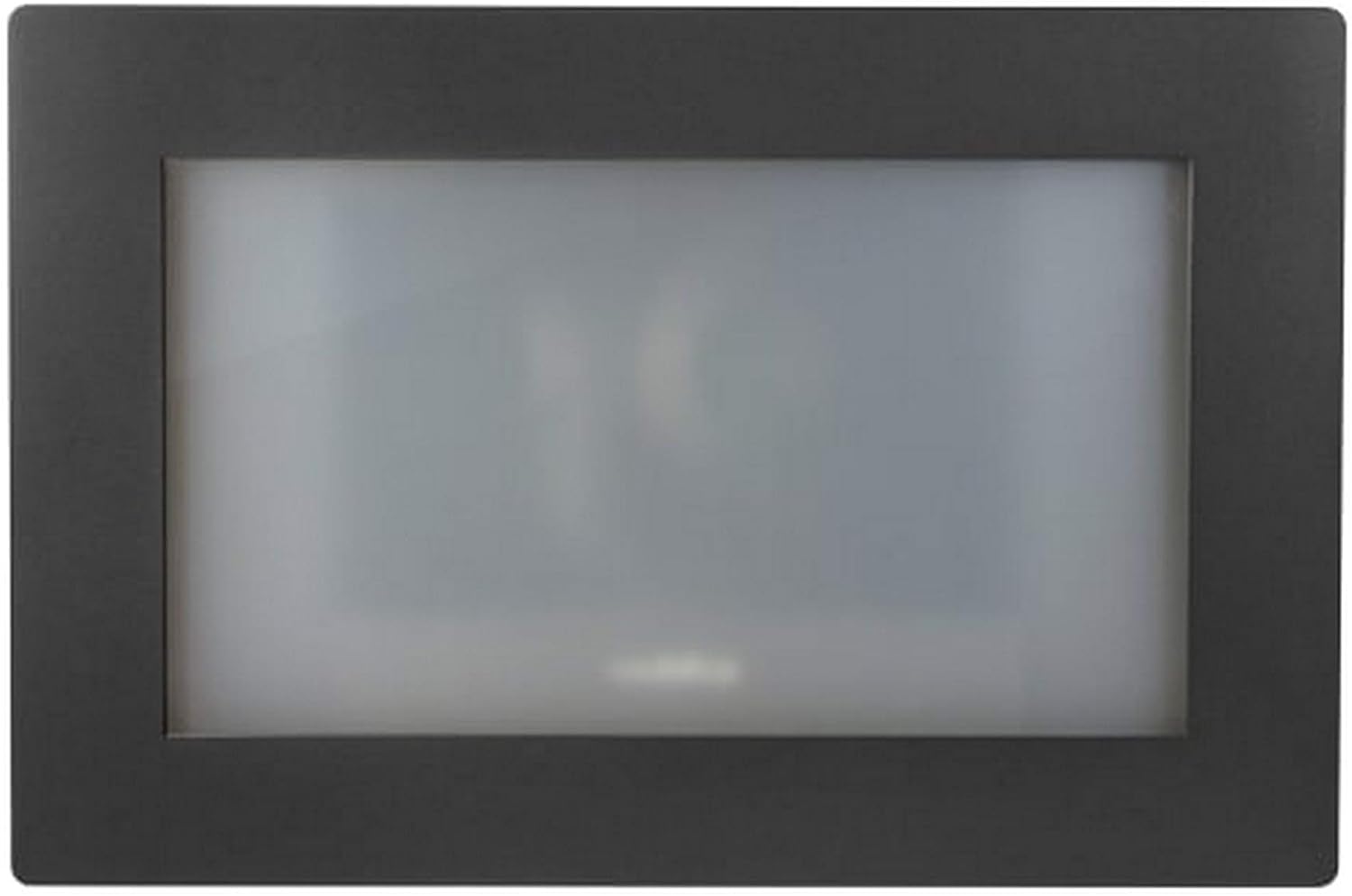
פיגורע 1: פראָנט view of the RoboSHOT IW Smart Glass PTZ Camera, showcasing its sleek black frame and the opaque smart glass panel.
3. זיכערקייַט אינפֿאָרמאַציע
Always adhere to the following safety guidelines to ensure safe operation and prevent damage to the device or injury to personnel:
- שטעלט נישט אויס דעם אפאראט צו פייכטקייט, רעגן, אדער עקסטרעמע טעמפעראטורן.
- זאָרגט פֿאַר געהעריקע ווענטילאַציע אַרום דער קאַמעראַ כּדי צו פֿאַרמייַדן איבערהיצונג.
- Only use power sources and cables specified by Vaddio.
- Do not attempt to disassemble, modify, or repair the device. Refer all servicing to qualified service personnel.
- האַלט די קאַמעראַ אַוועק פון שטאַרקע מאַגנעטישע פעלדער.
4. סעטאַפּ
4.1 מאָונטינג די אַפּאַראַט
The RoboSHOT IW Smart Glass PTZ Camera is designed for indoor wall mounting. Select a location that provides the desired field of view and is structurally sound to support the camera's weight.
- Carefully unpack the camera and inspect for any shipping damage.
- Using the provided mounting template (if applicable), mark the drilling points on the wall.
- בויער פּילאָט האָלעס אין די אנגעצייכנט לאָוקיישאַנז.
- Secure the camera's mounting plate or the camera directly to the wall using the supplied screws and anchors. Ensure it is level and firmly attached.
פיגורע 2: דערציען view of the RoboSHOT IW Smart Glass PTZ Camera, illustrating the HDBaseT port and other potential connections.
4.2 קאַנעקטינג די אַפּאַראַט
The camera utilizes HDBaseT for connectivity, allowing for flexible power and video transmission options.
- PoE+ פֿאַרבינדונג: For IP streaming and power, connect a standard Ethernet cable from a PoE+ enabled network switch or a Midspan Power Injector to the camera's HDBaseT port. This single cable provides both power and network data.
- HDBaseT Video Switch / OneLINK System: If using an HDBaseT video switch or a Vaddio OneLINK extension system for alternative video outputs (e.g., HD-SDI, HDMI, USB 3.0), connect the camera's HDBaseT port to the corresponding input on the switch or OneLINK receiver. Refer to the specific switch or OneLINK system's manual for detailed connection instructions.
- Ensure all cables are securely connected and routed to prevent strain or damage.
5. אַפּערייטינג ינסטרוקטיאָנס
5.1 Initial Power-On and Smart Glass Activation
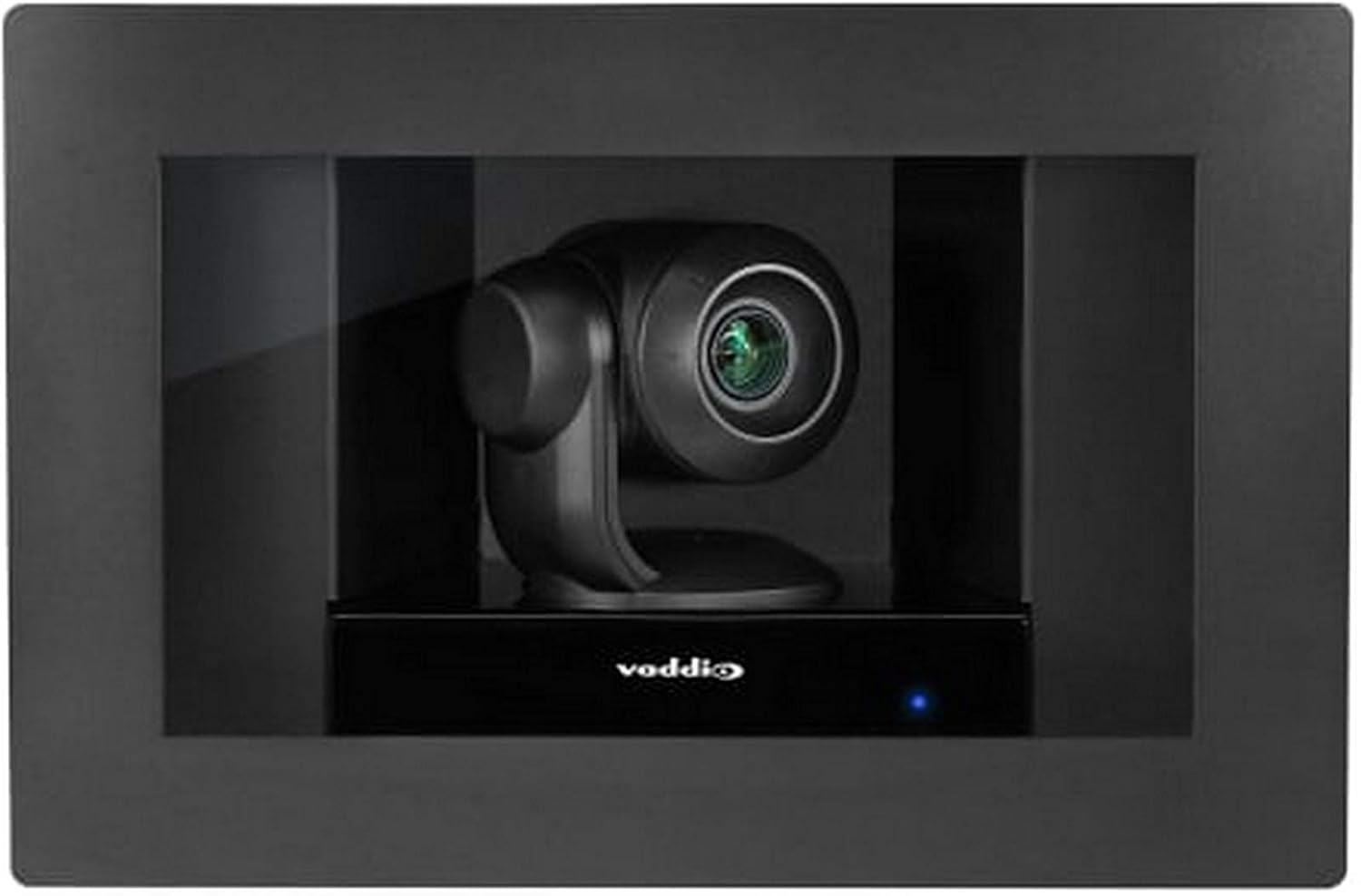
Once the camera receives power, it will initiate its startup sequence. The smart glass panel, which is opaque when off, will become transparent, revealing the PTZ camera lens.
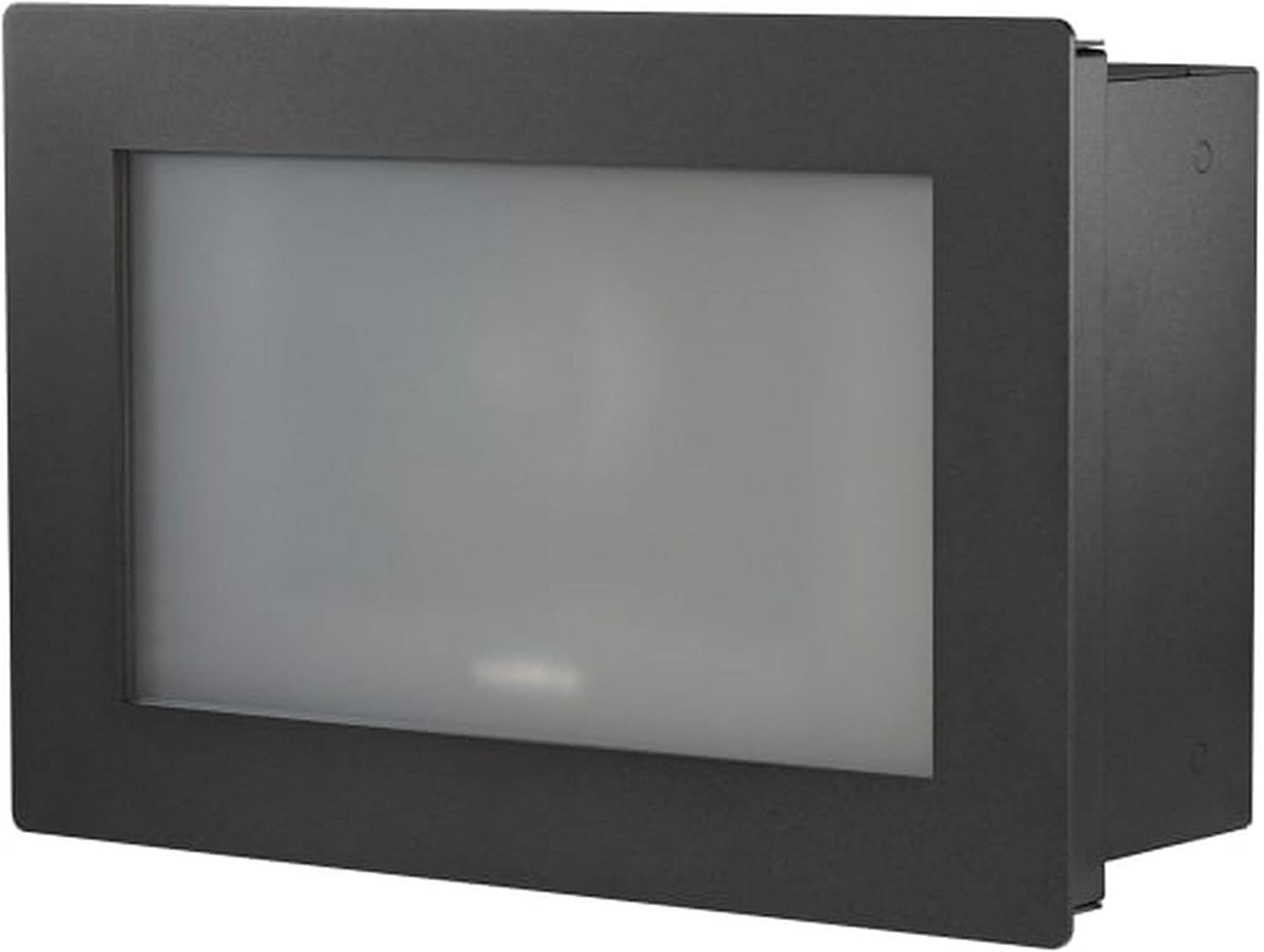
Figure 3: The RoboSHOT IW Smart Glass PTZ Camera with its smart glass panel activated, showcasing the integrated PTZ camera ready for operation.
5.2 קאַמעראַ קאָנטראָל
The camera supports control via Wi-Fi using a compatible controller (such as an Iris controller) or a remote control. It features full PTZ (Pan-Tilt-Zoom) functionality and optical zoom.
- פּאַן / טילט: Use the directional controls on your chosen controller or software interface to adjust the camera's horizontal (pan) and vertical (tilt) orientation to frame your desired view.
- פארגרעסער: Utilize the zoom controls to optically zoom in or out. The camera supports high-definition video capture at 1080p and 720p resolutions.
- Smart Glass Control: The smart glass panel can be toggled between opaque and transparent states, providing privacy when the camera is not actively in use. Refer to your control system's documentation for specific smart glass control commands.
5.3 Video Streaming and Recording
For IP streaming, the camera can be configured via its web interface or compatible control software. It supports MPEG-4 video capture format.
- Access the camera's IP address through your network to reach its web צובינד.
- Log in to configure streaming parameters, including resolution, frame rates, and network settings.
- Integrate the camera with your preferred video management systems (VMS) or recording software for live monitoring and archival.
6. וישאַלט
Regular maintenance helps ensure the longevity and optimal performance of your RoboSHOT IW Smart Glass PTZ Camera.
- רייניקונג: Use a soft, dry, lint-free cloth to gently clean the exterior of the camera and the smart glass panel. Do not use abrasive cleaners, solvents, or harsh chemicals, as these can damage the finish or the smart glass.
- Firmware דערהייַנטיקונגען: Periodically check the official Vaddio webפּלאַץ (www.vaddio.com) for available firmware updates. Keeping the firmware up-to-date can provide performance enhancements, new features, and bug fixes. Follow the instructions provided with the firmware update carefully.
- ינווייראַנמענאַל טנאָים: Ensure the camera continues to operate within its specified temperature and humidity ranges to prevent internal damage.
7. טראָובלעשאָאָטינג
| פּראָבלעם | מעגלעך סיבה | לייזונג |
|---|---|---|
| קיין מאַכט / קאַמעראַ טוט זיך נישט אָן | Loose power connection; PoE+ not active; faulty cable. | Check all cable connections. Verify PoE+ switch/injector is providing power. Try a different Ethernet cable. |
| קיין ווידעא רעזולטאַט | Incorrect HDBaseT connection; network configuration issue (for IP streaming); display problem. | Ensure HDBaseT cable is correctly connected. Verify network settings and IP address. Test with a different display or input. |
| Camera Not Responding to Controls | Controller not paired; Wi-Fi interference; camera frozen. | Ensure controller is properly paired and within range. Reduce Wi-Fi interference. Power cycle the camera. |
| Smart Glass Not Clearing / Remaining Opaque | Power issue; control signal issue; internal fault. | Verify stable power supply. Check control commands. If problem persists, contact Vaddio support. |
| נעבעך ווידעא קוואַליטעט | Insufficient lighting; incorrect resolution settings; dirty lens. | Ensure adequate lighting. Adjust resolution settings. Clean the camera lens and smart glass. |
8. ספּעסאַפאַקיישאַנז
| שטריך | דעטאַל |
|---|---|
| מאָדעל | RoboSHOT IW Smart Glass PTZ Camera |
| קאַנעקטיוויטי פּראָטאָקאָל | Wi-Fi, Wired (HDBaseT) |
| קאָנטראָללער טיפּ | Iris, Remote |
| מאַונטינג טיפּ | וואנט בארג |
| ווידעא קאַפּטורע רעסאָלוטיאָן | 1080 פּ, 720 פּ |
| קאָליר | שוואַרץ |
| ווירעלעסס קאָמוניקאַציע טעכנאָלאָגיע | ווי-פי |
| פאָרם פאַקטאָר | קופּאָל |
| מאַטעריאַל | גלאז |
| פּונקט וואָג | 0.96 אונס (בעערעך 0.06 לבס) |
| נידעריק ליכט טעכנאָלאָגיע | נאַכט קאָליר |
| פארגרעסער טיפּ | אָפּטיש פארגרעסער |
| פלינק טיפּ | בלויז באַוועגונג |
| ווידעא קאַפּטורע פֿאָרמאַט | עמפּעג-4 |
| פאָטאָ סענסאָר טעכנאָלאָגיע | קמאָס |
| אינטערנאַציאָנאַלע פּראַטעקשאַן שאַץ | IP54, IP67 |
| מאַכט מקור | AC/DC, PoE+ |
| דרינענדיק / דרויסנדיק באַניץ | דרינענדיק |
| ספּעציעלע שטריך | PTZ Technology, Smart Glass |
| UPC | 840077504601 |
9. וואָראַנטי און שטיצן
Vaddio products are designed for reliability and performance. For specific warranty terms and conditions applicable to your RoboSHOT IW Smart Glass PTZ Camera, please refer to the official Vaddio webוועבזייטל אדער די וואָראַנטי קאַרטל וואָס איז אַרייַנגערעכנט מיט דיין פּראָדוקט.
For technical assistance, troubleshooting, or service inquiries, please contact Vaddio Customer Support. When contacting support, please have your product model number (RoboSHOT IW Smart Glass PTZ Camera) and serial number readily available.
- Vaddio Official Webפּלאַץ: www.vaddio.com
- שטיצן קאָנטאַקט: Visit the Vaddio website's support section for regional phone numbers, email contacts, and online resources.


