1. הקדמה
The SIMOLIO SM-826D 2.4 GHz Wireless TV Headphones are designed to provide a clear and enhanced audio experience for television viewing. Utilizing 2.4 GHz FHSS technology, these headphones offer a stable, low-latency connection, making them ideal for enjoying TV programs without disturbing others. This manual provides detailed instructions for setting up, operating, and maintaining your SM-826D headphones.
2. זיכערקייַט אינפֿאָרמאַציע
- This wireless TV headphone system is not suitable for individuals with pacemakers. Consult a medical professional before use if you have a pacemaker.
- To ensure comfort and prevent ear fatigue, it is recommended to remove the headphones every 1 to 2 hours to allow your ears to rest.
- Before connecting, verify the audio output ports available on your television or audio source (Digital Optical/SPDIF, RCA, or 3.5mm Auxiliary).
- When using the optical audio output from your TV, ensure the TV's audio output format is set to PCM. Refer to your TV's manual for specific instructions.
- Connecting an external audio device may cause some TV internal speakers to mute. This is a standard feature of many televisions and not a malfunction of the headphones.
3. פּעקל אינהאַלט
ביטע טשעקן דעם פּעקל צו זיכער מאַכן אַז אַלע זאכן זענען דאָרט:
- SIMOLIO SM-826D Wireless Headphones
- 2.4 GHz Wireless Transmitter
- אָפּטיש אַודיאָ קאַבלע
- רקאַ אַודיאָ קאַבלע
- 3.5 מם אַגזיליערי אַודיאָ קאַבלע
- וסב טשאַרדזשינג קאַבלע

Image: SIMOLIO SM-826D Wireless TV Headphones, transmitter, and included audio cables (optical, RCA, 3.5mm AUX) for various connection options.
4. סעטאַפּ אינסטרוקציעס
4.1 פֿאַרבינדן דעם טראַנסמיטער צו דיין טעלעוויזיע
The transmitter connects to your TV's audio output. Choose the appropriate cable based on your TV's available ports.
- Identify TV Audio Output: Check your TV for Digital Optical (SPDIF/Toslink), RCA (red and white), or 3.5mm Auxiliary (headphone jack) ports.
- פאַרבינדן אַודיאָ קאַבל:
- אָפּטיש קשר: Use the optical cable to connect the TV's optical output to the transmitter's optical input. Ensure your TV's audio output format is set to PCM.
- RCA קשר: Use the RCA cable to connect the TV's RCA audio output (usually red and white ports) to the transmitter's RCA input.
- 3.5 מם AUX קאַנעקשאַן: Use the 3.5mm auxiliary cable to connect the TV's headphone jack or AUX output to the transmitter's 3.5mm input.
- Power the Transmitter: Connect the USB charging cable to the transmitter and plug the other end into a USB power source (e.g., TV USB port, USB wall adapter). The transmitter will power on.
4.2 אויפלאָדן די קאָפּהערער
פארן ערשטן באַנוץ, זאָלט איר גאָר אויפלאָדן די כעדפאָונז.
- פֿאַרבינדט דעם USB טשאַרדזשינג קאַבל צום טשאַרדזשינג פּאָרט אויף די כעדפאָונז.
- Plug the other end of the USB cable into a compatible USB charger (e.g., the transmitter's USB port, a PC USB port, or a TV USB port).
- The charging indicator light on the headphones will show charging status. A full charge provides up to 10 hours of operation.

Image: The SIMOLIO SM-826D transmitter and headphones illustrating the wireless connection and extended range of up to 100 feet (30 meters).
5. אַפּערייטינג ינסטרוקטיאָנס
5.1 Powering On and Automatic Connection
- Ensure the transmitter is powered on and connected to your TV's audio output.
- דריקן און האַלטן די מאַכט קנעפּל אויף די כעדפאָונז צו קער זיי אויף.
- The headphones and transmitter will automatically connect. No manual pairing is required.
5.2 אַדזשאַסטינג באנד און טאָן
- באַנד קאָנטראָל: Use the volume buttons located on the headphones to adjust the listening level to your preference.
- טאָנע סעלעקציע: The headphones feature a TONE button (Treble / Normal / Bass) to optimize sound frequency. Select the setting that provides the clearest dialogue and most comfortable listening experience for you.
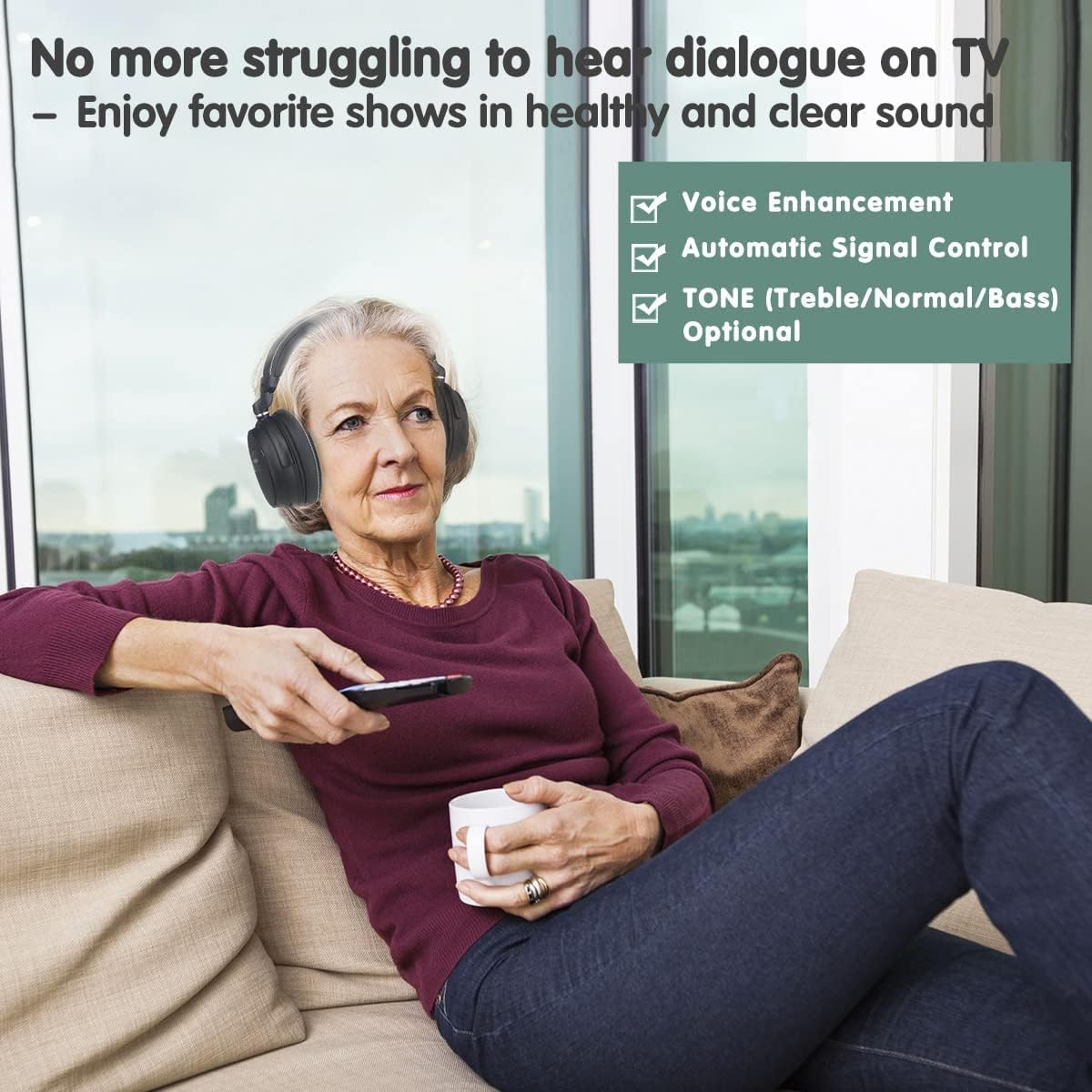
Image: A woman comfortably watching TV with SIMOLIO headphones, highlighting features like voice enhancement, automatic signal control, and optional tone adjustments for clear sound.
5.3 Audio Sharing Function
The SM-826D headphones include an audio sharing port, allowing another person to listen simultaneously using their own wired headphones.
- Locate the sharing port on the right side of the SIMOLIO headphones.
- Plug any standard wired headphone (with a 3.5mm jack) into this port.
- Both sets of headphones will now receive audio from the TV.
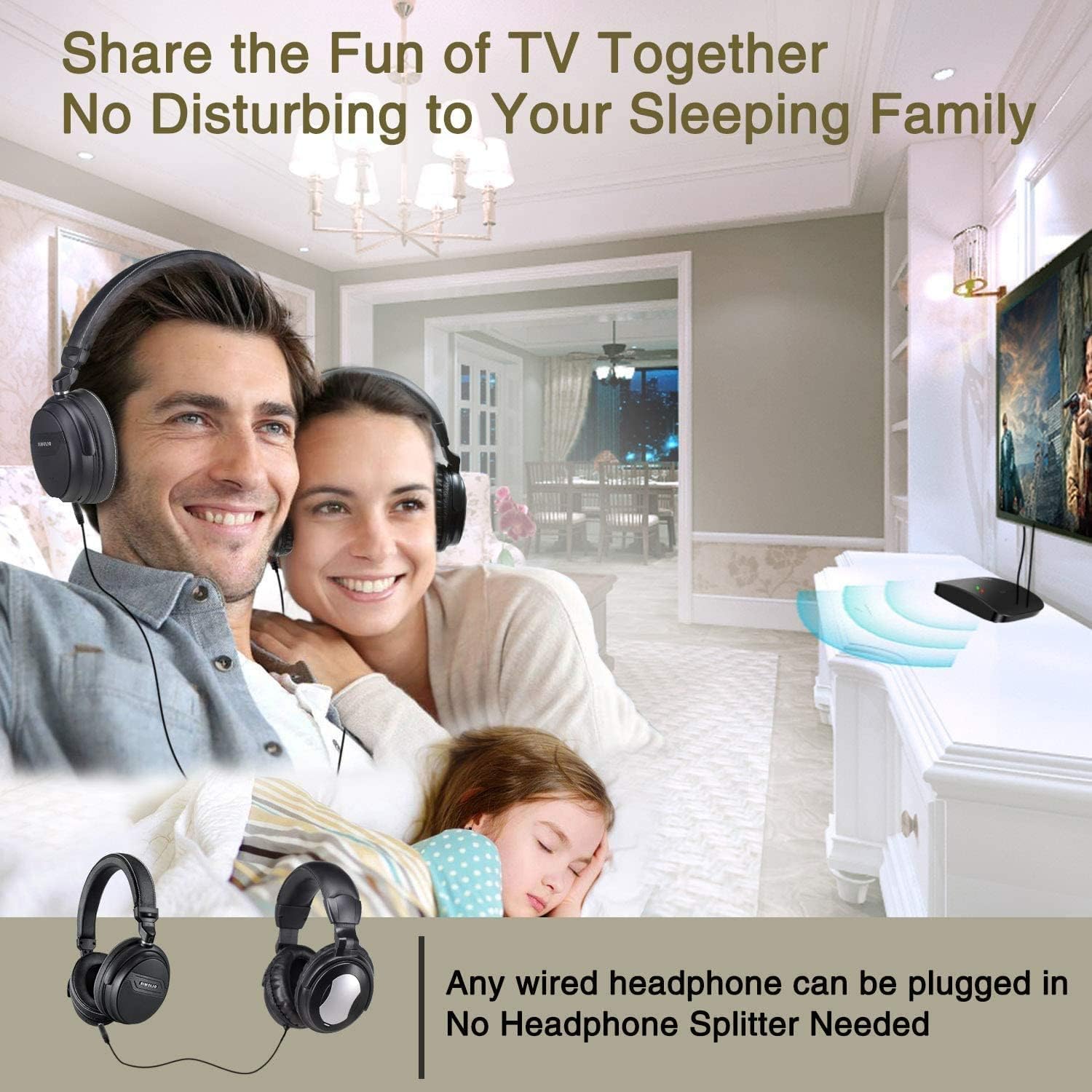
Image: A couple enjoying TV with SIMOLIO headphones while a child sleeps nearby, illustrating the audio sharing feature that allows multiple listeners without disturbing others.
5.4 Multiple Headphone Support
One SIMOLIO transmitter can support multiple SM-826D headphones simultaneously, allowing several users to listen to the same audio source.

Image: Three individuals watching television while wearing SIMOLIO headphones, demonstrating that a single transmitter can broadcast audio to multiple headphone units.
6. וישאַלט
6.1 רייניקונג
- ווישט די כעדפאָונז און טראַנסמיטער מיט אַ ווייכן, טרוקענעם שטאָף.
- ניצט נישט פליסיקע רייניגער אדער שברייענדע מאַטעריאַלן.
6.2 סטאָרידזש
- האַלט די כעדפאָונז און טראַנסמיטער אין אַ קיל, טרוקן אָרט אַוועק פון דירעקט זונשייַן און עקסטרעמע טעמפּעראַטורן.
- פֿאַרמײַדט צו שטעלן שווערע זאַכן אויף די כעדפאָונז.
6.3 באַטערי קער
- The headphones contain a rechargeable Lithium-polymer battery.
- כדי צו פארלענגערן די לעבן פון די באַטעריע, זאָל מען נישט אָפט אויסלאָדן די באַטעריע גאָר.
- If storing for an extended period, charge the headphones to approximately 50% capacity every few months.

בילד: א דעטאַלירטע view of the SIMOLIO headphones, highlighting the adjustable headband, unbreakable metal ring, and noise-isolating memory foam earcups designed for comfort and durability.
7. טראָובלעשאָאָטינג
If you encounter issues with your SIMOLIO SM-826D headphones, please refer to the following common solutions:
| פּראָבלעם | מעגלעך סיבה | לייזונג |
|---|---|---|
| קיין געזונט פון כעדפאָונז | Transmitter not powered on; Audio cable not connected properly; TV audio output settings incorrect; Headphones not powered on or out of range. | Ensure transmitter is powered and its indicator light is on. Check all audio cable connections. Verify TV audio output is active and set to PCM for optical connections. Turn on headphones and ensure they are within 100ft (30m) of the transmitter. |
| דער קלאַנג איז פֿאַרדרייט אָדער איבערגעריסן | Interference from other 2.4 GHz devices; Headphones too far from transmitter; Low headphone battery. | Move the transmitter away from other wireless devices. Reduce the distance between headphones and transmitter. Recharge the headphone battery. |
| קאָפּהערער זענען נישט באַקוועם | Extended wear. | Remove headphones every 1-2 hours to rest your ears. Adjust the headband for a better fit. |
| TV speakers mute when headphones are connected | דאָס איז אַ טעלעוויזיע שטריך. | This is normal for some TV models. If you wish to have both TV speakers and headphones active, check your TV's audio settings for simultaneous output options. |
If the problem persists after trying these solutions, please contact SIMOLIO customer support for further assistance.
8. ספּעסאַפאַקיישאַנז
| שטריך | דעטאַל |
|---|---|
| מאָדעל נומער | SM-826D |
| ווירעלעסס טעכנאָלאָגיע | 2.4 GHz FHSS (Frequency Hopping Spread Spectrum) |
| ווירעלעסס ראַנגע | אַרויף צו 100 פֿיס (30 מעטער) |
| Audio Inputs Supported | Digital Optical (Toslink/SPDIF), RCA, 3.5mm Auxiliary |
| כעדפאָון באַטערי | 500mAh Lithium-polymer, Rechargeable |
| באַטערי לעבן | אַרויף צו 10 שעה פּער אָפּצאָל |
| ספּעציעלע פֿעיִקייטן | Voice Clarification, Noise Reduction, Automatic Signal Control, TONE Selection (Treble/Normal/Bass), Audio Sharing Port |
| מאַטעריאַל | פאַלש לעדער (אויערקעפּלעך) |
| פאָרם פאַקטאָר | Over-Ear (Circum-Aural) |
| קאָליר | שוואַרץ |
9. וואָראַנטי און שטיצן
For warranty information or technical support, please contact SIMOLIO customer service. Details can typically be found on the product packaging or the official SIMOLIO website. When contacting support, please have your product model number (SM-826D) and purchase information ready.


