הקדמה
This manual provides detailed instructions for the safe and effective use of your OneOdio A70 Wireless Bluetooth Headphones. Please read this manual thoroughly before using the product and retain it for future reference.

Image: OneOdio A70 Wireless Bluetooth Headphones in red and black, shown with 3.5mm and 6.35mm audio cables.
פּעקל אינהאַלט
זיכער מאַכן אַז אַלע זאכן זענען פאַראַן אין פּעקל:
- OneOdio A70 Fusion Headphones
- 3.5mm to 3.5mm Jack Cable with Microphone (1.2 M)
- 3.5mm to 6.35mm Jack Cable with Spring Wire (2-3 M)
- Micro-USB Charging Cable (0.6 M)
- פּראַטעקטיוו טאַש
- באַניצער מאַנואַל (דעם דאָקומענט)

בילד: איבערview of the OneOdio A70 package contents, including the headphones, various cables, and a carrying pouch.
פּראָדוקט איבערview
The OneOdio A70 headphones feature a versatile design for both wireless and wired use, offering high-quality audio and comfortable wear.
- אַודיאָ דריווערס: Equipped with 40mm drivers for powerful bass and clear treble.
- קאַנעקטיוויטי: Bluetooth 5.2 for wireless connection, and multiple wired options (3.5mm, 6.35mm).
- באַטאַרייע לעבן: ביז 72 שעה פון ווידערשפּיל אויף איין אָפּצאָל (ביי 50% וואָלומען).
- מיקראָפאָן: Integrated CVC 8.0 noise-cancelling microphone for clear calls.
- Share Port: Allows two headphones to connect to one audio source for shared listening.
- טרייסט: Thick foam ear pads and a foldable, adjustable headband for extended wear comfort.
- Jack Lock: Secure locking mechanism for the auxiliary stereo cable.
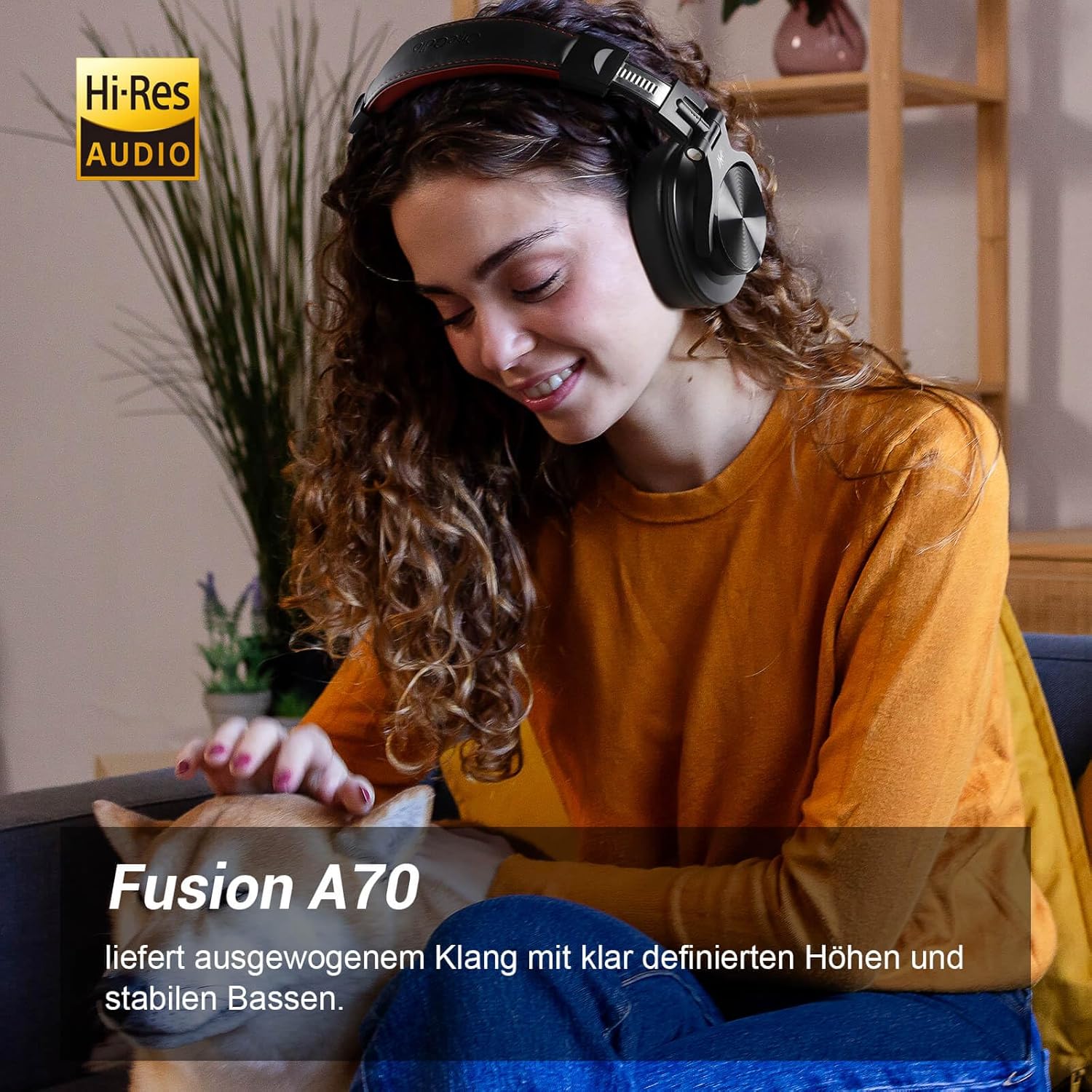
Image: A woman wearing the OneOdio A70 headphones, emphasizing the Hi-Res Audio capability.
סעטאַפּ
טשאַרדזשינג די כעדפאָונז
Before first use, fully charge the headphones. Use the provided Micro-USB charging cable.
- Connect the Micro-USB end of the charging cable to the charging port on the headphone.
- Connect the USB-A end to a USB power adapter (not included) or a computer's USB port.
- די LED אינדיקאַטאָר וועט ווייַזן די טשאַרדזשינג סטאַטוס (למשל, רויט פֿאַר טשאַרדזשינג, בלוי פֿאַר גאָר טשאַרדזשד).

בילד: א דעטאַלירטע view of the headphone's side, showing the Micro-USB charging port and control buttons.
בלועטאָאָטה פּערינג
צו פֿאַרבינדן אייערע כעדפאָונז אָן דראָטן:
- מאַכן זיכער אַז די כעדפאָונז זענען טשאַרדזשינג און אויסגעדרייט אַוועק.
- Press and hold the Multi-function button (usually the power button) for approximately 5 seconds until the LED indicator flashes red and blue alternately, indicating pairing mode.
- אויף אייער דעווייס (סמאַרטפאָן, טאַבלעט, פּיסי), אַקטיווירט בלועטוט און זוכט פֿאַר פֿאַראַן דעווייסעס.
- Select "OneOdio A70" from the list of devices.
- אַמאָל פארבונדן, וועט דער LED אינדיקאַטאָר ווערן בלוי אָדער בלינקען בלוי לאַנגזאַם.
ווייערד קאַנעקשאַן
The A70 headphones support two types of wired connections:
- 3.5mm to 3.5mm Cable: For connecting to smartphones, tablets, laptops, and other devices with a 3.5mm audio jack. This cable includes an in-line microphone for calls.
- 3.5mm to 6.35mm Cable: For connecting to professional audio equipment like DJ mixers, amplifiers, and guitars.
To use a wired connection, simply plug the appropriate cable into the headphone's corresponding port and the other end into your audio source. The headphones will automatically switch to wired mode when a cable is inserted.

Image: A visual guide illustrating the wide compatibility of the OneOdio A70 headphones with different devices using 3.5mm and 6.35mm cables.
אַפּערייטינג ינסטראַקשאַנז
Basic Controls (Bluetooth Mode)
| פֿונקציע | קאַמף |
|---|---|
| מאַכט אויף / אַוועק | Press and hold Multi-function button for 3 seconds. |
| שפּיל / פּויזע | Press Multi-function button once. |
| באַנד אַרויף | Press '+' button. |
| באַנד אַראָפּ | Press '-' button. |
| ווייַטער שפּור | Press and hold '+' button. |
| פֿריִערדיקע שפּירט | Press and hold '-' button. |
| ענטפֿערן / סוף רופן | Press Multi-function button once. |
| אָפּוואַרפן רופן | Press and hold Multi-function button for 2 seconds. |
| אַקטאַווייט די קול אַססיסטאַנט | Double-press Multi-function button. |

Image: Controls for the in-line microphone on the 3.5mm cable, detailing functions like play, pause, answer, and end calls.
Share Port Function
The OneOdio A70 headphones feature a unique Share Port, allowing two headphones to share audio from one source.
- Connect the 3.5mm to 3.5mm cable to the 3.5mm input port on your A70 headphones.
- Connect the other end of this cable to the 3.5mm output port of another headphone (e.g., another A70 or compatible headphone).
- Ensure the primary A70 headphone is connected to your audio source (via Bluetooth or 6.35mm cable).
- Both headphones will now receive audio from the same source.

Image: Two individuals sharing audio from a single device using the Share Port technology of the OneOdio A70 headphones.
וישאַלט און זאָרג
- רייניקט די כעדפאָונז רעגולער מיט אַ ווייכן, טרוקענעם שטאָף. ניצט נישט קיין שרײַבנדיקע רייניגערס אדער סאָלווענטן.
- Store the headphones in the provided protective pouch when not in use to prevent scratches and damage.
- פֿאַרמײַדט אויסשטעלן די כעדפאָונז צו עקסטרעמע טעמפּעראַטורן, פֿײַכטקייט, אָדער דירעקטער זון.
- פּרוּווט נישט צו צענעמען אָדער מאָדיפֿיצירן די כעדפאָונז, ווײַל דאָס וועט בטל מאַכן די וואָראַנטי.
- The headphones are not waterproof. Avoid contact with liquids.

Image: The OneOdio A70 headphones in their folded configuration, ready for storage in the protective pouch.
טראָובלעשאָאָטינג
| פּראָבלעם | מעגלעך סיבה | לייזונג |
|---|---|---|
| No sound (Bluetooth) | Headphones not paired or connected. Low battery. Volume too low. | Ensure headphones are in pairing mode and connected. Recharge headphones. Increase volume on headphones and device. |
| No sound (Wired) | Cable not fully inserted. Incorrect cable used. Device volume too low. | Ensure cables are securely plugged in. Use the correct cable for your device. Increase volume on device. |
| נעבעך געזונט קוואַליטעט | Interference (Bluetooth). Damaged cable. Low quality audio source. | Move closer to the Bluetooth device. Try a different cable. Test with a different audio source. |
| מיקראָפאָן טוט נישט אַרבעטן | Using wrong cable (only 3.5mm to 3.5mm has mic). Mic muted on device. | Ensure you are using the 3.5mm cable with the in-line microphone. Check microphone settings on your device. |
| כעדפאָונז וועלן נישט זיך אָנצינדן | די באַטעריע איז גאָר אויסגעשעפּט. | Charge the headphones for at least 30 minutes before attempting to power on. |
ספּעסאַפאַקיישאַנז
| שטריך | דעטאַל |
|---|---|
| מאָדעל נאָמען | OneOdio A70 Fusion |
| קאַנעקטיוויטי טעכנאָלאָגיע | Bluetooth 5.2, Wired (3.5mm, 6.35mm) |
| דרייווער גרייס | 40 מם |
| אָפטקייַט ראַנגע | 20 הערץ - 20,000 הערץ |
| ימפּידאַנס | 32 אָום |
| סענסיטיוויטי | 110 דב |
| באַטאַרייע זאַץ | ליטהיום-פּאָלימער |
| באַטערי לעבן | אַרויף צו 72 שעה (ביי 50% באַנד) |
| וואָג | 250 גראַמז |
| מאַטעריאַל | Leather (earpads/headband) |
| ספּעציעלע פֿעיִקייטן | Volume Control, Noise Isolation, Built-in Microphone (CVC 8.0), Foldable Design, Share Port, Jack Lock |
וואָראַנטי און שטיצן
OneOdio products are designed and manufactured to the highest quality standards. For warranty information and customer support, please refer to the official OneOdio webזייטל אדער קאנטאקט זייער קאסטומער סערוויס גלייך.
פאַבריקאַנט: OneOdio
פארקויפער : OneOdio EU (via Amazon.com.be)
פֿאַר ווייַטער הילף, באַזוכן די OneOdio Store on Amazon.


