1. הקדמה
This manual provides essential information for the safe and efficient operation of your METZ M55S9A 55-inch 4K UHD Smart Android OLED TV. Please read this manual thoroughly before using the television and retain it for future reference.
The METZ M55S9A features a 55-inch 4K UHD OLED display, Google Certified Android 8.0 operating system, and integrated smart functionalities, offering a premium viewינג דערפאַרונג.
2. זיכערקייַט אינפֿאָרמאַציע
שטענדיק האַלטן זיך צו די פאלגענדע זיכערהייט מיטלען צו פאַרמייַדן עלעקטרישע קלאַפּ, פייַער אָדער שעדיקן צו די טעלעוויזיע:
- דו זאלסט נישט ויסשטעלן די טעלעוויזיע צו רעגן אָדער נעץ.
- זיכער מאַכן אַז די ווענטילאַציע איז ריכטיק; נישט פאַרשפּאַרן די ווענטילאַציע עפענונגען.
- Avoid placing the TV near heat sources or in direct sunlight.
- ניצט נאָר דעם עלעקטרישן שנור וואָס ווערט צוגעשטעלט מיטן טעלעוויזאָר.
- עפֿנט נישט דעם טעלעוויזאָרasinג; רעפֿערירט אַלע סערוויסינג צו קוואַליפֿיצירטע פּערסאָנעל.
- האַלטן באַטעריז אויס פון דערגרייכן פון קינדער.
3. וואָס איז אין דער קעסטל
באַשטעטיקן אַז אַלע קאָמפּאָנענטן זענען פאַראַן ביים אויספּאַקן:
- 1 x METZ M55S9A LED TV
- 1 x טיש שטאף שטאנד
- קסנומקס רענטגענ וואנט בארג בראַקעט
- 1 x באַניצער מאַנואַל (דאָס דאָקומענט)
- 1 רענטגענ וואָראַנטי קאַרד
- 1 x Remote Control (2 AAA batteries included)
4. סעטאַפּ
4.1. גשמיות ייַנמאָנטירונג
Your METZ M55S9A TV can be installed using the included tabletop stand or a wall mount bracket.
Tabletop Stand Installation:
- לייגט פֿאָרזיכטיק דעם טעלעוויזאָר מיטן פּנים אַראָפּ אויף אַ ווייכער, גלאַטער ייבערפֿלאַך כּדי צו פֿאַרמייַדן שאָדן צום עקראַן.
- Attach the tabletop stand to the designated mounting points on the TV's rear using the provided screws. Ensure it is securely fastened.
- Place the TV on a stable, level surface, ensuring adequate space for ventilation.
וואַנט בארג ינסטאַלירונג:
If using a wall mount, follow the instructions provided with the wall mount bracket. It is recommended to have professional assistance for wall mounting to ensure safety and proper installation.
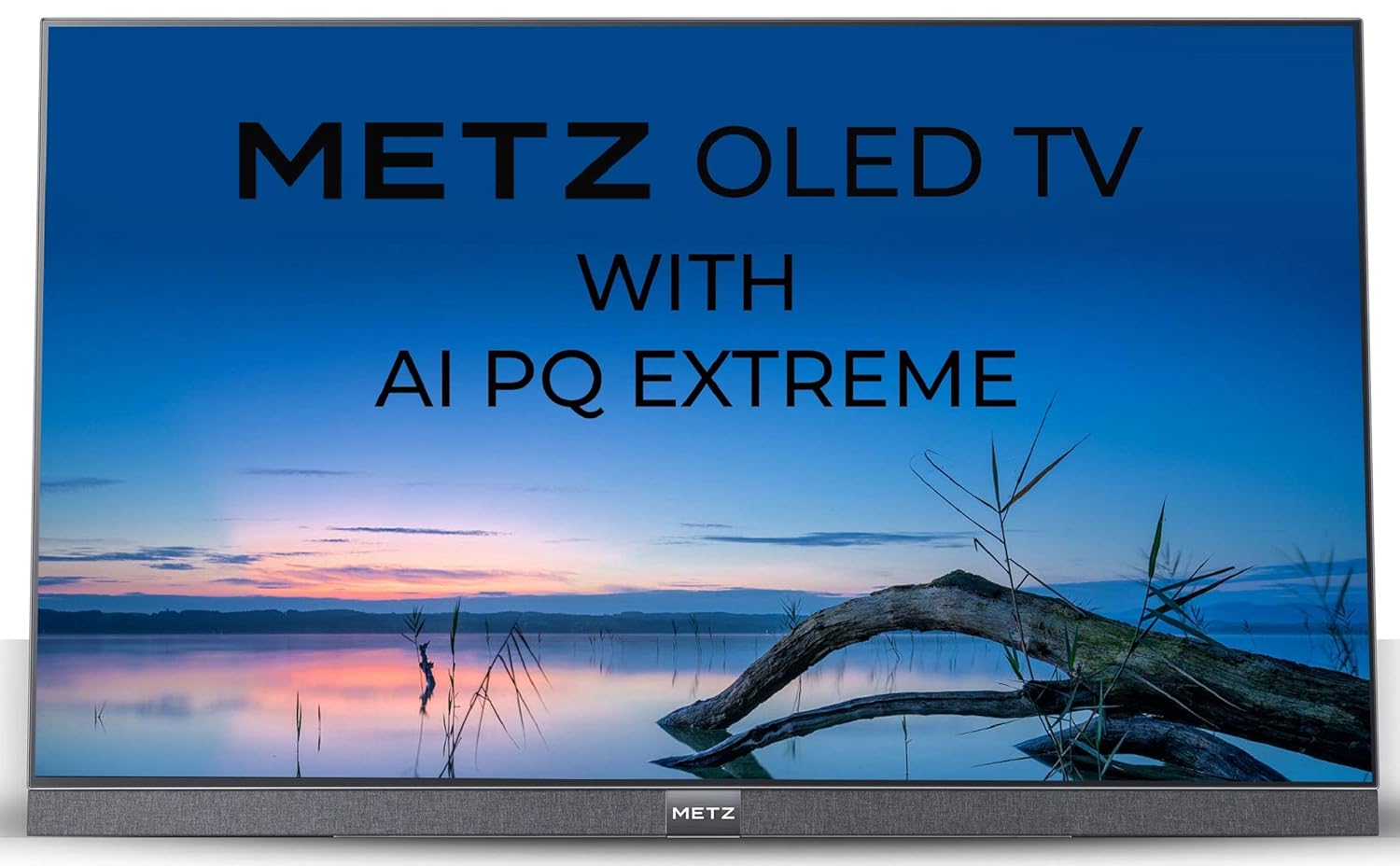
בילד: זייט view of the METZ M55S9A TV, illustrating its thin profile און דער צוגעבונדענער שטאַנד.
4.2. קאַנעקטינג מאַכט
Connect the power cord to the TV's power input and then to a suitable electrical outlet. The TV will enter standby mode.
4.3. ערשט סעטאַפּ וויזערד
Upon first power-on, the TV will guide you through the initial setup process, including language selection, network connection, and Google account sign-in for Android TV features.
5. אַפּערייטינג ינסטרוקטיאָנס
5.1. רימאָוט קאָנטראָל איבערview
The included remote control allows you to navigate the TV's features. It uses IR and Bluetooth technology and comes with navigation keys for various functions.
5.2. גרונטלעכע טעלעוויזיע פונקציעס
- מאַכט: דריק דעם מאַכט קנעפּל אויף דער ווײַטקאָנטראָל צו דרייען דעם טעלעוויזיע אָן אָדער אויס.
- באַנד: ניצט די "Volume +/-" קנעפּלעך צו סטרויערן דעם געזונט לעוועל.
- טשאַנאַלז: ניצט די קאַנאַל +/- קנעפּלעך צו טוישן טעלעוויזיע קאַנאַלן.
- אַרייַנשרייַב: Press the Input button to select different input sources (HDMI, USB, etc.).
5.3. סמאַרט טעלעוויזיע פֿעיִקייטן (אַנדרויד טעלעוויזיע)
Your METZ M55S9A is a Google Certified Android 8.0 Smart TV, providing access to a wide range of applications and services.

Image: The METZ M55S9A TV screen showing the Android TV interface with various streaming applications.
- אַפּפּס: Access pre-installed apps like Netflix, YouTube, Hotstar, Zee5, Sun NXT, Play Movies, and thousands more from the Google Play Store.
- גוגל אַססיסטאַנט: ניצט שטימע קאמאנדעס דורך די ווײַט קאנטראל צו זוכן אינהאלט, קאנטראלירן קלוגע היים דעווייסעס, און באקומען אינפארמאציע.
- Chromecast Built-in: וואַרפט אינהאַלט פֿון אייערע קאָמפּאַטיבלע מאָבילע דעוויסעס גלייך צום טעלעוויזיע.
6. קאַנעקטיוויטי
The TV offers multiple connectivity options:
- HDMI פּאָרץ: 3 HDMI ports for connecting external devices such as Blu-ray players, gaming consoles, or set-top boxes.
- וסב פּאָרץ: 3 USB ports for connecting USB storage devices to play media files.
- ווי-פי: Built-in Wi-Fi for internet access and smart TV features.
- בלועטאָאָטה: Supports Bluetooth technology for connecting wireless accessories like headphones or game controllers.
7. וישאַלט
כדי צו זיכער מאַכן די לאַנגלעבעניש און אָפּטימאַלע פאָרשטעלונג פון דיין טעלעוויזיע:
- רייניקונג די פאַרשטעלן: ווישט אָפּ דעם עקראַן מיט אַ ווייכן, טרוקענעם מיקראָפיבער שטאָף. פֿאַר שווערע פֿלעקן, ווישט אַ ביסלampווישט דעם שטאָף מיט וואַסער אָדער אַ ספּעציאַליזירטן עקראַן רייניגער. שפּריצט נישט פליסיקייט גלייך אויפן עקראַן.
- רייניקונג פון די Casing: ניצט אַ ווייכע, טרוקענע שטאָף צו רייניקן דעם טעלעוויזאָרasing.
- ווענטילאַטיאָן: Ensure the ventilation openings on the back of the TV are not obstructed.
- מאַכט אַוועק: נעמט ארויס דעם טעלעוויזאר פון דער עלעקטרישער ווענטיל בעת בליץ-שטורעמס אדער ווען עס וועט בלייבן אומבאוואכט פאר לאנגע צייטן.
8. טראָובלעשאָאָטינג
אויב איר טרעפט פּראָבלעמען מיט אייער טעלעוויזיע, זעט די פאלגענדע געוויינטלעכע פּראָבלעמען און לייזונגען:
| פּראָבלעם | מעגלעך לייזונג |
|---|---|
| קיין מאַכט | Check if the power cord is securely connected to the TV and the power outlet. Ensure the outlet is functional. |
| קיין בילד נישט, אבער סאונד איז דא | Verify the correct input source is selected. Check cable connections (HDMI, AV). |
| ווייַט קאָנטראָל נישט ארבעטן | Ensure batteries are correctly inserted and not depleted. Point the remote directly at the TV's IR sensor. If using Bluetooth, ensure it is paired. |
| ווי-פי קשר ישוז | Restart your router and the TV. Check Wi-Fi settings on the TV to ensure the correct network is selected and the password is entered accurately. Ensure the TV is within range of your Wi-Fi router. |
| Apps not loading or freezing | Check your internet connection. Try clearing the cache for the problematic app (Settings > Apps > [App Name] > Clear Cache). Restart the TV. |
9. ספּעסאַפאַקיישאַנז
Key technical specifications for the METZ M55S9A TV:

בילד: איבערview of METZ M55S9A TV features.
| שטריך | דעטאַל |
|---|---|
| סאָרט | מעץ |
| מאָדעל | M55S9A |
| פאַרשטעלן גרייס | 55 אינטשעס (138 סענטימעטער) |
| ווייַז טעכנאָלאָגיע | OLED |
| האַכלאָטע | 4K UHD (3840 x 2160 פּיקסעלס) |
| דערפרישן קורס | 120 הז |
| אָפּערייטינג סיסטעם | Android 8.0 (Google Certified) |
| זכּרון סטאָרידזש קאַפּאַסיטי | 16 גיגאבייט |
| ראַם זכּרון אינסטאַלירט גרייס | 2.5 גיגאבייט |
| קאַנעקטיוויטי | 3 HDMI, 3 USB, Wi-Fi, Bluetooth |
| אַודיאָ רעזולטאַט | 20 Watts, DTS X Pro Sound |
| Viewינג אַנגלע | 178 דיגריז |
| בילד קאַנטראַסט פאַרהעלטעניש | 150000:1 |
| פּונקט וואָג | 20.7 קג |
| פּראָדוקט דימענשאַנז (LxWxH) | 123 X 0.5 X 70.5 סענטימעטער |
10. וואָראַנטי און שטיצן
Your METZ M55S9A TV comes with a 2-year warranty. Please refer to the included Warranty Card for detailed terms and conditions.
For technical support or service inquiries, please contact the manufacturer:
- פאַבריקאַנט: METZ
- אימפארטירער/סערוויס קאנטאקט: Radiant Appliances & Electronics India Pvt Ltd
- טעלעפֿאָן: +91-08414 667701
- בליצפּאָסט: info@radiantappliances.com
Please have your TV model number (M55S9A) and purchase details ready when contacting support.


