1. הקדמה
Thank you for choosing the SIMOLIO JH-712 Kids Bluetooth Headphones. These headphones are designed with children's safety and comfort in mind, featuring a 3-level volume limiter to protect sensitive ears. They offer both wireless Bluetooth connectivity and a wired option, along with a built-in microphone for calls and a share port for shared listening. The foldable design and durable construction make them ideal for various activities, including school, travel, and everyday use.
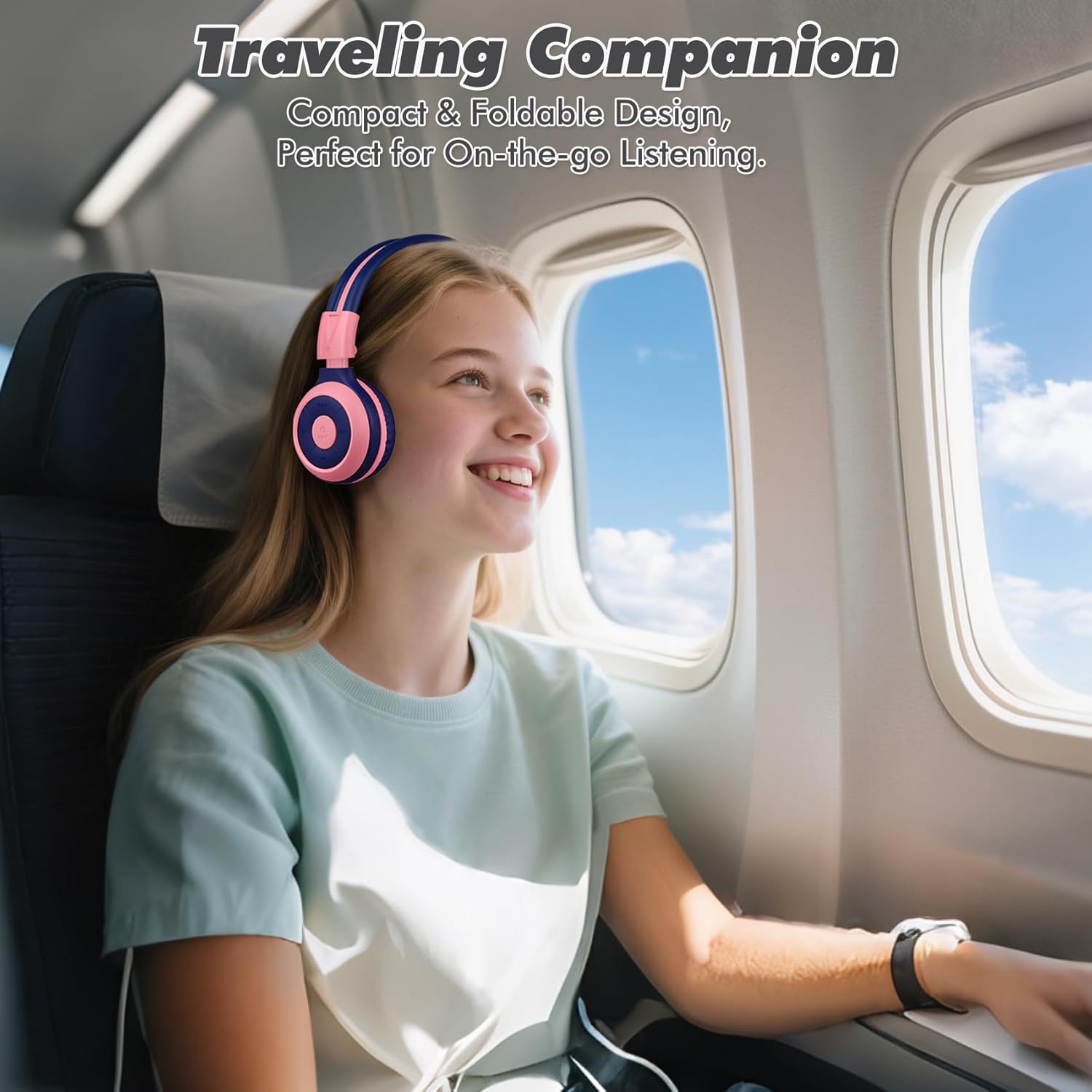
Image: The SIMOLIO JH-712 headphones are a perfect travel companion due to their compact and foldable design.
2. וואָס איז אין דער קעסטל
ביטע טשעקט די אינהאַלט פון די פּאַקעט צו זיכער מאַכן אַז אַלע זאכן זענען דאָרט:
- SIMOLIO JH-712 Kids Bluetooth Headphones
- EVA קעריינג קאַסע
- וסב טשאַרדזשינג קאַבלע
- 3.5 מם אַודיאָ קאַבלע
- באַניצער מאַנואַל (דעם דאָקומענט)
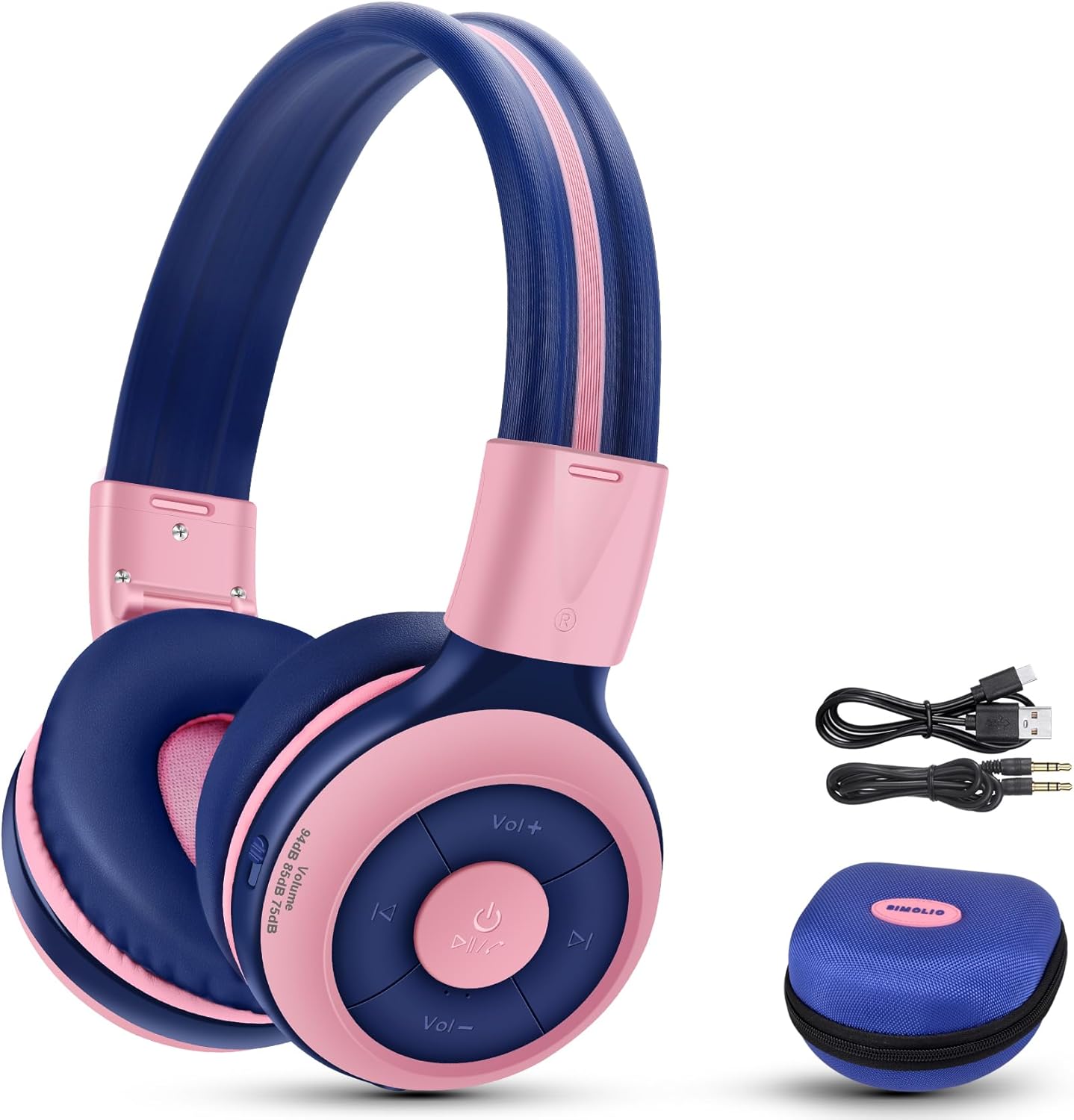
Image: Contents of the SIMOLIO JH-712 headphone package, including the headphones, cables, and EVA case.
3. פּראָדוקט איבערview
The SIMOLIO JH-712 headphones feature a robust and comfortable design. Key components include:
- אַדזשאַסטאַבאַל כעדבאַנד: Made with memory stainless steel strips for durability and flexibility, allowing for a custom fit.
- Soft Ear Cushions: Over-ear design with memory foam earmuffs provides comfort and helps isolate external noise.
- קאָנטראָל קנעפּלעך: Located on the earcup for power, volume, playback, and call management.
- געבויט-אין מיקראָפאָן: For hands-free calling and online learning.
- 3.5 מם אַודיאָ פּאָרט: פֿאַר דראָטיקער פֿאַרבינדונג.
- טשאַרדזשינג פּאָרט: פֿאַר איבערלאָדן די אינערלעכע באַטאַרייע.
- Share Port: Allows another headphone to daisy-chain for shared audio.
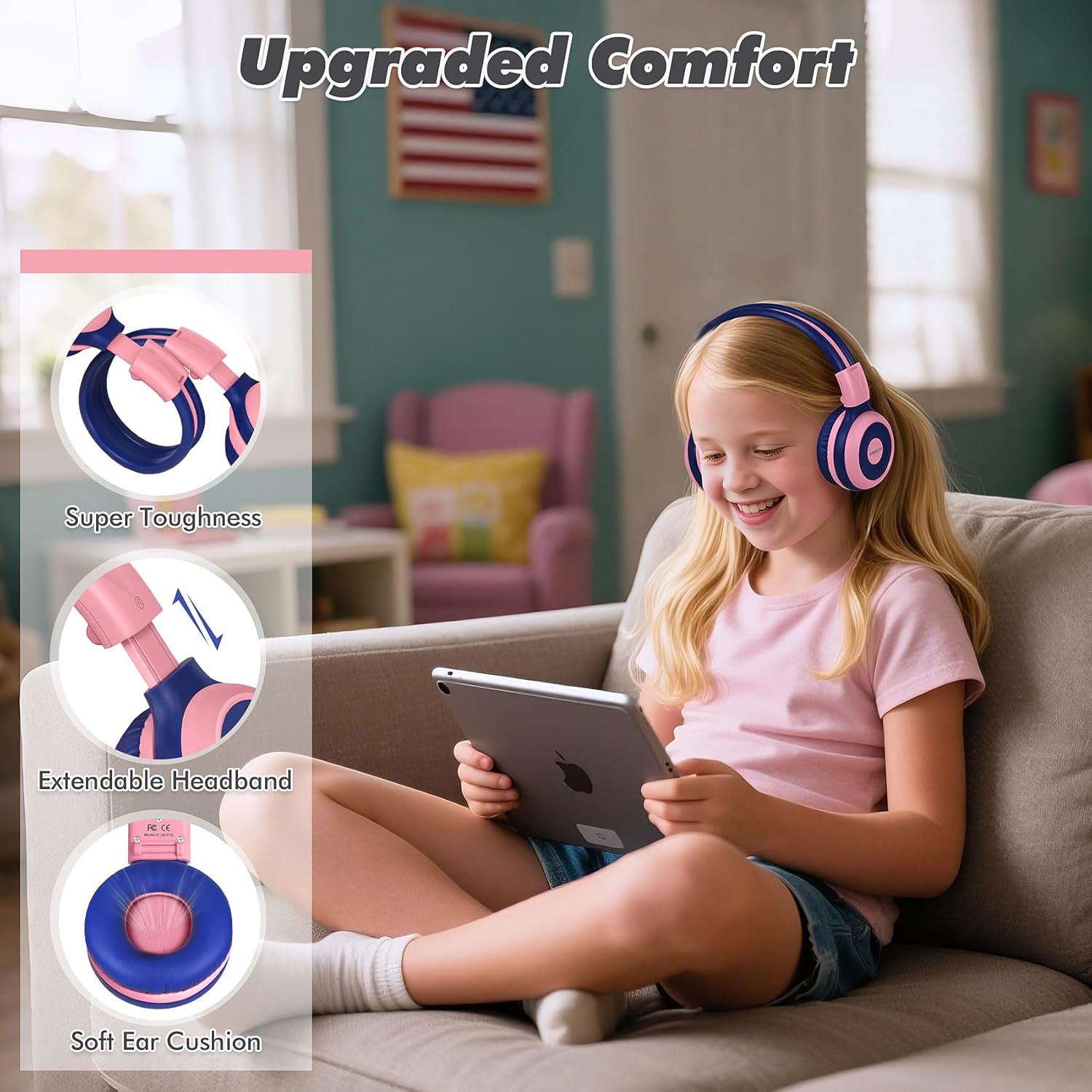
Image: Features highlighting the upgraded comfort, including super toughness, extendable headband, and soft ear cushions.

Image: Ergonomic design details showing soft earcups, adjustable and sturdy headband, and foldable functionality.
4. סעטאַפּ
4.1 אויפלאָדן די קאָפּהערער
פארן ערשטן באַנוץ, זאָלט איר גאָר אויפלאָדן די קאָפּהערער. א פולע אויפלאָדן נעמט אַרום 3 שעה.
- פֿאַרבינדט דעם USB טשאַרדזשינג קאַבל צום טשאַרדזשינג פּאָרט אויף די כעדפאָונז.
- פֿאַרבינדט דעם אַנדערן עק פֿונעם USB קאַבל צו אַ קאָמפּאַטיבלע USB מאַכט מקור (למשל, קאָמפּיוטער USB פּאָרט, וואַנט אַדאַפּטער).
- The LED indicator will show charging status (refer to the LED indicator section in the full manual for details).
- אַמאָל גאָר באפוילן, דיסקאַנעקט די טשאַרדזשינג קאַבלע.
4.2 בלועטאָאָטה פּערינג
צו פֿאַרבינדן אייערע קאָפּהערער אָן דראָטן דורך בלועטוט:
- מאַכן זיכער אַז די כעדפאָונז זענען פּאַוערד אַוועק.
- דריק און האלט דעם פּאַוער קנעפּל ביז דער LED אינדיקאַטאָר בלינקט בלוי און רויט, וואָס ווײַזט אויף פּערינג מאָדע.
- אויף אייער דעווייס (סמאַרטפאָן, טאַבלעט, קאָמפּיוטער), אַקטיווירט בלועטוט און זוכט פֿאַר פֿאַראַן דעווייסעס.
- Select "SIMOLIO JH-712" from the list of devices.
- אַמאָל פארבונדן, וועט דער LED אינדיקאַטאָר טיפּיש ווייַזן אַ האַרט בלוי ליכט אָדער בליץ לאַנגזאַם.
4.3 ווייערד מאָדע
You can use the headphones in wired mode when the battery is low or with devices that do not support Bluetooth.
- Connect one end of the 3.5mm audio cable to the audio port on the headphones.
- פֿאַרבינדט דעם אַנדערן עק צום 3.5 מ״מ אַודיאָ דזשעק פֿון אייער דעווייס.
- די כעדפאָונז וועלן אויטאָמאַטיש איבערגיין צו ווייערד מאָדע.
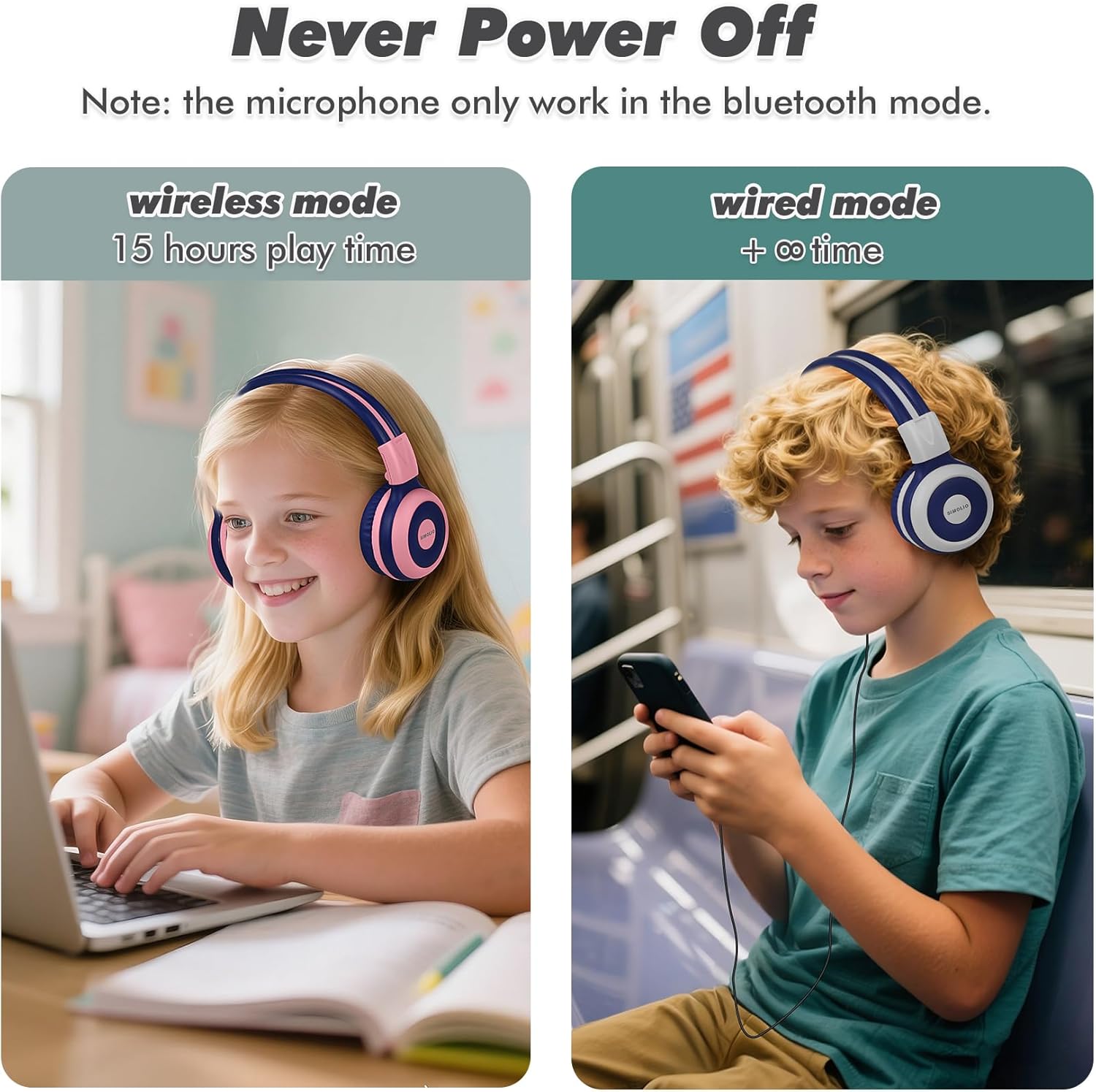
Image: Illustration of wireless mode with 15 hours play time and wired mode for continuous use.
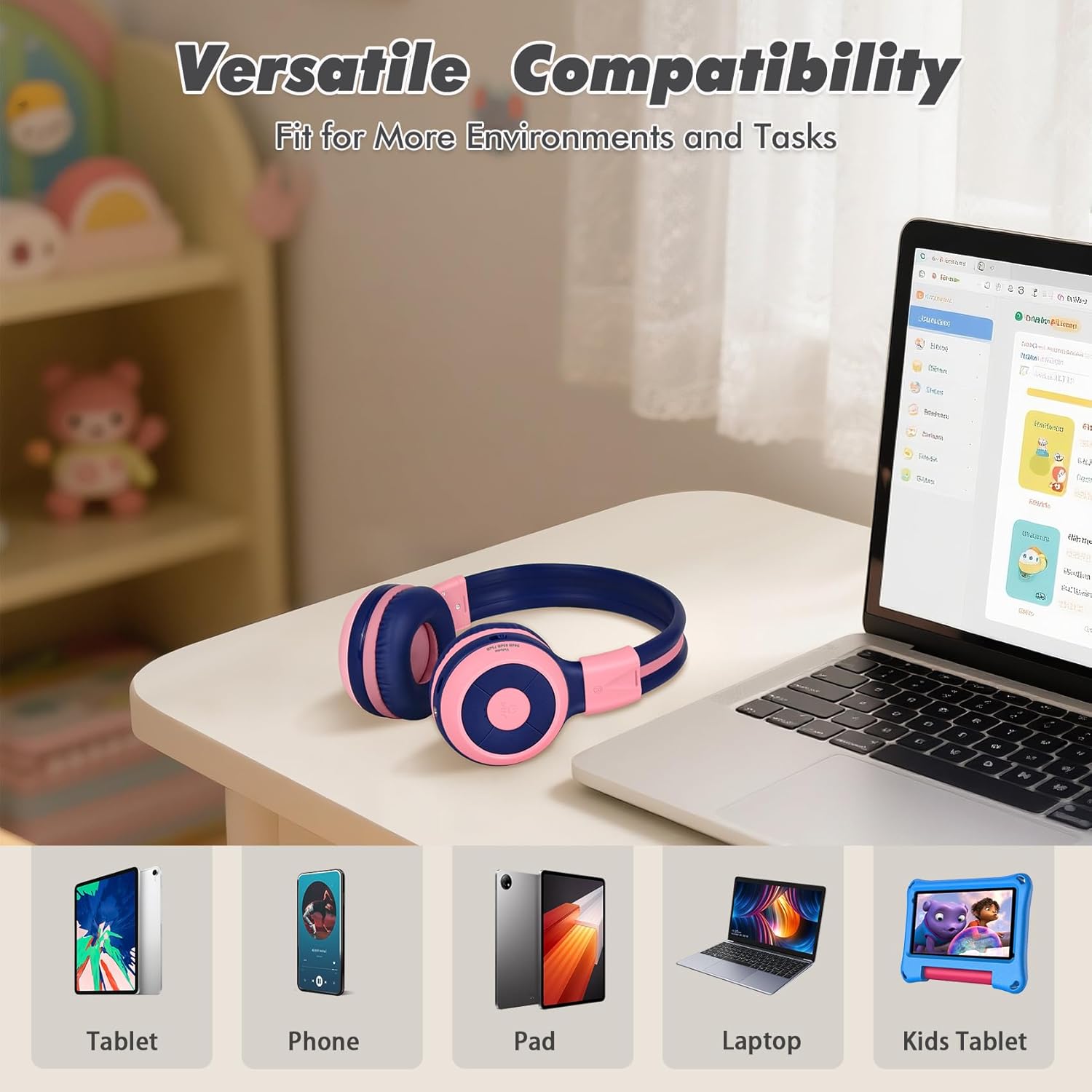
Image: Versatile compatibility with various devices including tablets, phones, iPads, laptops, and kids' tablets.
5. אַפּערייטינג ינסטרוקטיאָנס
5.1 מאַכט אויף / אַוועק
- מאַכט אויף: דריק און האלט דעם פּאַוער קנעפּל פֿאַר אַרום 3 סעקונדעס ביז דער LED אינדיקאַטאָר צינדט זיך אָן.
- מאַכט אַוועק: דריק און האלט דעם פּאַוער קנעפּל פֿאַר אַרום 3 סעקונדעס ביז דער LED אינדיקאַטאָר גייט אויס.
5.2 Volume Control and Limiter
The headphones feature a unique 3-level volume limiter to protect hearing:
- 75dB (Toddler Mode): For very young children.
- 85dB (Study Mode): Suitable for general listening and study.
- 94dB (Travel Mode): For noisier environments, providing a slightly higher but still safe volume.
Use the dedicated switch on the earcup to select the desired volume limit. Adjust the listening volume using the Vol+ and Vol- buttons.
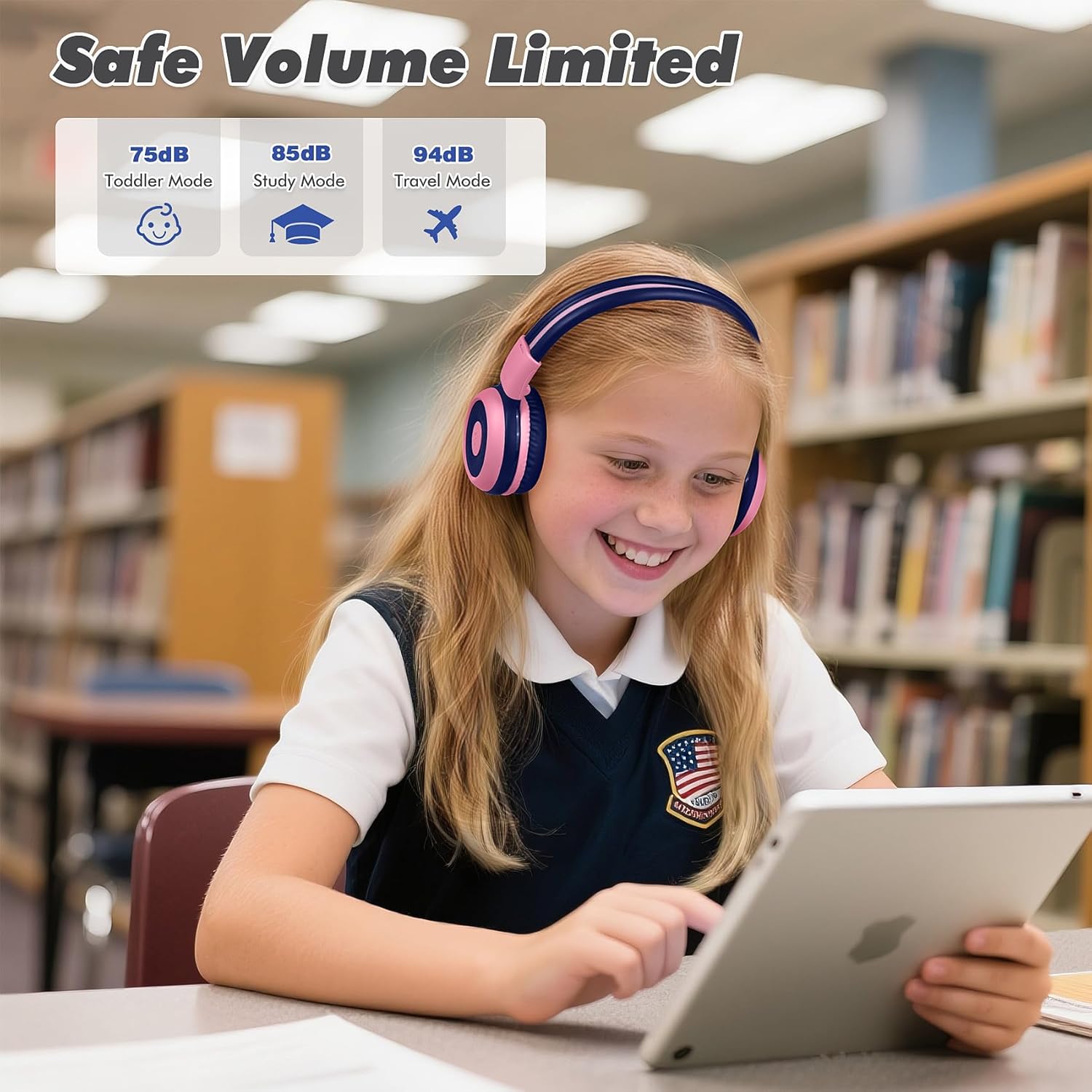
Image: Safe Volume Limited feature with three distinct modes for different age groups and environments.

בילד: דעטאַלירט view of the 3-level volume limiter switch for kids' hearing protection.
5.3 מוזיק פּלייבאַק
- שפּיל / פּויזע: דריקן די שפּיל / פּויזע קנעפּל אַמאָל.
- ווייַטער שפּור: דריק איין מאל דעם "נעקסט טרעק" קנעפל.
- פֿריִערדיקע שפּור: דריק איין מאל דעם "פֿריִערדיקע ליד" קנעפּל.
5.4 רוף פאַרוואַלטונג
דער איינגעבויטער מיקראָפאָן ערמעגליכט הענט-פֿרײַע רופֿן ווען פֿאַרבונדן דורך בלועטוט.
- ענטפֿערן / סוף רופן: דריקן די שפּיל / פּויזע קנעפּל אַמאָל.
- אָפּוואַרפן רופן: דריק און האלט דעם שפּיל/פּויזע קנעפּל פֿאַר אַרום 2 סעקונדעס.

Image: Crystal-clear calls and online learning anytime with the built-in HD microphone.
5.5 Share Port Function
The unique share port allows two headphones to listen to the same audio source simultaneously.
- Connect the first headphone wirelessly to your device.
- Connect one end of the 3.5mm audio cable to the share port of the first headphone.
- Connect the other end of the 3.5mm audio cable to the audio input of a second headphone.
- Both headphones will now receive audio from the same source.

Image: Double the fun with one device and two listeners using the unique sharing port.
6. וישאַלט
געהעריגע זאָרג וועט פֿאַרלענגערן דאָס לעבן פֿון אייערע כעדפֿאָונז.
- רייניקונג: Use a soft, dry cloth to clean the headphones. Do not use liquid cleaners or aerosols.
- סטאָרידזש: When not in use, store the headphones in the provided EVA carrying case to protect them from dust and damage. The foldable design makes storage compact.
- ויסמיידן עקסטרעמע טנאָים: שטעלט נישט אויס די כעדפאָונז צו עקסטרעמע טעמפּעראַטורן, הומידיטי, אדער דירעקטע זונשייַן.
- וואַסער קעגנשטעל: These headphones are not water resistant. Avoid contact with liquids.

Image: Folding the headphones and storing them in the hard EVA case for space-saving and easy carrying.
7. טראָובלעשאָאָטינג
If you encounter issues with your SIMOLIO JH-712 headphones, please refer to the following common solutions:
| פּראָבלעם | מעגלעך לייזונג |
|---|---|
| קאָפּהערער וועלן זיך נישט אָנצינדן | זיכער מאַכן אַז די כעדפאָונז זענען גאָר אָנגעלאָדן. פאַרבינדן צו אַ מאַכט מקור און פּרובירן ווידער. |
| קען נישט צוזאמענשטעלן דורך בלוטוט | Make sure headphones are in pairing mode (flashing blue/red LED). Turn off and on your device's Bluetooth. Ensure headphones are not connected to another device. |
| קיין קלאַנג אין וויירלעס מאָדע | Check if the headphones are successfully paired and connected. Adjust the volume on both the headphones and your device. Ensure the volume limiter switch is not set too low. |
| קיין קלאַנג אין דראָט מאָדע | Ensure the 3.5mm audio cable is securely connected to both the headphones and your device. Test with a different audio cable if available. |
| מיקראָפאָן טוט נישט אַרבעטן | The microphone only works in Bluetooth mode. Ensure headphones are connected via Bluetooth and selected as the input device on your system settings. |
| געזונט איז אויך נידעריק | Check the 3-level volume limiter switch on the headphones and adjust it to a higher setting (e.g., 85dB or 94dB). Increase volume on both the headphones and the connected device. |
8. ספּעסאַפאַקיישאַנז
Detailed technical specifications for the SIMOLIO JH-712 Kids Bluetooth Headphones:
- מאָדעל נאָמען: Kids Wireless Bluetooth Headphones JH-712P
- קאַנעקטיוויטי טעכנאָלאָגיע: ווירעלעס (בלוטוט), ווייערד (3.5 מ"מ דזשעק)
- בלועטאָאָטה ווערסיע: 5.0
- בלועטאָאָטה ראַנגע: 10 מעטער (33 פֿיס)
- אַודיאָ דרייווער טיפּ: דינאַמיש דרייווער
- אַודיאָ דרייווער גרייס: 40 מילאַמיטערז
- ימפּעדאַנסע: 32 אָהמס
- ראַש קאָנטראָל: געזונט אפגעזונדערטקייט
- באַטאַרייע לעבן: Up to 15 Hours (wireless mode)
- טשאַרדזשינג צייט: בעערעך 3 שעה
- קאָנטראָל טיפּ: Media Control, Push Button
- ספּעציעלע פֿעיִקייטן: Adjustable Headband, Foldable, Built-in Microphone, Noise Isolation, 3-level Volume Limiter (75dB/85dB/94dB), Share Port
- מאַטעריאַל: Stainless Steel (headband), Memory Foam (earmuffs), EVA (case)
- נומער וואָג: 9.2 אונסעס (260 גראַם)
- פּראָדוקט דימענשאַנז: 5.51 X 3.15 X 5.31 אינטשעס
- וואַסער קעגנשטעל מדרגה: ניט וואַסער קעגנשטעליק
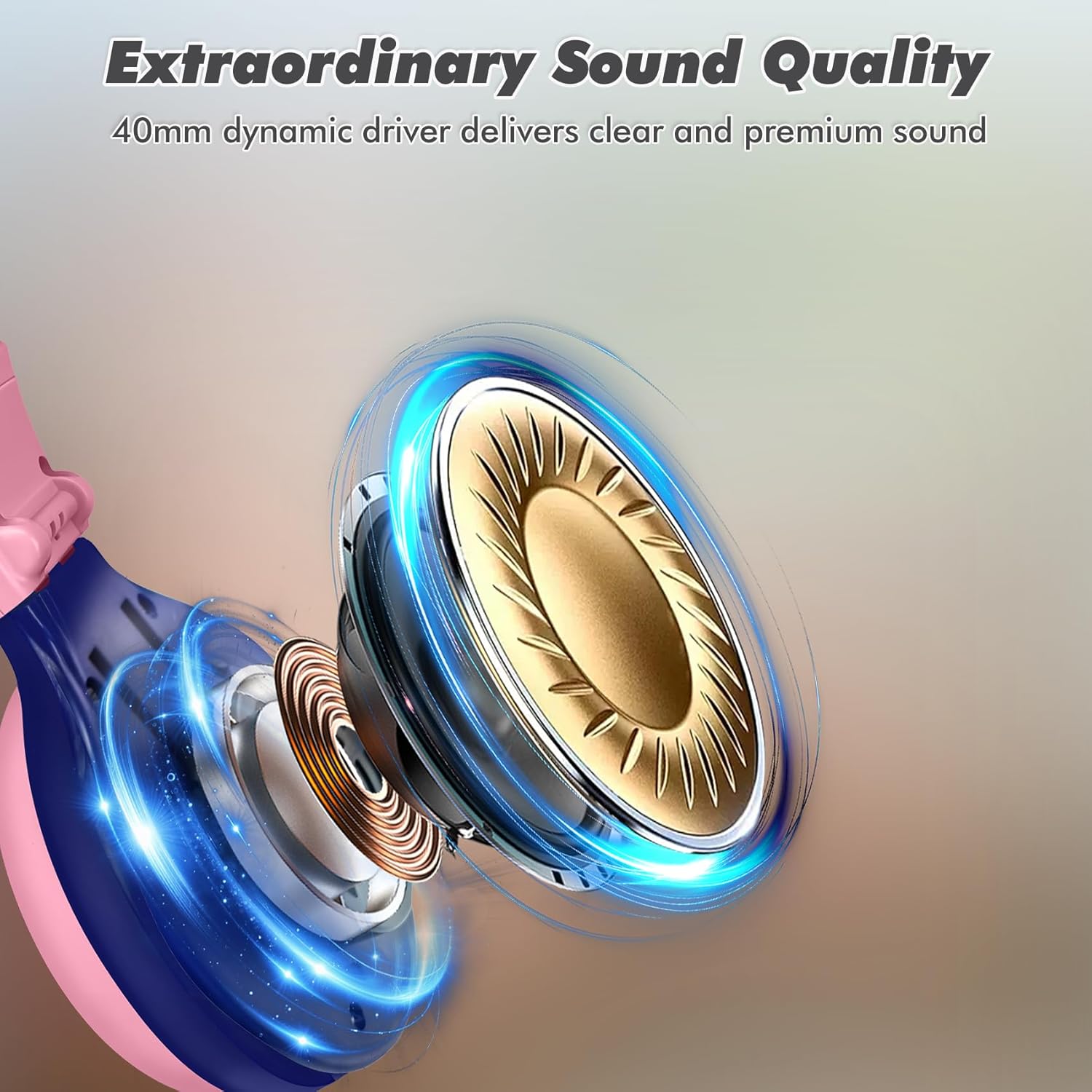
Image: Illustration of the 40mm dynamic driver, delivering clear and premium sound quality.
9. וואָראַנטי & שטיצן
SIMOLIO provides a 12-חודשיקע גאַראַנטיע אָן קיין פּראָבלעמען for the JH-712 Kids Bluetooth Headphones.
If you have any questions, concerns, or require technical assistance, please contact SIMOLIO customer service. Contact information can typically be found on the official SIMOLIO webזייטל אדער דורך אייער קויפן פּלאַטפאָרמע.
פֿאַר נאָך שטיצע און פּראָדוקט אינפֿאָרמאַציע, קענט איר באַזוכן די SIMOLIO Store on Amazon.
10. פּראָדוקט ווידעאָ
Watch this official product video for a visual guide to the SIMOLIO Kids Bluetooth Headphones JH-712.
Video: SIMOLIO Kids Bluetooth Headphones with Mic JH-712. This video demonstrates the features and usage of the headphones.


