1. הקדמה
The Pyle PLDVRCAM71.5 is a compact dash camera designed for vehicle use, providing Full HD 1080p video recording. It features a 1.5-inch digital display, a G-Sensor for automatic collision detection and file protection, and a parking monitor function. This device records video clips to a Micro SD memory card and supports automatic recording upon vehicle startup.
2. פּעקל אינהאַלט
באַשטעטיקט אַז אַלע זאכן וואָס זענען אויסגערעכנט אונטן זענען פאַראַן אין אייער פּעקל:
- DVR Dash Cam Unit
- וסב קאַר מאַכט קאַבלע
- וסב אַריבערפירן טשאַרדזשער
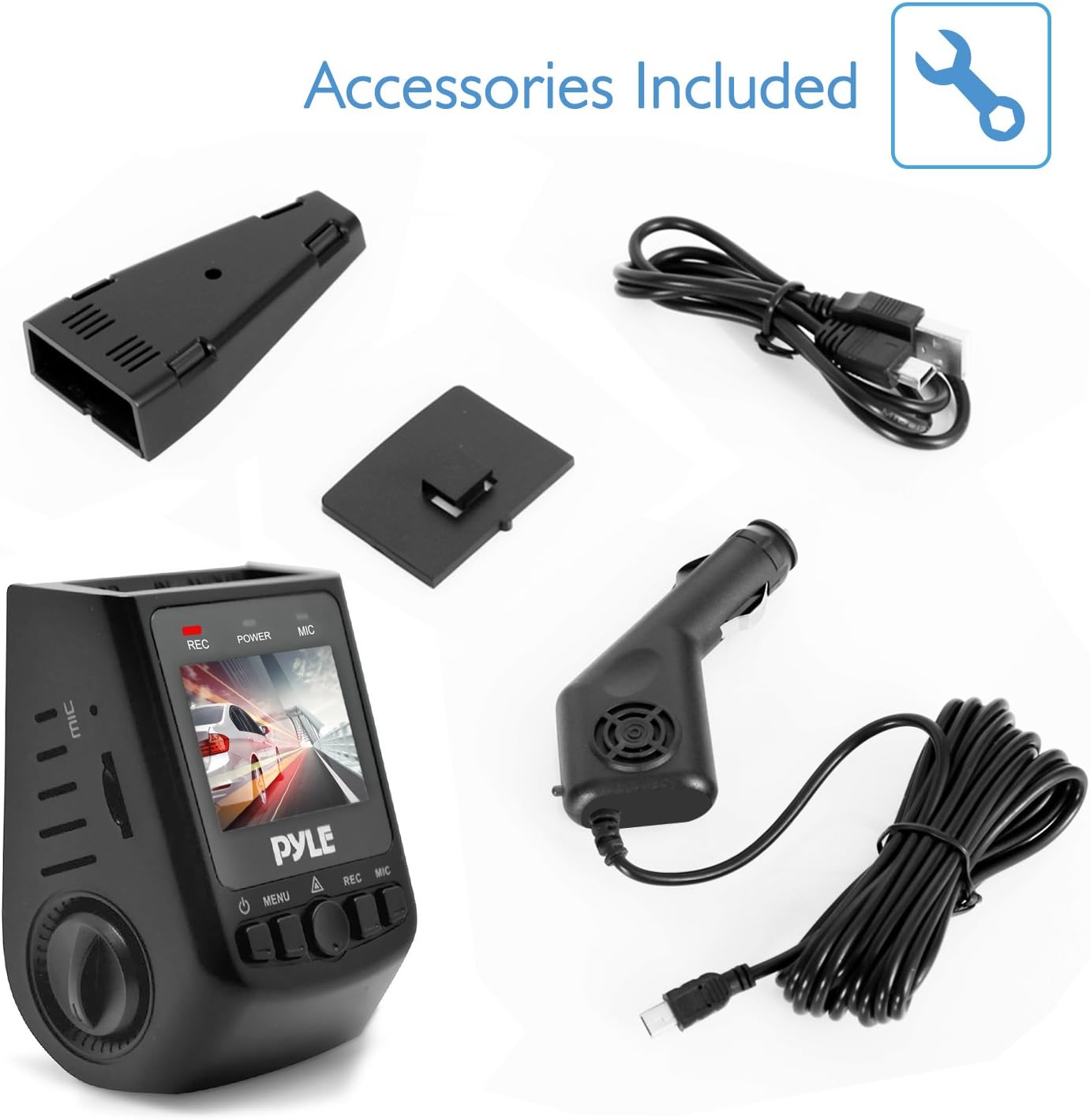
פיגורע 2.1: Included Accessories. This image displays the Pyle Dash Cam unit along with its USB car power cable, USB transfer charger, and a mounting bracket.
3. פּראָדוקט איבערview
Familiarize yourself with the components and controls of your Pyle Dash Cam:

פיגורע 3.1: Dash Cam Components. This diagram labels the various ports and buttons on the Pyle Dash Cam, including the USB and AV interfaces, reset button, control knob, Micro SD card slot, microphone interface, power button, menu button, OK button, record button, and microphone button.
- USB צובינד: פֿאַר מאַכט צושטעל און דאַטן אַריבערפירן.
- AV צובינד: פֿאַר ווידעא רעזולטאַט.
- באַשטעטיק קנעפּל: To restart the device if it becomes unresponsive.
- קנופּ: Used for navigation and selection in menus.
- קאָרט שפּעלטל: Insert Micro SD memory card here.
- מיקראָפאָן צובינד: געבויט-אין מיקראָפאָן פֿאַר אַודיאָ רעקאָרדינג.
- מאַכט קנעפּל: צו קער די מיטל אויף / אַוועק.
- מעניו קנעפּל: To access device settings.
- OK קנעפּל: To confirm selections or start/stop recording.
- רעק קנעפּל: Dedicated button to start/stop recording.
- מיקראָפאָן קנעפּל: To toggle microphone recording.
4. סעטאַפּ
4.1. ינסערטינג די מיקראָ סד קאַרד
Before operating the dash cam, a Micro SD card (up to 32GB, not included) must be inserted. Ensure the card is inserted correctly into the card slot until it clicks into place. It is recommended to format the Micro SD card within the dash cam's settings before first use to ensure optimal performance.

פיגורע 4.1: Micro SD Memory Card Slot. This image highlights the Micro SD card slot on the dash cam, indicating where the memory card should be inserted for recording and saving video clips.
4.2. מאַונטינג די דאַש קאַם
- באַפעסטיקט די זויג קאַפּ מאָונט צו דער דאַש קאַם אַפּאַראַט.
- Clean the desired area on your vehicle's windshield.
- Press the suction cup firmly against the windshield and engage the locking mechanism to secure it.
- אַדזשאַסטירן דעם קאַמעראַ ווינקל צו ענשור אַ קלאָר view פון די וועג פאָרויס.
4.3. מאַכט קאַנעקשאַן
Connect the USB car power cable to the dash cam's USB interface and plug the other end into your vehicle's cigarette lighter socket. The device is designed for plug-and-play operation.
5. אַפּערייטינג ינסטרוקטיאָנס
5.1. אויטאָמאַטישע רעקאָרדינג
Once the vehicle engine starts, the dash cam will automatically power on and begin recording. The system indicator and power indicator will illuminate, and the 'REC' indicator on the screen will blink, signifying active recording.
5.2. מאַנועלע רעקאָרדינג
To manually start or stop recording, press the REC קנעפּל אָדער די OK קנעפּל. A blinking 'REC' icon on the screen indicates that recording is in progress.
5.3. G-סענסאר (קאליזיע דעטעקציע)
The built-in G-Sensor detects sudden impacts or collisions. When activated, it automatically saves and locks the current video segment, preventing it from being overwritten during loop recording. This ensures critical footage איז פּרעזערווירט.
5.4. Parking Monitor (Motion Detection)
With the parking mode enabled in the settings, the dash cam will automatically begin recording if it detects movement or impact while the vehicle is parked. This feature provides surveillance when the vehicle is unattended.
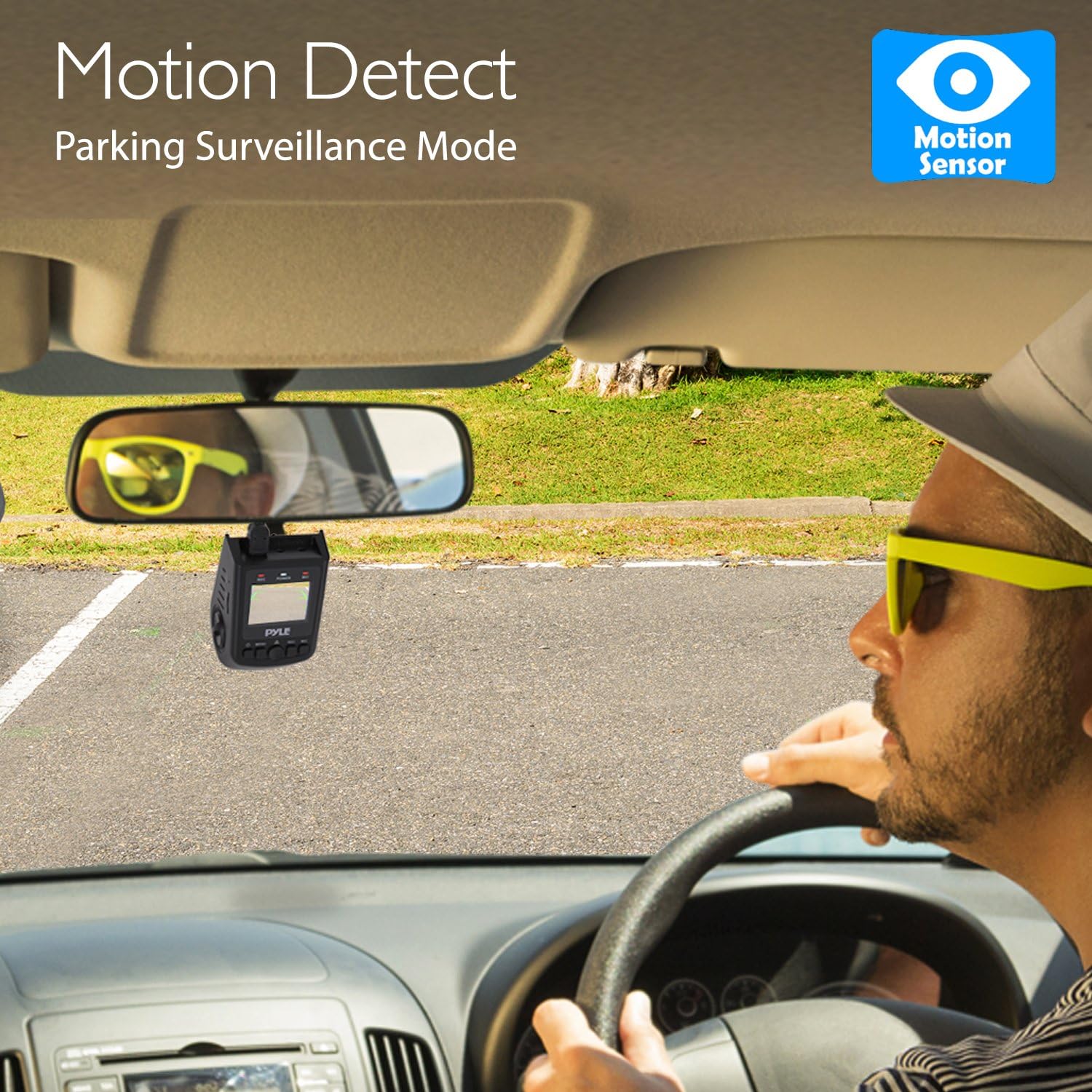
פיגורע 5.1: Motion Detect Feature. This image illustrates the dash cam's motion detection capability, which activates recording for parking surveillance.
5.5. Playback and Preview
צו שייַעךview recorded videos or captured images directly on the device, navigate to the playback mode using the מעניו קנעפּל און סעלעקטירן דעם געוואלט file. ניצן די קנופּ or navigation buttons to browse and the OK קנעפּל to play/view.
5.6. נעמען בילדער
The dash cam can also snap still images. Switch to photo mode via the מעניו קנעפּל און דריקן די OK קנעפּל צו כאַפּן אַ בילד.
6. טראָובלעשאָאָטינג
- אַפּאַראַט אַרבעט נישט אָן: Ensure the USB car power cable is securely connected to both the dash cam and the vehicle's cigarette lighter. Check if the vehicle's power outlet is functional.
- Recording stops unexpectedly or does not record: Verify that a Micro SD card is inserted and has sufficient free space. Format the Micro SD card through the device settings. Ensure the card is not faulty.
- ווידעא קוואַליטעט איז שלעכט: Clean the camera lens with a soft cloth. Ensure the protective film (if any) has been removed from the lens. Check video resolution settings in the menu.
- G-סענסאר איז צו סענסיטיוו/נישט סענסיטיוו גענוג: Adjust the G-Sensor sensitivity setting in the device menu.
- Screen freezes or device is unresponsive: Use a thin object (like a paperclip) to press the באַשטעטיק קנעפּל.
7. ספּעסאַפאַקיישאַנז
| מאָדעל נאָמען | PLVDRCAM71.5 |
| ווייַז סקרין | 1.5-inch Digital Display |
| ווידעא רעקאָרדינג האַכלאָטע | 1080p / 720p / VGA |
| ווידעא Fileטיפּ | .MOV |
| Image Capture Resolution | 12MP / 8 MP / 5 MP / 3MP / 1.3 MP |
| בילד Fileטיפּ | .דזשפּג |
| Viewינג אַנגלע | 170° Degree Wide |
| מיקראָ סד קאָרט שטיצן | Up to 32 GB (Not Included) |
| קאַנעקטיוויטי | וסב |
| ספּעציעלע פֿעיִקייטן | Built-In Microphone, G-Sensor, Parking Monitor |
| פּראָדוקט דימענשאַנז (L x W x H) | 2.8'' x 1.8'' x 1.7'' אינטשעס |
| פּונקט וואָג | 12.3 אונסעס |
8. קער און וישאַלט
- האַלט דאָס אַפּאַראַט טרוקן. פֿײַכטקייט קען שאַטן אינעווייניקסטע קרייזן.
- Do not attempt to disassemble the device. Repairs should only be performed by authorized service personnel.
- Avoid exposing the device to extreme temperatures, as this can shorten its lifespan or damage the battery.
- Clean the lens regularly with a soft, lint-free cloth to ensure clear video recording.
9. וואָראַנטי און שטיצן
Pyle products are designed and manufactured to the highest quality standards. For information regarding warranty coverage or technical support, please refer to the warranty card included with your product or visit the official Pyle website. Do not attempt to service this product yourself.


