הקדמה
This manual provides essential information for the proper setup, operation, and maintenance of your Rapoo N1600 3-Button Quiet Wired Mouse. Designed for comfort and efficiency, the N1600 features a quiet click mechanism, ergonomic shape, and precise 1000 DPI optical tracking for a smooth user experience.
The Rapoo N1600 mouse is built for endurance, versatility, and comfort, helping you power through tasks with ease on various computer systems.
ווידעא: איבערview of the Rapoo Wired Silent Mouse, highlighting its quiet operation and design.
Video: Demonstration of the RX100WH Rapoo Wired Silent Mouse, showcasinג זיינע פֿעיִקייטן.
סעטאַפּ
The Rapoo N1600 mouse is designed for simple plug-and-play functionality, requiring no additional software or drivers for most operating systems.
- פאַרבינדן די וסב קאַבלע: Locate an available USB port on your computer (desktop or laptop). Insert the USB-A connector of the mouse cable into the USB port.
- סיסטעם דערקענונג: Your operating system (Windows, Mac OS, Linux, Chrome OS) will automatically detect and install the necessary drivers. This process usually takes a few seconds.
- אָנהייבן נוצן: Once recognized, the mouse is ready for immediate use.

Image: The Rapoo N1600 wired mouse in white, showcasinג זײַן פּשוט און ריין דיזײַן.

Image: A graphic illustrating the USB connection feature of the mouse.

Image: The Rapoo N1600 mouse featuring its 5-foot long cable, providing ampאיר קענען דערגרייכן פֿאַר פאַרשידן סעטאַפּס.
אַפּערייטינג ינסטראַקשאַנז
The Rapoo N1600 mouse offers standard 3-button functionality with a focus on quiet operation and ergonomic comfort.
- לינקס קנעפּל: Primary click function for selecting items, opening applications, and interacting with user interfaces. Features a 95% reduced click sound.
- רעכט קנעפּל: Secondary click function, typically used for accessing context menus or special functions within applications. Also features a 95% reduced click sound.
- סקראָל ראָד: געניצט פֿאַר ווערטיקאַל סקראָלן דורך דאָקומענטן און web pages. The grille anti-slip pattern ensures accurate scrolling. The scroll wheel itself is designed for quiet operation.
- אָפּטישע טראַקינג: The 1000 DPI high-definition optical tracking engine provides responsive and smooth cursor control on various surfaces.

Image: A diagram illustrating the soft click buttons (Left, Right, and Middle Roller) of the Rapoo N1600 mouse.

Image: The white Rapoo N1600 mouse with a graphic indicating that silent switches reduce click noise.

Image: A layered diagram showing the Rapoo N1600 mouse's high-performance engine can be used on various surfaces like resin, wood, paper, cloth, and cortex.
וישאַלט
To ensure the longevity and optimal performance of your Rapoo N1600 mouse, follow these simple maintenance guidelines:
- רייניקונג: ניצן אַ ווייך, טרוקן, אָדער אַ ביסל דamp cloth to wipe the exterior of the mouse. Avoid using harsh chemicals, solvents, or abrasive cleaners, as these can damage the surface.
- אָפּטיש סענסאָר: Periodically inspect the optical sensor on the underside of the mouse for dust or debris. Use a soft brush or compressed air to gently clean the sensor area. Do not touch the sensor directly with your fingers.
- קאַבלע זאָרגן: פֿאַרמײַדט שאַרפֿע בייגן אָדער איבערגעטריבענעם ציען אויף דעם USB קאַבל צו פֿאַרמײַדן אינערלעכע שאָדן. האַלט דעם קאַבל אָרדנטלעך ווען ער איז נישט אין באַנוץ.
- סטאָרידזש: ווען נישט אין באַנוץ פֿאַר לענגערע פּעריאָדן, האַלט די מויז אין אַ ריינער, טרוקענער סביבה אַוועק פון עקסטרעמע טעמפּעראַטורן.
טראָובלעשאָאָטינג
If you encounter issues with your Rapoo N1600 mouse, try the following troubleshooting steps:
- מויז ענטפערט נישט:
- זייט זיכער אַז דער USB קאַבל איז זיכער אַרייַנגעשטעקט אין אַ אַרבעטנדיקן USB פּאָרט אויף אייער קאָמפּיוטער.
- פרובירט אריינצושטעקן די מויז אין אן אנדערן USB פארט.
- ריסטאַרט דיין קאָמפּיוטער.
- קורסאָר באַוועגונג איז אומשטענדלעך אָדער שפּרינגענדיק:
- Clean the optical sensor on the underside of the mouse for any dust or debris.
- Ensure you are using the mouse on a suitable surface. Highly reflective or transparent surfaces may affect tracking. A mouse pad is recommended.
- קנעפּלעך אדער סקראָל ראָד אַרבעטן נישט:
- זייט זיכער אז די מויז איז ריכטיק פארבונדן.
- Test the mouse on another computer to determine if the issue is with the mouse or the computer's settings.
- Noisy Clicks:
- The N1600 is designed for quiet clicks. If you experience unexpected noise, ensure the buttons are not obstructed.
ספּעסאַפאַקיישאַנז
| שטריך | דעטאַל |
|---|---|
| מאָדעל נומער | 1014-07X03-800 (N1600) |
| פּראָדוקט דימענשאַנז | 4.65 X 2.48 X 1.57 אינטשעס (118 מם X 63 מם X 40 מם) |
| פּונקט וואָג | 3.46 אונסעס (84.46 ג) |
| קאַנעקטיוויטי טעכנאָלאָגיע | וסב ווייערד |
| באַוועגונג דעטעקשאַן טעכנאָלאָגיע | אָפּטיש |
| דפּי | 1000 דפּי |
| קנעפּלעך | 3 (Left, Right, Scroll Wheel/Middle Button) |
| ספּעציעלע פֿעיִקייטן | Ergonomic Design, Soundless (Quiet Click) |
| קאַמפּאַטאַבילאַטי | Mac OS, Linux, Windows, Chrome OS |
| פאַבריקאַנט | שענזשען ראַפּאָו טעכנאָלאָגיע קאָו, לטד. |

Image: A diagram showing the dimensions of the Rapoo N1600 mouse: 118mm (4.65 inches) length, 63mm (2.48 inches) width, and 40mm (1.57 inches) height, with an item weight of 84.46g.
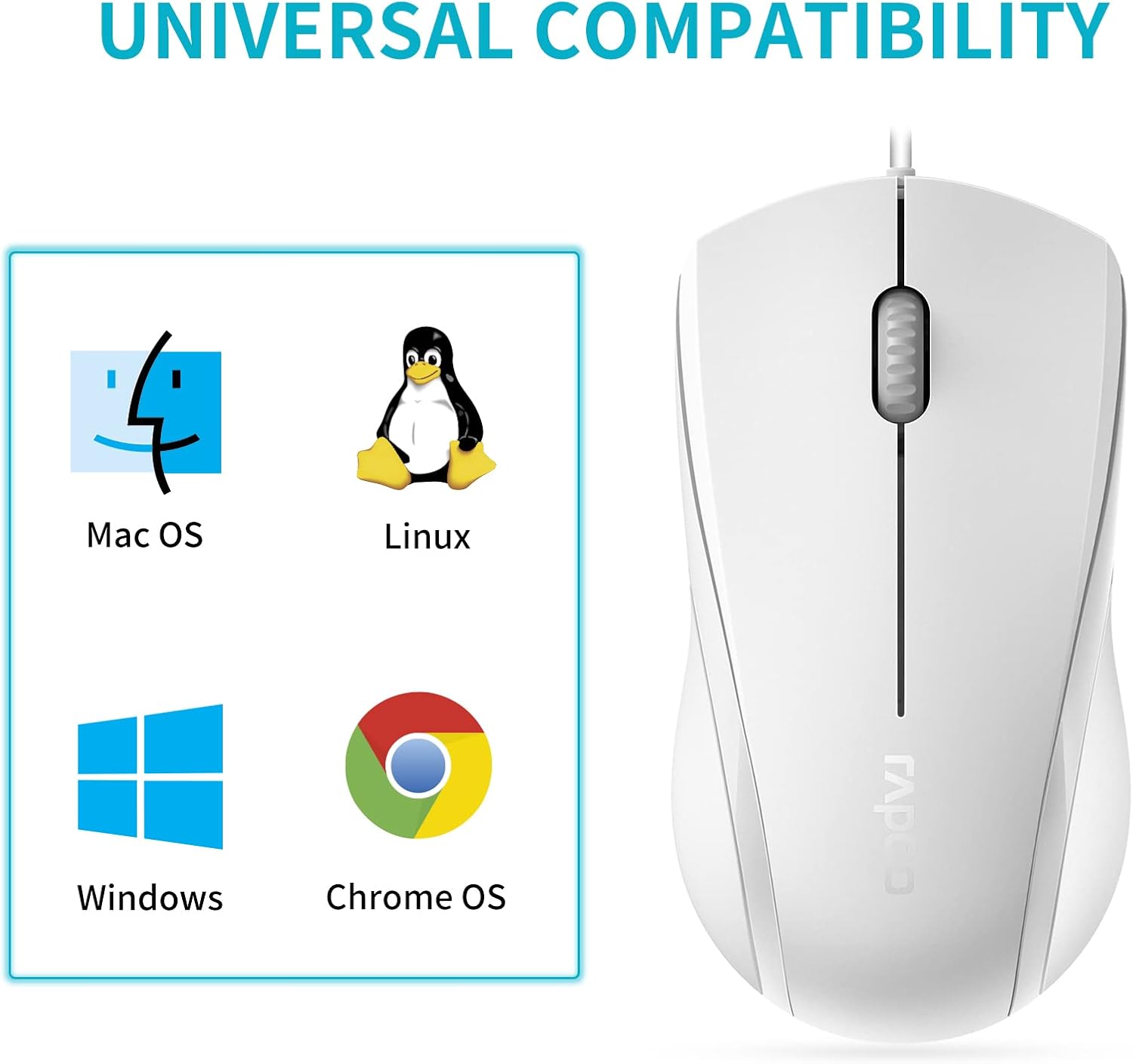
Image: A graphic illustrating the universal compatibility of the Rapoo N1600 mouse with Mac OS, Linux, Windows, and Chrome OS.
וואָראַנטי און שטיצן
Rapoo is committed to providing quality products and customer satisfaction. The Rapoo N1600 mouse comes with a standard warranty, details of which can be found on the official Rapoo webפּלאַץ אָדער דורך קאָנטאַקט קונה שטיצן.
For any inquiries, technical assistance, or warranty claims, please contact Rapoo customer support. Rapoo offers 7/24 customer support to assist you with your product needs.
פֿאַר מער אינפֿאָרמאַציע, ביטע באַזוכן די Rapoo Official Store.