1. הקדמה
א דאנק פארן קויפןasing the Zebronics ZEB - BT9451 RUCF 5.1 Multimedia Speaker Home Theater System. This manual provides essential information for the proper installation, operation, and maintenance of your new audio system. Please read this manual thoroughly before use to ensure optimal performance and to prevent damage.
2. זיכערקייַט אינסטרוקציעס
- מאַכט מקור: פאַרזיכערן די מאַכט צושטעלן וואָלtage matches the requirements specified on the unit (230 Volts).
- ווענטילאַטיאָן: Do not block any ventilation openings. Maintain adequate space around the unit for proper airflow.
- וואַסער און נעץ: שטעלט נישט אויס דעם אַפּאַראַט צו רעגן, פייכטקייט, אדער טראָפּנדיקע/שפּריצנדיקע פליסיקייטן. שטעלט נישט קיין זאכן אָנגעפילט מיט פליסיקייטן, ווי וואַזעס, אויף דעם אַפּאַראַט.
- היץ: האַלט דעם אַפּאַראַט אַוועק פֿון היץ־קוואַלן ווי ראַדיאַטאָרן, היץ־רעגיסטערס, אויוון, אָדער אַנדערע אַפּאַראַטן (אַרייַנגערעכנט ampליפיערס) וואָס פּראָדוצירן היץ.
- רייניקונג: ריין בלויז מיט אַ טרוקן שטאָף. דו זאלסט נישט נוצן פליסיק קלינערז אָדער אַעראָסאָל קלינערז.
- סערוויס: דו זאלסט נישט פּרווון צו דינען דעם פּראָדוקט זיך. קאָנטאַקט אַלע קוואַלאַפייד סערוויס פּערסאַנעל.
- אָרט: שטעלט דעם אַפּאַראַט אויף אַ סטאַבילן, פלאַכן אויבערפלאַך. פֿאַרמייַדט עס צו שטעלן אין דירעקטער זון אָדער לעבן שטאַרקע מאַגנעטישע פֿעלדער.
3. פּעקל אינהאַלט
ביטע טשעק די פּאַקעט פֿאַר די פאלגענדע זאכן:
- סאַבוואָאָפער אַפּאַראַט (1)
- סאַטעליט רעדנערס (5)
- ווייַט קאָנטראָל (1)
- אַודיאָ אַרייַנגאַנג קאַבל (1)
- באַניצער מאַנואַל (דעם דאָקומענט)
4. פּראָדוקט איבערview
The Zebronics ZEB - BT9451 RUCF is a 5.1 multimedia speaker system designed to deliver immersive audio. It features a powerful subwoofer and five satellite speakers for a complete surround sound experience. The system supports multiple input options including AUX, USB, SD card, FM radio, and Bluetooth connectivity.
4.1 Main Unit and Satellite Speakers

פיגורע 1: פראָנט view of the Zebronics ZEB - BT9451 RUCF 5.1 Multimedia Speaker System, showing the central subwoofer unit, five satellite speakers, and the remote control.

פיגורע 2: זייַט view of the Zebronics ZEB - BT9451 RUCF 5.1 Multimedia Speaker System, providing another perspective of the speaker arrangement.
4.2 Key Features and Connectivity
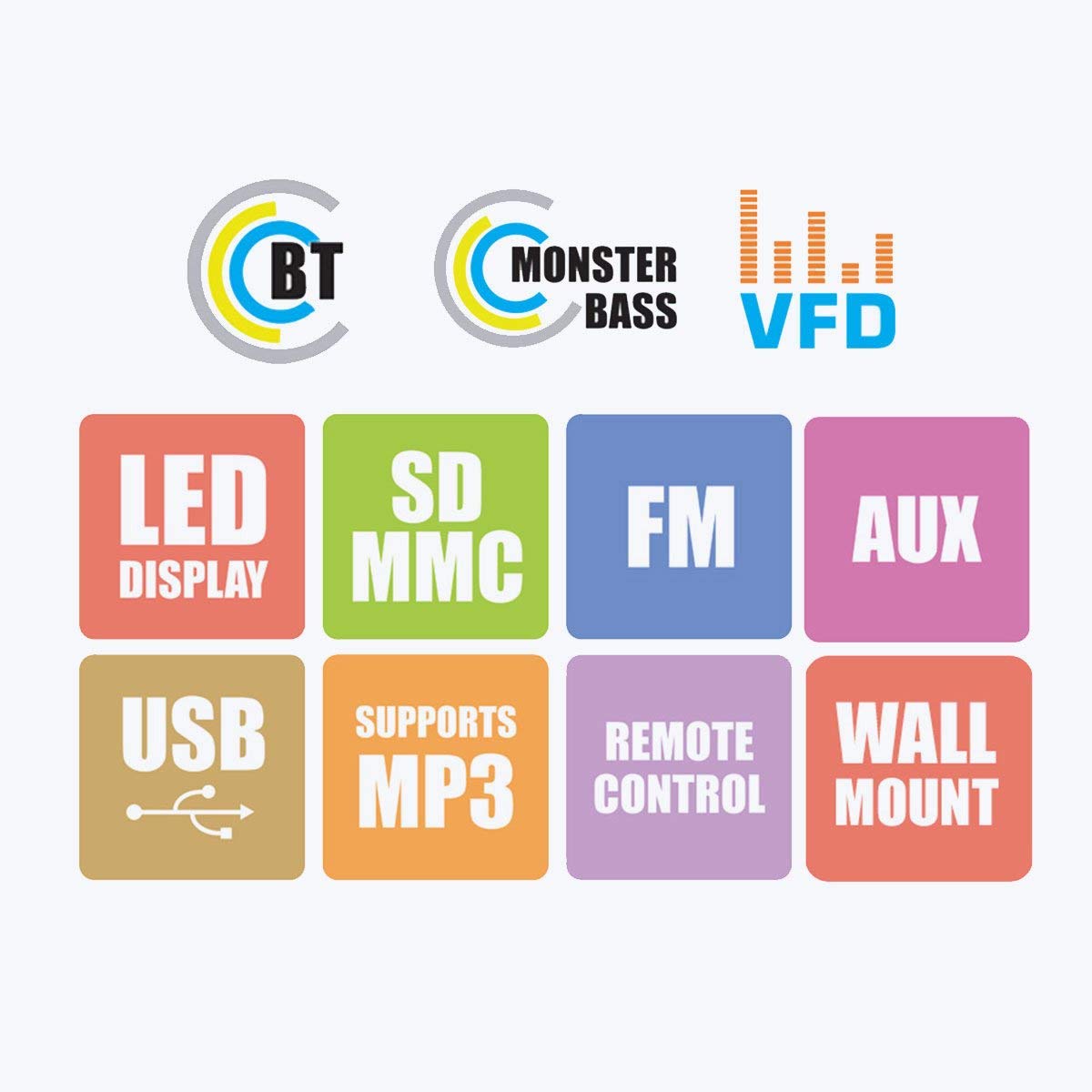
Figure 3: Visual representation of the system's main features, including Bluetooth connectivity, powerful bass, VFD display, LED display, support for SD/MMC cards, FM radio, AUX input, USB playback, MP3 support, remote control functionality, and wall-mount capability for satellite speakers.
4.3 Control Panel and Rear Connections

פיגורע 4: דעטאַילעד views of the subwoofer's front panel, showing the LED display and control buttons, and the side panel with USB and SD card slots. The rear panel connections for audio input (L, R, FL, FR, CEN, SUB, SL, SR) and output are also visible, along with safety warnings.
5. סעטאַפּ אינסטרוקציעס
5.1 רעדנער פּלייסמאַנט
- סובוואָאָפער: Place the subwoofer on the floor, preferably in a corner or near a wall, to enhance bass response.
- Front Speakers (FL, FR): Position these to the left and right of your viewing/listening area, facing towards you.
- Center Speaker (CEN): Place this directly above or below your display (TV/monitor).
- Surround Speakers (SL, SR): Position these to the sides or slightly behind your listening position, at ear level if possible.
5.2 קאַנעקטינג ספּיקערז
Connect the five satellite speakers to the corresponding output ports on the rear panel of the subwoofer unit. Ensure each speaker cable is securely connected to its designated port (FL, FR, CEN, SL, SR).
Refer to Figure 4 for a visual guide to the rear panel connections.
5.3 פֿאַרבינדן אַודיאָ קוועלער
The system offers multiple ways to connect audio sources:
- AUX אַרייַנשרייַב: Use the provided audio input cable to connect your device (e.g., Desktop, Laptop, DVD Player, Projector, LED TV) to the "AUX INPUT" ports (L/R) on the subwoofer's rear panel.
- USB/SD קאָרט: Insert a USB flash drive or SD card into the respective slots on the side panel of the subwoofer for direct media playback.
- בלועטאָאָטה: For wireless audio, pair your Bluetooth-enabled device with the speaker system. (See Section 6.4 for detailed Bluetooth pairing instructions).
5.4 מאַכט קאַנעקשאַן
After all audio connections are made, connect the power cord to the main power outlet. Ensure the power switch on the rear of the subwoofer is in the OFF position before plugging in.
6. אַפּערייטינג ינסטרוקטיאָנס
6.1 מאַכט אויף / אַוועק
Flip the power switch on the rear panel of the subwoofer to the "ON" position. The LED display on the front panel will illuminate. To turn off, flip the switch back to "OFF".
6.2 אַרייַנשרייַב סעלעקציע
Press the "MODE" button on the front panel or the remote control to cycle through available input modes: AUX, USB, SD, FM, and Bluetooth. The selected mode will be indicated on the LED display.
6.3 באַנד קאָנטראָל
Adjust the master volume using the main rotary knob on the front panel of the subwoofer or the "VOL+" / "VOL-" buttons on the remote control.
6.4 בלועטאָאָטה אָפּעראַציע
- Switch the speaker system to Bluetooth mode using the "MODE" button. The display will show "BT" or similar, and an audible prompt may sound.
- Enable Bluetooth on your mobile phone or other device and search for available devices.
- Select "ZEB-BT9451" (or similar name) from the list of found devices.
- אַמאָל פּערד, קענט איר שפּילן אַודיאָ פֿון אייער מיטל דורך די רעדנער סיסטעם.
6.5 USB/SD קאַרטל ווידערשפּיל
אַרײַנשטעלן אַ USB פֿלעש דרייוו אָדער SD קאַרטל מיט MP3 אַודיאָ files into the corresponding slot. The system will automatically switch to USB/SD mode and begin playback. Use the play/pause, next/previous track buttons on the front panel or remote control to manage playback.
6.6 FM ראַדיאָ אָפּעראַציע
- Switch the speaker system to FM mode using the "MODE" button.
- Press and hold the "PLAY/PAUSE" button (or a dedicated scan button on the remote) to automatically scan and save available FM stations.
- Use the "PREV/NEXT" buttons to navigate through the saved stations.
7. וישאַלט
- רייניקונג: Disconnect the power before cleaning. Use a soft, dry cloth to wipe the surfaces of the speakers and subwoofer. Do not use abrasive cleaners, waxes, or solvents.
- סטאָרידזש: אויב איר לייגט דאָס אַפּאַראַט אַוועק פֿאַר אַ לענגערע צייט, זאָלט איר עס אָפּשטעקן פֿון דער עלעקטרישער צושטעל און עס אַוועקלייגן אין אַ קיל, טרוקן אָרט, אַוועק פֿון דירעקטער זון און עקסטרעמע טעמפּעראַטורן.
8. טראָובלעשאָאָטינג
| פּראָבלעם | מעגלעך סיבה | לייזונג |
|---|---|---|
| קיין מאַכט | Power cord not connected; Power switch off; Power outlet faulty | Ensure power cord is securely connected; Turn power switch ON; Test power outlet with another device |
| קיין געזונט | Incorrect input mode; Volume too low; Audio cable loose/faulty; Source device muted/volume low | Select correct input mode; Increase volume; Check audio cable connections; Check source device settings |
| פאַרקרימט געזונט | Volume too high; Source audio quality poor; Speaker cables loose | Reduce volume; Try a different audio source; Check all speaker connections |
| ווייַט קאָנטראָל נישט ארבעטן | Batteries depleted; Obstruction between remote and unit; Remote sensor blocked | פאַרבייטן באַטעריעס; אַראָפּנעמען שטערונגען; זיכער מאַכן אַז די ווייַט קאָנטראָל איז געצילט אויף דעם אַפּאַראַט'ס סענסאָר |
| בלועטאָאָטה פּערינג דורכפאַל | Speaker not in BT mode; Device too far; Device already paired with another unit | Switch to BT mode; Move device closer; Disconnect from other devices and try again |
9. ספּעסאַפאַקיישאַנז
| מאָדעל נאָמען | ZEB - BT9451 |
| רעדנער טיפּ | Desktop, Satellite, Subwoofer |
| אַרומרינגלען סאָונד קאַנאַל קאַנפיגיעריישאַן | 5.1 קאַנאַל |
| רעדנער מאַקסימום רעזולטאַט מאַכט | 90 וואטס |
| אַרייַנשרייַב וואָלtage | 230 וואלטס |
| ימפּידאַנס | 4 Ohm |
| אָפטקייַט ענטפער | 20 KHz |
| קאַנעקטיוויטי טעכנאָלאָגיע | Auxiliary, USB, FM, Bluetooth |
| ספּעציעלע פֿעיִקייטן | Radio, Remote Control, SD Card, Subwoofer |
| קאַמפּאַטאַבאַל דעוויסעס | Home Theater, Laptop, Projector, Television, Desktop, DVD Players, Music Players |
| סובוואָאָפער דיאַמעטער | 5 אינטשעס |
| פּונקט וואָג | קסנומקס קג קסנומקס ג |
| פּעקל דימענשאַנז | 44.2 X 40.8 X 28.6 סענטימעטער |
10. וואָראַנטי און שטיצן
For warranty information and technical support, please refer to the warranty card included with your product or visit the official Zebronics website. You may also contact Zebronics customer service for assistance with product inquiries, troubleshooting, or service requests.
באַאַמטער Webפּלאַץ: www.zebronics.com


