1. הקדמה
Thank you for choosing the Solight LED Desk Lamp WO46. This versatile lamp combines modern design with practical features, including a dimmable LED light, an integrated display showing time, date, alarm, and temperature. This manual provides essential information for the safe and efficient use of your new desk lamp.
2. זיכערקייַט אינסטרוקציעס
- לייענט קערפֿול אַלע אינסטרוקציעס איידער נוצן און באַהאַלט פֿאַר צוקונפֿטיקע רעפֿערענץ.
- פאַרזיכערן די מאַכט צושטעלן וואָלtage matches the requirements specified on the product.
- צי ניט ויסשטעלן די לamp צו וואַסער אָדער איבערגעטריבענע נעץ.
- Avoid disassembling or modifying the lamp. איבערגעבן אלע סערוויסינג צו קוואַליפֿיצירטע פּערסאָנעל.
- האַלטן די לamp אַוועק פון היץ קוואלן און דירעקט זונשייַן.
- ריין די לamp נאָר מיט אַ ווייכן, טרוקענעם שטאָף. ניצט נישט קיין שרײַבנדיקע רייניגערס אדער סאָלווענטן.
- דער פּראָדוקט איז דיזיינד בלויז פֿאַר דרינענדיק נוצן.
3. פּעקל אינהאַלט
ביטע טשעק די פּאַקעט פֿאַר די פאלגענדע זאכן:
- סאָלייט לעד טיש לamp WO46
- מאַכט קאַבלע
- באַניצער מאַנואַל (דעם דאָקומענט)
4. פּראָדוקט איבערview
The Solight LED Desk Lamp WO46 features a flexible arm, an integrated LED light panel, and a multi-functional display on its base. The base also houses the touch-sensitive controls.

Figure 1: Solight LED Desk Lamp WO46 in folded position, displaying time, date, and temperature on its integrated screen.

Figure 2: Solight LED Desk Lamp WO46 with its arm extended, highlighting the LED light panel and the functional display.
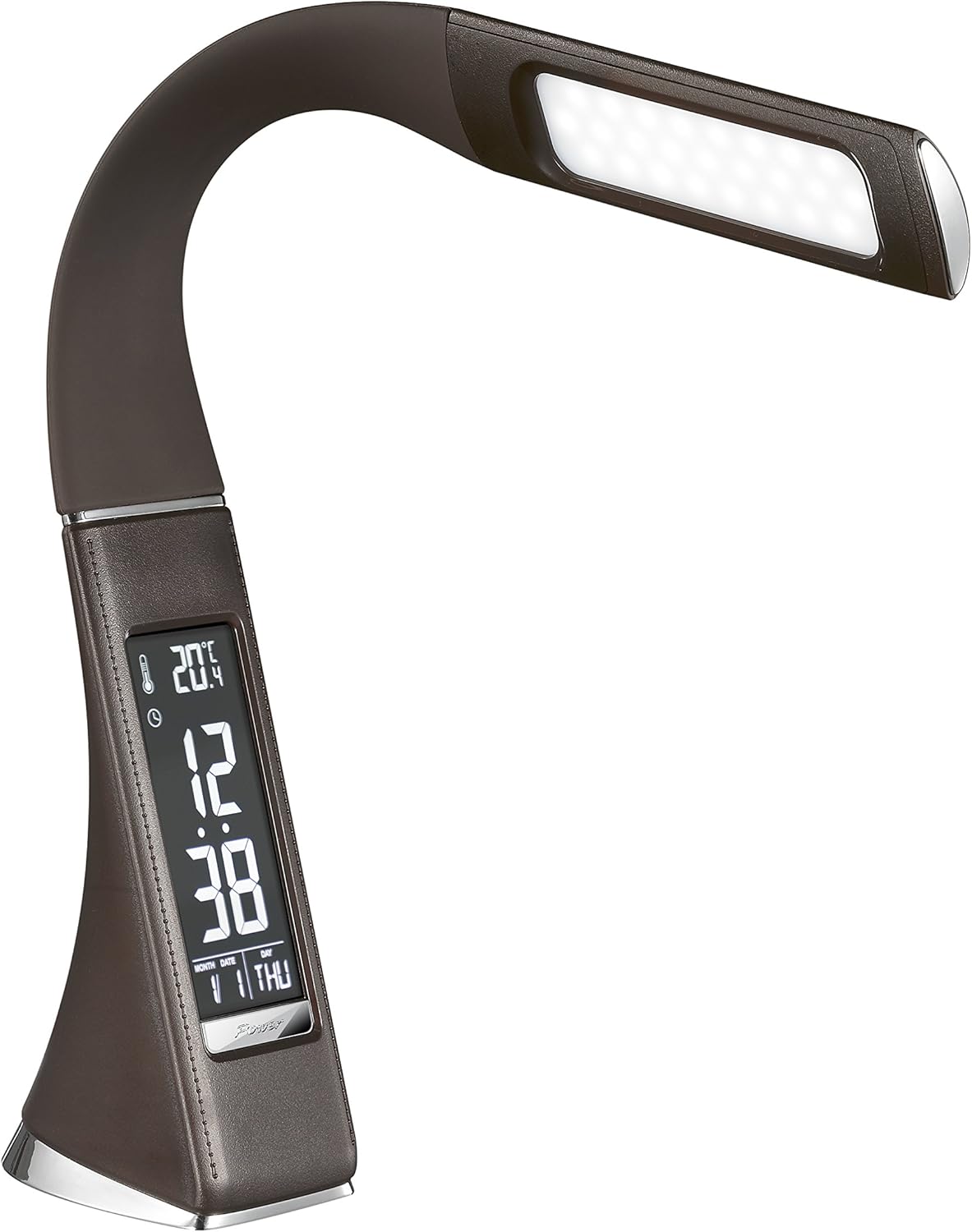
פיגור 3: ווינקלדיק view of the Solight LED Desk Lamp WO46, extended, emphasizing its sleek design and the display panel.
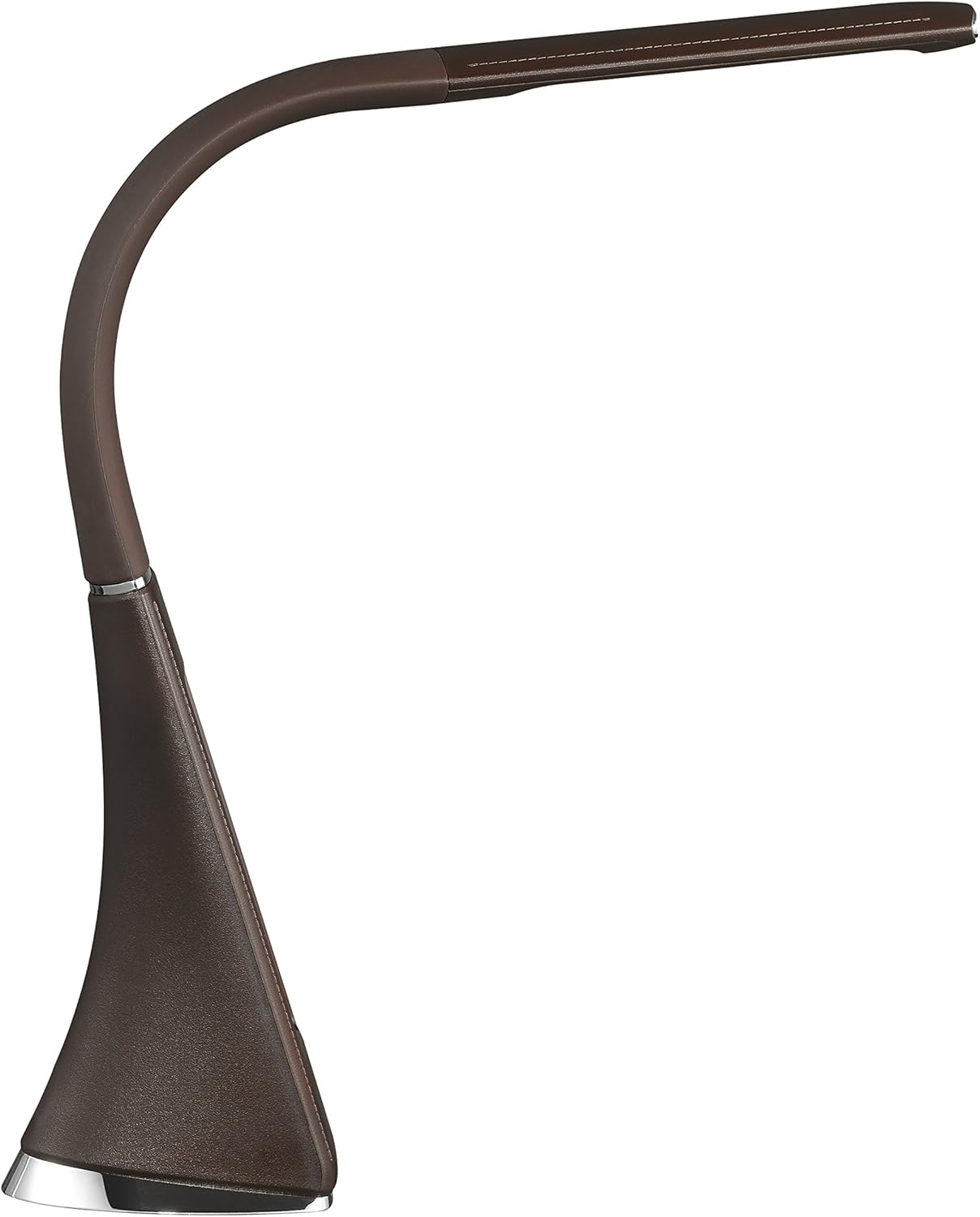
פיגור 4: זייט פּראָfile of the Solight LED Desk Lamp WO46, extended, illustrating the flexibility of its arm and the slim design of the light panel.

פיגורע 5: דערציען view of the Solight LED Desk Lamp WO46, extended, indicating the power input port located at the back of the lampס באַזע.
5. סעטאַפּ
- אַנפּאַק: קערפאַלי באַזייַטיקן אַלע קאַמפּאָונאַנץ פון די פּאַקקאַגינג.
- אָרט: שטעלן די לamp אויף אַ סטאַבילער, גלאַטער ייבערפלאַך. די נישט-גליטשיקע באַזע גאַראַנטירט פעסטקייט.
- פאַרבינדן מאַכט: Insert the power cable into the DC input port at the back of the lamp's base, then plug the adapter into a standard electrical outlet.
- סטרויערן שטעלע: Gently adjust the flexible arm to your desired lighting angle.
6. אַפּערייטינג ינסטרוקטיאָנס
6.1 ליכט קאָנטראָל
- מאַכט אויף / אַוועק: Press the touch-sensitive power button on the base to turn the lamp אויף אָדער אַוועק.
- ברייטנאַס אַדזשאַסטמאַנט: מיט די לamp on, press and hold the power button to cycle through the three available brightness levels. Release the button at your desired brightness.
6.2 ווייַז פאַנגקשאַנז
The integrated display shows time, date, day of the week, temperature, and alarm status. Specific buttons on the base (e.g., 'Mode', 'Set', 'Up', 'Down' - refer to physical markings on your lamp if available) are used to navigate and set these functions.
- באַשטעטיקן צייט און דאַטע:
- Press the 'Mode' button until the time display flashes.
- Use the 'Up' and 'Down' buttons to adjust the hour, then press 'Set' to confirm and move to minutes.
- איבערחזרן פֿאַר מינוט, יאָר, חודש און טאָג.
- Press 'Mode' to exit setting mode.
- באַשטעטיקן די שרעק:
- Press the 'Mode' button repeatedly until the alarm icon appears and the alarm time flashes.
- Use 'Up' and 'Down' to set the alarm hour, then 'Set' to confirm and move to minutes.
- Press 'Mode' to activate/deactivate the alarm. An alarm icon will indicate if it's active.
- טעמפּעראַטור ווייַז: די לamp automatically displays the ambient temperature. No user adjustment is typically required for this function.
7. וישאַלט
- רייניקונג: דיסקאַנעקט די לamp פֿון דער מאַכט־צושטעל איידער איר רייניקט. ווישט אָפּ דעם לamp's surface with a soft, dry, lint-free cloth. Do not use liquid cleaners or sprays.
- סטאָרידזש: אויב סטאָרינג די לamp פֿאַר אַ לענגערע צייט, זאָרגט אַז עס איז ריין און טרוקן. האַלט עס אין אַ קיל, טרוקן אָרט אַוועק פון דירעקט זונשייַן.
8. טראָובלעשאָאָטינג
| פּראָבלעם | מעגלעך סיבה | לייזונג |
|---|---|---|
| Lamp טוט נישט קער אויף. | קיין מאַכט צושטעלן. | Check if the power cable is securely connected to the lamp און די עלעקטרישע ווענטיל. זיכער מאַכן אַז די ווענטיל אַרבעט גוט. |
| Display is blank or incorrect. | Power interruption or incorrect settings. | Ensure continuous power. Reset time and date settings as per Section 6.2. |
| ליכט פליכטן. | נישט-סטאַבילע מאַכט צושטעל. | פּרוּווט צאַפּן די לamp into a different electrical outlet. |
| דער אַלאַרם קלינגט נישט. | אַלאַרם נישט אַקטיוויזירט אָדער פאַלש געשטעלט. | Verify that the alarm is set and activated (alarm icon visible) as per Section 6.2. |
9. ספּעסאַפאַקיישאַנז
| שטריך | דעטאַל |
|---|---|
| מאָדעל נומער | WO46-H |
| דימענסיעס (L X W X H) | 5.5 X 9 X 50 סענטימעטער |
| וואָג | 599 ג (1.32 לבס) |
| מאַטעריאַל | פּס (פּאַליסטירענע) |
| ענדיקן טיפּ | Leather look |
| ליכט מקור טיפּ | געפירט |
| נומער פון באַלבז | 3 |
| לייַכטיק פלאַקס | 300 לם |
| מאַכט | 1.5 וואטס |
| Voltage | 230 וואלטס |
| דורכשניטלעך לעבן | 30,000 שעה |
| IP שאַץ | IP20 |
| באַשטימען סטייל | דרוק קנעפּל |
| ענערגיע לאַבעל | A+ |
10. וואָראַנטי און שטיצן
Solight products are designed and manufactured to the highest quality standards. For information regarding warranty coverage, technical support, or spare parts availability, please refer to the documentation provided with your purchase or visit the official Solight webזייטל. ביטע באַהאַלטן אייער קויפן באַווייַז פֿאַר קיין וואָראַנטי קליימז.


