הקדמה
Welcome to the LilGadgets Connect+ Pro Wired Kids Headphones user manual. These headphones are designed specifically for children, offering a safe and comfortable listening experience with features like volume limiting and SharePort Technology. This manual provides essential information for setting up, operating, maintaining, and troubleshooting your new headphones.
שליסל פֿעיִקייטן
- באַנד לימיטינג: Equipped with 40mm drivers and a maximum volume of 93dB to ensure quieter, safer listening levels for children.
- Passive Noise Reduction: Helps to block out external noise, allowing for clearer audio even at lower volumes.
- שעירפּאָרט טעכנאָלאָגיע: Allows multiple headphones to connect to a single device without the need for a splitter, perfect for shared listening experiences.
- באַקוועם פּלאַן: Features SoftTouch padding and an adjustable headband for a comfortable fit during extended use.
- דוראַבאַל קאַנסטראַקשאַן: Built with metal extenders and flexible, strong plastics to withstand daily use by children.
- אין-ליין מיקראָפאָן: Integrated microphone for clear communication during online classes or calls.
- דעטאַטשאַבלע קאַבלע: A 4-foot braided nylon cable that is detachable to prevent damage from tugs and for easy storage.
- וניווערסאַל קאַמפּאַטאַבילאַטי: Standard 3.5mm audio jack ensures compatibility with a wide range of devices, including iPads, tablets, phones, and computers.
- רייזע זעקל: Includes a convenient travel pouch for portability and protection.
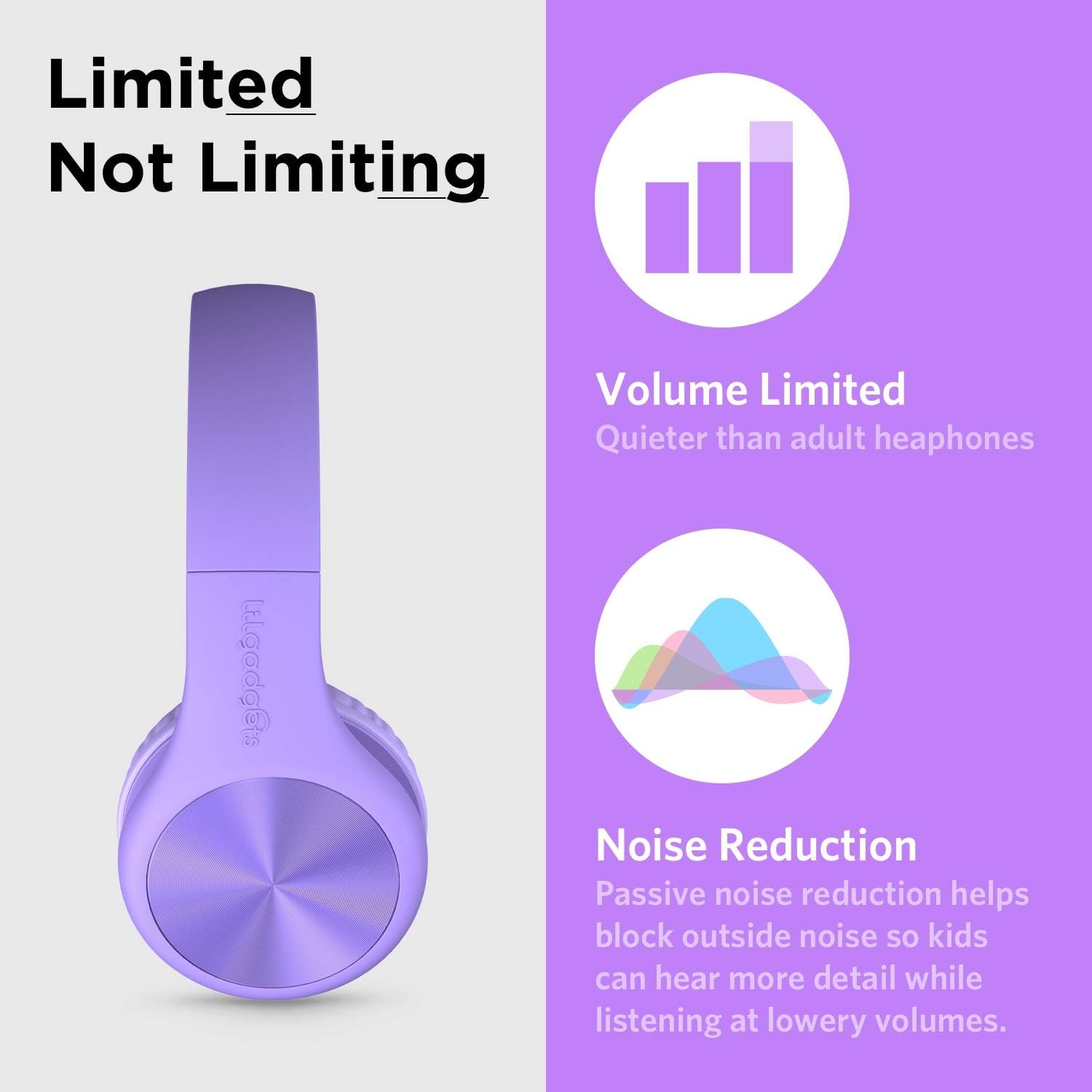
The headphones feature volume limiting and passive noise reduction for safe listening.

SharePort Technology allows multiple headphones to connect to a single device.
סעטאַפּ
- אַנפּאַק: Carefully remove the headphones, detachable audio cable, and travel pouch from the packaging.
- פאַרבינדן אַודיאָ קאַבל: Insert the smaller end of the detachable 3.5mm audio cable into the audio jack located on the left earcup of the headphones. Ensure it is securely plugged in.
- פאַרבינדן צו מיטל: Insert the other end of the 3.5mm audio cable into the audio output jack of your device (e.g., tablet, smartphone, computer).
- סטרויערן העאַדבאַנד: Gently extend or retract the headband on both sides to fit the user's head comfortably. The SoftTouch padding on the earcups should fully cover the ears.

The headphones come with a detachable audio cable for easy connection.
אַפּערייטינג ינסטראַקשאַנז
- מאַכט אויף / אַוועק: As these are wired headphones, there is no power button. They operate when connected to an audio source.
- באַנד קאָנטראָל: Adjust the volume directly on your connected device. The headphones have a built-in volume limit to protect hearing.
- ניצן די מיקראָפאָן: The in-line microphone will automatically activate when connected to a device that supports microphone input (e.g., for calls or online meetings).
- SharePort Functionality: To share audio, plug the audio cable from a second pair of LilGadgets headphones into the empty 3.5mm jack on either earcup of the first pair. This allows two users to listen to the same audio source simultaneously.
- פאָלדינג פֿאַר סטאָרידזש: The headphones can be folded inward for compact storage. Gently fold the earcups towards the headband.
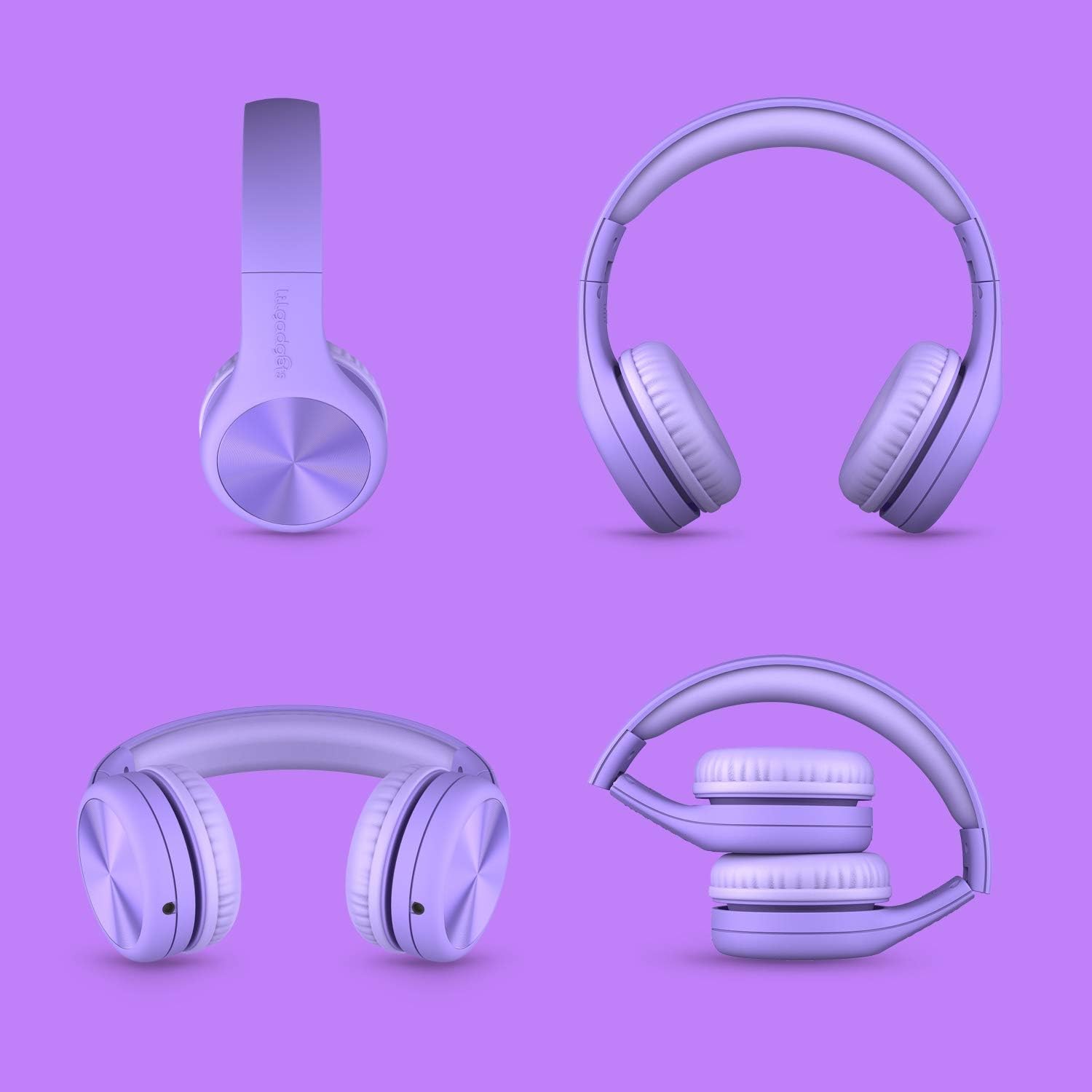
The headphones feature a foldable design for easy storage and portability.
וישאַלט
- רייניקונג: Use a soft, dry cloth to wipe down the headphones. For the SoftTouch padding, a slightly damp מען קען ניצן אַ שטאָף, אָבער פֿאַרמייַדן איבעריקע פֿײַכטקייט. ניצט נישט קיין שטרענגע כעמיקאַלן אָדער אַברייסיוו רייניגער.
- סטאָרידזש: When not in use, store the headphones in the included travel pouch to protect them from dust and scratches. Avoid storing them in extreme temperatures.
- קאַבלע זאָרגן: Always grasp the plug, not the cable, when disconnecting from a device or the headphones to prevent damage to the cable or jacks.
- ויסמיידן טאַגינג: While durable, avoid excessive tugging or pulling on the cable or earcups to prolong the lifespan of the headphones.
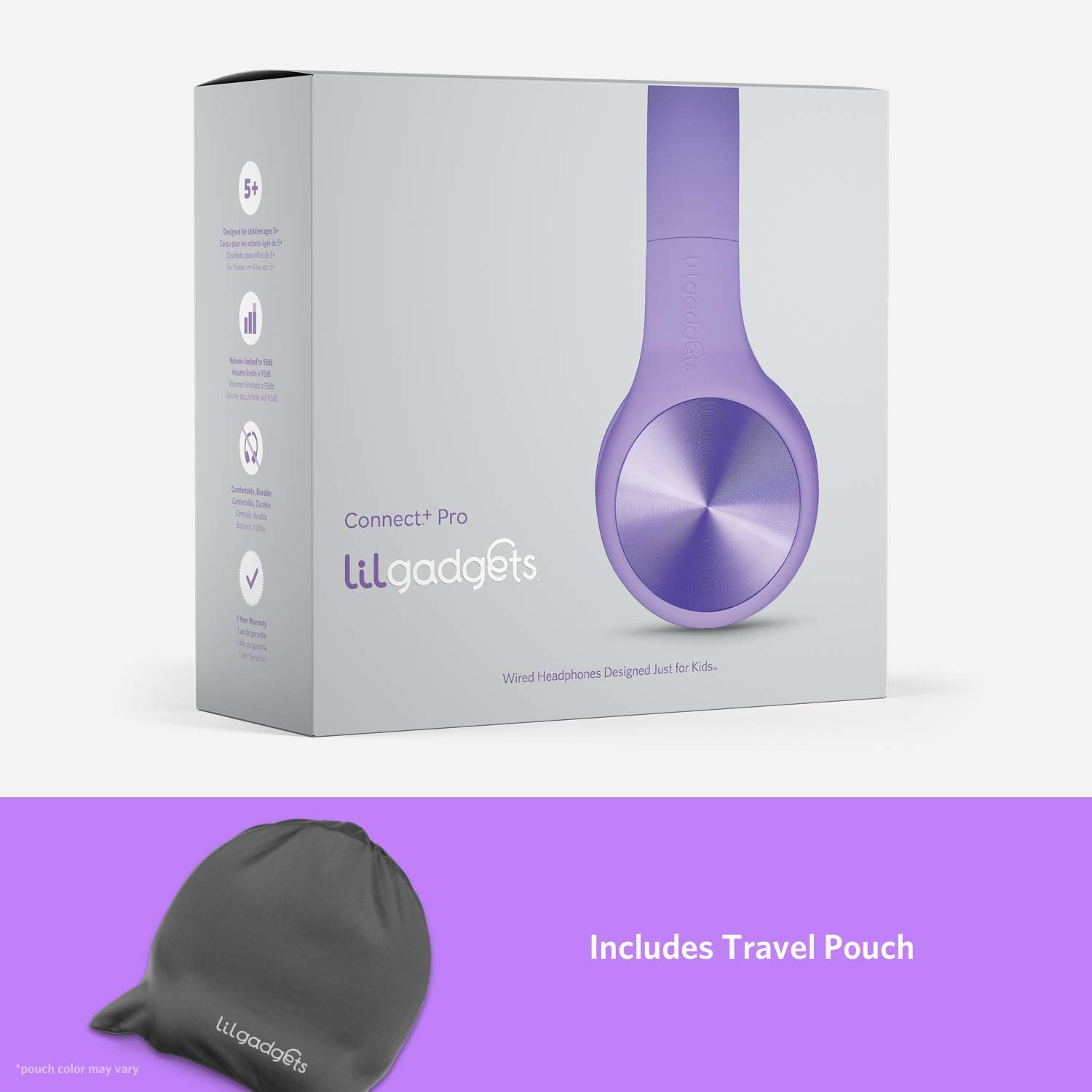
Store your headphones in the included travel pouch for protection.
טראָובלעשאָאָטינג
| פּראָבלעם | מעגלעך סיבה | לייזונג |
|---|---|---|
| קיין קלאַנג פֿון די כעדפאָונז. | Cable not fully plugged in; device volume too low; incorrect audio output selected on device. | Ensure both ends of the 3.5mm cable are securely connected. Increase volume on the connected device. Check device audio settings to ensure output is directed to the headphone jack. Try with another device to rule out headphone issue. |
| דער קלאַנג איז פֿאַרדרייט אָדער צײַטווײַליק. | Loose cable connection; damaged cable; dirty audio jack on device. | Re-seat the audio cable firmly. Inspect the cable for any visible damage; if damaged, replace it. Clean the device's audio jack gently with a dry cotton swab. |
| מיקראָפאָן טוט נישט אַרבעטן. | Device does not support in-line microphone; microphone input not selected on device. | Verify your device supports a 3.5mm jack with microphone input. Check your device's audio input settings to ensure the external microphone is selected. |
| כעדפאָונז פילן זיך נישט באַקוועם. | Headband not adjusted correctly. | Adjust the headband length to ensure the earcups sit comfortably over the ears without excessive pressure. |
ספּעסאַפאַקיישאַנז
| שטריך | דעטאַל |
|---|---|
| מאָדעל נאָמען | Connect+ PRO |
| מאָדעל נומער | LGCR |
| קאַנעקטיוויטי טעכנאָלאָגיע | מיט אַ דראָט (3.5 מ״מ דזשעק) |
| דרייווער גרייס | 40 מם |
| מאַקסימום באנד | 93dB |
| אָפטקייַט ענטפער | 20 הערץ - 20 קילאָהרץ |
| ימפּידאַנס | 32 Ohm |
| קאַבלע לענג | 4-foot (braided nylon) |
| אויער פּלייסמאַנט | איבער אויער |
| אַרייַנגערעכנט קאַמפּאָונאַנץ | Detachable Cable, Travel Pouch / Case |
| פּראָדוקט דימענשאַנז | 6.1 X 2.36 X 7.09 אינטשעס |
| פּונקט וואָג | 8.8 אונס (0.25 קילאָגראַמס) |
| קאָליר | לילאַ |
וואָראַנטי און שטיצן
LilGadgets is committed to providing high-quality products and excellent customer satisfaction. While specific warranty details are not provided in this manual, LilGadgets stands strongly behind its products. For any questions, concerns, or support needs regarding your Connect+ Pro headphones, please visit the official LilGadgets webזייטל אדער קאנטאקט זייער קאסטומער סערוויס גלייך.
איר קענט געפֿינען מער אינפֿאָרמאַציע און קאָנטאַקט דעטאַלן דורך באַזוכן די LilGadgets Store on Amazon.


