הקדמה
This manual provides detailed instructions for the UGREEN USB External Sound Card Audio Adapter, Model 40520. This device converts a USB port into a 3.5mm audio jack, allowing you to connect headphones, headsets with microphones, or speakers to your computer or gaming console. It supports 24bit/192kHz audio output for high-quality sound.
פּראָדוקט פֿעיִקייטן
- USB to 3.5mm Audio Adapter: Connects 3.5mm audio devices to a USB port.
- הויך-פאַדעליטי סאָונד: Supports 24bit/192kHz audio for clear sound.
- צאַפּן און שפּיל: קיין דרייווערס זענען נישט נויטיק פֿאַר רובֿ אָפּערירן סיסטעמען.
- ברייט קאַמפּאַטאַבילאַטי: Works with Windows, macOS, Linux, PS4, PS5, PC, and Laptops.
- סאָליד פּלאַן: לייטווייט און פּאָרטאַטיוו.
סעטאַפּ און ינסטאַלירונג
The UGREEN USB External Sound Card is designed for simple plug-and-play operation. Follow these steps to set up your device:
1. קאַנעקטינג די אַדאַפּטער
- אידענטיפיצירן פּאָרטן: Locate an available USB port on your computer, laptop, or gaming console (PS4/PS5).
- פאַרבינדן אַדאַפּטער: Insert the USB connector of the UGREEN sound card into the identified USB port.
- פֿאַרבינדן אַודיאָ מיטל: Plug your 3.5mm headset (with combined audio/mic jack), headphones, or speakers into the 3.5mm port on the UGREEN adapter.

Image: UGREEN USB External Sound Card connected to a laptop, demonstrating its use for voice chatting with headphones.

Image: Diagram illustrating the range of application, showing compatibility with Windows, macOS, Linux, PC, Laptop, Raspberry Pi 4, PS5/PS4, and various audio devices like earphones, headphones, speakers, and microphones (TS, TRS, TRRS compatibility).
2. System Configuration (if needed)
In most cases, your operating system will automatically detect the UGREEN sound card and set it as the default audio device. If not, manual configuration may be required:
פֿאַר Windows:
- Right-click on the sound icon in the taskbar (usually in the bottom-right corner).
- Select "Sound Settings" or "Playback devices" / "Recording devices".
- In the Playback tab, select "C-Media USB Headset" or a similar entry for the UGREEN adapter as your default output device.
- In the Recording tab, select "C-Media USB Headset" or a similar entry for the UGREEN adapter as your default input device.
- Adjust the volume levels as needed within the system settings and any applications you are using.
פֿאַר מעק:
- Go to "System Preferences".
- Click on "Sound".
- In the "Output" tab, select "C-Media USB Headset" or a similar entry for the UGREEN adapter.
- In the "Input" tab, select "C-Media USB Headset" or a similar entry for the UGREEN adapter.
- Adjust the output and input volume sliders as desired.
פֿאַר לינוקס:
The adapter is generally plug-and-play on Linux. If manual configuration is needed, access your system's sound settings (e.g., PulseAudio Volume Control, ALSA mixer) and select the UGREEN USB Audio Device as your preferred input and output.
פֿאַר PS4/PS5:
Connect the adapter to an available USB port on your console. Navigate to the console's sound settings to ensure the USB Headset is selected for audio input and output. Note: For PS5/PS4, the output sound for Left and Right channels may be reversed as the sound sampling rate of this audio adapter (192K/24BIT) is higher than their compatibility (48K/16BIT).
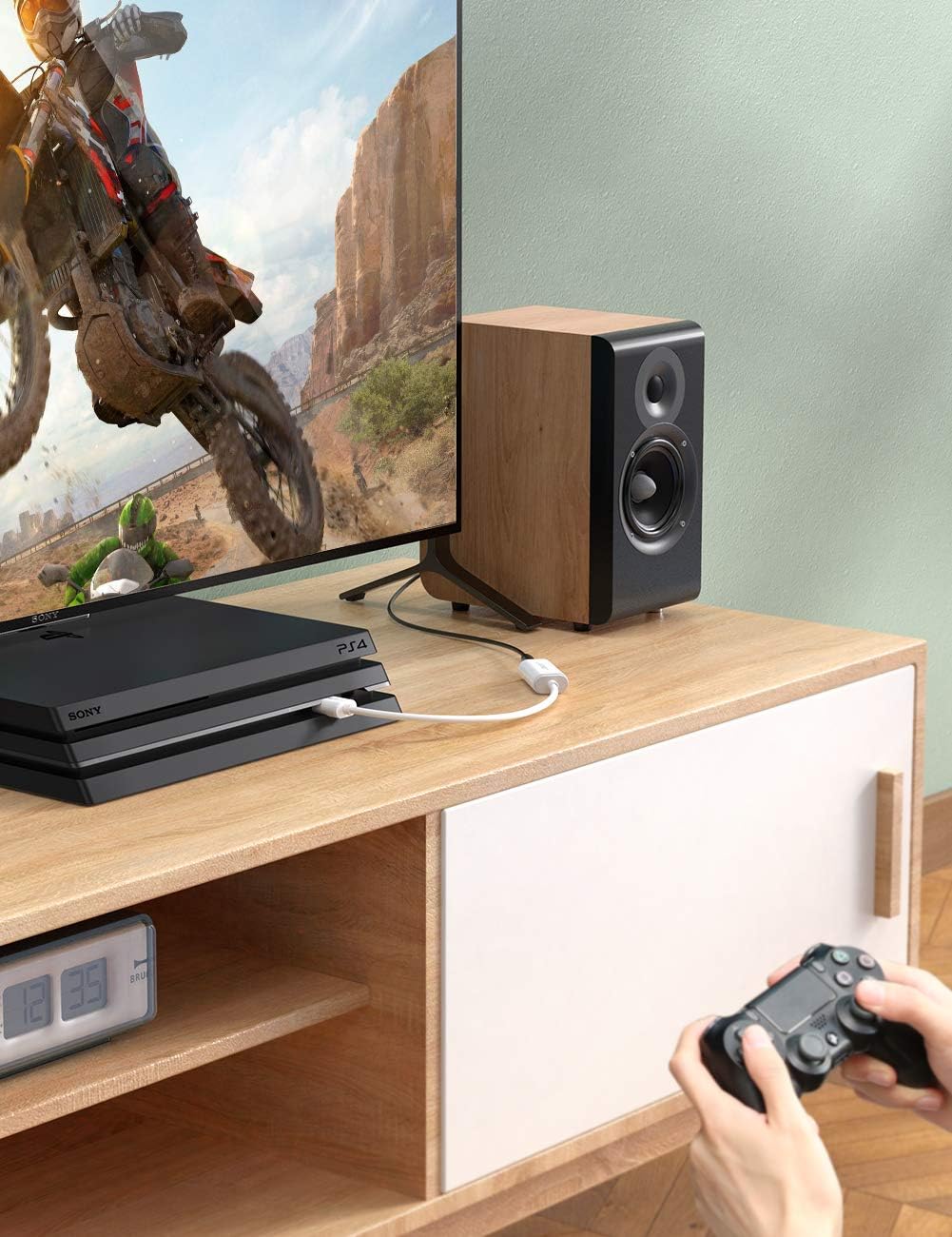
Image: UGREEN USB External Sound Card connected to a PS4 console, demonstrating its use for gaming audio.
אַפּערייטינג ינסטראַקשאַנז
Once the UGREEN USB External Sound Card is connected and configured, it functions as your primary audio input and output device.
- אַודיאָ פּלייבאַק: Any audio played from your connected device (PC, Mac, PS4/PS5) will be routed through the 3.5mm port of the adapter to your connected headphones or speakers.
- מיקראָפאָן אַרייַנשרייַב: If using a headset with a microphone, your voice will be captured through the adapter and sent to your connected device for communication or recording.
- באַנד קאָנטראָל: Adjust volume using your operating system's sound controls or the volume controls on your connected audio device (if available).
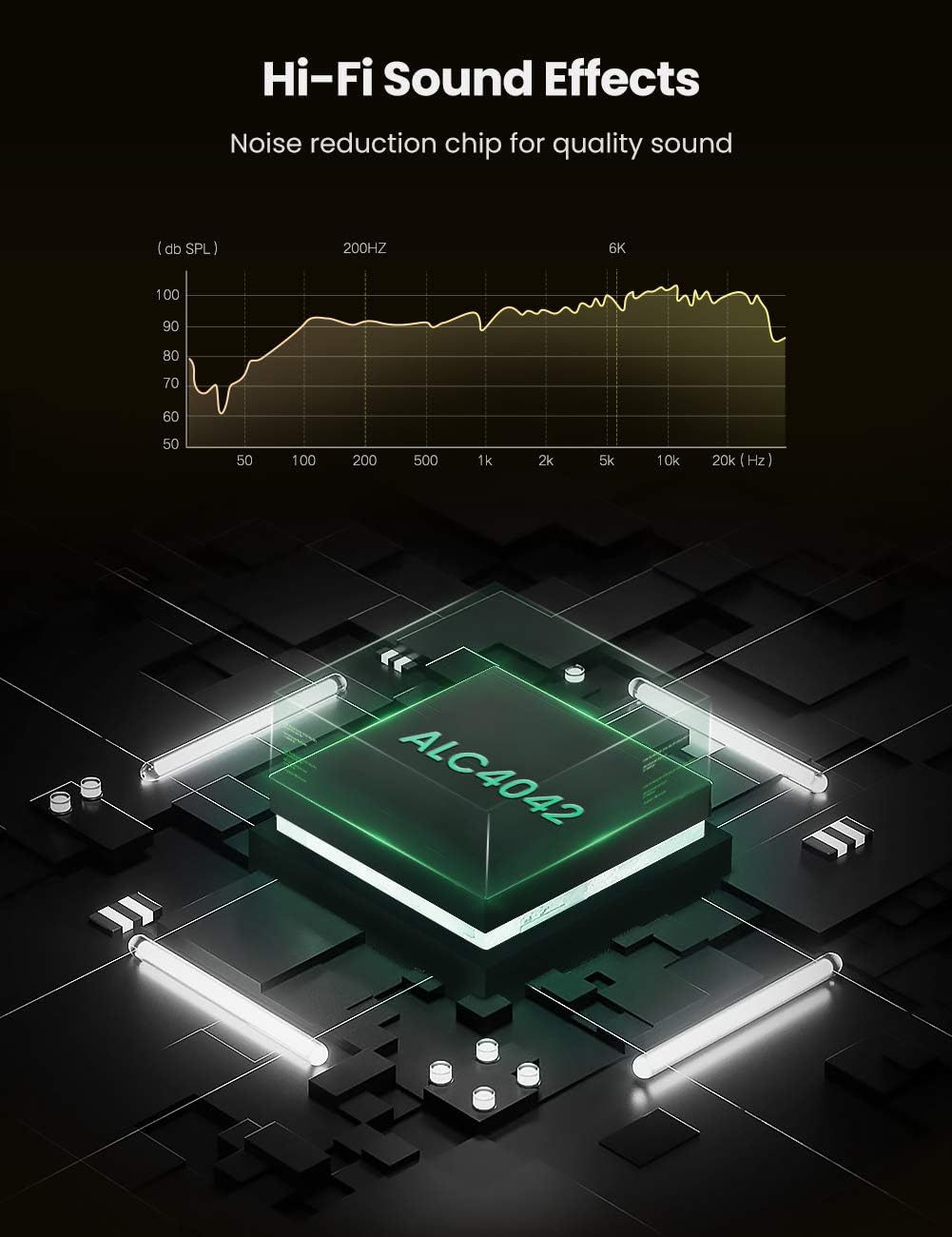
Image: Diagram highlighting the internal ALC4042 chip, responsible for noise reduction and high-fidelity sound effects, with a frequency response graph.
וישאַלט
To ensure the longevity and optimal performance of your UGREEN USB External Sound Card, follow these simple maintenance guidelines:
- רייניקונג: Use a soft, dry cloth to wipe the adapter. Avoid liquid cleaners or abrasive materials.
- סטאָרידזש: האַלט דעם אַדאַפּטער אין אַ קיל, טרוקן אָרט ווען נישט אין באַנוץ.
- האַנדלינג: Avoid bending or twisting the cable excessively. Do not pull the adapter out by the cable; always grasp the USB connector.
- ינווייראַנמענאַל טנאָים: Keep the adapter away from extreme temperatures, direct sunlight, and high humidity.

Image: UGREEN USB External Sound Card connected to a laptop, demonstrating its user-friendly, compact design that does not obstruct adjacent ports.
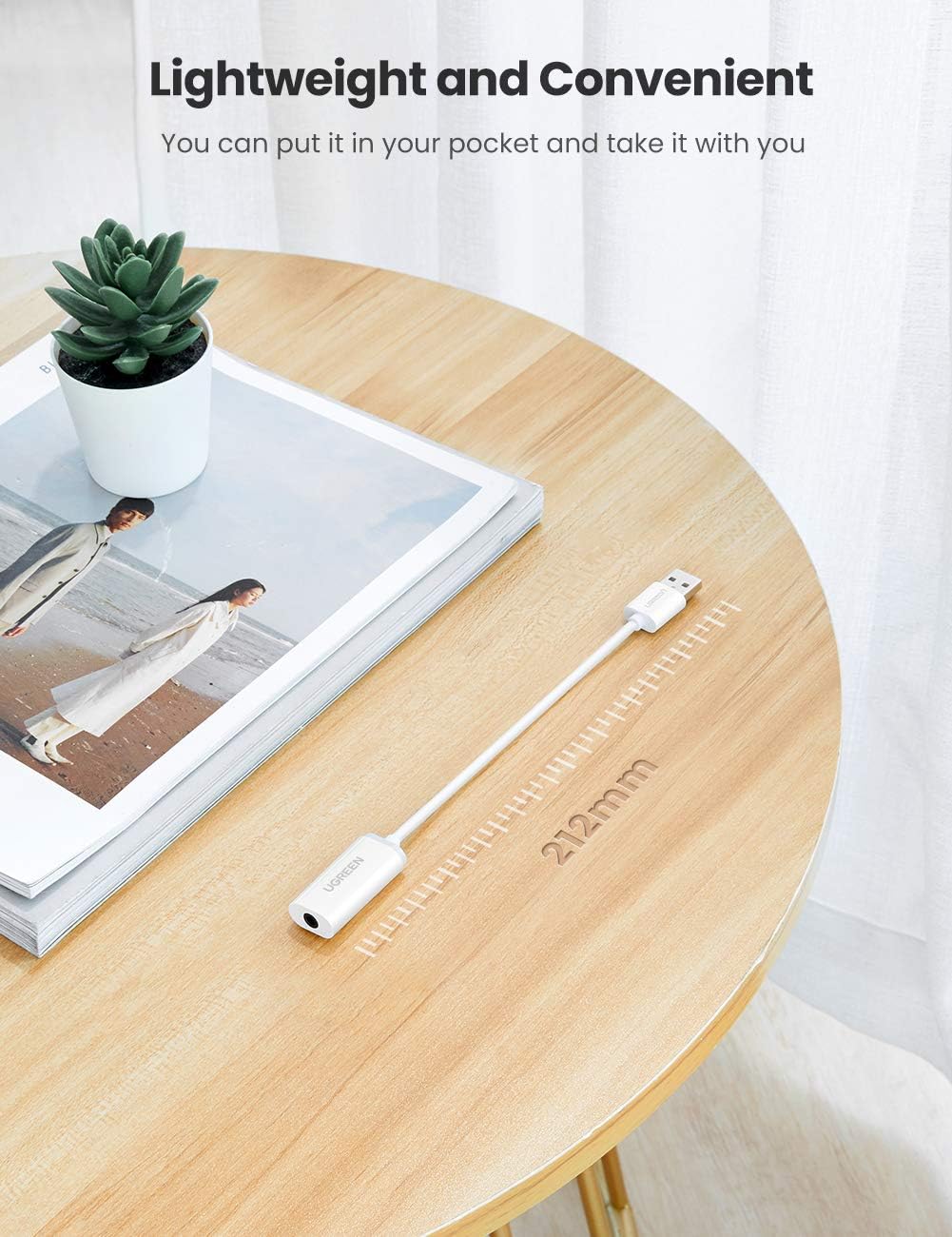
Image: UGREEN USB External Sound Card displayed on a table, illustrating its lightweight and convenient design with a total length of 212mm, making it easily portable.
טראָובלעשאָאָטינג
If you encounter issues with your UGREEN USB External Sound Card, refer to the following common problems and solutions:
קיין סאָונד רעזולטאַט:
- טשעק קאַנעקשאַנז: Ensure the USB adapter is firmly plugged into a working USB port and your audio device is securely connected to the 3.5mm jack.
- סיסטעם סעטטינגס: Verify that the UGREEN USB Audio Device is selected as the default playback device in your operating system's sound settings (refer to "Setup and Installation" section).
- באַנד לעוועלס: Confirm that system volume and application volume are not muted or set too low.
- פּרובירן מיט אן אנדער מיטל: Try connecting the adapter to a different USB port or another computer/device to rule out port or system-specific issues.
מיקראָפאָן איז נישט ארבעטן:
- העאַדסעט טיפּ: This adapter is designed for headsets with a single 3.5mm TRRS (4-pole) combo jack. It will not work with headsets that have separate 3.5mm jacks for headphone and microphone.
- סיסטעם סעטטינגס: Ensure the UGREEN USB Audio Device is selected as the default recording device in your operating system's sound settings.
- מיקראָפאָן שטום: Check if the microphone is muted in your system settings or within the application you are using.
- Headset Functionality: Test your headset's microphone directly with another device if possible, to confirm it is working correctly.
Static or Poor Audio Quality:
- ינטערפיראַנס: Try moving the adapter away from other electronic devices that might cause electromagnetic interference.
- וסב פּאָרט: Connect the adapter directly to a USB port on your computer rather than through a USB hub, if possible, to ensure stable power and data transfer.
- קאַבלע קוואַליטעט: Ensure your 3.5mm audio cable is not damaged and is fully inserted.
- PS4/PS5 Note: As mentioned in the setup, for PS4/PS5, the higher sampling rate of the adapter might cause reversed left/right channels. This is a known compatibility characteristic.
קאָמפּאַטיביליטי נאָטעס:
- PS3: The USB interface on PS3 does not carry an audio signal, so this USB audio adapter is not compatible with PS3.
- העאַדסעט טיפּ: Only compatible with headsets featuring a single 3.5mm TRRS (4-pole) jack.
ספּעסאַפאַקיישאַנז
| שטריך | דעטאַל |
|---|---|
| מאָדעל נומער | 40520 |
| סאָרט | UGREEN |
| ייַזנוואַרג צובינד | וסב 2.0 |
| אַודיאָ רעזולטאַט מאָדע | סטערעאָ |
| קאַמפּאַטאַבאַל דעוויסעס | Personal Computer, Laptop, Gaming Console (PS4, PS5) |
| שטיצט פּלאַטפאָרמס | Windows 10, Mac OS X, Linux, PlayStation 4, PlayStation 5 |
| אַודיאָ זampלינג קורס | אַרויף צו 24 ביט / 192 כז |
| פּונקט וואָג | 0.67 אונסעס (בעערעך 19 גראַמז) |
| פּעקל דימענשאַנז | 5.51 X 3.46 X 0.55 אינטשעס |
וואָראַנטי און שטיצן
UGREEN products typically come with a standard manufacturer's warranty. For specific warranty details, including duration and coverage, please refer to the warranty card included with your product or visit the official UGREEN webפּלאַץ.
For technical support, troubleshooting assistance, or any product-related inquiries, please contact UGREEN customer service through their official website or the retailer where the product was purchased. Keep your purchase receipt and product model number (40520) handy when contacting support.
אוגרין אפיציעל Webפּלאַץ: www.ugreen.com


