פּראָדוקט איבערview
The Ultimate Ears WONDERBOOM is a compact, portable, and waterproof Bluetooth speaker designed to deliver surprisingly serious sound. Its robust design makes it ideal for outdoor adventures, poolside parties, or even use in the shower. With 360-degree sound and impressive battery life, the WONDERBOOM ensures your music is always with you.
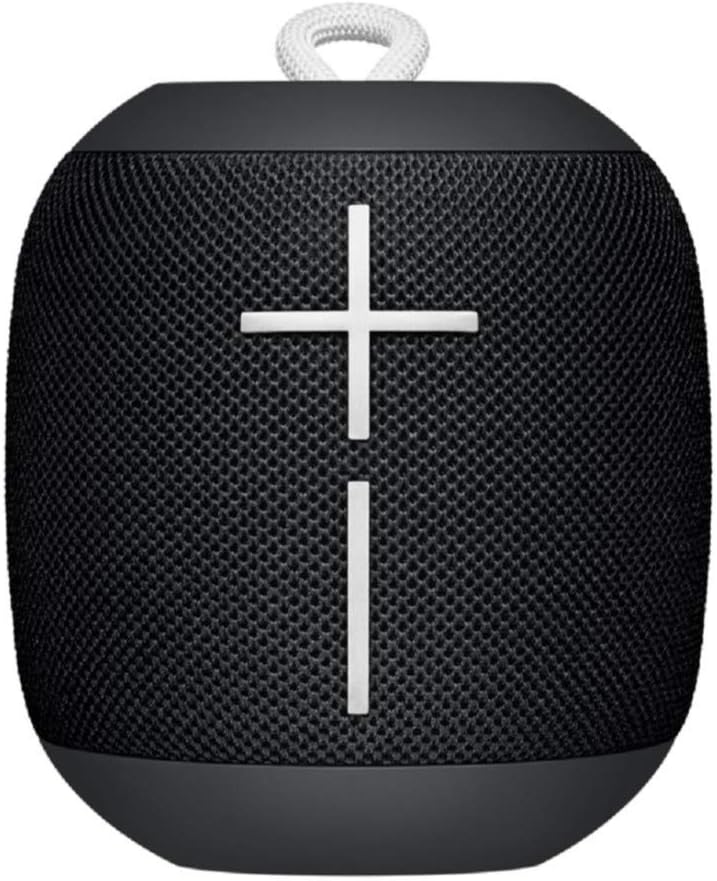
בילד: פראָנט view of the Ultimate Ears WONDERBOOM speaker in Phantom Black, showcasing its compact, cylindrical design with large volume controls.
וואָס איז אין די קעסטל
- Ultimate Ears WONDERBOOM Speaker
- וסב טשאַרדזשינג קאַבלע
- שנעל אָנהייב באַניצער גייד
סעטאַפּ
1. מאַכט אויף
Press the power button located on the top of the speaker. A sound will indicate that the speaker is powered on and ready for pairing.
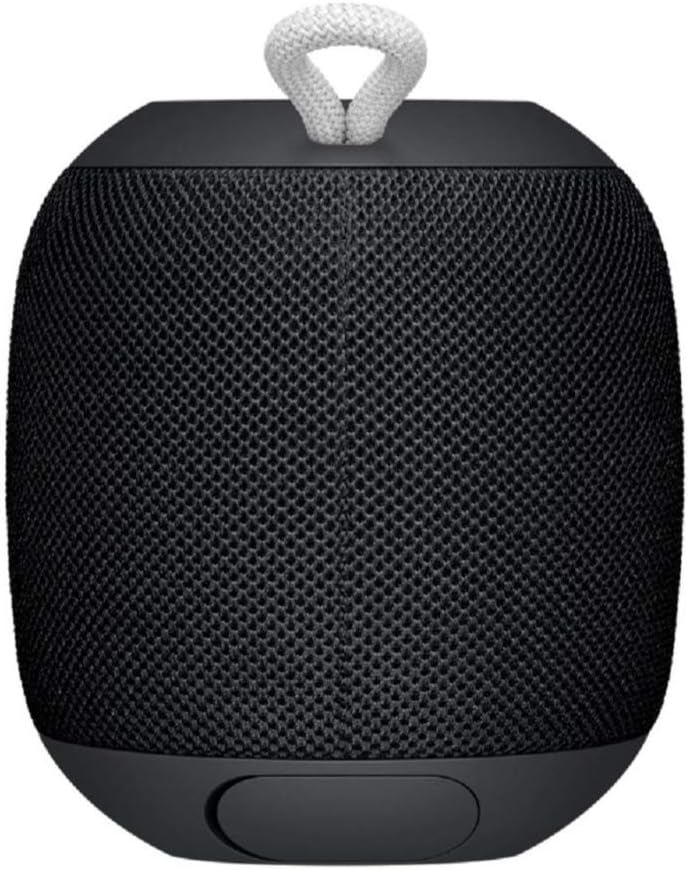
Image: Close-up of the top surface of the WONDERBOOM speaker, highlighting the power button and the Ultimate Ears logo.
2. בלועטאָאָטה פּערינג
- Turn on your WONDERBOOM speaker.
- אויף אייער מאָביל מיטל, נאַוויגירט צו די בלועטוט סעטטינגס.
- Select 'WONDERBOOM' from the list of available devices to pair.
- Once paired, the speaker will emit a confirmation sound.
אַפּערייטינג ינסטראַקשאַנז
יקערדיק קאָנטראָלס
- שפּיל / פּויזע: Press the UE logo button on the top of the speaker once.
- האָפּקען ליד: Double-tap the UE logo button to skip to the next track.
- באַנד קאָנטראָל: Use the large '+' and '-' buttons on the front of the speaker to adjust the volume.

בילד: פראָנט view of the WONDERBOOM speaker, clearly showing the prominent '+' and '-' buttons for volume control.
Double Up (Pairing Two WONDERBOOMs)
For a louder and more immersive audio experience, you can wirelessly pair two WONDERBOOM speakers together.
- Ensure both WONDERBOOM speakers are powered on.
- On one speaker, press and hold the UE logo button on the top until you hear a confirmation tone.
- איבערחזרן דעם פּראָצעס אויף דעם צווייטן רעדנער.
- Both speakers will now play audio from the same source, creating a stereo sound.

Image: Two individuals interacting with two WONDERBOOM speakers, demonstrating the 'Double Up' pairing feature for enhanced sound.
וואַסערפּרוף פֿעיִקייטן
The WONDERBOOM is IPX7 rated, meaning it can be immersed in water up to 1 meter (3.3 feet) for up to 30 minutes. It is designed to float, making it perfect for use around pools, beaches, or in the shower.
Video: An official product video demonstrating the Ultimate Ears WONDERBOOM's waterproof capabilities and robust design.
באַטאַרייע לעבן & טשאַרדזשינג
The WONDERBOOM offers up to 10 hours of continuous playback on a single charge. When the battery is low, the speaker will indicate this with an audible alert.
טשאַרדזשינג
To charge your WONDERBOOM, open the weather door at the bottom of the speaker and connect the included USB charging cable to a power source. A full charge takes approximately 2.8 hours.
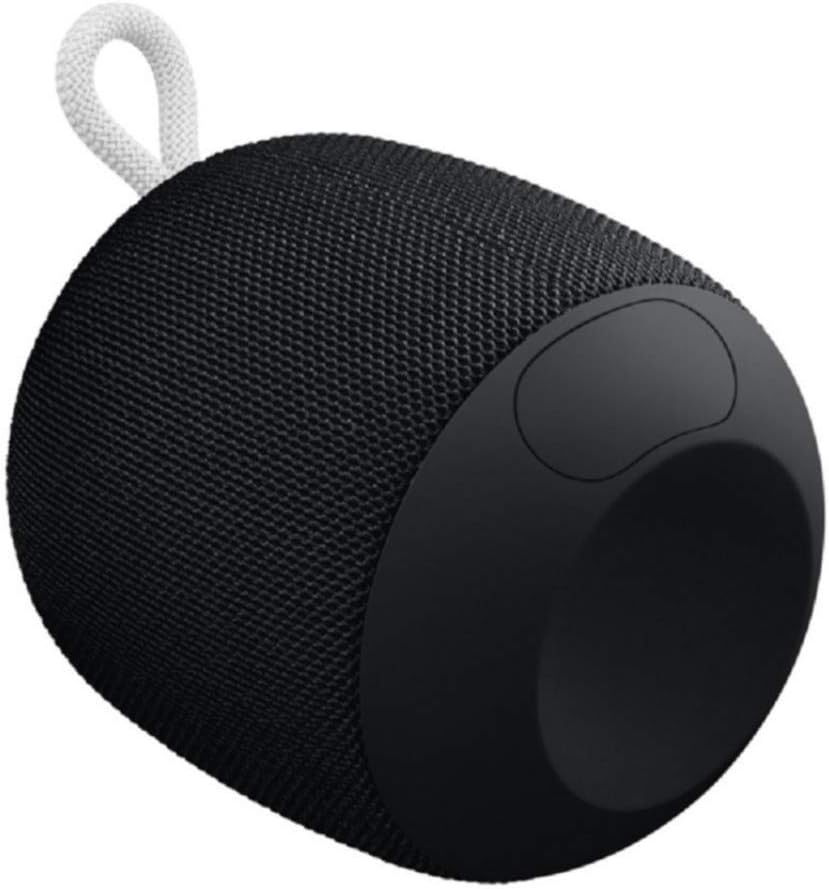
Image: The underside of the WONDERBOOM speaker, showing the protective flap covering the charging port in an open position.
ספּעסאַפאַקיישאַנז
| שטריך | באַשרייַבונג |
|---|---|
| מאָדעל נאָמען | WONDERBOOM |
| רעדנער טיפּ | דרויסנדיק |
| ספּעציעלע פֿעיִקייטן | Stereo pairing, Portable |
| באַטערי לעבן | אַרויף צו 10 שעה |
| וואַסער קעגנשטעל | IPX7 (Waterproof up to 1m for 30 mins) |
| טשאַרדזשינג צייט | בעערעך. 2.8 שעה |
| ווירעלעסס ראַנגע | אַרויף צו 100 פֿיס (30 מעטער) |
| פּונקט וואָג | 0.5 פונט (8 אונסעס) |
| פּראָדוקט דימענשאַנז | 4.2"ד רענטגענ 4.6"וו רענטגענ 5.3"ה |
| קאַנעקטיוויטי | בלועטאָאָטה |
| פאַבריקאַנט | Logitech |
וישאַלט
To ensure the longevity of your WONDERBOOM speaker, follow these maintenance guidelines:
- רייניקונג: ווישן די רעדנער מיט אַ ווייך, דamp שטאָף. דו זאלסט נישט נוצן האַרב קעמיקאַלז אָדער אַברייסיוו קלינערז.
- סטאָרידזש: האַלט דעם רעדנער אין אַ קיל, טרוקן אָרט ווען ער ווערט נישט גענוצט. פֿאַרמייַדט פּראַלאָנגד ויסשטעלן צו עקסטרעמע טעמפּעראַטורן.
- טשאַרדזשינג פּאָרט: Ensure the charging port cover is securely closed when the speaker is not charging, especially when near water, to maintain its waterproof integrity.
טראָובלעשאָאָטינג
If you encounter issues with your WONDERBOOM speaker, try the following solutions:
- קיין מאַכט: Ensure the speaker is fully charged. Connect it to a power source using the provided USB cable.
- בלועטאָאָטה קאַנעקטיוויטי ישוז:
- מאַכן זיכער אַז בלועטאָאָטה איז ענייבאַלד אויף דיין מיטל.
- ריקט דעם רעדנער נענטער צו אייער דעווייס.
- Forget the speaker from your device's Bluetooth settings and re-pair.
- ריסטאַרט ביידע די רעדנער און דיין מיטל.
- קיין קלאַנג/נידעריק קלאַנג:
- קאָנטראָלירט די וואָלומען לעוועלס אויף ביידע דעם רעדנער און אייער פֿאַרבונדענעם מיטל.
- זייט זיכער אז דער רעדנער איז נישט שטיל.
- If using 'Double Up', ensure both speakers are properly paired.
וואָראַנטי און שטיצן
The Ultimate Ears WONDERBOOM comes with a Limited Warranty. For detailed warranty information and support, please refer to the official User Guide (PDF) available for download or visit the Ultimate Ears support webפּלאַץ.


