1. הקדמה
This manual provides comprehensive instructions for the installation, operation, and servicing of the Thermal Dynamics PAK 10 XR Plasma Cutter. It is designed to assist operators and service personnel in understanding the equipment, ensuring safe and efficient use, and performing necessary maintenance and troubleshooting procedures.
This document covers detailed information on the plasma cutter's components, operational sequences, and diagnostic steps. Please read this manual thoroughly before attempting to install, operate, or service the PAK 10 XR Plasma Cutter.
ארויסגעבן טאָג: אפריל 1989
Publication No.: 0-2175
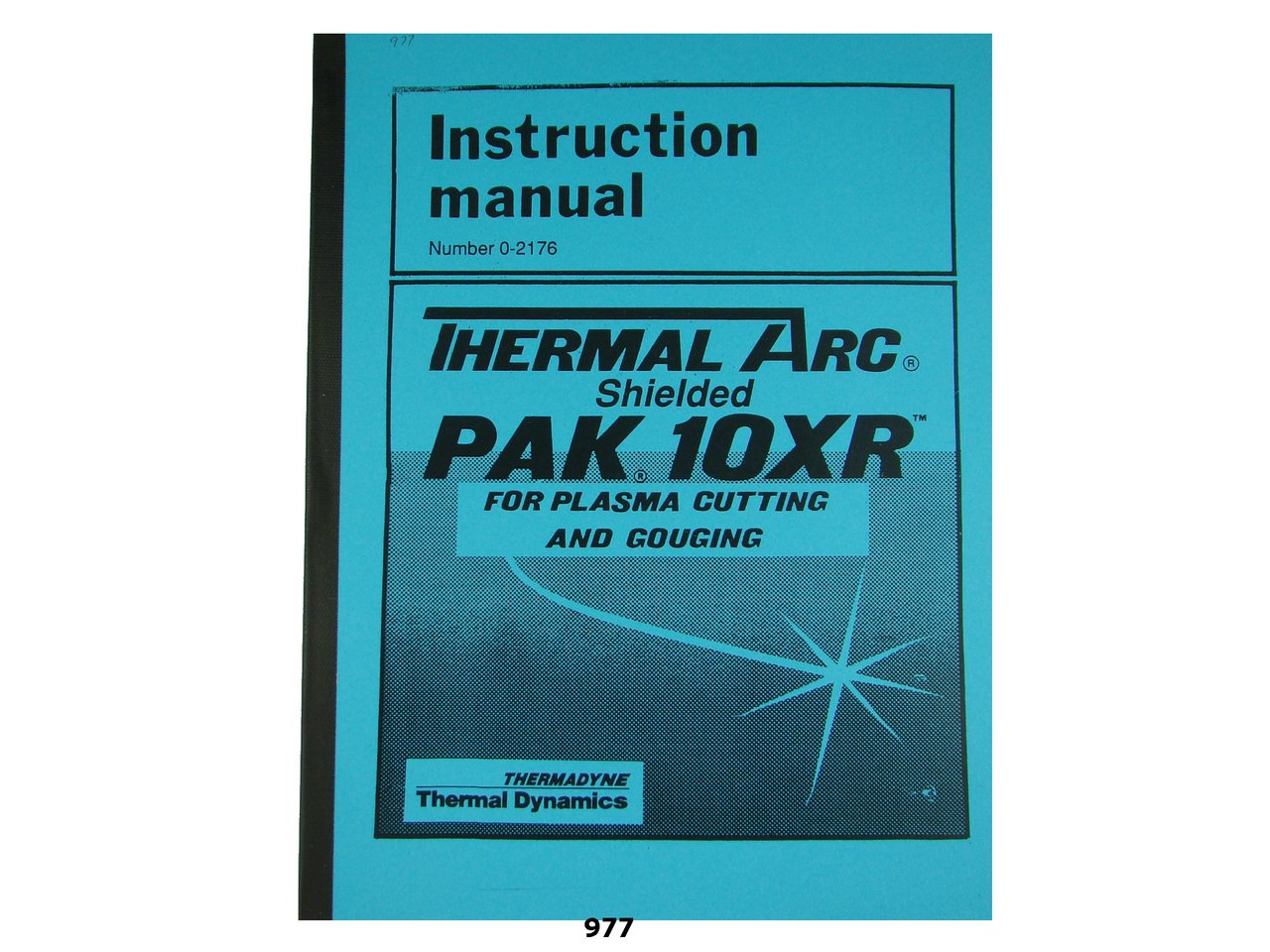
Figure 1.1: Cover of the Instruction & Servicing Manual for the Thermal Dynamics PAK 10 XR Plasma Cutter. This image displays the front cover of the physical manual, indicating its title and the model it covers.
2. זיכערקייַט אינפֿאָרמאַציע
WARNING: Plasma cutting equipment can be dangerous if not operated correctly. Always follow safety precautions to prevent injury or damage.
- Always wear appropriate personal protective equipment (PPE), including welding helmet, gloves, and protective clothing.
- Ensure proper ventilation to avoid inhaling fumes and gases produced during cutting.
- Never operate the plasma cutter in wet conditions or near flammable materials.
- Disconnect power before performing any maintenance or servicing.
- Read and understand all safety warnings and instructions in this manual before use.
3. ינסטאַלירונג
Proper installation is critical for the safe and efficient operation of your PAK 10 XR Plasma Cutter. This section outlines the steps required to set up the unit.
3.1 פּלאַץ רעקווירעמענץ
- ווענטילאַטיאָן: Ensure the installation area has adequate ventilation to dissipate fumes and heat.
- מאַכט צושטעלן: Connect the unit to a dedicated power supply circuit that meets the specifications listed in Section 7.
- קאַמפּרעסט לופט: A clean, dry, oil-free compressed air supply is required. Refer to the specifications for pressure and flow rates.
- גראָונדינג: The plasma cutter must be properly grounded according to local electrical codes.
3.2 קאַנעקטינג די אַפּאַראַט
- Place the plasma cutter on a stable, level surface.
- Connect the power cord to the appropriate power outlet.
- Attach the compressed air line to the air inlet fitting on the rear of the unit.
- פאַרבינדן די אַרבעט קלamp cable to the work piece. Ensure a good electrical connection.
- Connect the torch assembly to the front panel connections.
Note: This manual does not cover the operation or servicing of the torch itself. Refer to the torch manufacturer's manual for specific torch instructions.
4. אָפּעראַציע
This section details the steps for operating the Thermal Dynamics PAK 10 XR Plasma Cutter safely and effectively.
4.1 קאָנטראָלן פֿאַר אָפּעראַציע
- Verify all connections (power, air, torch, work clamp) are secure.
- Ensure the work area is clear of flammable materials and adequately ventilated.
- Confirm that appropriate PPE is being worn.
- Check air pressure and flow settings.
4.2 אָנהייבן דעם אַפּאַראַט
- Turn on the main power switch on the plasma cutter.
- Adjust the current setting to the desired level for the material thickness being cut.
- Initiate the pilot arc by pressing the torch trigger.
4.3 שנייד פּראָצעדור
- Position the torch nozzle approximately 1/8 inch (3 mm) from the workpiece.
- Press the torch trigger to start the arc.
- Move the torch steadily along the cut line at a consistent speed.
- Release the trigger to stop the arc at the end of the cut.
5. סערוויסינג און וישאַלט
Regular servicing and maintenance are essential to ensure the longevity and optimal performance of your PAK 10 XR Plasma Cutter. Always disconnect power before servicing.
5.1 טעגלעך טשעקס
- Inspect torch consumables (electrode, nozzle, shield cup) for wear and replace as needed.
- Check air filter/regulator for moisture and drain if necessary.
- Examine cables and hoses for damage.
5.2 פּעריאָדיש וישאַלט
- Clean the interior of the unit to remove dust and debris (refer to Section 5.3 for detailed cleaning instructions).
- Inspect and tighten all electrical connections.
- Check the integrity of the grounding connection.
5.3 רייניקונג אינסטרוקציעס
To clean the internal components, disconnect the unit from power and use dry, compressed air to blow out dust and metal particles. Avoid using liquids or solvents.
6. טראָובלעשאָאָטינג
This section provides guidance for identifying and resolving common issues that may arise during the operation of the PAK 10 XR Plasma Cutter.
| פּראָבלעם | מעגלעך סיבה | לייזונג |
|---|---|---|
| קיין פּילאָט קרייַזבויגן | No power, faulty torch, worn consumables, low air pressure | Check power supply, inspect torch and consumables, verify air pressure. |
| נעבעך שנייַדן קוואַליטעט | Incorrect current setting, worn consumables, improper torch speed, contaminated air | Adjust current, replace consumables, optimize torch speed, check air quality. |
| אַפּאַראַט אָוווערכיץ | Exceeding duty cycle, blocked ventilation, high ambient temperature | Allow unit to cool, ensure clear ventilation, operate within duty cycle limits. |
For more complex issues, refer to the "Sequence of Operations" and "Wiring Diagrams" sections, or contact a qualified service technician.
7. סיקוואַנס פון אַפּעריישאַנז
This section outlines the logical sequence of events and internal processes that occur during the operation of the PAK 10 XR Plasma Cutter. Understanding this sequence can aid in advanced troubleshooting and diagnostics.
- מאַכט אויף: Main power switch activates the control circuit.
- Air Flow Initiation: Compressed air flows through the system, regulated to the set pressure.
- Pilot Arc Start: When the torch trigger is pressed, a high-frequency, low-current pilot arc is established between the electrode and the nozzle.
- Transfer Arc: As the pilot arc approaches the workpiece, it transfers to become the main cutting arc, establishing a connection between the electrode and the workpiece.
- קאַטינג: The plasma jet melts and expels material, creating the cut.
- Arc Termination: רעלעasing the torch trigger extinguishes the cutting arc, followed by the pilot arc, and air flow may continue briefly for cooling.
8. Exploded Parts Views & Parts List
This section typically contains detailed exploded diagrams of the plasma cutter's internal and external components, along with corresponding parts lists. These diagrams are invaluable for identifying specific parts for replacement or repair.
Due to the nature of this digital format, detailed graphical exploded views are not embedded here. Please refer to the physical manual (Publication No. 0-2175) for comprehensive diagrams and part numbers. The parts list includes components such as:
- Power supply components
- Air system components (regulators, filters)
- Control board and electrical components
- Chassis and enclosure parts
- Torch consumables (electrode, nozzle, swirl ring, shield cap) - Note: Torch-specific parts may be in a separate torch manual.
9. וויירינג דיאַגראַמס
The wiring diagrams provide a visual representation of the electrical connections within the PAK 10 XR Plasma Cutter. These diagrams are essential for electrical troubleshooting and understanding the circuit layout.
For detailed electrical schematics and connection points, please consult the physical manual (Publication No. 0-2175). The diagrams typically include:
- Main power input and distribution
- Control circuit connections
- High-frequency start circuit
- Torch connections
- Safety interlocks and sensors
10. ספּעסאַפאַקיישאַנז
This section provides key technical specifications for the Thermal Dynamics PAK 10 XR Plasma Cutter.
| שטריך | דעטאַל |
|---|---|
| מאָדעל | PAK 10 XR |
| סאָרט | Thermal Dynamics |
| טיפּ | פּלאַזמע קאַטער |
| מאַנואַל ויסגאַבע טאָג | אפריל 1989 |
| Manual Publication No. | 0-2175 |
| Manual Page Count | בעערעך 64 בלעטער |
| מאַכט אַרייַנשרייַב | (Refer to unit label or physical manual for specific voltage/ampאַרויסרופן) |
| Air Pressure Requirement | (Refer to unit label or physical manual for specific PSI/Bar) |
11. וואָראַנטי און שטיצן
This instruction and servicing manual does not contain specific warranty information for the Thermal Dynamics PAK 10 XR Plasma Cutter. For details regarding product warranty, please refer to the original purchase documentation or contact Thermal Dynamics directly.
For technical support, service inquiries, or to order replacement parts, please contact your authorized Thermal Dynamics dealer or the manufacturer's customer service department.


