הקדמה
The Beats Studio 2.0 Wired Over-Ear Headphones have been engineered for an immersive audio experience. This manual provides essential information for setting up, operating, maintaining, and troubleshooting your headphones, ensuring optimal performance and longevity.

בילד: פראָנט-זייט view of the Beats Studio 2.0 Wired Over-Ear Headphones in white, showcasinג דעם גלאַטן דיזיין און אויערקאַפּס.
סעטאַפּ
ונבאָקסינג און אינהאַלט
נעמט פֿאָרזיכטיק אַרויס אַלע קאָמפּאָנענטן פֿון דער פּאַקעט. באַשטעטיקט אַז אַלע זאַכן זענען פֿאַראַן:
- Beats Studio over-ear headphones
- 3.5mm audio cable with RemoteTalk
- Standard 3.5 mm audio cable
- USB 2.0 טשאַרדזשינג קאַבל (USB-A צו USB מיקראָ-B)
- וסב מאַכט אַדאַפּטער
- Hard-shell carrying case with carabiner clip
- Beats cleaning cloth
- שנעל אָנהייב-אַרויף גייד
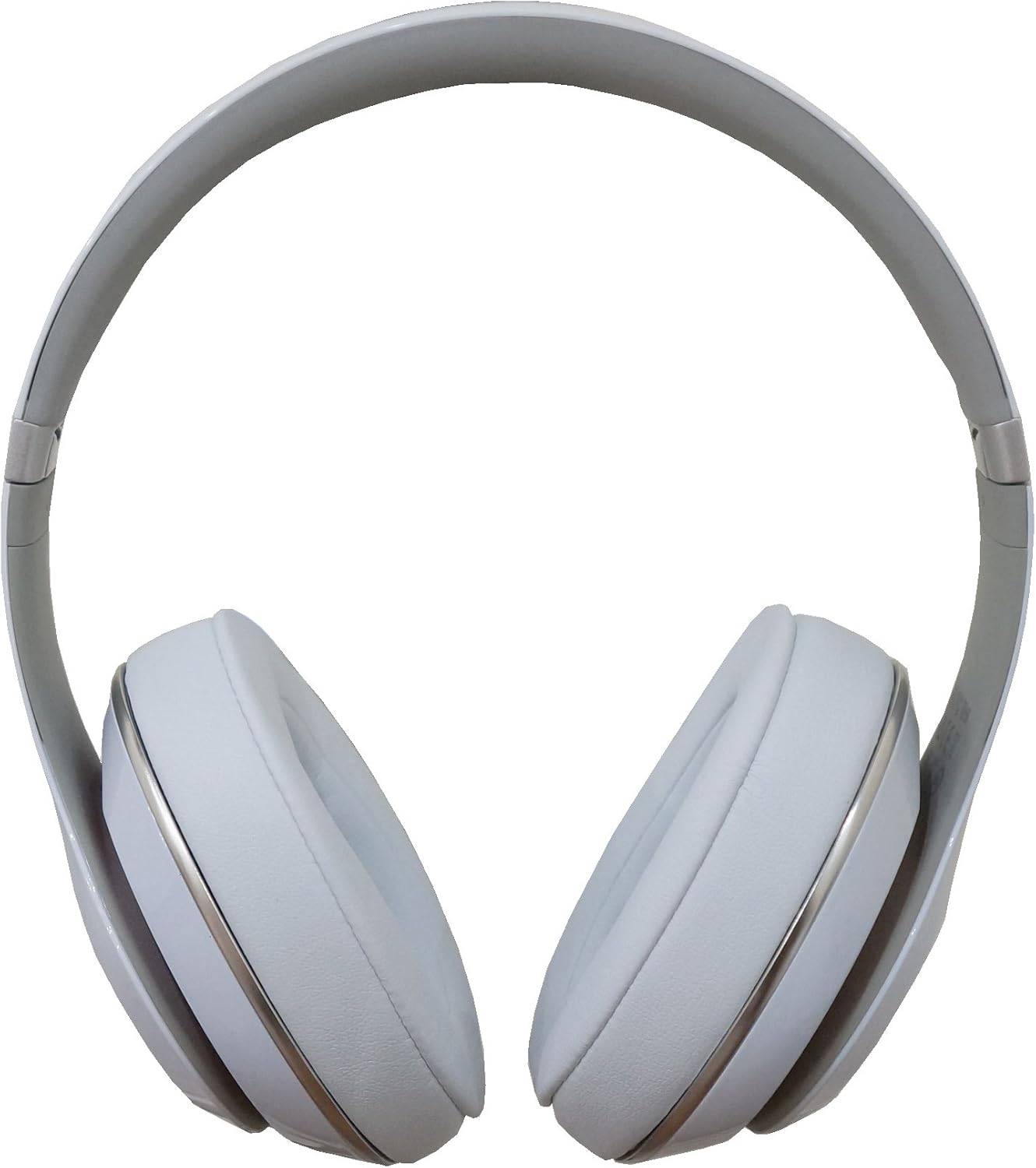
בילד: דירעקט פראָנט view of the Beats Studio 2.0 headphones, showing both earcups and the headband.
טשאַרדזשינג די כעדפאָונז
The Beats Studio 2.0 headphones feature a 20-hour rechargeable battery. To charge:
- Connect the micro USB end of the USB 2.0 charging cable to the charging port on the headphone.
- Connect the USB-A end of the cable to the USB power adapter.
- צאַפּן די וסב מאַכט אַדאַפּטער אין אַ וואַנט ווענטיל.
The visible Battery Fuel Gauge will indicate the charging status. To conserve battery life, the Auto On/Off feature automatically turns off the headphones when unplugged from an audio source.
קאַנעקטינג צו אַן אַודיאָ מקור
The headphones connect via a 3.5mm audio jack:
- Insert one end of the 3.5mm audio cable (either standard or RemoteTalk) into the audio input jack on the headphone.
- Insert the other end of the cable into the 3.5mm audio output jack of your device (e.g., smartphone, tablet, computer).
אַפּערייטינג
אַודיאָ פּלייַבאַקק
The Beats Acoustic Engine and signature DSP software are designed to deliver a rich and emotional listening experience. Once connected, audio from your source device will play through the headphones.
Adaptive Noise Canceling (ANC)
The headphones feature dual-mode Adaptive Noise Canceling to reduce ambient noise:
- צוגעהערט מאָדע: When music is playing, ANC automatically balances the noise cancellation level with your audio, providing an optimal listening environment.
- ANC Only Mode: If you wish to only cancel external noise without playing music, the headphones can be used in ANC only mode. This mode automatically increases the level of noise cancellation for a quieter environment.
Using the RemoteTalk Cable
The included RemoteTalk cable allows for convenient control of your audio and calls:
- רופן קאָנטראָל: Answer or end calls directly from the cable's inline microphone and remote.
- באַנד קאָנטראָל: אַדזשאַסטירן אַודיאָ באַנד.
- שפּור קאָנטראָל: שפּילן, פּויזירן, איבערשפּרינגען לידער.

בילד: זייט פּראָfile of the Beats Studio 2.0 headphones, highlighting the earcup design and the 'studio' branding on the headband.
וישאַלט
רייניקונג
To maintain the appearance and hygiene of your headphones:
- ניצט דעם צוגעשטעלטן Beats רייניקונג שטאָף צו זאַכט ווישן די ייבערפלאַכן פון די כעדפאָונז.
- פֿאַרמײַדן ניצן שטרענגע כעמיקאַלן, אַברייסיוו רייניגער, אָדער איבערגעטריבענע נעץ.
סטאָרידזש
When not in use, store your headphones in the hard-shell carrying case to protect them from dust, scratches, and impacts. The foldable design allows for compact storage.

Image: The Beats Studio 2.0 headphones shown in their folded, compact state, ready for storage in the carrying case.
זיכערקייַט אינפֿאָרמאַציע
To ensure safe operation and prevent damage:
- Keep the headphones away from liquids.
- Do not charge the headphones during a power outagE אָדער עלעקטריקאַל שטורעם.
טראָובלעשאָאָטינג
פּראָסט ישוז און סאַלושאַנז
| פּראָבלעם | מעגלעך סיבה | לייזונג |
|---|---|---|
| Headphones not turning on or holding charge. | Low or depleted battery; defective battery. | Ensure the headphones are fully charged using the provided USB cable and adapter. Check the Battery Fuel Gauge. If issues persist, contact support. |
| קיין אודיאָ אדער איבעררייסנדיק אודיאָ. | Loose cable connection; incorrect cable; audio source issue. | Ensure both ends of the 3.5mm audio cable are securely plugged into the headphones and the audio source. Try a different audio cable or audio source to isolate the problem. |
| Noise Canceling (ANC) not effective or producing static. | ANC limitations; environmental factors. | ANC is most effective against low-frequency, constant noises. High-frequency or sudden noises may not be fully canceled. A faint static sound can be normal with active noise cancellation. Ensure headphones are properly seated on your ears. |
| RemoteTalk cable controls not working. | Incompatibility with device; cable damage. | Ensure your device supports the RemoteTalk cable's functions. Try the standard audio cable to confirm basic audio functionality. Inspect the RemoteTalk cable for any visible damage. |
ספּעסאַפאַקיישאַנז
| שטריך | דעטאַל |
|---|---|
| מאָדעל נאָמען | 900-00063-01 |
| נומער מאָדעל נומער | BT OV STU WHT |
| קאַנעקטיוויטי טעכנאָלאָגיע | ווייערד |
| כעדפאָונז דזשאַק | 3.5 מם דזשאַק |
| אויער פּלייסמאַנט | איבער אויער |
| ראַש קאָנטראָל | אַקטיוו ראַש קאַנסאַליישאַן |
| באַטערי לעבן | ביז 20 שעה (אויפלאָדן) |
| פּונקט וואָג | 2.07 פונט (0.94 קג) |
| פּראָדוקט דימענשאַנז | 9.57 X 4.52 X 7.28 אינטשעס |
| מאַטעריאַל | פּלאַסטיק |
| ספּעציעלע פֿעיִקייטן | Foldable, Lightweight, Volume Control |
| פאַבריקאַנט | ביץ עלעקטראָניקס, ללק |
וואָראַנטי און שטיצן
פאַבריקאַנט'ס וואָראַנטי
This product includes a manufacturer's warranty. Please refer to the warranty documentation provided with your purchase for specific terms and conditions. The product has been cleaned, inspected, and meets manufacturer specifications.
נאָך שטיצן
For further assistance or detailed information, you may refer to the official User Manual PDF available online:
דאַונלאָוד באַניצער מאַנואַל (PDF)
For direct support, please contact Beats Electronics, LLC customer service.


