1. פּראָדוקט איבערview
The POLY Plantronics CS540/A is a wireless DECT monaural headset designed for clear communication in professional environments. This convertible headset offers multiple wearing styles to suit individual preferences, providing comfort and flexibility for extended use. It features a lightweight design and intuitive call controls.
שליסל פֿעיִקייטן:
- Wireless DECT connectivity for extended range and security.
- Convertible design for multiple wearing styles (ear hook, headband).
- Lightweight construction for all-day comfort.
- Intuitive call control buttons on the headset.
- Noise-canceling microphone for clear voice transmission.
וואָס איז אין די קעסטל:
- CS540/A Wireless Headset
- באַזע סטאנציע
- Ear hook and Headband wearing styles
- מאַכט אַדאַפּטער
- Telephone Interface Cable
- Lithium Polymer Battery (pre-installed or separate)

Image 1.1: The Plantronics CS540/A wireless headset docked in its base station.
2. סעטאַפּ גייד
2.1 אויפלאָדן דעם כעדסעט
- פֿאַרבינדט דעם מאַכט אַדאַפּטער צו דער באַזע סטאַנציע און שטעקט עס אַרײַן אין אַ מאַכט ווענטיל.
- Place the headset into the charging cradle of the base station. The charge indicator light on the headset will illuminate to confirm charging.
- Allow approximately 3 hours for a full charge. A fully charged headset provides up to 6 hours of talk time.
2.2 Connecting to a Desk Phone
The CS540/A connects to most standard desk phones. Refer to your phone's user manual for specific port locations.
- Disconnect the handset coil cord from the base of the desk phone.
- Connect the telephone interface cable from the CS540/A base station to the handset port on the desk phone.
- Connect the desk phone's handset coil cord to the handset port on the CS540/A base station.
- Ensure the compatibility switch on the CS540/A base station is set to the correct position for your desk phone. Test by making a call and adjusting if necessary.
2.3 טראָגן די כעדסעט
The CS540/A offers convertible wearing styles. Choose the one that provides the most comfort and stability.
- אויער קרוק: Attach the ear hook to the headset. Gently place the ear hook over your ear, positioning the speaker comfortably against your ear and the microphone near your mouth.
- העאַדבאַנד: Attach the headband to the headset. Adjust the headband for a secure yet comfortable fit, ensuring the speaker rests on your ear and the microphone is positioned for optimal voice pickup.
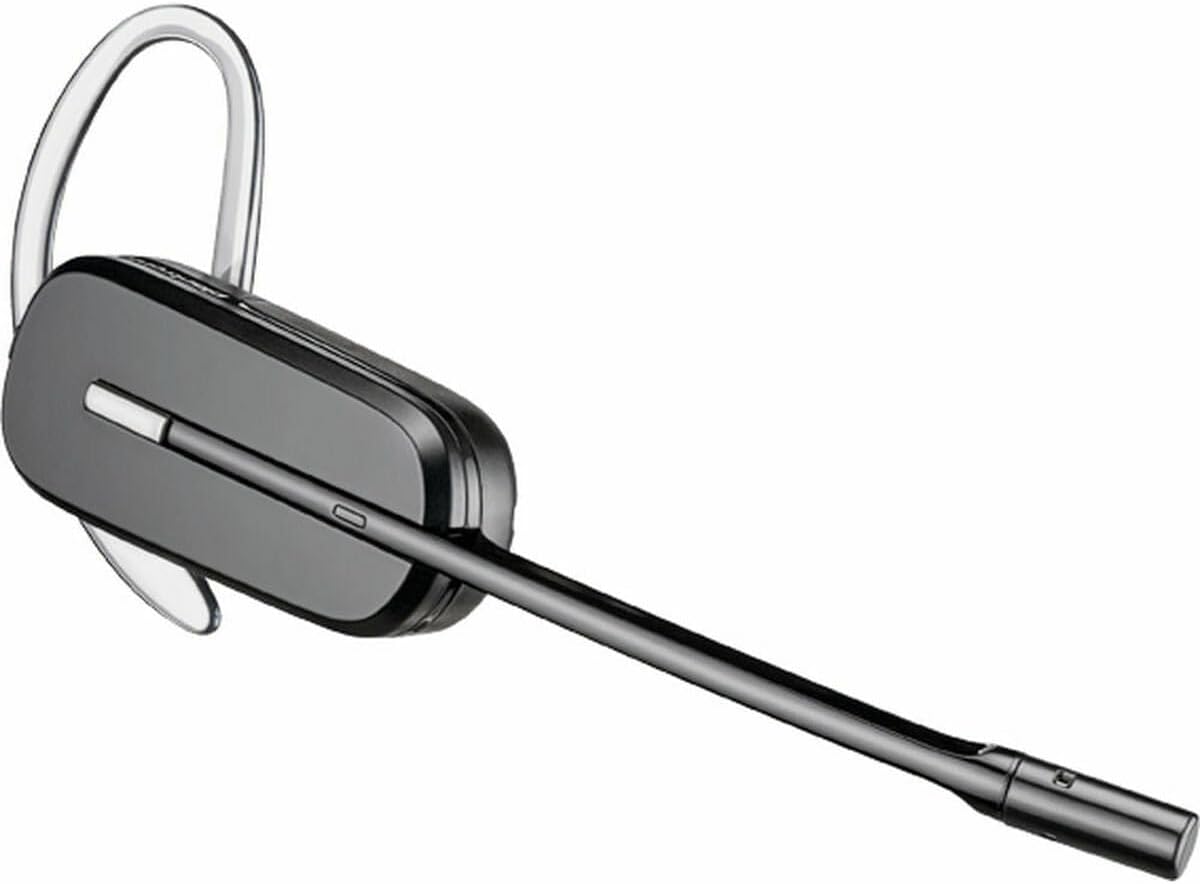
Image 2.1: The CS540/A headset configured with an ear hook.

Image 2.2: The CS540/A headset configured with a headband.
3. אַפּערייטינג ינסטרוקטיאָנס
3.1 רופן און ענטפֿערן רופט
- צו ענטפֿערן אַ רוף: דריקן די רופן קאָנטראָל קנעפּל אויף די כעדסעט.
- צו ענדיקן אַ רוף: Press the Call Control button again.
- צו מאַכן אַ רוף:
- Ensure the headset is powered on and connected to the base.
- דריקן די רופן קאָנטראָל קנעפּל אויף די כעדסעט.
- Dial the number on your desk phone.
3.2 באַנד קאָנטראָל
Use the volume rocker switch on the headset to adjust the listening volume.
- דרוק די + side to increase volume.
- דרוק די - side to decrease volume.
3.3 שטום פֿונקציע
To mute the microphone during a call, press the Mute button on the headset. Press it again to unmute.

Image 3.1: A user wearing the Plantronics CS540/A headset during a call.
4. וישאַלט
4.1 רייניקן די כעדסעט
רעגולערע רייניקונג העלפט אויפהאלטן די כעדסעט'ס פאָרשטעלונג און היגיענע.
- Wipe the headset and base station with a soft, dry, anti-static cloth.
- דו זאלסט נישט נוצן האַרב קעמיקאַלז אָדער אַברייסיוו קלינערז.
- ויסמיידן נעץ אין אָופּאַנינגז.
4.2 באַטערי קער
The headset uses a Lithium Polymer battery. To maximize battery life:
- טשאַרדזש די כעדסעט גאָר איידער ערשטער נוצן.
- ויסמיידן עקסטרעם טעמפּעראַטורעס.
- If the headset will not be used for an extended period, charge it periodically.
- The battery is replaceable; contact support for replacement options if needed.
5. טראָובלעשאָאָטינג
If you encounter issues with your CS540/A headset, try the following solutions:
5.1 No Dial Tone or Audio
- Ensure the headset is fully charged and powered on.
- Verify all cables are securely connected between the base station and the desk phone.
- Check the compatibility switch on the base station. Adjust it to different positions until a dial tone is heard.
- Confirm the desk phone's handset is properly seated or lifted (if not using an electronic hookswitch).
5.2 שלעכטע אַודיאָ קוואַליטעט
- Adjust the listening volume on the headset.
- Ensure the microphone is positioned correctly, approximately two finger-widths from your mouth.
- Check for interference from other wireless devices. Move the base station away from other electronics.
- If using a desk phone, adjust the transmit and receive volume controls on the base station (if available).
5.3 Headset Not Pairing with Base
- Ensure both the headset and base are powered on.
- Place the headset in the charging cradle. The charge indicator should light up.
- If pairing is lost, refer to the full Plantronics CS540/A user guide for re-pairing instructions, which typically involves pressing a pairing button on the base and headset.
6. ספּעסאַפאַקיישאַנז
| שטריך | דעטאַל |
|---|---|
| מאָדעל נאָמען | CS540A |
| נומער מאָדעל נומער | 84693-02 |
| סאָרט | POLY (formerly Plantronics) |
| קאַנעקטיוויטי טעכנאָלאָגיע | דראָטלאָז (DECT) |
| ווירעלעסס קאָמוניקאַציע טעכנאָלאָגיע | DECT 6.0 (1920-1930 MHz) |
| ווערינג סטייל | Convertible (Ear Hook, Headband) |
| באַטעריע לעבן (רעד צייט) | אַרויף צו 6 שעה |
| טשאַרדזשינג צייט | בעערעך 3 שעה |
| מיקראָפאָן | ראַש-קאַנסילינג |
| קאָנטראָל טיפּ | Call Control, Volume, Mute |
| פּונקט וואָג | 0.7 Ounces (headset only) |
| פּראָדוקט דימענשאַנז | 8.07 x 5.51 x 4.53 inches (packaging/base) |
| מאַטעריאַל | פּלאַסטיק |
| מאַכט מקור | AC Adapter (for base station) |
7. וואָראַנטי און שטיצן
7.1 לימיטעד וואָראַנטי
This product is covered by a limited warranty provided by POLY. The warranty typically covers manufacturing defects for a specified period from the date of purchase. Please retain your proof of purchase for warranty claims. For specific warranty terms and conditions, refer to the official POLY webוועבזייטל אדער די וואָראַנטי קאַרטל וואָס איז אַרייַנגערעכנט מיט דיין פּראָדוקט.
7.2 קונה שטיצן
For further assistance, technical support, or to inquire about replacement parts, please visit the official POLY support website or contact their customer service. You can often find detailed FAQs, troubleshooting guides, and contact information on their webפּלאַץ.
Official POLY Webפּלאַץ: www.poly.com


