
1. פּראָדוקט איבערview
The boAt Airdopes 148 Gen 2 are True Wireless Stereo (TWS) earbuds designed for an immersive audio experience. They feature a long-lasting battery, advanced microphone technology for clear calls, and a low-latency mode for gaming. This manual provides instructions for setting up, operating, and maintaining your earbuds.
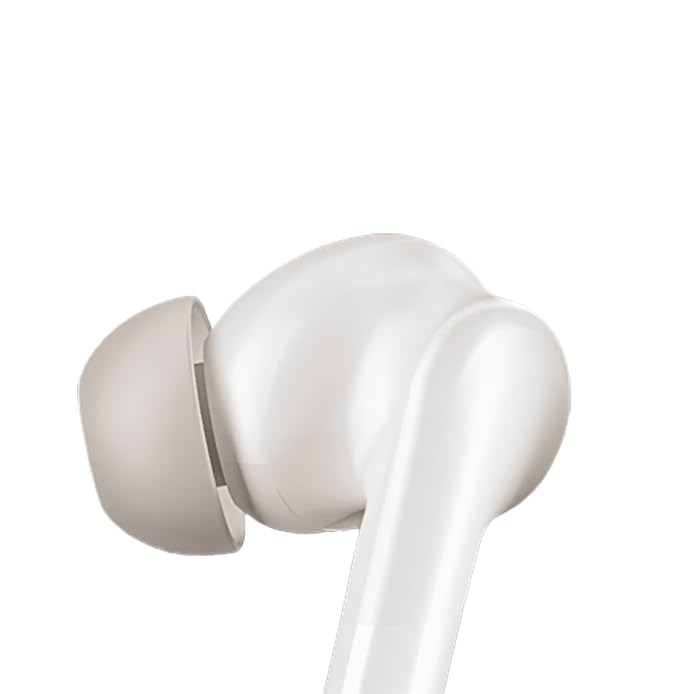
Image: boAt Airdopes 148 Gen 2 earbuds shown with their charging case.
2. וואָס איז אין דער קעסטל
ביטע טשעקט די אינהאַלט פון די פּאַקעט צו זיכער מאַכן אַז אַלע זאכן זענען דאָרט:
- boAt Airdopes 148 Gen 2 Earbuds (Left and Right)
- טשאַרדזשינג קאַסע
- וסב טשאַרדזשינג קאַבלע
- Additional Ear Cushions (various sizes)
- באַניצער מאַנואַל
3. סעטאַפּ אינסטרוקציעס
3.1 ערשט טשאַרדזשינג
פארן ערשטן באַנוץ, לאָדן די אויערקנעפּלעך און די טשאַרדזשינג קעסטל גאָר אויף.
- שטעלן ביידע עאַרבודז אין די טשאַרדזשינג פאַל.
- פֿאַרבינדט דעם USB טשאַרדזשינג קאַבל צום טשאַרדזשינג פּאָרט אויף דער קעיס און צו אַ מאַכט מקור.
- The indicator lights on the case will show charging status. Once fully charged, the lights may change or turn off.

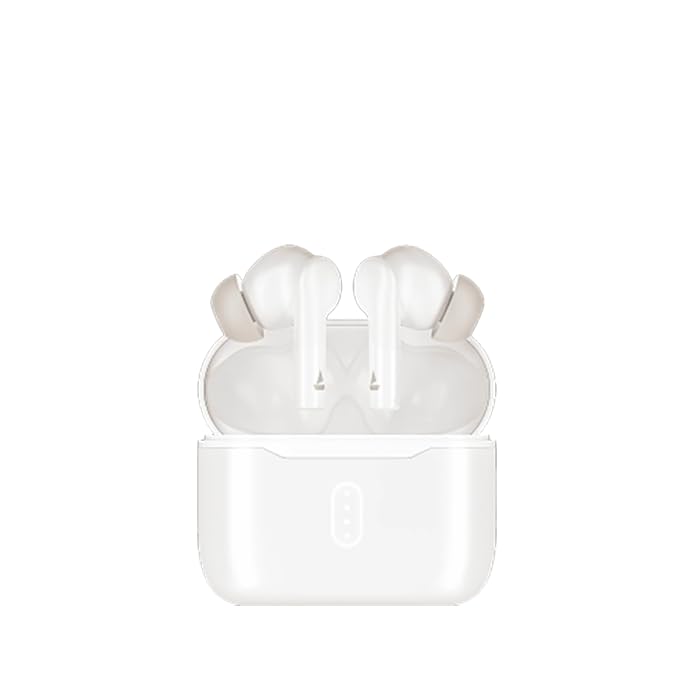
Image: The boAt Airdopes 148 Gen 2 charging case with earbuds inserted, illustrating the charging process.
3.2 Pairing with Your Device (Insta Wake N' Pair)
The Airdopes 148 Gen 2 feature Insta Wake N' Pair (IWP) technology for seamless connection.
- עפענען די דעקל פון די טשאַרדזשינג פאַל. די עאַרבודז וועט אויטאָמאַטיש קער אויף און אַרייַן פּערינג מאָדע.
- געבן בלועטאָאָטה אויף דיין סמאַרטפאָנע אָדער אנדערע מיטל.
- זוכן פֿאַר "Airdopes 148 Gen 2" in the list of available Bluetooth devices.
- Select it to connect. Once connected, you will hear an audio prompt.
Note: The earbuds will automatically connect to the last paired device when the case lid is opened, if Bluetooth is enabled on the device.

Image: A visual representation of key features including Bluetooth v5.4 and Insta Wake N' Pair technology.
4. אַפּערייטינג ינסטרוקטיאָנס
4.1 ריר קאָנטראָלס
The Airdopes 148 Gen 2 feature intuitive touch controls on each earbud:
- שפּיל / פּויזע: איין צאַפּן אויף יעדער עאַרבוד.
- ווייַטער שפּור: צאַפּ צוויי מאָל אויף די רעכטע אויערקנעפּל.
- פֿריִערדיקע שפּור: צאַפּ צוויי מאָל אויף די לינקע אויערקנעפּל.
- ענטפֿערן / סוף רופן: איין צאַפּן אויף יעדער עאַרבוד.
- אָפּוואַרפן רופן: לאַנג דריקן (2 סעקונדעס) אויף יעדן אויערקנעפּל.
- אַקטאַווייט קול אַססיסטאַנט: טרייפאַך צאַפּן אויף יעדן אויערקנעפּעל.
- BEAST Mode On/Off: Long press (3 seconds) on the right earbud.
- Switch Dual EQs: Long press (3 seconds) on the left earbud.
4.2 BEAST Mode (Low Latency)
Activate BEAST Mode for an ultra-low latency audio experience, ideal for gaming and video streaming. This minimizes audio delay between your device and the earbuds.
- צו אַקטאַווייט: לאנג דריקן די רעכט עאַרבוד פֿאַר 3 סעקונדעס.
- צו דיאַקטיווייט: Long press the right earbud for 3 seconds again.
4.3 Dual EQs
Switch between different sound profiles (e.g., Balanced, Bass) to suit your audio preference.
- To Switch: לאנג דריק די לינקע אויערקנעפל פאר 3 סעקונדעס.
4.4 ווויס אַססיסטאַנט
Access your device's voice assistant (e.g., Google Assistant, Siri) directly from the earbuds.
- צו אַקטאַווייט: טרייפאַך צאַפּן אויף יעדן אויערקנעפּעל.
4.5 Calling with ENx Technology
The earbuds feature Quad Mics with ENx Technology for clear voice calls by cancelling environmental noise.

Image: A user wearing an earbud, highlighting the Quad Mics with ENx Technology for enhanced call clarity.
4.6 באַטאַרייע לעבן
The Airdopes 148 Gen 2 offer up to 48 hours of total playback time with the charging case. ASAP Charge provides 180 minutes of playback from just 10 minutes of charging.

Image: A graphic illustrating the impressive battery life of up to 48 hours and the fast charging capability.
5. וישאַלט
5.1 רייניקונג
רעגולערע רייניקונג העלפט אויפהאלטן קלאַנג קוואַליטעט און היגיענע.
- ווישט אָפּ די אויערקנעפּלעך און די טשאַרדזשינג קעסטל מיט אַ ווייכן, טרוקענעם, לינט-פֿרייע שטאָף.
- אַראָפּנעמען די אויער־שפּיצן און רייניקן זיי מיט מילד זייף און וואַסער, און דערנאָך טרוקן גוט אויס איידער איר זיי צוריקבאַפעסטיקט.
- Use a cotton swab or a small, soft brush to carefully clean the speaker mesh and charging contacts.
בילד: א נאָענטע בילד view of an earbud tip, showing the area that requires regular cleaning.
5.2 וואַסער קעגנשטעל (IPX4)
The Airdopes 148 Gen 2 are IPX4 rated, meaning they are resistant to splashes of water and sweat. They are not designed for submersion in water.
- Avoid exposing the earbuds to heavy rain or submerging them in water.
- Dry the earbuds thoroughly if they get wet from sweat or splashes before placing them back in the charging case.
6. טראָובלעשאָאָטינג
If you encounter issues with your Airdopes 148 Gen 2, try the following solutions:
- קיין קלאַנג/קאַנעקשאַן פּראָבלעמען:
- זיכער מאַכן אַז די אויערקנעפּלעך זענען אויפֿגעלאָדן.
- מאַכן זיכער אַז בלועטאָאָטה איז ענייבאַלד אויף דיין מיטל.
- Forget "Airdopes 148 Gen 2" from your device's Bluetooth list and re-pair.
- ריסטאַרט דיין מיטל.
- איין עאַרבוד טוט נישט אַרבעטן:
- לייגט צוריק ביידע אויערן-קנעפּלעך אין דעם קעסטל, מאַכט צו דעם דעקל, וואַרט אַ פּאָר סעקונדעס, און עפֿנט ווידער.
- מאַכן זיכער אַז ביידע עאַרבודז זענען באפוילן.
- טשאַרדזשינג ישוז:
- קאָנטראָלירט דעם טשאַרדזשינג קאַבל און אַדאַפּטער.
- זיכער מאַכן אַז די טשאַרדזשינג קאָנטאַקטן אויף די אויערקנעפּלעך און קעסטל זענען ריין.
- נידעריק באַנד:
- אַדזשאַסטירן די באַנד אויף ביידע אייער מיטל און די אויערקנעפּלעך.
- Clean earbud speaker mesh.
7. ספּעסאַפאַקיישאַנז
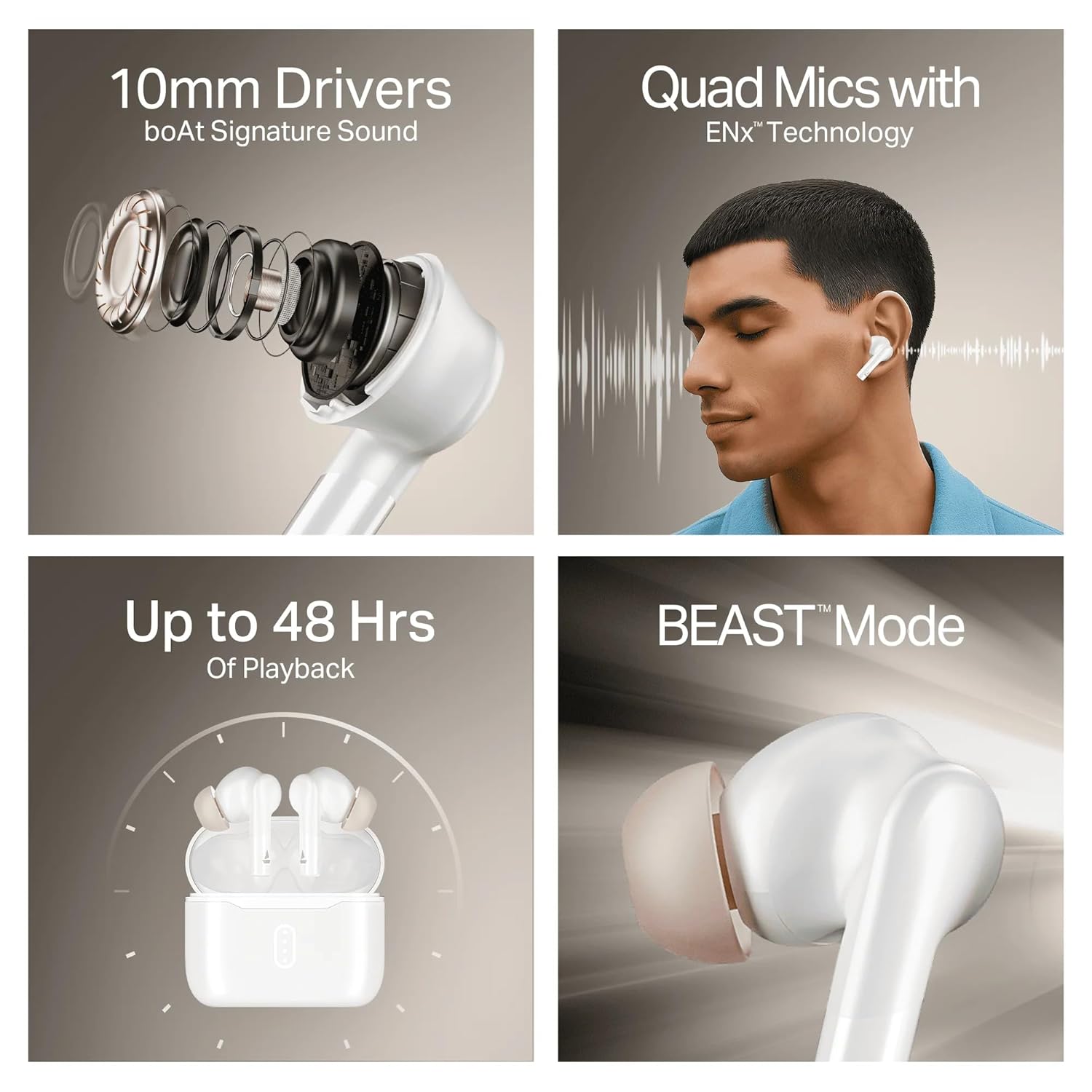
Image: A summary of key specifications and features of the Airdopes 148 Gen 2.
| שטריך | באַשרייַבונג |
|---|---|
| מאָדעל נאָמען | Airdopes 148 Gen 2 |
| בלועטאָאָטה ווערסיע | 5.4 |
| פּלייַבאַקק צייט | אַרויף צו 48 שעה (מיט טשאַרדזשינג פאַל) |
| אַסאַפּ אָפּצאָל | 10 mins charge = 180 mins playback |
| מיקראָפאָנעס | Quad Mics with ENx Technology |
| דריווערס | 10 מם |
| וואַסער קעגנשטעל | IPX4 |
| Latency Mode | BEAST Mode (Ultra-low latency) |
| קאַנעקטיוויטי | ווירעלעסס |
| קאָנטראָל טיפּ | ריר קאָנטראָל |
| קאַמפּאַטאַבאַל דעוויסעס | לאַפּטאַפּס, סמאַרטפאָונז, טאַבלעטן |
8. וואָראַנטי און שטיצן
8.1 וואָראַנטי אינפֿאָרמאַציע
The boAt Airdopes 148 Gen 2 comes with a 12 + 3 months manufacturer warrantyביטע באַהאַלטן אייער קויפן באַווייַז פֿאַר וואָראַנטי קליימז.
8.2 קונה שטיצן
For any support, queries, or warranty claims, please contact boAt customer service:
- בליצפּאָסט: info@imaginemarketingindia.com
- פאַבריקאַנט: Imagine Marketing Ltd