
הקדמה
Thank you for choosing the Goiaey C26 Smart Projector. This manual provides essential information for setting up, operating, maintaining, and troubleshooting your projector. Please read it thoroughly before use to ensure optimal performance and safety.
זיכערקייַט אינסטרוקציעס
- בלאָקירט נישט די ווענטילאַציע עפענונגען. זאָרגט פֿאַר גענוג לופטפֿלוס אַרום דעם פּראָיעקטאָר צו פֿאַרמייַדן איבערהיצונג.
- פֿאַרמײַדן דירעקטע אויגן-אויסשטעל צו דער פּראָיעקטאָר לינז ווען די לamp איז אויף.
- האַלט דעם פּראָיעקטאָר אַוועק פון וואַסער, נעץ און עקסטרעמע טעמפּעראַטורן.
- ניצט נאָר דעם מאַכט אַדאַפּטער וואָס ווערט צוגעשטעלט מיטן פּראָיעקטאָר.
- פרובירט נישט צו צענעמען אדער פאררעכטן דעם פראיעקטאר אליין. קאנטאקטירט קוואליפיצירטע סערוויס פערסאנעל פאר הילף.
- שטעלט דעם פּראָיעקטאָר אויף אַ סטאַבילער, גלייכער ייבערפלאַך כּדי צו פאַרהיטן אַז ער זאָל נישט פאַלן.
פּעקל אינהאַלט
באַשטעטיקן אַז אַלע זאכן זענען פאַראַן אין דיין פּעקל:
- Goiaey C26 Google TV Projector
- Bluetooth and Infrared Remote Control
- HDMI קאַבלע
- מאַכט שנור
- באַניצער מאַנואַל (דעם דאָקומענט)
פּראָדוקט איבערview
The Goiaey C26 is a compact and versatile smart projector designed for various entertainment needs. It features a native 1080P resolution, 4K support, integrated Google TV system, Wi-Fi 6, and Google Voice Assistant.

Image: Goiaey C26 Smart Projector, front view showing the lens and ventilation.
פּאָרץ און קאָנטראָלס
Familiarize yourself with the various ports and controls on your projector for seamless operation.
- מאַכט קנעפּל: טורנס די פּראַדזשעקטער אויף / אַוועק.
- הדמי פּאָרט: Connects to external devices like laptops, gaming consoles, or TV sticks. Supports ARC and CEC functions.
- וסב פּאָרט: פֿאַר פֿאַרבינדן USB סטאָרידזש דעוויסעס.
- אַודיאָ אַרויס (3.5 מ״מ): Connects to external wired speakers or headphones.
- DC אין: מאַכט אַרייַנשרייַב פּאָרט.
סעטאַפּ
קסנומקס. פּלאַסעמענט
The Goiaey C26 projector offers flexible placement options:
- טיש בארג: אָרט אויף אַ פלאַך, סטאַביל ייבערפלאַך.
- Tripod Mount: Use the standard 1/4 inch screw hole on the bottom for tripod attachment.
- Ceiling Mount: Securely mount to the ceiling using a compatible bracket.
- וואנט בארג: Mount to a wall using a compatible bracket.
2. מאַכט קאַנעקשאַן
- Connect the power cord to the DC In port on the projector.
- צאַפּן די אנדערע סוף פון די מאַכט שנור אין אַ מאַכט ווענטיל.
3. ערשטע איינשאַלטונג און נעץ סעטאַפּ
- דריק דעם מאַכט קנעפּל אויף דעם פּראָיעקטאָר אָדער ווײַטקאָנטראָל צו עס אנצינדן.
- Follow the on-screen instructions to select your language and connect to a Wi-Fi network. The projector supports Wi-Fi 6 for faster and more stable connections.
- Sign in with your Google account to access the full features of the Google TV system.
4. פאָקוס און קיסטאָון אַדזשאַסטמענט
The C26 projector features electric focus and auto vertical keystone correction for a clear and properly shaped image.
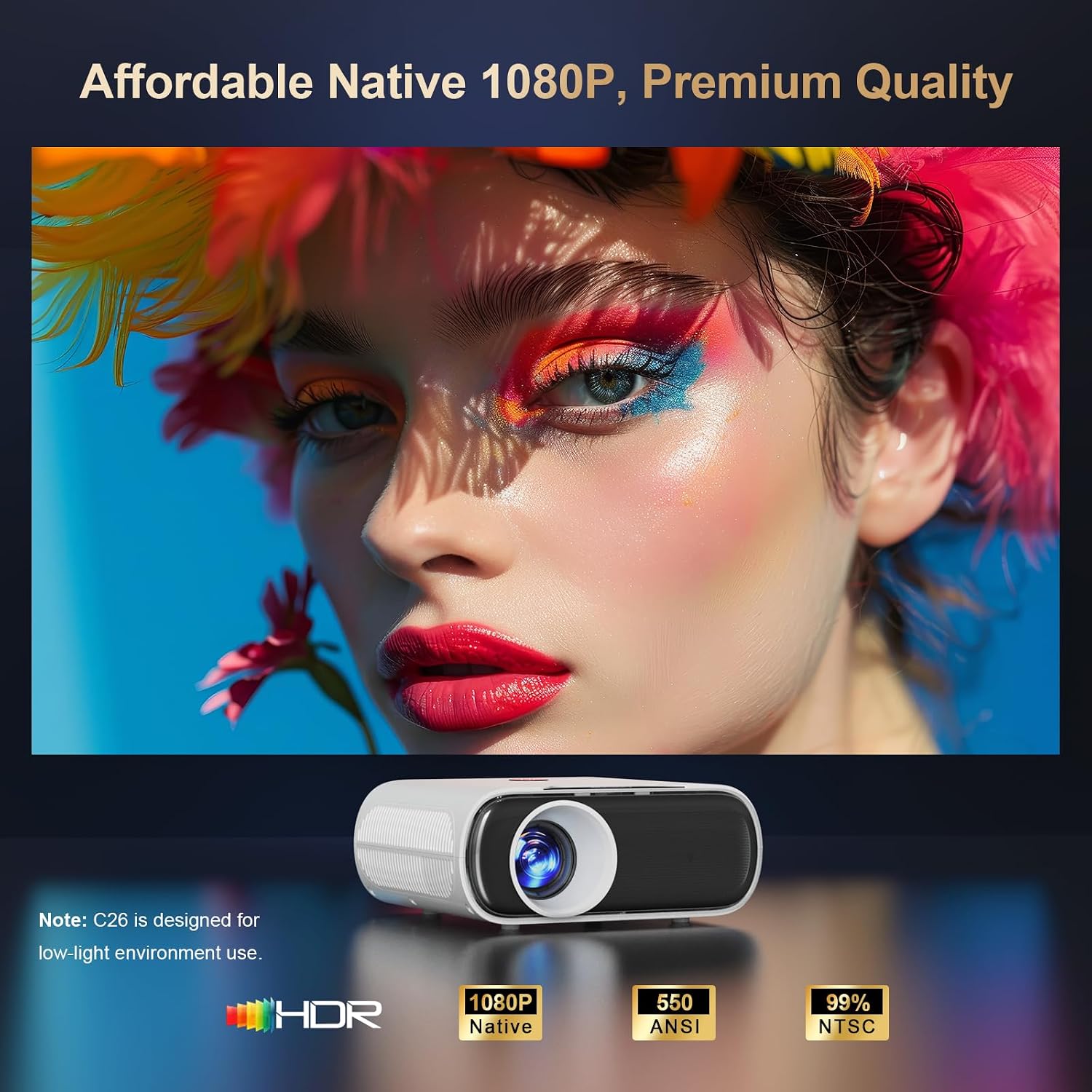
Image: Projector displaying image adjustment options including 4P Keystone Correction, Auto Vertical Keystone, Electric Focus, and Zoom.
- עלעקטריק פאָקוס: Use the focus button on the remote control to adjust the image clarity. This ensures the entire image is sharp.
- Auto Vertical Keystone: The projector automatically corrects vertical image distortion within 15 degrees when moved.
- 4P Keystone Correction: For larger or horizontal corrections, navigate to the settings menu to manually adjust the 4-point keystone correction.
אַפּערייטינג די פּראַדזשעקטער
1. גוגל טעלעוויזיע סיסטעם
The Goiaey C26 comes with an official licensed Google TV system, providing direct access to thousands of apps without needing external streaming devices.

Image: Projector displaying the Google TV interface with icons for Netflix, YouTube, Prime Video, Disney+, Hulu, and other streaming applications.
- צוטריט אַפּפּס: Navigate through the home screen to find pre-installed apps or download new ones from the Google Play Store.
- באַניצער-פרייַנדלעך צובינד: The on-screen menu is designed for easy navigation.
2. Google Voice Assistant
Control your projector with voice commands using the integrated Google Voice Assistant.
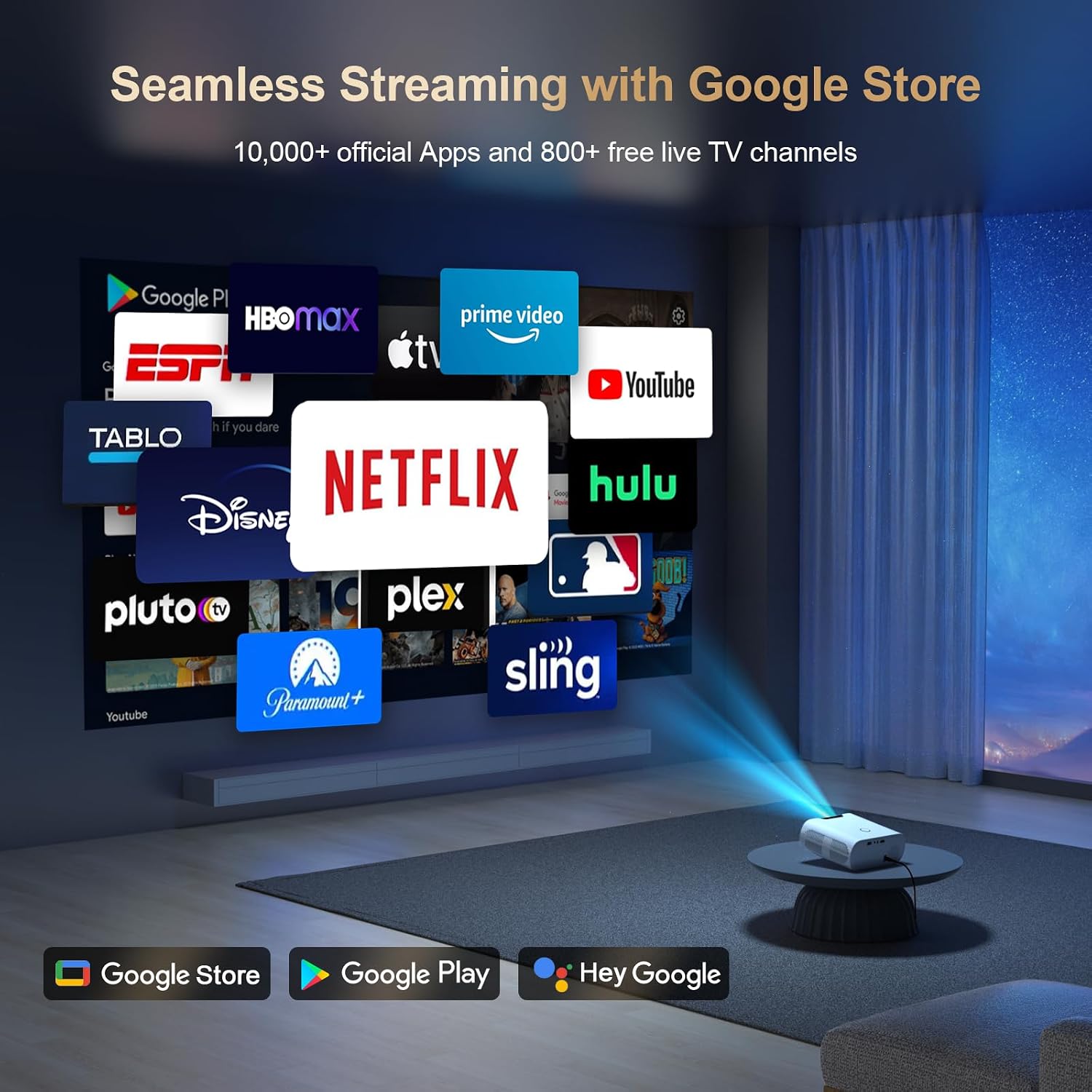
Image: Remote control with a microphone button, illustrating voice commands like "Open Netflix" or "Play Movies" being used with Google Assistant.
- אַקטאַווייט: Hold the voice button on your remote control.
- קאַמאַנדז: Speak commands such as "Open Netflix," "Play Movies," or "Turn up the volume."
3. Google Cast / Screen Mirroring
Seamlessly cast content from your phone or tablet to the projector using Google Cast.

Image: A smartphone displaying a game, with the same content being mirrored onto a large screen by the projector, indicating Google Cast functionality.
- סעטאַפּ: Ensure your phone/tablet and projector are connected to the same Wi-Fi network.
- געשטאַלט: Use the cast function within compatible apps on your device.
- AirPlay: For iOS devices, download the AirPlay Cast app from the Google Play Store on the projector.
4. קאַנעקטיוויטי
דער פּראָיעקטאָר שטיצט פֿאַרשידענע קאָנעקטיוויטי אָפּציעס:
- Wi-Fi 6: Provides fast and stable wireless internet and mirroring capabilities.
- בלועטאָאָטה: Connect external Bluetooth speakers or other audio devices.
- HDMI ARC/CEC: Connect external speakers via HDMI (ARC) and control multiple devices with one remote (CEC).
- וסב: Play media directly from a USB stick.
5. אַודיאָ אָוטפּוט
The C26 projector includes built-in 15W speakers. For enhanced audio, you can connect external speakers.

Image: A projector casting a concert video, with sound being wirelessly transmitted to two external Bluetooth speakers, demonstrating Bluetooth 5.2 functionality.
- געבויט-אין ספּיקערז: Enjoy clear sound directly from the projector.
- בלועטאָאָטה ספּיקערז: Pair external Bluetooth speakers for a more immersive audio experience. Note: Bluetooth functionality is available only after signing into your Google account.
- Wired Speakers/Headphones: Use the 3.5mm audio out port.
6. רימאָוט קאָנטראָל
The included Bluetooth and Infrared remote allows for convenient control from anywhere in the room.

Image: A hand holding the remote control, with blue concentric circles emanating from it, illustrating wireless control of the projector across different rooms in a house layout.
- Bluetooth Pairing: Pair the remote with the projector for full functionality.
- IR מאָדע: The remote also functions via infrared for basic controls if Bluetooth is not paired.
7. Video Playback Example
Video: A demonstration of the Goiaey C26 projector displaying animated content, showcasing its image quality and smooth playback.
וישאַלט
געהעריגע אויפהאלטונג גאראנטירט די לאנגעוויטי און פאָרשטעלונג פון אייער פּראָיעקטאָר.
- רייניקונג: Regularly clean the lens with a soft, lint-free cloth. Use compressed air to clear dust from ventilation openings.
- ווענטילאַטיאָן: Ensure the projector's vents are not obstructed during operation to prevent overheating.
- שאַטדאַון: Always power off the projector correctly to allow proper cooling.
- סטאָרידזש: When not in use, store the projector in a cool, dry place, protected from dust and direct sunlight.
טראָובלעשאָאָטינג
אויב איר טרעפט פּראָבלעמען, זעט די פאלגענדע געוויינטלעכע פּראָבלעמען און לייזונגען:
| פּראָבלעם | מעגלעך לייזונג |
|---|---|
| קיין מאַכט | Check power cord connection. Ensure the power outlet is functional. |
| קיין בילד | Verify input source selection. Check HDMI/USB cable connections. Adjust focus. |
| בלערי בילד | Use the electric focus function on the remote. Adjust keystone correction. |
| קיין געזונט | Check volume settings. Ensure external speakers are connected correctly or Bluetooth is paired. |
| ווייַט ניט ארבעטן | Check remote batteries. Ensure Bluetooth pairing is successful for full functionality. |
אויב די פראבלעם בלייבט, ביטע קאנטאקטירט קאסטומער סופארט פאר ווייטערדיגע הילף.
ספּעסאַפאַקיישאַנז
| שטריך | דעטאַל |
|---|---|
| מאָדעל | C26 |
| סאָרט | גיי |
| געבוירן האַכלאָטע | 1920 רענטגענ 1080 (פול הד) |
| ווייַז האַכלאָטע מאַקסימום | 1920 x 1080 פּיקסעלס (4K געשטיצט) |
| ברייטנאַס | 800 אַנסי לומען |
| קאַנטראַסט פאַרהעלטעניש | 20000:1 |
| קאַנעקטיוויטי טעכנאָלאָגיע | Bluetooth, USB, Wi-Fi (Wi-Fi 6) |
| ספּעציעלע פֿעיִקייטן | Built-in Google TV System, Google Voice Assistant, Google Cast, HDMI ARC/CEC, Electric Focus, 4P Keystone Correction, Portable |
| ליכט מקור אַפּערייטינג לעבן | 100,000 שעה |
| מאַקסימום בילד גרייס | 300 אינטשעס |
| מינימום וואַרפן דיסטאַנסע | 1.5 מעטער |
| מאַקסימום וואַרפן דיסטאַנסע | 7 מעטער |
| פּראָדוקט דימענשאַנז | 18.79 X 16 X 7.39 סענטימעטער |
| פּונקט וואָג | 0.8 Kilograms (2.2 lb) |
| מאַכט קאַנסאַמשאַן | 80 וואט-שעה |
| קאָנטראָללער טיפּ | ווייַט קאָנטראָל, קול קאָנטראָל |
| קאַמפּאַטאַבאַל דעוויסעס | Laptop, PC, PS5, USB Stick, TV Stick, Smartphone, Bluetooth Speakers, Tablet |
וואָראַנטי און שטיצן
The Goiaey C26 Smart Projector comes with a comprehensive warranty and dedicated customer support.
- וואָראַנטי פּעריאָד: 1 year free replacement and 2 years free repair from the order date. Total 3 years warranty.
- קאָנטאַקט שטיצן: For any questions, troubleshooting assistance, or warranty claims, please refer to the official contact information provided in your product packaging or on the Goiaey official website. Our support team aims to reply within 24 business hours.