
הקדמה
Thank you for choosing the iFFALCON 55U75A 55-inch Smart TV. This manual provides essential information for setting up, operating, and maintaining your new television. Please read it thoroughly before use and keep it for future reference.

The iFFALCON 55U75A 55-inch Smart TV, showcasinג זײַן גלאַטן דיזײַן.
זיכערקייַט אינפֿאָרמאַציע
שטענדיק פֿאָלגן די גרונטלעכע זיכערהייט מיטלען ווען איר ניצט דעם פּראָדוקט צו רעדוצירן דעם ריזיקאָ פֿון פֿײַער, עלעקטרישן קלאַפּ און שאָדן.
- דו זאלסט נישט ויסשטעלן די טעלעוויזיע צו רעגן אָדער נעץ.
- Do not open the cabinet; refer all servicing to qualified personnel.
- ענשור געהעריק ווענטאַליישאַן אַרום די טעלעוויזיע.
- ניצט נאָר די מאַכט אַדאַפּטער און קייבלס וואָס ווערן צוגעשטעלט דורך דעם פאַבריקאַנט.
- האַלט דעם טעלעוויזיע אַוועק פון דירעקטער זונשייַן, היץ־קוואַלן און שטאַרקע מאַגנעטישע פעלדער.
- Clean the TV with a soft, dry cloth. Avoid liquid cleaners.
פּעקל אינהאַלט
באַשטעטיקן אַז אַלע זאכן זענען פאַראַן אין פּעקל:
- iFFALCON 55U75A 55-inch Smart TV
- מאַכט אַדאַפּטער
- מאַכט קאַבלע
- ווייַט קאָנטראָל
- שטיין
- באַניצער מאַנואַל
סעטאַפּ
1. שטיין ייַנמאָנטירונג
צו אינסטאַלירן דעם טעלעוויזיע שטאַנד:
- לייגט פֿאָרזיכטיק דעם טעלעוויזאָר מיטן פּנים אַראָפּ אויף אַ ווייכער, גלאַטער ייבערפֿלאַך כּדי צו פֿאַרמייַדן שאָדן צום עקראַן.
- Attach the stand legs to the designated slots on the bottom of the TV.
- באַזײַטיקט די פֿיס מיט די צוגעשטעלטע שרויפֿן.

Diagram showing the TV dimensions and how to attach the stand.
2. קאַנעקטינג פּעריפעראַלס
פֿאַרבינדט אייערע עקסטערנע דעוויסעס צום טעלעוויזיע ניצנדיק די פֿאַראַן פּאָרטן:
- הדמי: For high-definition audio and video devices like gaming consoles, Blu-ray players, or set-top boxes. The TV features 4 HDMI ports.
- וסב: פֿאַר פֿאַרבינדן USB סטאָרידזש דעוויסעס צו שפּילן מעדיע files.
- ווי-פי: פֿאַרבינדט זיך צו אייער היים נעץ פֿאַר אינטערנעט צוטריט און סמאַרט טעלעוויזיע פֿונקציעס.
- בלועטאָאָטה: פֿאַר אַן וויירלעסער פֿאַרבינדונג צו קאָמפּאַטיבלע אַודיאָ דעוויסעס אָדער אַקסעסאָריעס.

דערציען view of the TV, illustrating the various input and output ports.
3. ערשטע אויפשטעל
After connecting all necessary cables, plug the power cable into an electrical outlet. Press the power button on the remote control or the TV to turn it on. Follow the on-screen instructions for initial setup, including language selection, network connection, and Google TV account setup.
אַפּערייטינג די טעלעוויזיע
ווייַט קאָנטראָל
The remote control allows you to navigate the TV's interface, adjust settings, and access smart features. Familiarize yourself with the buttons for power, volume, channel, input selection, and smart TV functions.
גוגל טעלעוויזיע פֿעיִטשערס
Your iFFALCON 55U75A comes with Google TV, offering a personalized entertainment experience. Access your favorite streaming services, apps, and content recommendations. Use Google Assistant for voice commands to search for movies, control smart home devices, and more.
Display Technology: QLED and 144Hz Native Refresh Rate
Experience vibrant and lifelike visuals with QLED technology, featuring advanced quantum crystal materials for richer colors and higher stability. The 144Hz native refresh rate ensures ultra-smooth motion, ideal for gaming and fast-paced action scenes, reducing blur and enhancing clarity.
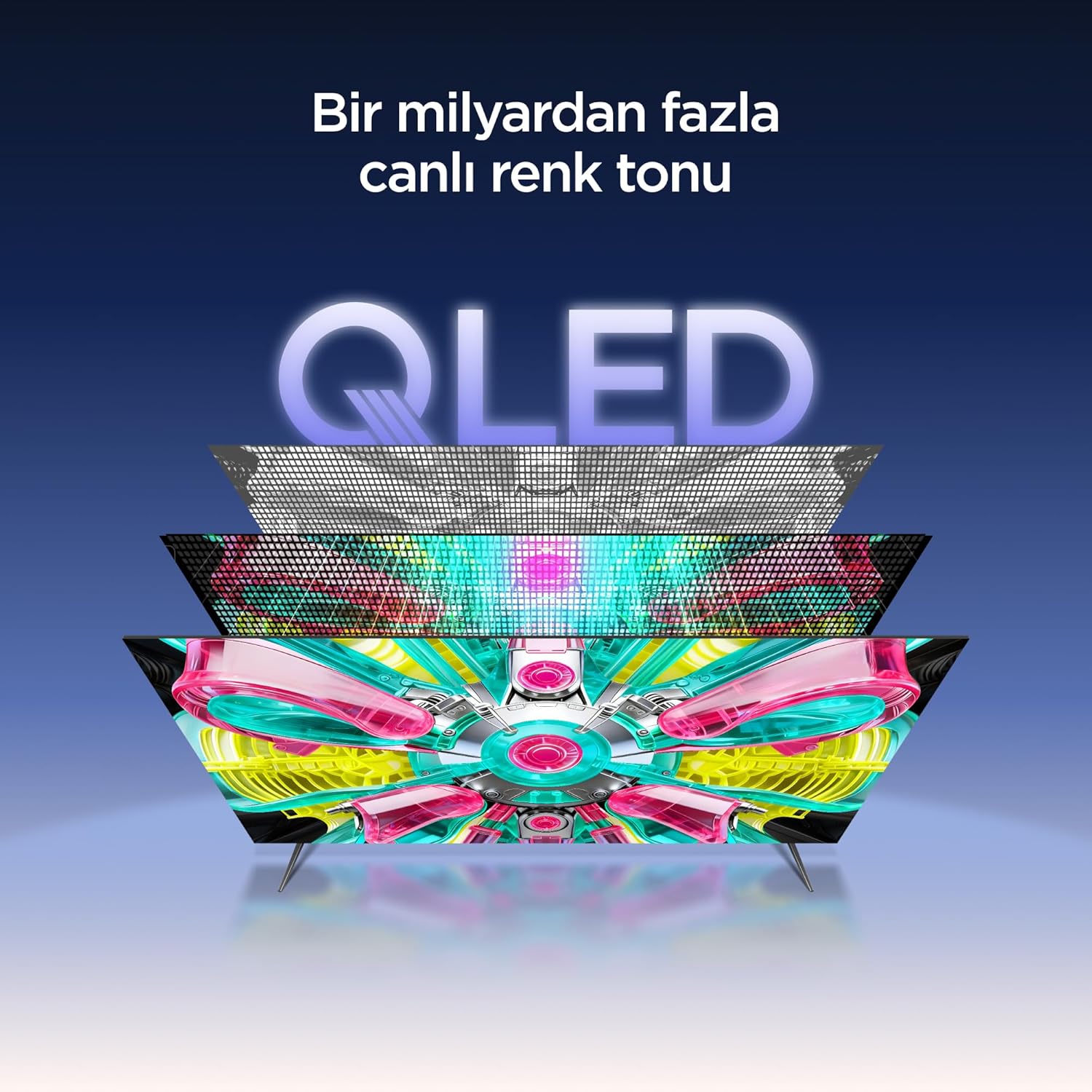
An illustration of the QLED display technology layers, providing over a billion vibrant color tones.
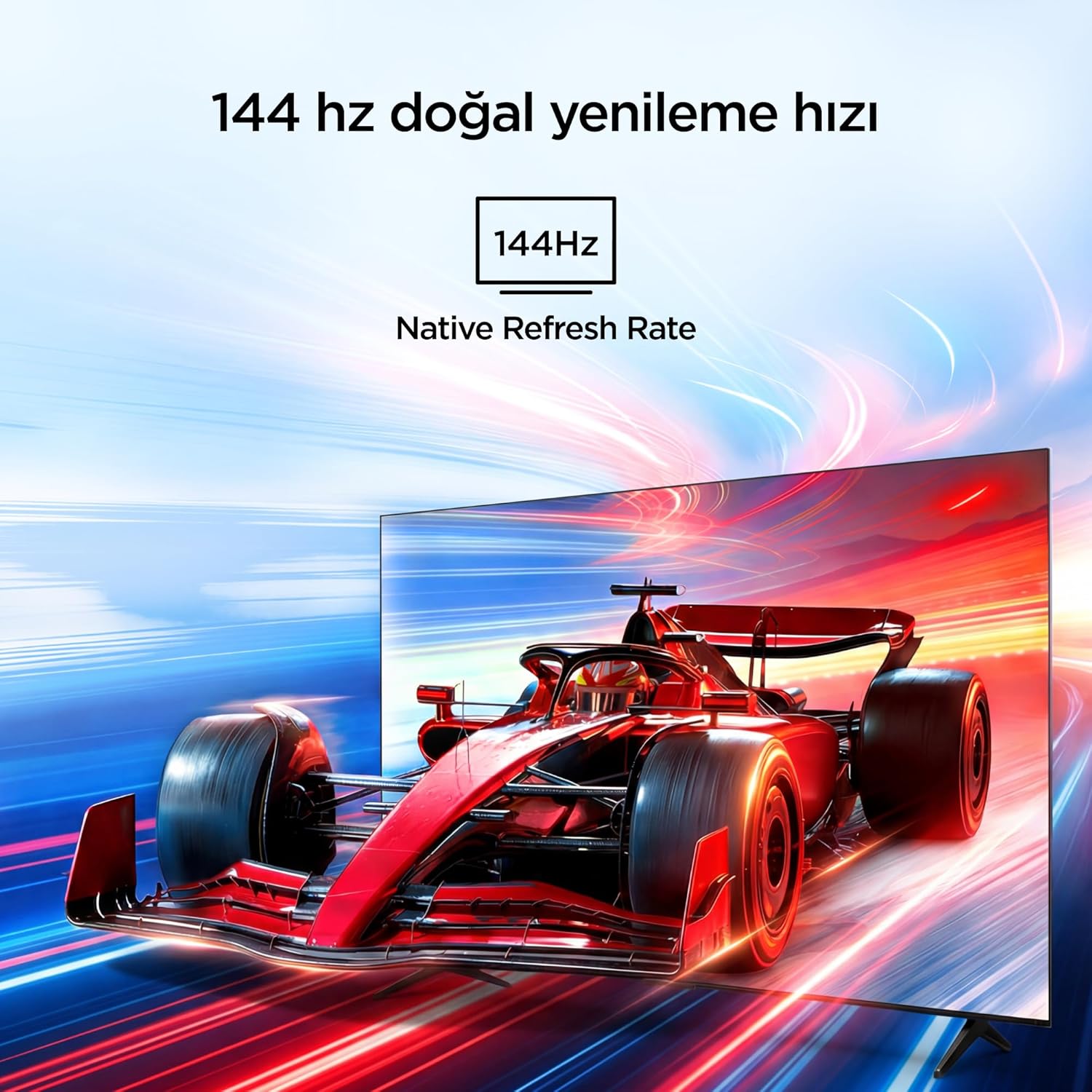
Visual representation of the 144Hz Native Refresh Rate, demonstrating smooth motion for gaming and action.
Audio Experience: Dolby Vision Atmos & DTS Virtual X
Immerse yourself in high-quality audio with Dolby Vision Atmos, delivering rich and captivating sound. DTS Virtual X provides virtual 3D sound, bringing the scene into your room with audio from above, the sides, and behind.

An image depicting the immersive audio experience provided by Dolby Vision Atmos.
AiPQ פּראָ פּראַסעסער
The AiPQ Pro Processor, powered by artificial intelligence, optimizes contrast and color accuracy in every scene. It analyzes visual content and masterfully balances skin tones and color distribution for vivid and realistic visuals.
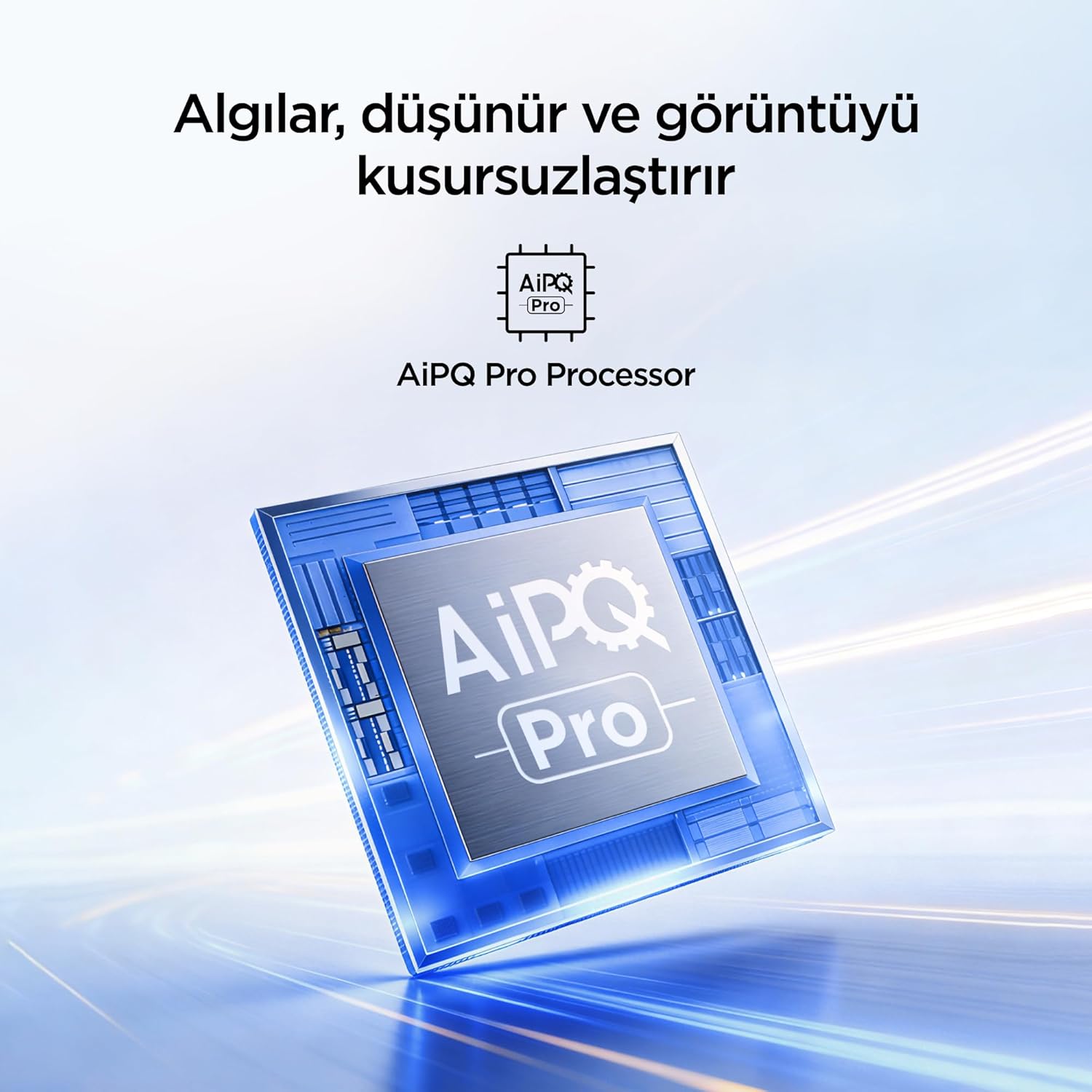
A visual of the AiPQ Pro Processor, highlighting its role in image optimization.
HVA Panel Technology
The HVA Panel offers 5x contrast enhancement, a low reflection film, and a wide viewing angle of over 178°. This technology provides powerful and accurate contrast, delivering sharper and more striking images.

Comparison illustrating the superior contrast and detail of HVA Panel Technology over conventional IPS panels.
Game Master & Gamebar
The Game Master feature, along with the dedicated Gamebar, provides special screen designs for gaming consoles. Comprehensive graphics and game modes allow for personalized settings, giving you an advantage when starting a game.

An image showing the Gamebar interface, designed for optimizing gaming experiences on consoles.
Multiple Eye Care
The TV is equipped with Multiple Eye Care technologies, such as low blue light and natural light optimization, to help reduce eye strain during long viewing sessions, providing a more comfortable experience.

Visual explanation of Multiple Eye Care features like low blue light and flicker-free viewing.
וישאַלט
געהעריגע אויפהאלטונג גאראנטירט די לאנגעוויטי און אפטימאלע פאָרשטעלונג פון אייער טעלעוויזיע.
- רייניקונג די פאַרשטעלן: ווישט אָפּ דעם עקראַן מיט אַ ווייכן, לינט-פֿרײַעם שטאָף. פֿאַר שווערע פֿלעקן, ווישט אַ ביסלampווישט דעם שטאָף מיט וואַסער אָדער אַ ספּעציאַליזירטן עקראַן רייניגער (שפּריצט קיינמאָל נישט גלייך אויף דעם עקראַן).
- רייניקונג די קאַבינעט: ניצט אַ ווייכן, טרוקענעם שטאָף צו ווישן דעם טעלעוויזיע קאַבינעט.
- ווענטילאַטיאָן: זיכערט זיך אז די ווענטילאציע עפענונגען אויף דער הינטערשטער זייט פון דעם טעלעוויזאר זענען נישט פארשטאפט כדי צו פארמיידן איבערהיצונג.
- מאַכט שנור: Regularly check the power cord for any damage. If damaged, contact customer support for replacement.
טראָובלעשאָאָטינג
אויב איר טרעפט פּראָבלעמען מיט אייער טעלעוויזיע, זעט די פאלגענדע געוויינטלעכע פּראָבלעמען און לייזונגען איידער איר קאָנטאַקטירט שטיצע.
| פּראָבלעם | מעגלעך לייזונג |
|---|---|
| קיין מאַכט | Check if the power cord is securely plugged into the TV and the power outlet. Ensure the outlet is working. |
| קיין בילד נישט, אבער סאונד איז דא | Check the input source. Ensure the external device is properly connected and powered on. |
| קיין קלאַנג, אָבער בילד איז דאָ | קאָנטראָלירט די וואָלומען לעוועל און מיוט סעטטינגס. מאַכט זיכער אַז די אַודיאָ קאַבלען זענען ריכטיק פארבונדן. |
| ווייַט קאָנטראָל נישט ארבעטן | טוישט די באַטעריעס. מאַכט זיכער אַז עס זענען נישטאָ קיין שטערונגען צווישן דעם ווײַטקאָנטראָל און דעם טעלעוויזיע'ס IR סענסאָר. |
| ווי-פי קשר ישוז | Restart your router and modem. Check TV network settings and ensure the password is correct. |
ספּעסאַפאַקיישאַנז
| שטריך | דעטאַל |
|---|---|
| פאַרשטעלן גרייס | 55 אינטשעס |
| סאָרט | iFFALCON |
| ווייַז טעכנאָלאָגיע | QLED |
| האַכלאָטע | 4K |
| דערפרישן קורס | 144 הז |
| שליסל פֿעיִקייטן | 144Hz Native Refresh Rate, AiPQ Pro Processor, Bezel-less Design, Google Assistant, HVA Screen, Multi Eye Care, Free Sync |
| קאַנעקטיוויטי טעכנאָלאָגיע | בלועטוט, HDMI, USB, Wi-Fi |
| פּראָדוקט דימענשאַנז (ד רענטגענ וו רענטגענ ה) | 7D x 122.4W x 70.8H cm |
| מאָדעל נאָמען | 55U75A |
| פּראָדוקט וואָג | 13.5 קילאָ |
| גאַנץ הדמי פּאָרץ | 4 |
| ענערגיע עפעקטיווקייַט | A+ |
| קאָליר | שוואַרץ |
| מאָדעל יאָר | 2026 |
| פאַבריקאַנט | iFFALCON |
| אָריגין לאַנד | כינע |
וואָראַנטי & שטיצן
Your iFFALCON 55U75A Smart TV comes with a 2-יאָר פאַבריקאַנט וואָראַנטי. For warranty claims, technical support, or service inquiries, please contact iFFALCON customer service. Refer to the warranty card included in your package for detailed terms and conditions.
For further assistance, visit the official iFFALCON webזייטל אדער קאָנטאַקט זייערע אָטערייזד סערוויס צענטערס.