
הקדמה
This manual provides detailed instructions for the setup, operation, maintenance, and troubleshooting of your BOSGAME M4 Neo Mini PC. Please read this manual thoroughly before using the device to ensure proper functionality and to prevent damage.
פּעקל אינהאַלט
באַשטעטיקן אַז אַלע זאכן זענען פאַראַן אין פּעקל:
- BOSGAME M4 Neo Mini PC
- מאַכט אַדאַפּטער
- HDMI קאַבלע
- באַניצער מאַנואַל
פּראָדוקט איבערview
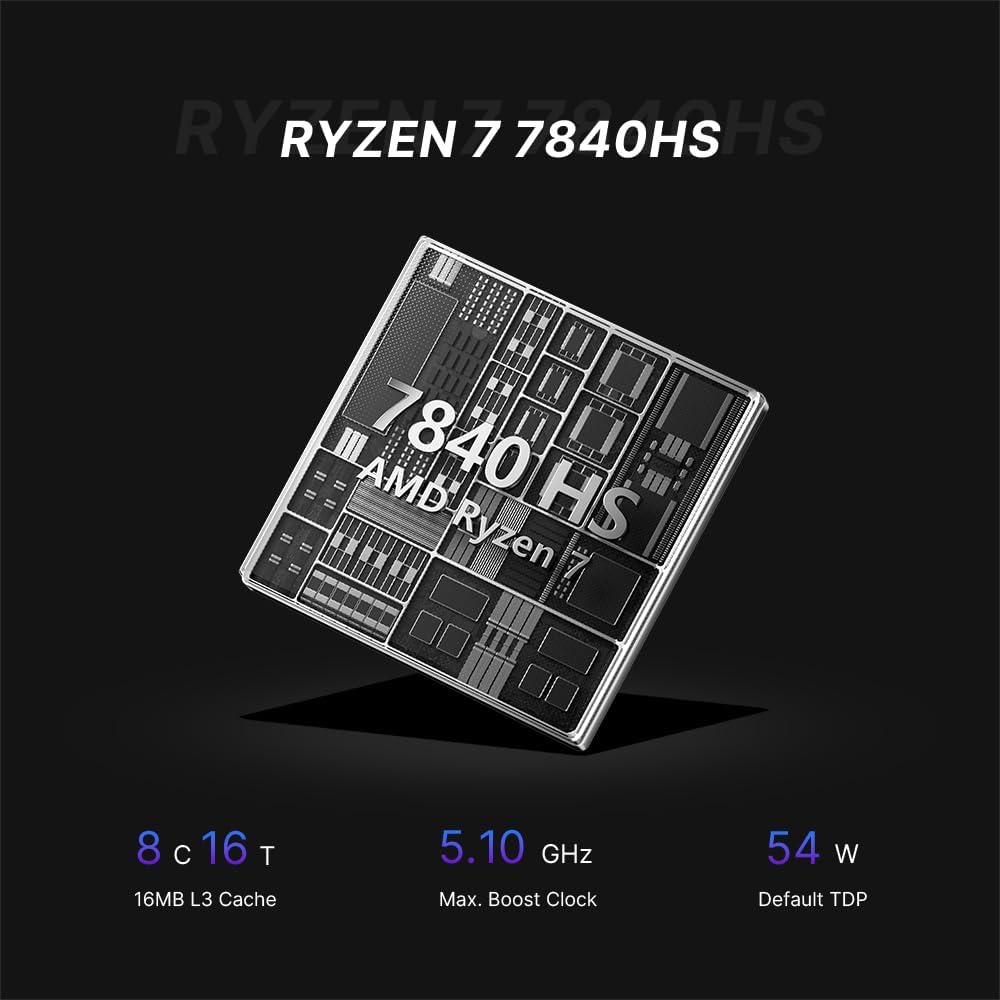
The BOSGAME M4 Neo is a compact desktop computer designed for various applications, from office tasks to gaming. It features an AMD Ryzen 7 7840HS processor, DDR5 memory, and PCIe SSD storage.

Image: Top, front, side, and rear views of the BOSGAME M4 Neo Mini PC with dimensions (130mm x 129mm x 46mm) and port labels.
בילד: דעטאַלירט view of the front and rear ports on the BOSGAME M4 Neo Mini PC, including USB, HDMI, DisplayPort, LAN, and power input.
סעטאַפּ
קאַנעקטינג פּעריפעראַלס
- פֿאַרבינדן דיספּליי: Use an HDMI or DisplayPort cable to connect your monitor(s) to the corresponding ports on the Mini PC. The device supports up to three displays simultaneously.
- Connect Input Devices: Plug your USB keyboard and mouse into the available USB ports.
- פֿאַרבינדן נעץ (אָפּציאָנאַל): For a wired connection, connect an Ethernet cable from your router or modem to one of the 2.5G LAN ports.
- פאַרבינדן מאַכט: שטעקט אריין דעם מאַכט אַדאַפּטער אין דעם DC-אין פּאָרט אויף דעם מיני פּיסי, און דערנאָך פֿאַרבינדט דעם אַדאַפּטער צו אַ מאַכט ווענטיל.

Image: The BOSGAME M4 Neo Mini PC connected to an external display, keyboard, and mouse via its USB4.0 interface, demonstrating its connectivity capabilities.
ערשט מאַכט אויף
- דריק דעם מאַכט קנעפּל וואָס געפינט זיך אויף דער פראָנט פון די מיני פּיסי.
- The system will boot up. Follow the on-screen instructions to complete the initial operating system setup.
אָפּערייטינג סיסטעם
The BOSGAME M4 Neo Mini PC comes with Windows 11 Pro pre-installed. It also supports other operating systems such as Ubuntu and Linux. For installing alternative operating systems, refer to the specific installation guides for your chosen OS.
Storage and Memory Expansion
The M4 Neo is equipped with 64GB DDR5 4800MHz dual-channel RAM and a 2TB PCIe 4.0x4 NVMe SSD. The storage can be expanded by adding another M.2 2280 NVMe PCIe 4.0x4 SSD.
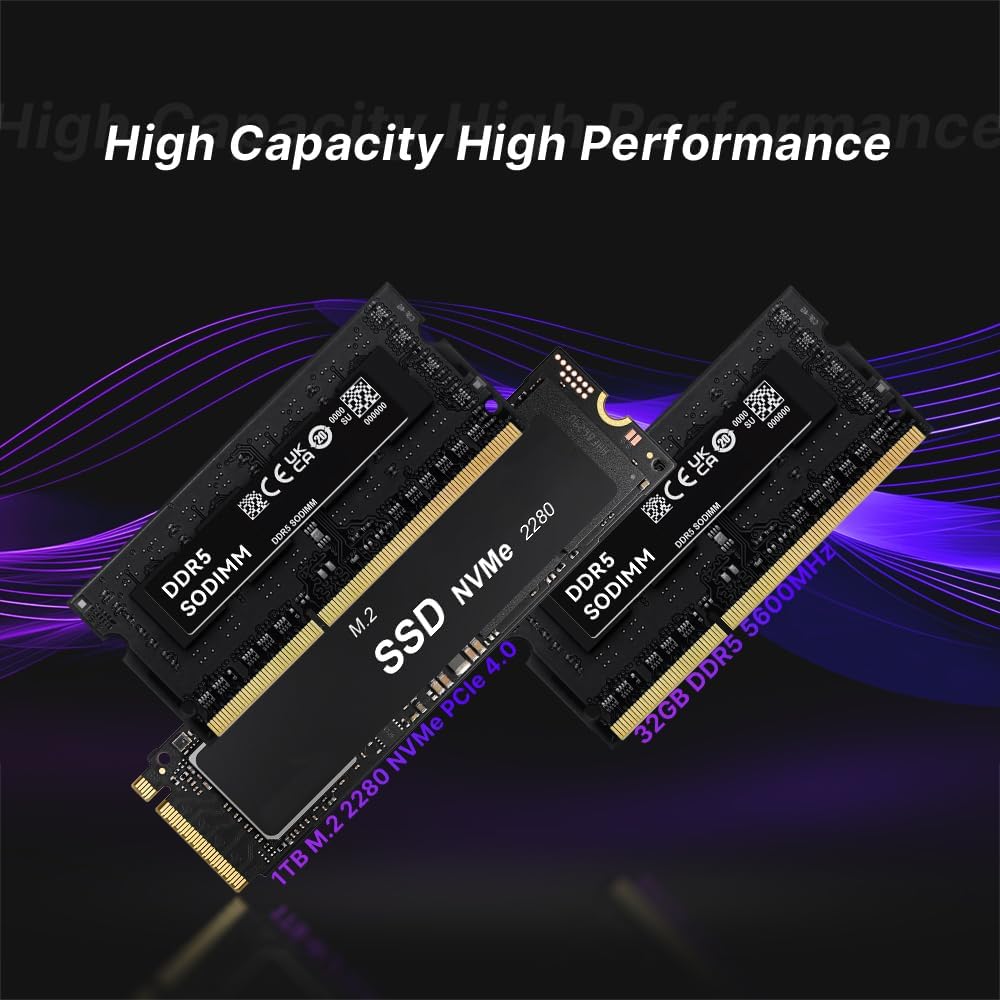
Image: Illustration of DDR5 SODIMM memory modules and an M.2 NVMe PCIe 4.0 SSD, representing the internal components for storage and memory.
For detailed instructions on upgrading RAM or SSD, consult the advanced user guide or contact technical support to avoid damaging internal components.
קאַנעקטיוויטי
ווייערד קאַנעקטיוויטי
The Mini PC features dual 2.5G Ethernet LAN ports, providing high-speed and reliable wired network connections.
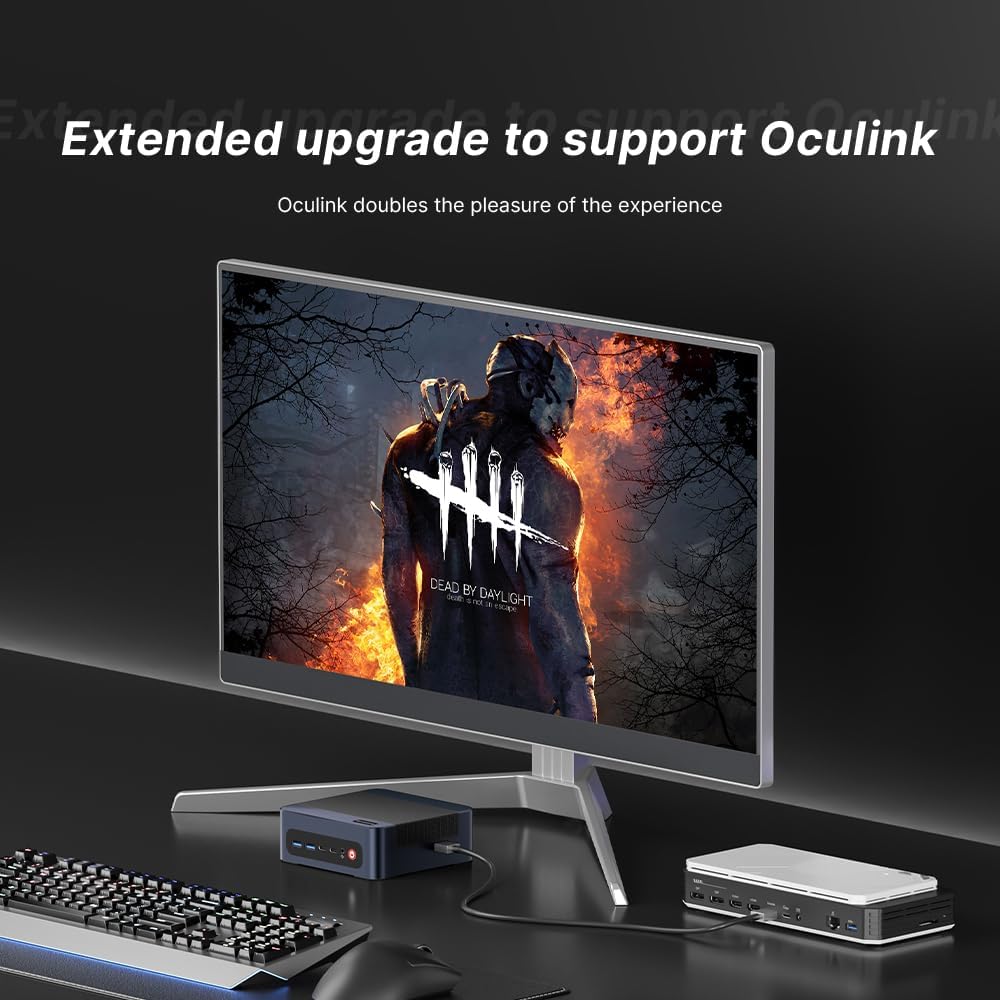
Image: The BOSGAME M4 Neo Mini PC highlighting its dual 2.5G RJ45 LAN ports with Ethernet cables connected, indicating high-speed network capability.
ווירעלעסס קאַנעקטיוויטי
Integrated Wi-Fi 6E and Bluetooth 5.2 provide fast and stable wireless network access and connectivity for various wireless accessories.
ווייַז קאָנפיגוראַטיאָן
The Mini PC supports quad-screen display output via HDMI 2.0 (4K@60Hz), DisplayPort 1.4 (4K@60Hz), and USB4.0 (8K@60Hz) / Type-C (4K@60Hz) ports. This allows for multi-tasking across multiple monitors.

Image: The BOSGAME M4 Neo Mini PC connected to three external monitors, demonstrating its capability to support a quad-screen display setup for enhanced productivity and entertainment.
An Oculink port is also included, enabling connections to external GPUs (eGPUs) for enhanced graphics performance.

Image: The BOSGAME M4 Neo Mini PC connected to an external graphics card enclosure via its Oculink port, illustrating the option for extended graphics capabilities.
וישאַלט
רייניקונג
- רייניקט רעגולער די אויסערליכע זייט פון די מיני פּיסי מיט א ווייכן, טרוקענעם שטאָף.
- Use compressed air to gently clear dust from ventilation openings to maintain optimal airflow and cooling. Ensure the device is powered off before cleaning.
ווייכווארג דערהייַנטיקונגען
- האַלט אייער אָפּערייטינג סיסטעם און דרייווערס אַפּדייטיד צו ענשור סיסטעם פעסטקייט און זיכערהייט.
- Check the BOSGAME official website for the latest driver updates for your M4 Neo Mini PC.
טראָובלעשאָאָטינג
קיין מאַכט
- זיכער מאַכן אַז דער מאַכט אַדאַפּטער איז זיכער פארבונדן צו ביידע די מיני פּיסי און אַ אַרבעטנדיק מאַכט ווענטיל.
- באַשטעטיקן אַז די עלעקטרישע ווענטיל אַרבעט דורך אַרײַנשטעקן אַן אַנדער דעוויס.
קיין ווייַז
- קאָנטראָלירט אַז דער HDMI אָדער DisplayPort קאַבל איז פעסט פארבונדן צו ביידע דעם מיני פּיסי און דעם מאָניטאָר.
- זייט זיכער אז אייער מאָניטאָר איז איינגעשטעלט צו דער ריכטיקער אינפוט מקור (למשל, HDMI 1, DisplayPort).
- פּרובירט מיט אַן אַנדערן דיספּליי קאַבל אָדער מאָניטאָר אויב מעגלעך.
פאָרשטעלונג ישוז
- שליסט אומנייטיקע הינטערגרונט אַפּליקאַציעס צו באַפֿרײַען סיסטעם רעסורסן.
- Ensure the operating system and drivers are up to date.
- Monitor system temperatures. Excessive heat can lead to performance throttling.

Image: Graphs showing CPU temperature changes over 14 hours (peaking at 72°C) and noise data from running various software (Illustrator, Photoshop, Office, Standby mode), indicating typical operating conditions.
ספּעסאַפאַקיישאַנז
| סאָרט | BOSGAME |
| מאָדעל נומער | M4 |
| קפּו מאָדעל | AMD Ryzen 7 7840HS |
| קפּו ספּיד | 3.8 GHz (Max Boost 5.1 GHz) |
| ראַם זכּרון אינסטאַלירט | 64 גיגאבייט DDR5 4800 MHz |
| זכּרון סטאָרידזש קאַפּאַסיטי | 2 TB PCIe 4.0x4 NVMe SSD |
| גראַפיקס קאָופּראַסעסער | AMD Radeon 780M גראַפיקס (אינטעגרירט) |
| אָפּערייטינג סיסטעם | Support Win/Ubuntu/Linux (Windows 11 Pro pre-installed) |
| ווידעא רעזולטאַט | HDMI, DisplayPort, USB4.0, USB Type-C (Supports Quad Screen, 4K/8K) |
| נעץ קאַנעקטיוויטי | Dual 2.5G Ethernet, Wi-Fi 6E, Bluetooth 5.2 |
| וסב פּאָרץ | 4 Total USB Ports (USB3.2 Type A*2, USB4.0*1, Type-C*1) |
| ספּעציעלע פֿעיִקייטן | Oculink Port for eGPU |
וואָראַנטי און שטיצן
The BOSGAME M4 Neo Mini PC comes with a 1-year manufacturer's warranty. For technical assistance, troubleshooting, or warranty claims, please contact BOSGAME customer service. Refer to the contact information provided with your product or visit the official BOSGAME webפּלאַץ פֿאַר שטיצן רעסורסן.