
הקדמה
This manual provides essential instructions for the safe and efficient setup, operation, and maintenance of your Humanscale eFloat Go 2.0 Height Adjustable Table Base. Please read this manual thoroughly before installation and retain it for future reference.
סעטאַפּ און אַסעמבלי
1. ונבאָקסינג
Carefully remove all components from the packaging. Inspect for any damage that may have occurred during transit. Keep all packaging materials until assembly is complete and the unit is confirmed to be working correctly.
2. קאָמפּאָנענט לעגיטימאַציע
Ensure all parts listed in the packing list are present. Refer to the diagram below for component identification.
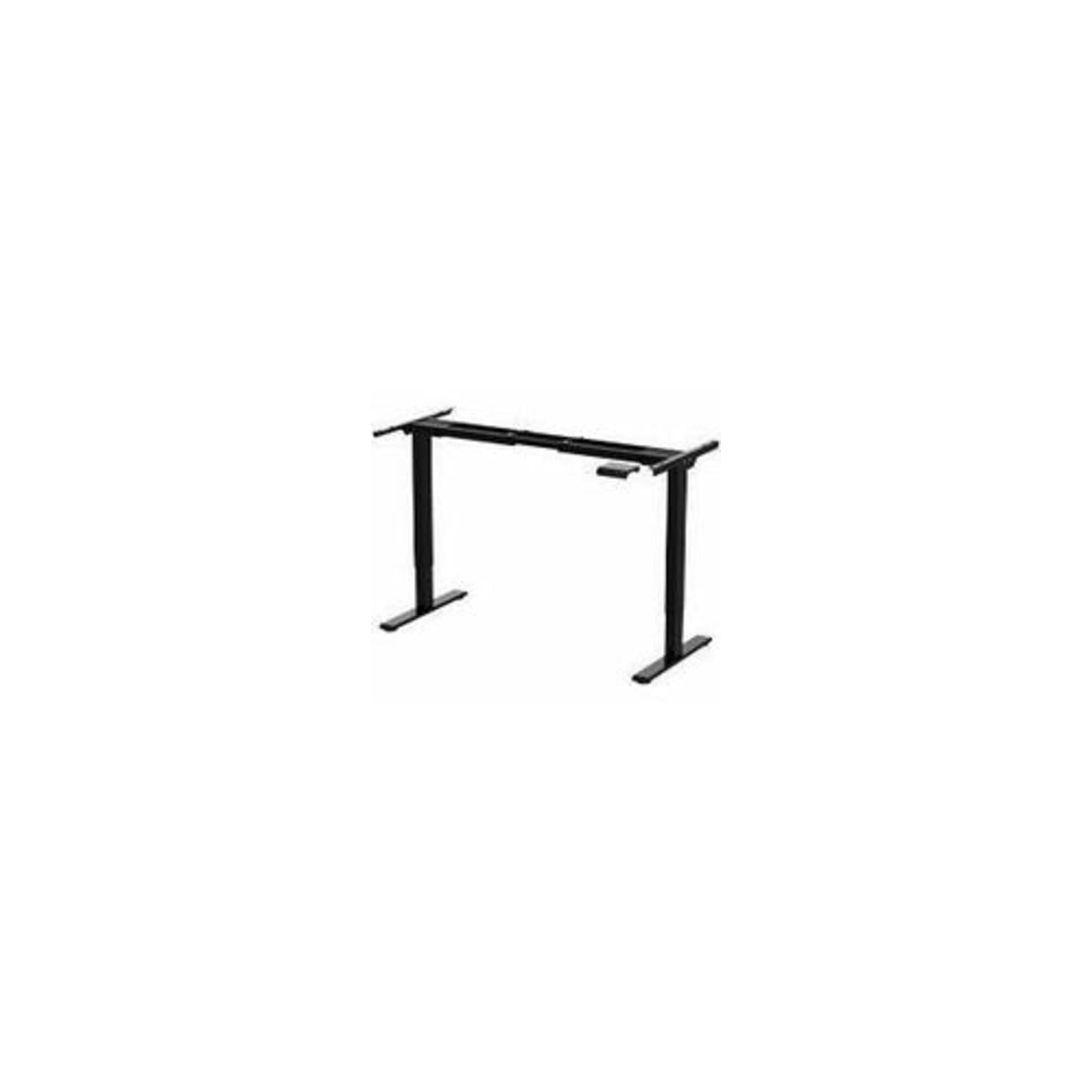
Image: The Humanscale eFloat Go 2.0 T-Shaped Table Base, showing the main structural components including the legs, crossbar, and feet. This image illustrates the base unit without a tabletop.
3. אַסעמבלי סטעפּס
- Attach the feet to the bottom of each leg column using the provided screws. Ensure they are securely fastened.
- Connect the crossbar to the top of the leg columns. Align the pre-drilled holes and secure with the designated bolts.
- Mount your chosen tabletop (sold separately) to the assembled base. Use appropriate screws for your tabletop material, ensuring even distribution and secure attachment.
- Connect the power cable to the control box and then to a grounded electrical outlet.
אַפּערייטינג ינסטראַקשאַנז
1. הייך אַדזשאַסטמאַנט
The eFloat Go 2.0 base allows for smooth height adjustments. Use the control panel to raise or lower the desk.
- צו ארויף ברענגען: Press and hold the 'Up' arrow button on the control panel. Release the button when the desired height is reached.
- צו נידעריקער: Press and hold the 'Down' arrow button on the control panel. Release the button when the desired height is reached.
2. זיכערקייַט גיידליינז
- זיכערט זיך אז עס זענען נישטא קיין שטערונגען העכער אדער אונטערן טיש ווען איר שטעלט צו זיין הייך.
- Do not place hands or other body parts in the path of moving parts.
- איבערלאָדן נישט דעם טיש. זעט די ספּעציפֿיקאַציעס פֿאַר מאַקסימום וואָג קאַפּאַציטעט.
- האַלט קינדער און חיות אַוועק פון דעם טיש בעת אָפּעראַציע.
וישאַלט
1. רייניקונג
To clean the table base, wipe surfaces with a soft, damp cloth. Avoid using abrasive cleaners or solvents, as these can damage the finish. Ensure the power is disconnected before cleaning.
2. רעגולער טשעקס
Periodically check all screws and bolts to ensure they remain tight. Loose fasteners can affect stability and operation. Do not attempt to lubricate internal components.
טראָובלעשאָאָטינג
| פּראָבלעם | מעגלעך סיבה | לייזונג |
|---|---|---|
| טיש רירט זיך נישט | שטראָם קאַבל אָפּגעטיילט; איבערלאַסט; מאָטאָר טעות | קאָנטראָלירט די עלעקטרישע פֿאַרבינדונג; פֿאַרקלענערט די וואָג אויף דעם טיש; נעמט אַרויס דעם שטעקער פֿאַר 30 סעקונדעס און שטעקט אים צוריק אַרײַן. |
| אומגלייכע באַוועגונג | Loose fasteners; Obstruction | Check and tighten all screws/bolts; Remove any obstructions. |
| Desk stops mid-movement | Safety stop engaged (anti-collision); Overheating | אַראָפּנעמען דעם שטערונג; לאָזט דעם מאָטאָר אָפּקילן פֿאַר 20 מינוט. |
ספּעסאַפאַקיישאַנז
| שטריך | דעטאַל |
|---|---|
| סאָרט | הומאַנסקאַלע |
| מאָדעל נומער | FYH12TB |
| פּראָדוקט דימענשאַנז | 24 X 30 X 5 אינטשעס |
| קאָליר | Multicolor (Base is Black) |
| נומער פון זאכן | 1 |
| פאַבריקאַנט | הומאַנסקאַלע |
וואָראַנטי אינפֿאָרמאַציע
Humanscale products are designed for durability and performance. For specific warranty details regarding your eFloat Go 2.0 table base, please refer to the official Humanscale warranty documentation provided with your purchase or visit the Humanscale webזייטל. אפציאנעלע שוץ פלענער קענען זיין פאראן פאר פארלענגערטע קאווערידזש.
שטיצן און קאָנטאַקט
If you require assistance, have questions, or need to report an issue, please contact Humanscale customer support. You can find contact information on the official Humanscale webוועבזייטל אדער דורך אייער בארעכטיגטן הענדלער.
Visit the official Humanscale store for more information: Humanscale Store