
הקדמה
The INAIR Pod (Fan Version) is a portable spatial computing hub designed to enhance your augmented reality experience. This manual provides essential information for setting up, operating, and maintaining your device, ensuring optimal performance and compatibility with various AR glasses and 3D projectors.
This fan-equipped iteration includes hardware upgrades to address heat dissipation issues during simultaneous multi-tasking, ensuring sustained peak performance.
שליסל פֿעיִקייטן
- Enhanced Thermal Management: Fan-equipped version with hardware upgrades for improved heat dissipation during multi-tasking.
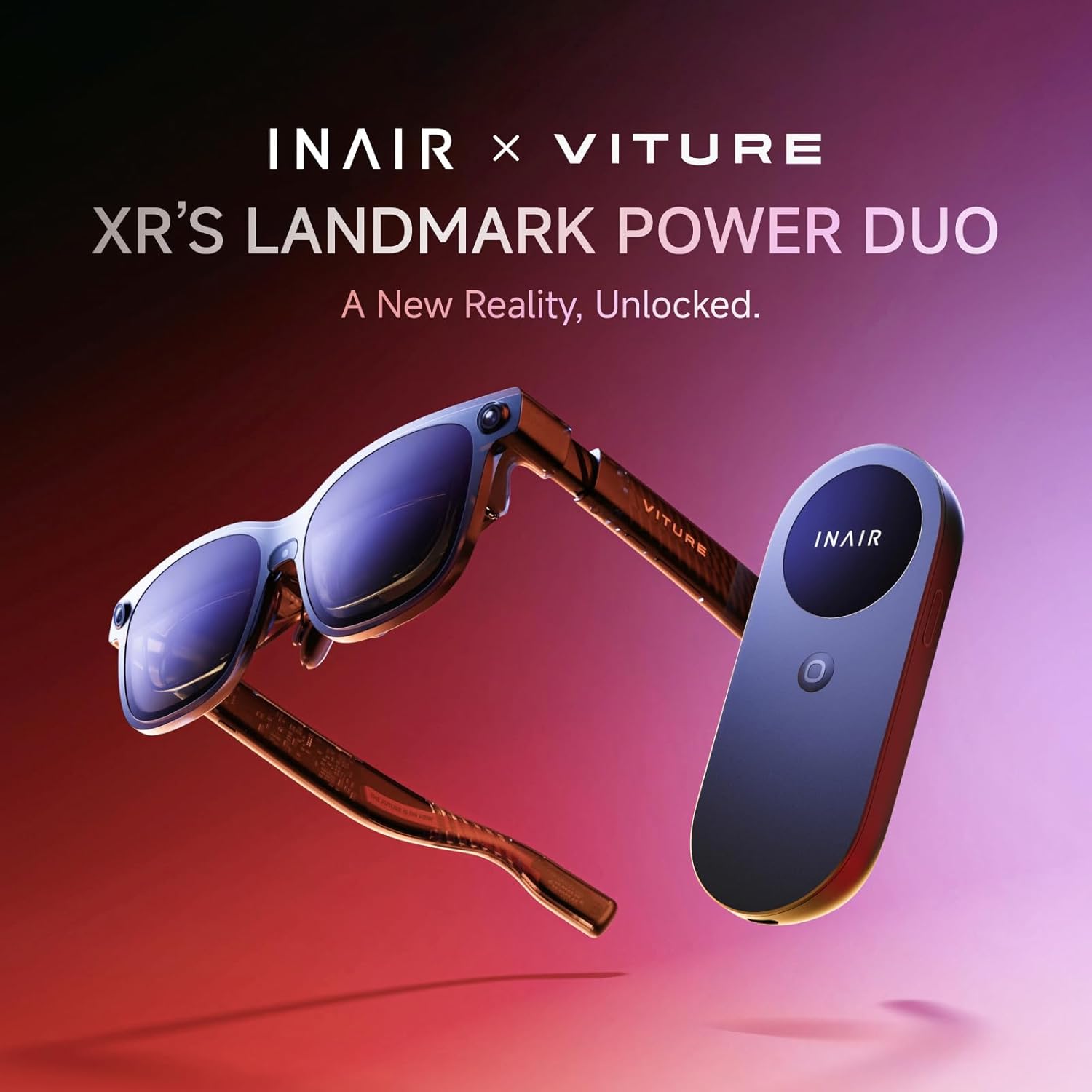
- Broad AR Glasses Compatibility: Fully compatible with mainstream AR glasses including Rokid, VITURE, XREAL, and RayNeo (Note: Rokid supports no 3D).
- צוויי-מאָד קאַנעקטיוויטי: Immersive 3D home theater via HDMI with DLP-Link support, or seamless plug-and-play USB-C integration for presentations and media viewing.
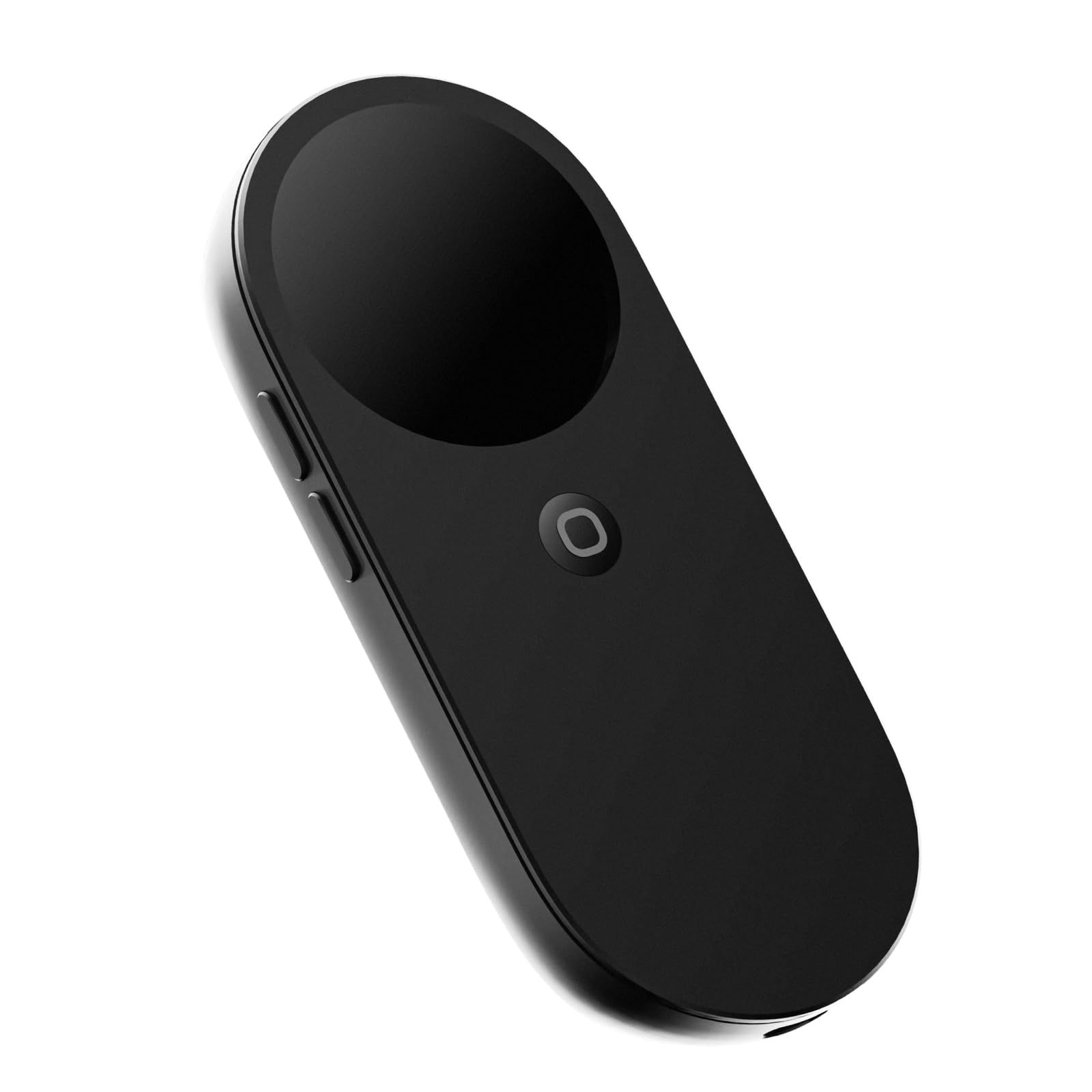
- Portable Spatial Computing: Compact, mouse-sized device integrating processing power, a native spatial operating system, and self-contained 5,000 mAh battery.
- Multi-Screen Control & AI Integration: Supports multiple apps simultaneously on INAIR 2 Pro spatial display, wireless PC streaming, and advanced AI models for intelligent interaction.
- Android Entertainment: Download and install a wide range of Android apps for cinema-style, multi-screen viewing through AR glasses.
- Cross-Platform Streaming: Dual wireless technology to stream games and videos from Windows or Mac PCs to a large AR display, with wireless access to smartphone apps and media.
- Native 3D Spatial Operating System: Supports 3DoF Hover Mode (fixed windows) and 0DoF Follow Mode (windows move with user). Up to six floating windows can be resized, repositioned, or rotated.
- Compact Design with Comprehensive Features: Integrates touch surface, haptic feedback motors, beam-forming microphones, fingerprint recognition, Qualcomm 7-series octa-core processor, 8 GB RAM, and 128 GB storage.
וואָס איז אַרייַנגערעכנט
The INAIR Pod (Fan Version) package typically includes the following items:
- INAIR Pod (Fan Version) Device
- וסב-C צו וסב-C קאַבלע
- הדמי אַדאַפּטער
- באַניצער מאַנואַל
- רייניקונג קלאָט
- נאָז פּאַדס (פאַרשידענע סיזעס)
- קעריינג קאַסע
סעטאַפּ
Connecting to AR Glasses
- Ensure your AR glasses are compatible with INAIR Pod (Rokid, VITURE, XREAL, RayNeo).
- Connect your AR glasses to the INAIR Pod using the appropriate USB-C cable.
- Power on the INAIR Pod. The display should appear in your AR glasses.
Connecting to a Projector (HDMI)
- Ensure your projector supports 3D mode and DLP-Link standard.
- Connect the INAIR Pod to your projector using the HDMI adapter.
- Select the correct HDMI input on your projector.
Connecting to a Computer (USB-C)
- Connect the INAIR Pod to your Windows or Mac PC using a USB-C cable.
- The computer should recognize the INAIR Pod as an external display.
אַפּערייטינג ינסטראַקשאַנז
Touchpad Interaction
The INAIR Pod features an intuitive touchpad for navigation. Use gestures and dedicated buttons for various functions:
- מאַך לויפֿער: Slide your finger within the center range of the touchpad.
- דריקט: Tap within the center range of the touchpad.
- Scroll Pages: Slide your finger along the side edges (up/down for vertical, left/right for horizontal).
- באַנד קאָנטראָל: Use dedicated volume buttons on the side.
- פאַרשטעלן אויף / אַוועק: Click the Fn function key.
- שפּיל / פּויזע מוזיק: Fn + Camera key.
- ברייטנאַס אַדזשאַסטמאַנט: Fn + Right edge slide.
Spatial Operating System (OS)
The native 3D spatial OS offers two primary display modes:
- 3DoF Hover Mode: Windows remain fixed in space, ideal for stationary viewing.
- 0DoF Follow Mode: Windows move naturally with your head movements, providing a seamless experience.
You can manage up to six floating windows simultaneously, resizing, repositioning, or rotating them between portrait and landscape views.

אַי אַססיסטאַנט
The INAIR Pod integrates advanced AI models for simple, intelligent interaction. Long-press the Pod's Home button to instantly activate the AI assistant and issue voice commands.

קאַמפּאַטאַבילאַטי
The INAIR Pod is designed for wide compatibility:
- AR Glasses: Rokid, VITURE, XREAL, RayNeo (Note: Rokid does not support 3D).
- 3D Projectors: Supports DLP-Link 3D projection standard via HDMI.
- קאָמפּיוטערס: Windows and Mac PCs for streaming and extended display.
- סמאַרטפאָנעס: Wireless access to smartphone apps, files, און מידיאַ.

באַטאַרייע & טשאַרדזשינג
The INAIR Pod is equipped with a 5,000 mAh battery, supporting up to one month of standby time for extended use. Charging is done via the USB-C port.
טערמאַל מאַנאַגעמענט
The Fan Version of the INAIR Pod includes hardware upgrades with an 18,000 RPM high-speed active cooling system. This effectively addresses heat dissipation issues encountered during multiple tasks, ensuring stable and sustained peak performance by keeping temperatures lower.

אַפּאַראַט פאַנגקשאַנאַליטי
The INAIR Pod features a built-in camera for capturing photos and videos. It supports various aspect ratios and offers electronic image stabilization for smoother recordings. The camera is a 16MP ultra-wide lens.
טראָובלעשאָאָטינג
Remote Cross-Network Streaming Issues
Due to limitations from different regional carrier environments, remote cross-network streaming may not be supported on certain carrier networks in specific areas. If you encounter this issue, try switching to another carrier network. The R&D team is actively working on adapting to networks in different regions to broaden remote streaming support in the future.
ספּעסאַפאַקיישאַנז
| שטריך | דעטאַל |
|---|---|
| סאָרט | INAIR |
| מאָדעל נאָמען | INAIR Pod |
| פּונקט וואָג | 158 גראַמז (5.6 אונסעס) |
| פּעקל דימענשאַנז | 7.64 X 4.13 X 1.34 אינטשעס |
| קאָליר | שוואַרץ |
| פּראַסעסער | Qualcomm 7-series octa-core |
| ראַם זכּרון אינסטאַלירט גרייס | 8 גיגאבייט |
| סטאָרידזש | 128 גיגאבייט |
| באַטערי | 5,000 mAh (1 Product Specific battery included) |
| קאַנעקטיוויטי טעכנאָלאָגיע | Bluetooth, Displayport, USB, Wi-Fi |
| קאַנעקטער טיפּ | HDMI, וסב |
| האַכלאָטע | 4k |
| ספּעציעלע פֿעיִקייטן | 3d-Ready, Built-In Cooling System, Lightweight, Wi-Fi Ready |
| שטיצט אינטערנעט באַדינונגס | Netflix, Hulu, Amazon Prime Video, Disney+, HBO Max, Apple TV+, YouTube, Spotify |
וואָראַנטי & שטיצן
For custom prescription lenses, please visit the official INAIR webפּלאַץ בייַ www.inairspace.com or contact their support for ordering and details. Fees may apply.
