
1. הקדמה
This manual provides instructions for the setup, operation, maintenance, and troubleshooting of your LETSUNG Golite11 Mini PC. The Golite11 is a compact desktop computer designed for various tasks, from web browsing and office applications to light gaming and multimedia playback. It features an Intel Celeron N4000 processor, 6GB LPDDR4 RAM, and a 128GB M.2 SSD, offering efficient performance in a small form factor.
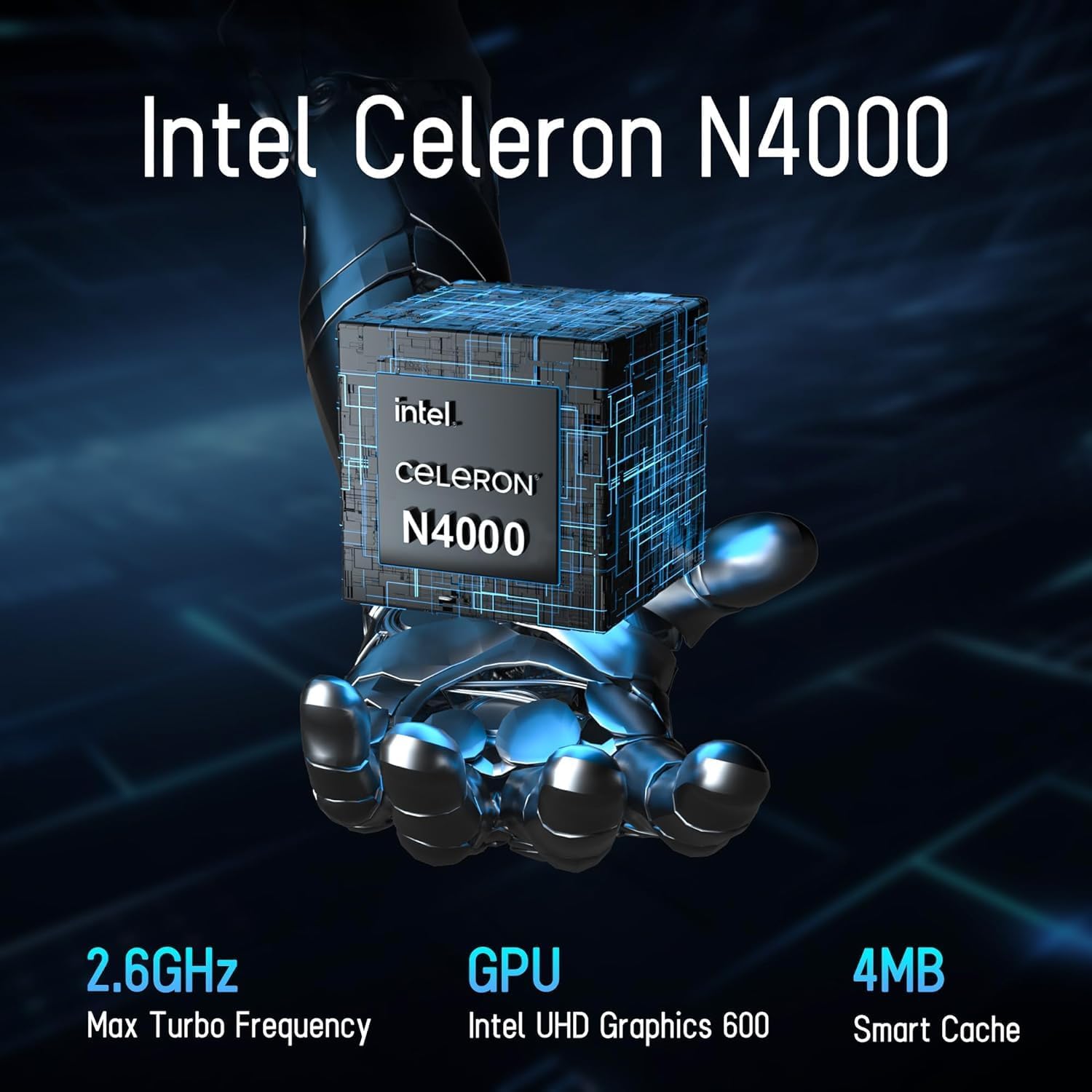
Image 1.1: LETSUNG Golite11 Mini PC, front view.
2. וואָס איז אין דער קעסטל
באַשטעטיקן אַז אַלע זאכן זענען פאַראַן אין פּעקל:
- 1 x Golite 11 Mini PC
- 1 x HDMI קאַבלע
- 1 x וועסאַ מאָונט
- 1 x מאַכט אַדאַפּטער
- 1 x באַניצער גייד
3. פּראָדוקט איבערview
3.1. פּראַסעסאָר און זכּרון
The Golite11 Mini PC is equipped with an Intel Celeron N4000 processor, providing efficient performance for daily computing tasks. It includes 6GB of LPDDR4 RAM for smooth multitasking.

Image 3.1: Intel Celeron N4000 Processor.

Image 3.2: DDR4 Memory Module.
3.2. סטאָרידזש
The device comes with a 128GB M.2 SATA SSD, offering fast boot times and data access. Storage can be expanded up to 512GB.
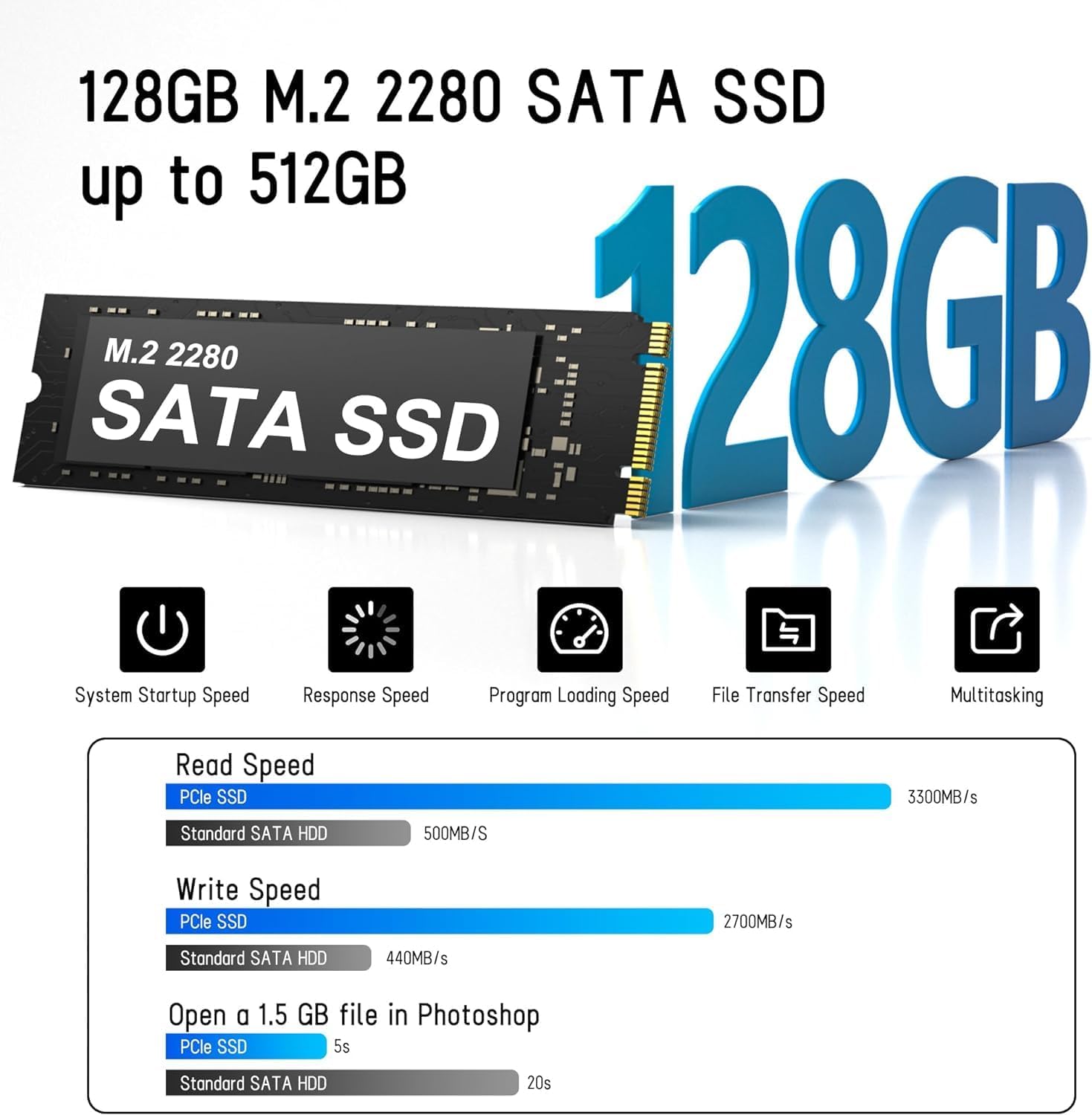
Image 3.3: M.2 SATA SSD.
3.3. פּאָרטן און קאַנעקטאָרס
The Golite11 Mini PC features a variety of ports for connectivity:
- מאַכט קנעפּל: צו קער די מיטל אויף אָדער אַוועק.
- 3.5 מם כעדפאָון דזשאַק: פֿאַר אַודיאָ רעזולטאַט.
- יו-עס-בי 3.2 דור 1 פּאָרטן: Multiple ports for connecting peripherals.
- RJ45 לאַן פּאָרט: פֿאַר אַ דראָטיקער נעץ פֿאַרבינדונג.
- HDMI 1.4 פּאָרטן: Two ports for connecting displays.
- DC Jack: פֿאַר מאַכט אַרייַנשרייַב.

בילד 3.4: דעטאַלירט view of ports and connectors.
4. סעטאַפּ
Follow these steps to set up your LETSUNG Golite11 Mini PC:
- פאַרבינדן צו אַ דיספּליי: Use the provided HDMI cable to connect the Mini PC to a monitor or TV. The device supports dual displays.
- פאַרבינדן פּעריפעראַלס: שטעקט אריין אייער USB קלאַוויאַטור און מויז אין די פאַראַן USB פּאָרץ.
- פאַרבינדן מאַכט: Connect the power adapter to the DC jack on the Mini PC, then plug the adapter into a power outlet.
- מאַכט אויף: Press the power button located on the device. The system will boot up.
- ערשטע ווינדאָוס סעטאַפּ: Follow the on-screen instructions to complete the initial Windows operating system setup, including language, region, and network configuration.
5. אַפּערייטינג ינסטרוקטיאָנס
5.1. יקערדיק אָפּעראַציע
Once the initial setup is complete, your Mini PC is ready for use. Navigate the operating system using your connected keyboard and mouse. You can install applications, browse the internet, and perform other computing tasks.
5.2. Dual Display Setup
The Golite11 supports connecting two displays simultaneously for an extended desktop experience. Connect a second monitor using the additional HDMI port. The operating system should automatically detect the second display. You can configure display settings (e.g., extend, duplicate) through the display settings in your operating system.

Image 5.1: Dual display setup with the Mini PC.
5.3. נעץ קאַנעקטיוויטי
- ווי-פי: The Mini PC supports WiFi 5.0. To connect to a wireless network, go to your operating system's network settings, select your desired Wi-Fi network, and enter the password.
- עטהערנעט: For a wired connection, connect an Ethernet cable from your router or modem to the RJ45 LAN port on the Mini PC.
5.4. Bluetooth Devices
The Mini PC supports Bluetooth 4.2. To pair Bluetooth devices (e.g., headphones, speakers), enable Bluetooth in your operating system's settings, search for devices, and follow the pairing instructions.
6. וישאַלט
6.1. רייניקונג
To maintain optimal performance, keep the Mini PC clean. Use a soft, dry cloth to wipe the exterior. For dust accumulation in vents, use compressed air. Ensure the device is powered off and unplugged before cleaning.

Image 6.1: Internal cooling system for efficient heat dissipation.
6.2. ווייכווארג דערהייַנטיקונגען
Regularly update your operating system and drivers to ensure security, stability, and optimal performance. Check for updates through your operating system's settings.
6.3. סטאָרידזש יקספּאַנשאַן
The internal M.2 SATA SSD can be upgraded up to 512GB. Refer to the detailed instructions for internal component access if you plan to upgrade the storage. It is recommended to seek professional assistance for hardware upgrades.
7. טראָובלעשאָאָטינג
אויב איר טרעפט פּראָבלעמען מיט אייער מיני פּיסי, זעט די פאלגענדע געוויינטלעכע פּראָבלעמען און לייזונגען:
- קיין מאַכט:
- זיכער מאַכן אַז דער מאַכט אַדאַפּטער איז זיכער פארבונדן צו ביידע די מיני פּיסי און אַ אַרבעטנדיק מאַכט ווענטיל.
- באַשטעטיקן אַז די עלעקטרישע ווענטיל אַרבעט דורך אַרײַנשטעקן אַן אַנדער דעוויס.
- קיין ווייַז:
- Check that the HDMI cable is firmly connected to both the Mini PC and the monitor.
- Ensure the monitor is powered on and set to the correct input source (HDMI).
- פרובירט אן אנדערן HDMI קאבל אדער מאָניטאָר אויב מעגלעך.
- פּאַמעלעך פאָרשטעלונג:
- שליסט אומנייטיקע אַפּליקאַציעס וואָס לויפן אין הינטערגרונט.
- Check for and install any available operating system updates.
- זייט זיכער אז עס איז גענוג פריי פלאץ אויפן SSD.
- נעץ קאָנעקטיוויטי פּראָבלעמען:
- For Wi-Fi, ensure the correct password is entered and the signal strength is adequate.
- For Ethernet, check the cable connection and ensure your router/modem is working correctly.
- Restart your router/modem and the Mini PC.
8. ספּעסאַפאַקיישאַנז
| שטריך | באַשרייַבונג |
|---|---|
| מאָדעל | Golite11 |
| פּראַסעסער | Intel Celeron N4000 (2 Cores, 2 Threads, up to 2.8 GHz) |
| גראַפיקס | Intel UHD Graphics 600 |
| באַראַן | 6 גיגאבייט LPDDR4 |
| אינערלעכער סטאָרידזש | 128GB M.2 SATA SSD (Expandable up to 512GB) |
| אָפּערייטינג סיסטעם | Pre-installed (e.g., Windows 11, specific version may vary) |
| ווידעא רעזולטאַט | 2 x HDMI 1.4 (Supports 1920x1080 @60Hz, Dual Display) |
| וסב פּאָרץ | 4 X USB 3.2 Gen 1 |
| נעץ | WiFi 5.0, Bluetooth 4.2, 1 x RJ45 LAN Port |
| אַודיאָ | 1 רענטגענ 3.5 מם כעדפאָון דזשאַק |
| דימענשאַנז | אומגעפער 4.52 אינטשעס x 4.42 אינטשעס x 1.61 אינטשעס |
| וואָג | בעערעך. 0.6 לב |
| קאָאָלינג סיסטעם | Built-in ultra-low power cooling fan |
9. וואָראַנטי און שטיצן
LETSUNG products are designed for reliability and performance. For warranty information, please refer to the warranty card included with your purchase or visit the official LETSUNG website. For technical support, troubleshooting assistance beyond this manual, or service inquiries, please contact LETSUNG customer support through the contact information provided on the official webוועבזייטל אדער אייער קויפן פּלאַטפאָרמע.
ביטע האַלטן דיין דערווייַז פון קויפן פֿאַר וואָראַנטי קליימז.