
1. פּראָדוקט איבערview
The SGIN Y101 is a 15.6-inch laptop designed for everyday computing tasks, featuring a Core i3 processor, 16GB RAM, and a 1024GB SSD. It operates on Windows 11 Home and includes a backlit keyboard, WiFi 6 connectivity, and a 180-degree hinge for flexible use.

Image: SGIN Y101 Laptop highlighting its Core i3 processor, Windows 11, 7000mAh battery, backlit keyboard, WiFi 6, 180-degree hinge, 16GB RAM, and 1024GB SSD.
2. וואָס איז אין דער קעסטל
- 1 x SGIN Y101 Laptop
- 1 x מאַכט אַדאַפּטער/טשאַרדזשער
- 1 x באַניצער מאַנואַל (דאָס דאָקומענט)
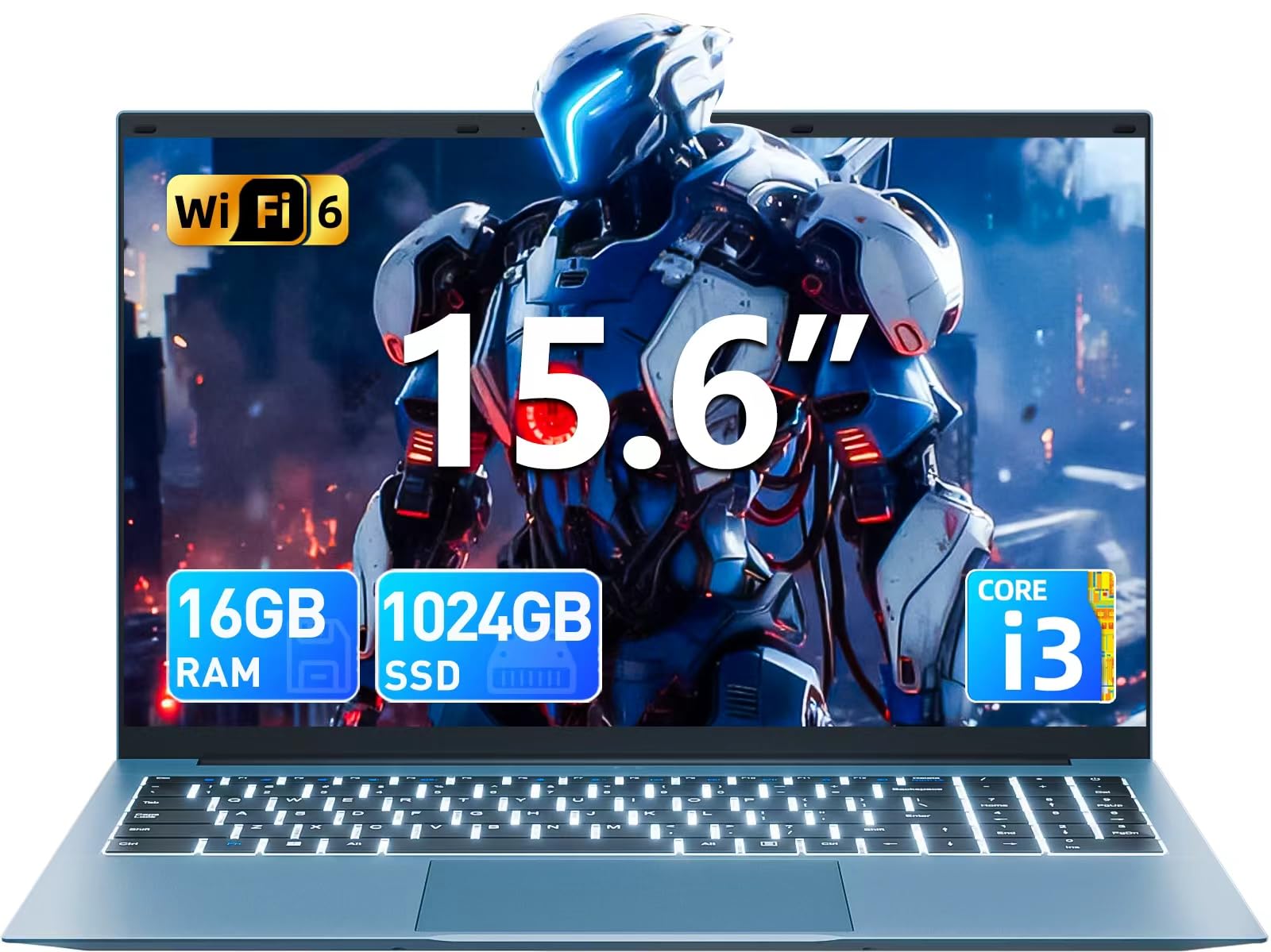
Image: The SGIN Y101 laptop, its power adapter, and the user manual as typically found in the product packaging.
3. סעטאַפּ
3.1 ערשטע אויפלאדונג און אײַנשאַלטן
- פאַרבינדן די מאַכט אַדאַפּטער: Plug the power adapter into the DC jack on the side of the laptop and then into a power outlet.
- טשאַרדזשינג די באַטאַרייע: לאָזט דעם לאַפּטאָפּ זיך אויפלאָדן פֿאַר לפּחות 30 מינוט איידער איר ניצט עס ערשט, אָדער ביז דער באַטאַרייע אינדיקאַטאָר ווײַזט גענוגיק אויפלאָדן.
- מאַכט אויף: Open the laptop lid and press the power button, usually located on the top right of the keyboard, to turn on the device.
3.2 ווינדאָוס 11 סעטאַפּ
פֿאָלגט די אינסטרוקציעס אויף דעם עקראַן צו פֿאַרענדיקן די ערשטע Windows 11 Home סעטאַפּ. דאָס טיפּיש כולל:
- אויסקלייבן אייער ראיאן און קלאַוויאַטור אויסלייג.
- Connecting to a Wi-Fi network (WiFi 6 supported).
- זיך אריינלאָגירן מיט אדער שאַפֿן אַ מייקראָסאָפֿט חשבון.
- אויפשטעלן א PIN אדער פּאַראָל.
3.3 קאַנעקטינג פּעריפעראַלס
The SGIN Y101 laptop offers various ports for connecting external devices:
בילד: דעטאַלירט view of the laptop's multiple interfaces, including DC jack, Type-C, HDMI, USB 3.2, Security lock, TF card slot, 3.5mm Headphone jack, and RJ45 Ethernet port.
- יו-עס-בי 3.0/3.2 פּאָרטן: פֿאַר פֿאַרבינדן USB דעוויסעס ווי מײַז, קלאַוויאַטורן, אָדער פונדרויסנדיק סטאָרידזש.
- הדמי פּאָרט: פאַרבינדן צו אַן עקסטערנעם מאָניטאָר אָדער טעלעוויזיע פֿאַר אַ פֿאַרלענגערטע אַרויסווייַזונג.
- טיפּ-C פּאָרט: For data transfer and potentially charging compatible devices.
- מיקראָ סד שפּעלטל: Insert a TF card for expanded storage up to 1TB.
- 3.5 מם כעדפאָון דזשאַק: פאַרבינדן כעדפאָונז אָדער פונדרויסנדיק ספּיקערז.
- RJ45 עטהערנעט פּאָרט: פֿאַר אַ דראָטיקער אינטערנעט פֿאַרבינדונג.
- Kensington Lock Slot: פֿאַר פֿיזישע זיכערהייט.
4. אפערירן דעם לאַפּטאָפּ
4.1 קלאַוויאַטור און טאָוטשפּאַד
The laptop features a full-size keyboard with a numeric keypad and a large touchpad for navigation. The keyboard is backlit for use in low-light conditions.
- באַקלייט קלאַוויאַטור: דרוק Fn + F5 to toggle the keyboard backlight on or off.
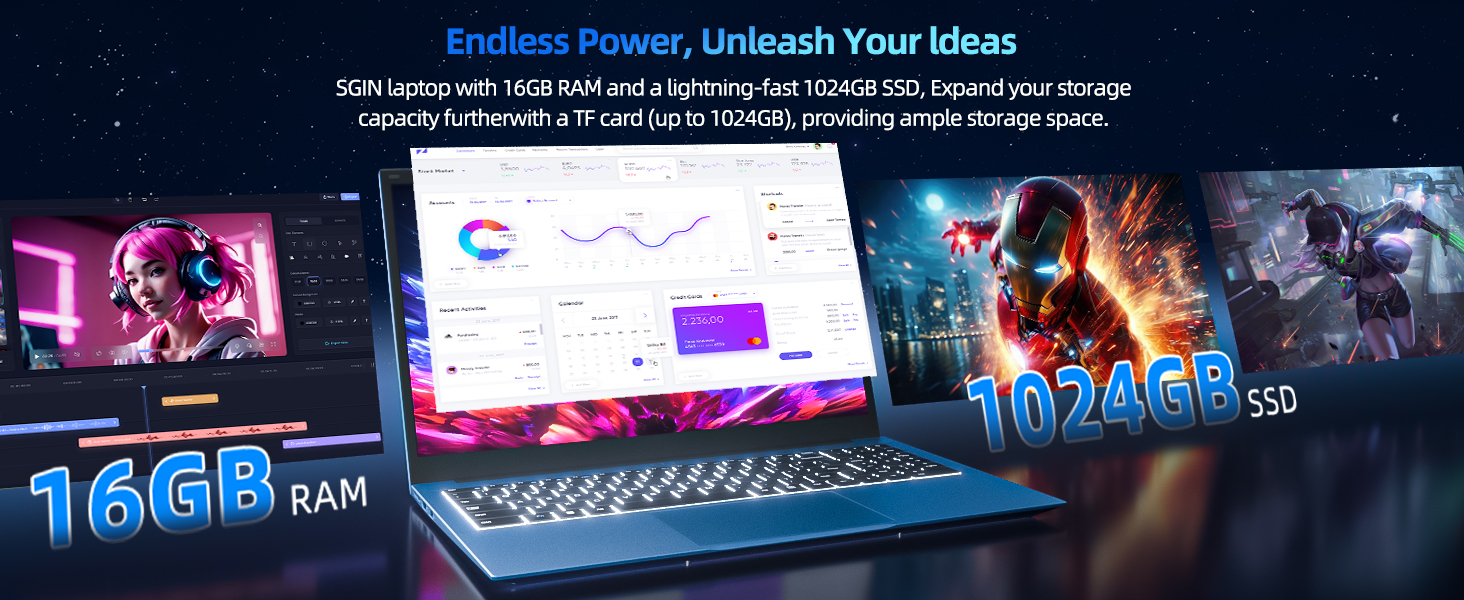
Image: Close-up of the SGIN Y101 laptop's backlit keyboard and numeric keypad, illustrating the Fn+F5 shortcut for backlight control.
4.2 ווייַז פֿעיִקייטן
The 15.6-inch Full HD (1920x1080) IPS screen provides clear visuals and wide viewing angles. The laptop also features a 180-degree hinge, allowing the screen to lay flat for easy sharing and collaboration.
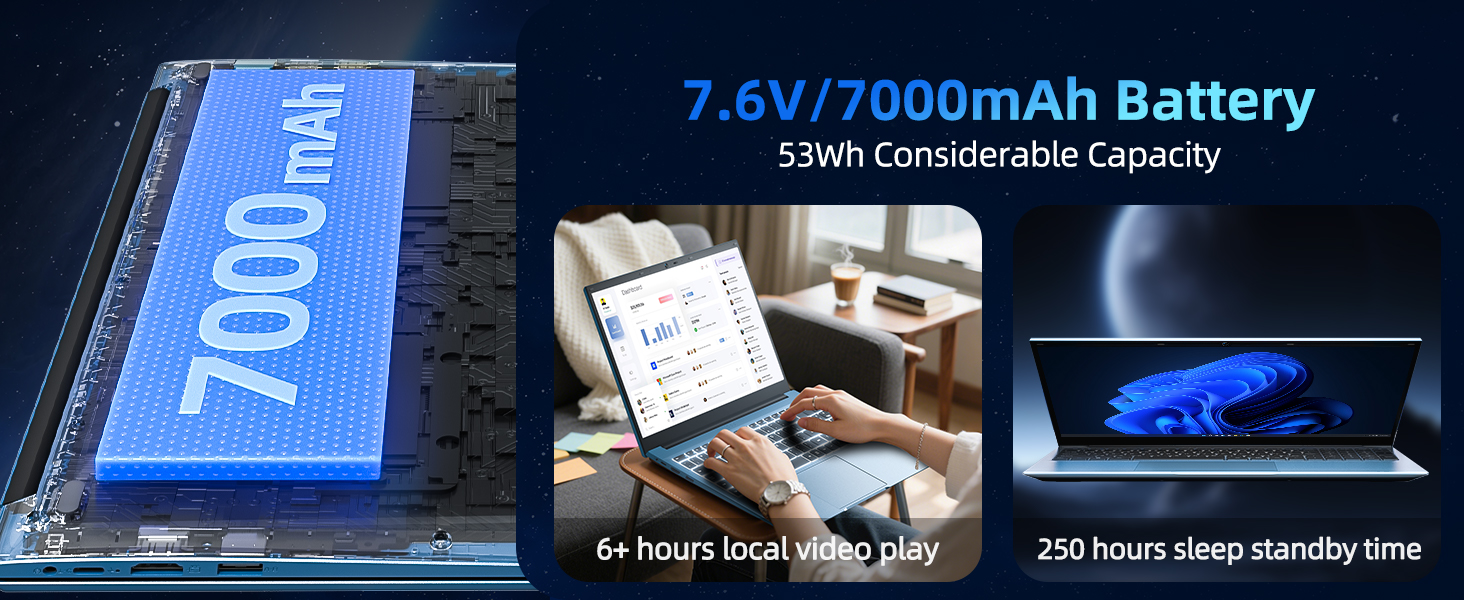
Image: The SGIN Y101 laptop displaying vibrant visuals on its 15.6-inch Full HD IPS screen.
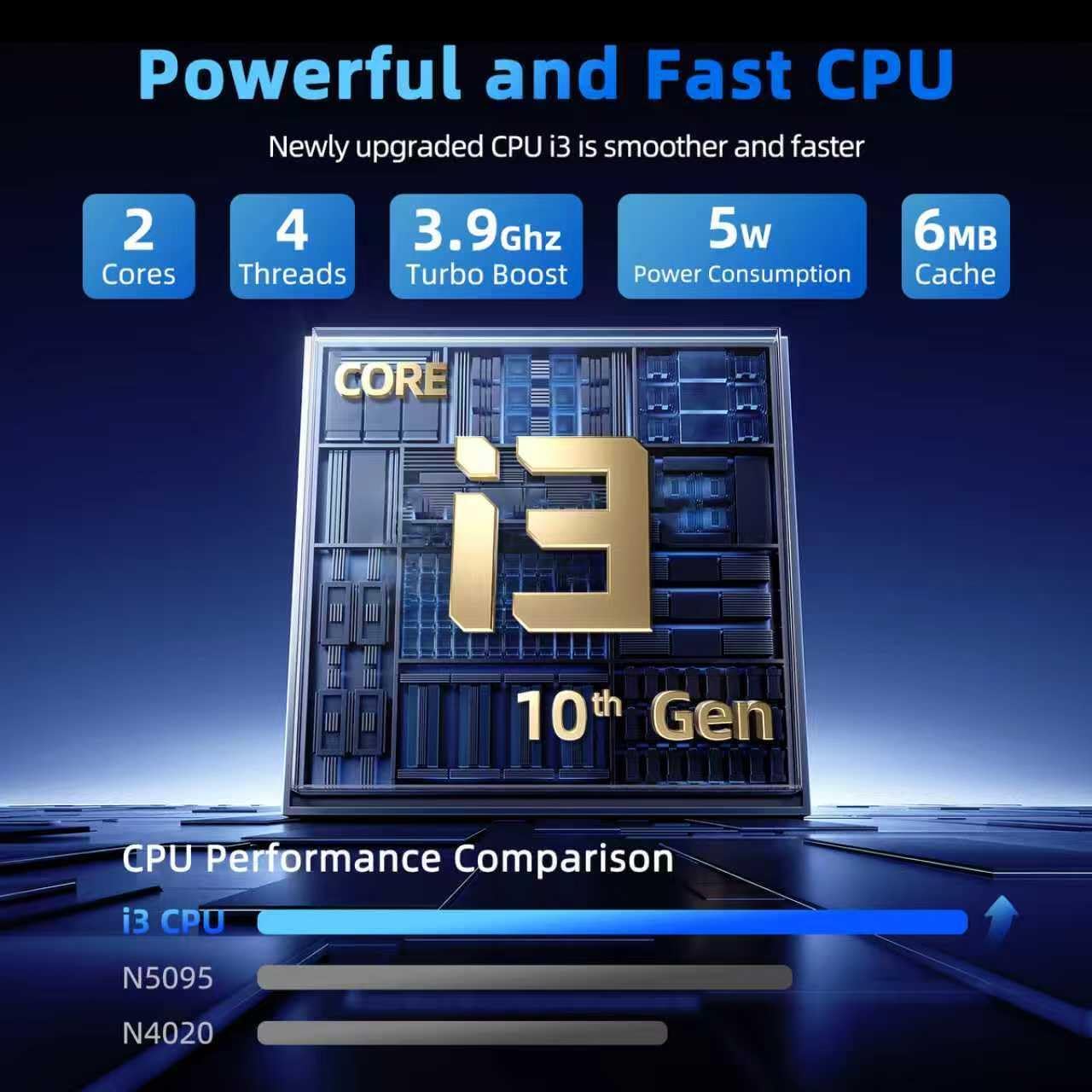
Image: The SGIN Y101 laptop open, illustrating its 180-degree hinge design for flexible viewינג און ייַנטיילונג.
4.3 פּריוואַטקייט Webקאַם קאָווער
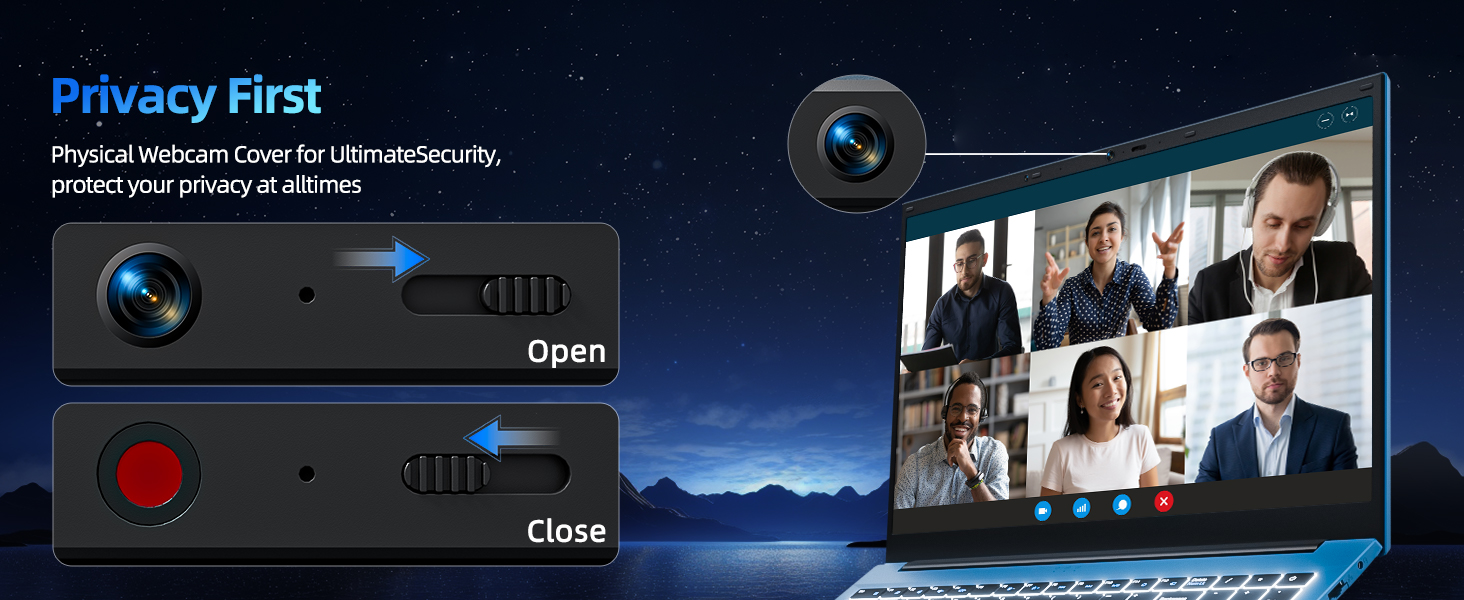
For enhanced privacy, the laptop includes a built-in physical webcam switch. Slide the cover to open or close the webקאַם ווי דארף.
5. וישאַלט
5.1 אַלגעמיינע קער
- פֿאַרמײַדט אויסשטעלן דעם לאַפּטאָפּ צו עקסטרעמע טעמפּעראַטורן, דירעקטע זונשײַן, אָדער הויכע פֿײַכטקייט.
- האַלטן ליקווידס אַוועק פון די מיטל.
- באַהאַנדלט דעם לאַפּטאָפּ מיט פֿאָרזיכט צו פֿאַרמייַדן פֿיזישע שאָדן.
5.2 רייניקונג
- ניצט אַ ווייכן, לינט-פֿרייע שטאָף צו רייניקן דעם עקראַן און דעם אויסערן.
- פֿאַר שווערע מאַרקן, אַ ביסל דampווישט דעם שטאָף מיט וואַסער אָדער אַ פאַרשטעלן-זיכערן רייניגער.
- Do not spray cleaners directly onto the laptop.
5.3 באַטערי קער
- כדי צו פארלענגערן די לעבן פון די באַטעריע, זאָל מען נישט אָפט אויסלאָדן די באַטעריע גאָר.
- האַלט דעם לאַפּטאָפּ אין אַ קיל, טרוקן אָרט אויב עס ווערט נישט גענוצט פֿאַר לענגערע צייטן.
- The 7000mAh/53.2Wh battery provides up to 8 hours of typical use.

Image: Visual representation of the SGIN Y101 laptop's 7000mAh/53.2Wh large capacity battery, indicating its suitability for extended use.
6. טראָובלעשאָאָטינג
This section addresses common issues you might encounter with your SGIN Y101 laptop.
6.1 Power and Boot Issues
- לאַפּטאָפּ טוט זיך נישט אָנצינדן: זיכער מאַכן אַז דער מאַכט אַדאַפּטער איז זיכער פארבונדן און די באַטאַרייע איז גענוג אָפּגעלאָדן. פּרוּווט אַן אַנדער מאַכט אַוטלעט.
- Laptop turns on but screen is black: Connect to an external monitor via HDMI to check if the display is the issue. Restart the laptop.
6.2 ווייַז און גראַפיקס
- Screen flickering or unusual display: Update graphics drivers. If connecting to an external display, ensure the cable is secure.
- Screen appears dim or too bright: Adjust brightness settings in Windows or using keyboard function keys.
6.3 קאָנעקטיוויטי פּראָבלעמען
- Wi-Fi פֿאַרבינדט זיך נישט: Check if Wi-Fi is enabled in Windows settings. Restart your router and the laptop. Ensure correct password entry.
- USB דעוויסעס נישט דערקענט: פרובירט אן אנדערן USB פּאָרט. זיכערט זיך אז די דרייווערס זענען אינסטאלירט.
6.4 קלאַוויאַטור און טאָוטשפּאַד
- קלאַוויאַטור רעאַגירט נישט: Restart the laptop. Ensure no foreign objects are under the keys.
- טאָוטשפּאַד אַרבעט נישט: Check Windows settings to ensure the touchpad is enabled. Restart the laptop.
- באַקלייט אַרבעט נישט: דרוק Fn + F5 to ensure it's toggled on.
If you encounter persistent issues not covered here, please refer to the support section for assistance.
7. ספּעסאַפאַקיישאַנז
| שטריך | דעטאַל |
|---|---|
| מאָדעל נאָמען | SGIN-Y101 |
| פּראַסעסער | Intel Core i3-10100 (2-core, 4-thread, 6MB cache, up to 3.9GHz) |
| באַראַן | 16GB DDR3 SDRAM |
| סטאָרידזש | 1024GB SSD (expandable with TF card up to 1TB) |
| ווייַז | 15.6-inch Full HD (1920x1080) IPS |
| אָפּערייטינג סיסטעם | Windows 11 היים |
| באַטערי | 7000mAh / 53.2Wh (up to 8 hours battery life) |
| ווירעלעסס קאַנעקטיוויטי | וויי-פיי 6 (802.11ax) |
| פּאָרץ | USB 3.0, HDMI, Micro SD slot, Type-C, Kensington lock, 3.5mm Headphone jack, RJ45 Ethernet |
| דימענשאַנז (LxWxH) | 15.6 X 9 X 0.6 אינטשעס |
| וואָג | 4.97 פונט |
| קאָליר | גרוי |
8. וואָראַנטי און שטיצן
Your SGIN Y101 laptop comes with comprehensive support and warranty:
- 1-יאָר שוץ: Enjoy a 1-year protection plan covering manufacturing defects.
- 1-יאָר רעפּאַראַטור סערוויס: The product includes a 1-year repair service.
- 30-טאָג קריק פּאָליטיק: Eligible for returns within 30 days of purchase.
- 24/7 קונה שטיצן: Access instant customer help for any queries or issues.
For support, please contact SGIN customer service through the official channels provided at the time of purchase or on the SGIN webפּלאַץ.
9. פּראָדוקט דעמאָנסטראַציע ווידעאָ
Watch this official video for a visual guide on the SGIN 15.6 Inch Laptop Computer's features and connectivity options.
ווידעא: אן איבערview and demonstration of the SGIN 15.6-inch laptop, showcasing its design, features, and available ports.