
הקדמה
Welcome to the FUNYET NY-08 16-inch laptop user manual. This document provides essential information to help you get started with your new laptop, understand its features, and troubleshoot common issues. Please read through this manual carefully to ensure optimal performance and longevity of your device.
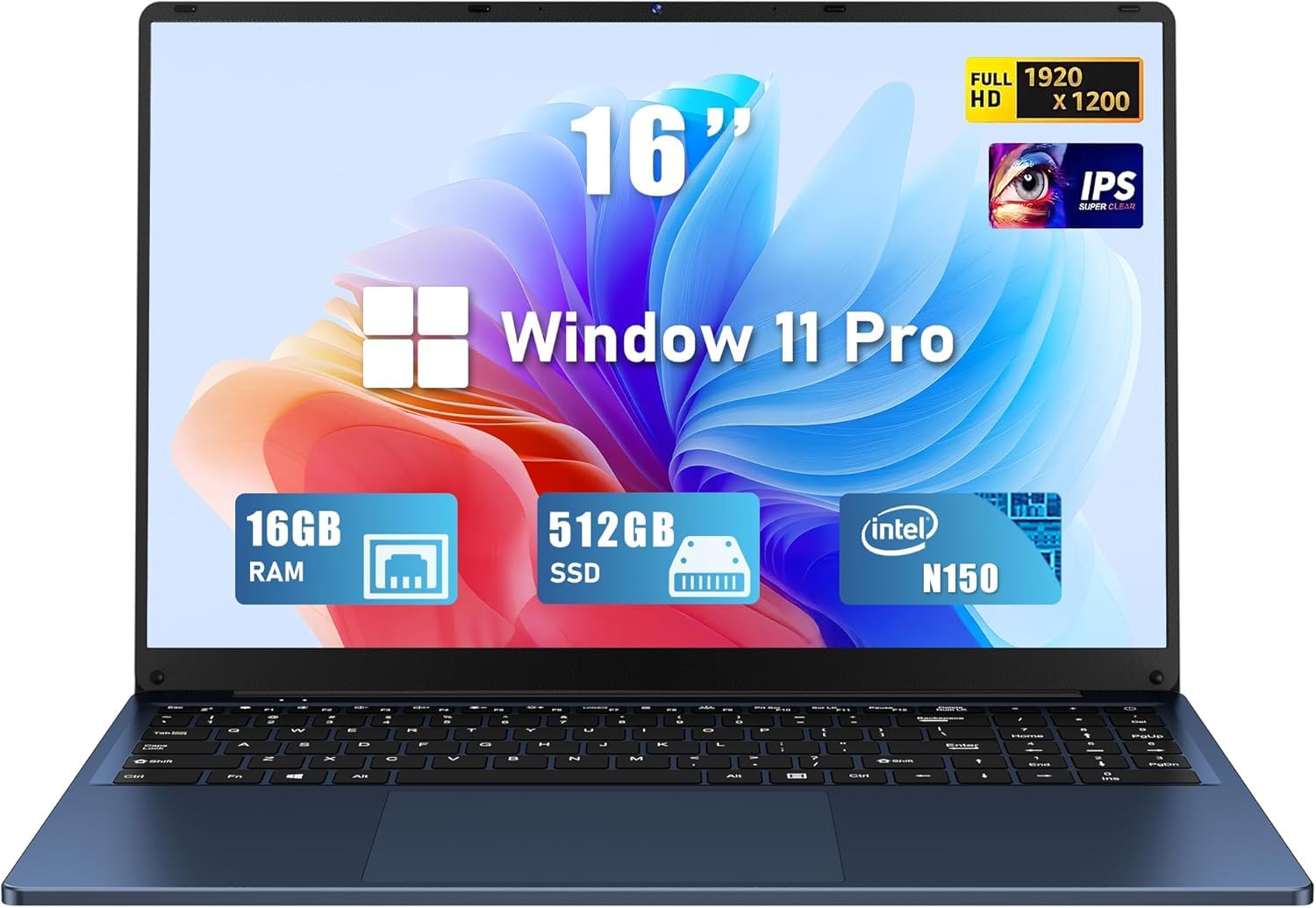
Figure 1: FUNYET NY-08 16-inch laptop.
סעטאַפּ
Your FUNYET NY-08 laptop comes pre-installed with Windows 11 Pro and Microsoft Office 365, ensuring you can start working and creating immediately after initial setup.
- מאַכט אויף: Connect the AC adapter to the laptop's 12V/3A DC port and a power outlet. Press the power button to turn on the laptop.
- ערשטע ווינדאָוס סעטאַפּ: פֿאָלגט די אינסטרוקציעס אויף דעם עקראַן צו פֿאַרענדיקן די Windows 11 Pro סעטאַפּ, אַרייַנגערעכנט שפּראַך אויסוואַל, נעץ פֿאַרבינדונג און באַניצער חשבון שאַפונג.
- Office 365 Activation: Once Windows is set up, launch any Office application (e.g., Word, Excel) and follow the instructions to activate your pre-installed Microsoft Office 365 subscription.

Figure 2: Windows 11 Pro desktop with Office 365.
פֿעיִקייטן
- פאָרשטעלונג: Powered by a 13th generation Intel Celeron N150 processor, offering speeds up to 3.6 GHz. It includes 16GB RAM and a 512GB high-speed SSD for efficient multitasking and data management.
- ווייַז: Features a 16-inch Full HD IPS display with a 1920x1200 resolution. The 0.2-inch micro bezel and 90% screen-to-body ratio provide an immersive viewינג דערפאַרונג.
- קלאַוויאַטור: Equipped with a backlit keyboard and a numeric keypad for comfortable and efficient typing in various lighting conditions. It also features a large touchpad.
- פּלאַן: Ultra-portable design, weighing only 3.5 pounds with a sleek 0.8-inch thickness. The laptop supports a 180° opening, allowing it to lay completely flat.
- פּאָרץ: Includes 2x USB 3.0 ports, 1x USB 2.0 port, 1x Mini HDMI port, and a 3.5mm headphone jack.
- באַטערי: Upgraded 6000mAh battery provides up to 6 hours of battery life.

Figure 3: Intel Twin Lake N150 Processor details.
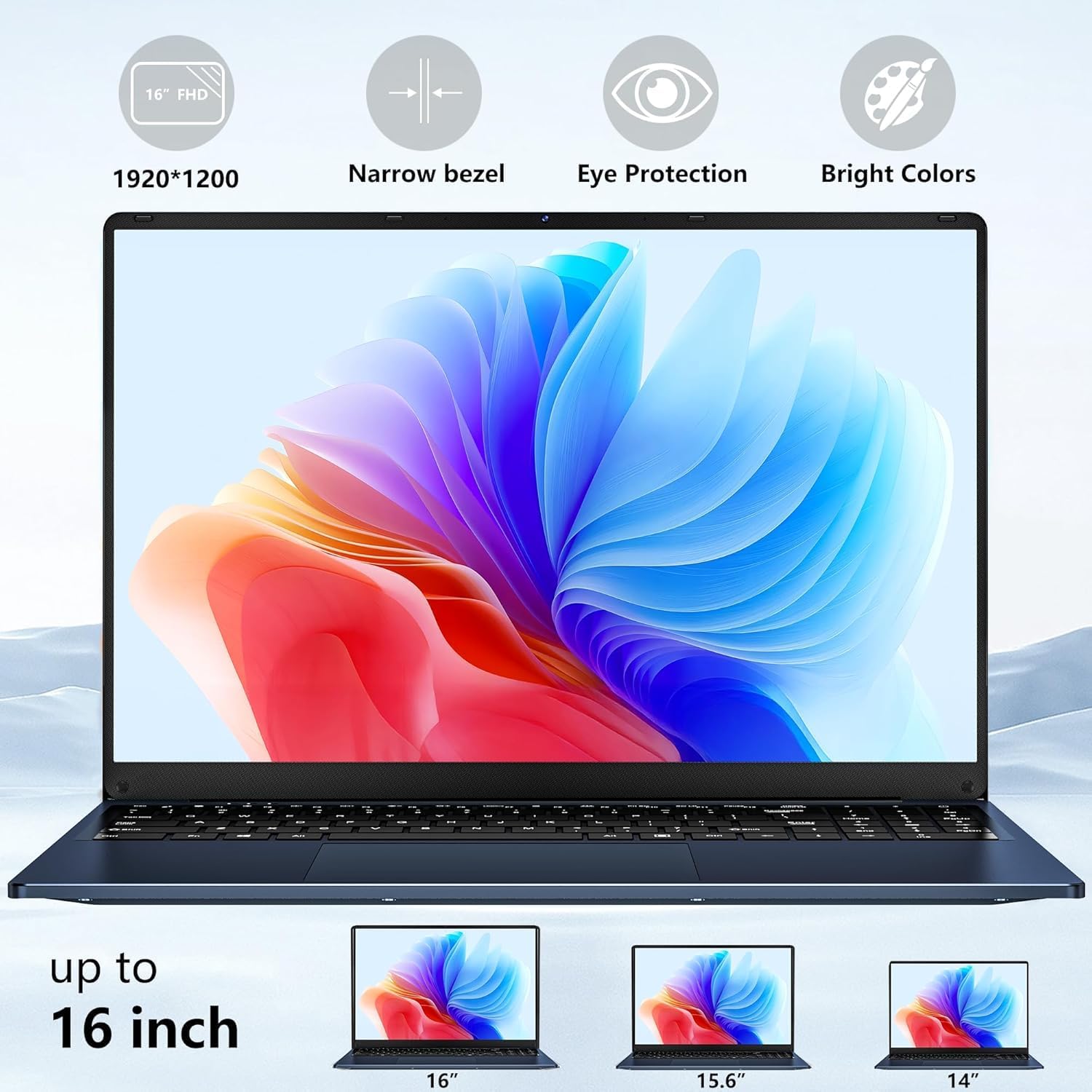
Figure 4: Immersive 16-inch FHD display.

Figure 5: Backlit keyboard with numeric keypad.

Figure 6: 180° opening design.

Figure 7: Laptop ports overview.

Figure 8: Upgraded battery capacity and life.
אַפּערייטינג
The FUNYET NY-08 laptop is designed for a range of tasks, from daily productivity to light entertainment.
- אַלגעמיינע באַניץ: The laptop offers a smooth experience for web browsing, document creation, and other general computing tasks. The comfortable keyboard enhances typing efficiency.
- ווידעא עדיטינג: While not a high-end video editing machine, the laptop can handle standard definition video editing smoothly with applications like CapCut. Adding effects to timelines performs well.
- גיימינג: For cloud gaming, the laptop provides a solid connection and impressive image quality with minimal delay. For local gaming, it performs best with graphics settings in the middle or low range, depending on the game. It is compatible with USB and Bluetooth controllers.
Video 1: Demonstrates gaming performance on the FUNYET laptop, showing smooth gameplay for Roblox with a separate mouse and keyboard.
וישאַלט
To ensure your laptop continues to perform optimally, regular maintenance is recommended.
- SSD אַפּגרעיד: The laptop features an accessible SSD port on the bottom, allowing for easy upgrades to increase storage capacity if needed.
- אַלגעמיינע זאָרגן: Keep the laptop clean and free from dust. Ensure proper ventilation by not blocking the vents on the bottom of the device.
טראָובלעשאָאָטינג
- Microphone Noise: The built-in microphone's placement near the cooling fans may result in noticeable background noise, especially during intensive tasks. For clearer audio, consider using an external microphone.
- קאַמעראַ קוואַליטעט: The integrated camera is 480p, which may not offer high-resolution video or deep color saturation. For improved video quality during calls or recordings, an external webcam is recommended.
- פאָרשטעלונג לאַג: As the Intel Celeron N150 is a budget processor, performing too many demanding tasks simultaneously may lead to chugging or slowdowns. Close unnecessary applications to improve responsiveness.
ספּעסאַפאַקיישאַנז
| שטריך | דעטאַל |
|---|---|
| מאָדעל | NY-08 |
| פּראַסעסער | אינטעל סעלעראן N150 (ביז 3.6GHz) |
| באַראַן | 16 גיגאבייט דדר4 |
| סטאָרידזש | 512 GB SSD (eSATA interface) |
| פאַרשטעלן גרייס | 16 אינטשעס |
| פאַרשטעלן האַכלאָטע | 1920 x 1200 פּיקסעלס (FHD IPS) |
| אָפּערייטינג סיסטעם | Windows 11 פּראָ |
| גראַפיקס קאָופּראַסעסער | Intel UHD גראַפיקס |
| ווירעלעסס טיפּ | 2.4 GHz Radio Frequency (Wi-Fi 5, Bluetooth 4.2) |
| פּאָרץ | 2x USB 3.0, 1x USB 2.0, 1x Mini HDMI, 1x 3.5mm Headphone Jack, 1x 12V/3A DC Port |
| באַטערי לעבן | ביז 6 שעה (6000mAh) |
| פּונקט וואָג | 5.28 פונט |
| פּראָדוקט דימענשאַנז | 14 X 0.8 X 9 אינטשעס |
| ספּעציעלע פֿעיִקייטן | Backlit Keyboard, Lightweight, Memory Card Slot, Numeric Keypad, 180° Opening |

פיגור 9: דעטאַלירטע פּראָדוקט ספּעציפֿיקאַציעס.
וואָראַנטי און שטיצן
FUNYET is committed to ensuring your experience is seamless and reliable.
- וואָראַנטי: Your laptop is backed by a 2-year warranty.
- Replacement/Return Service: Enjoy a 6-month replacement/return service.
- אָנליין שטיצן: 24/7 אָנליין שטיצע איז בנימצא פֿאַר יעדע פֿראַגע אָדער הילף וואָס איר זאָלט דאַרפֿן.
- טעלעפאָן שטיצן: Phone support is available weekdays from 4 PM to 10 PM PT (+1 800-986-9631).

Figure 10: FUNYET support and warranty details.